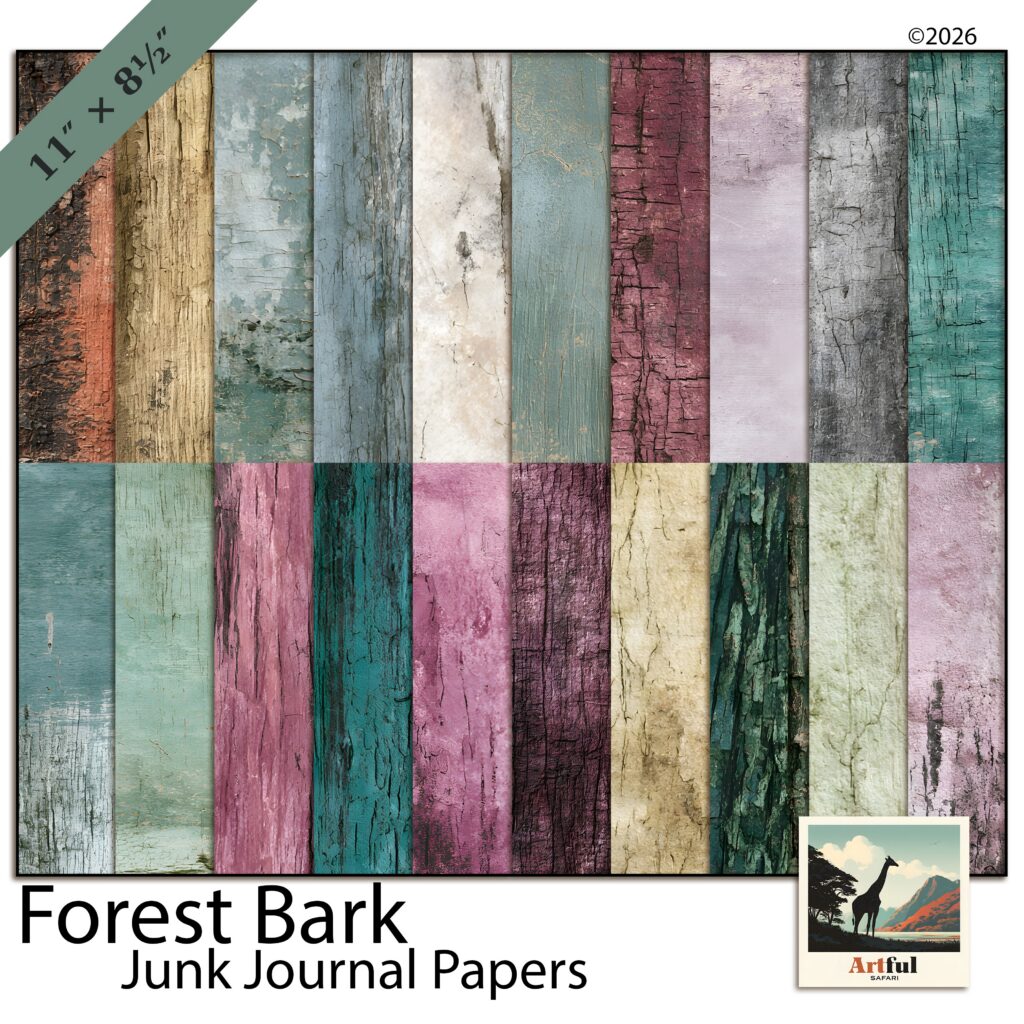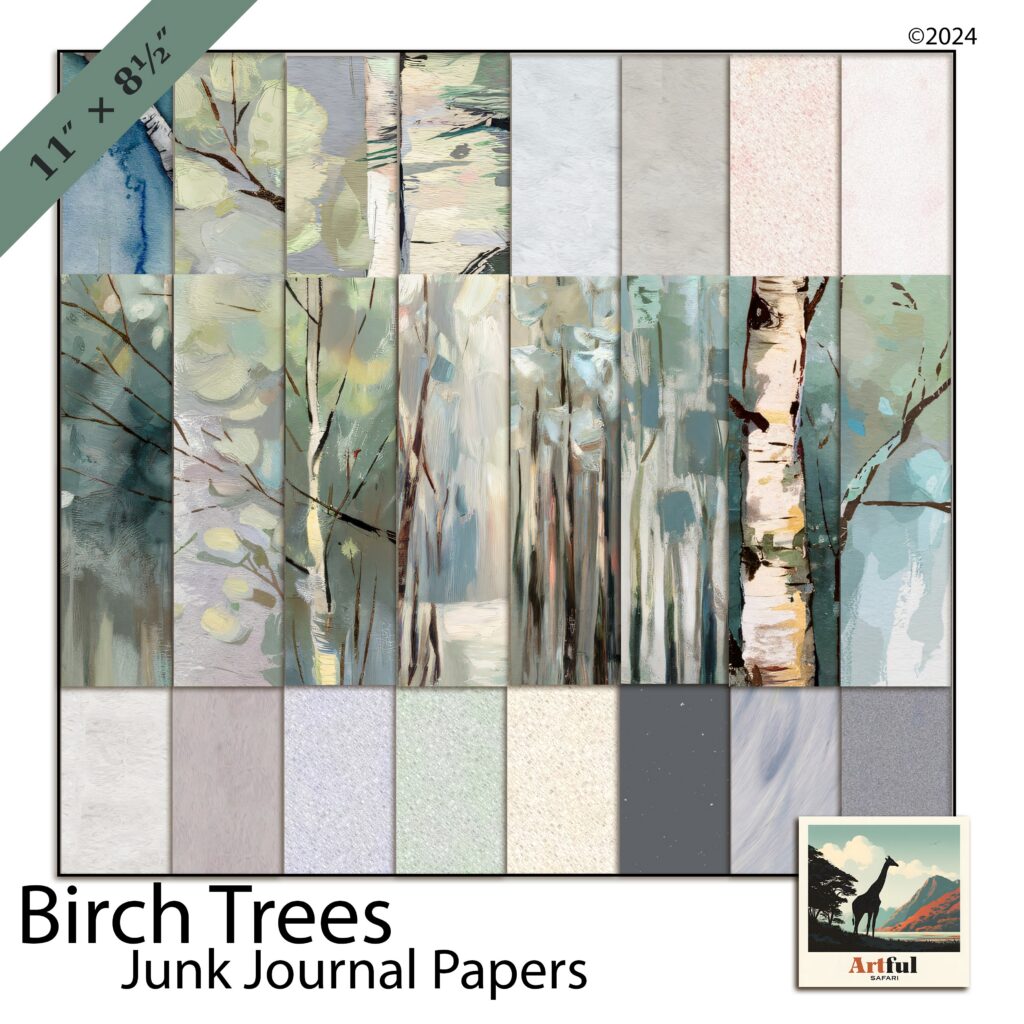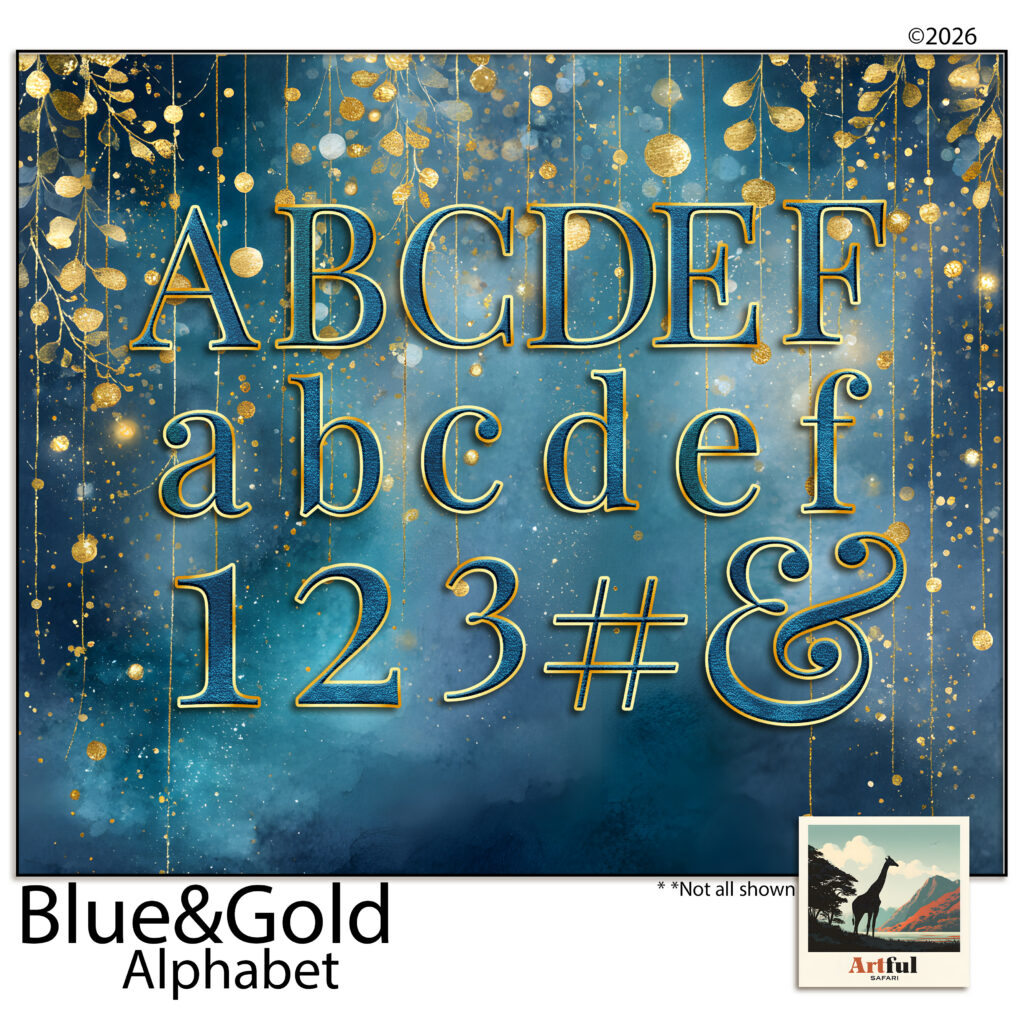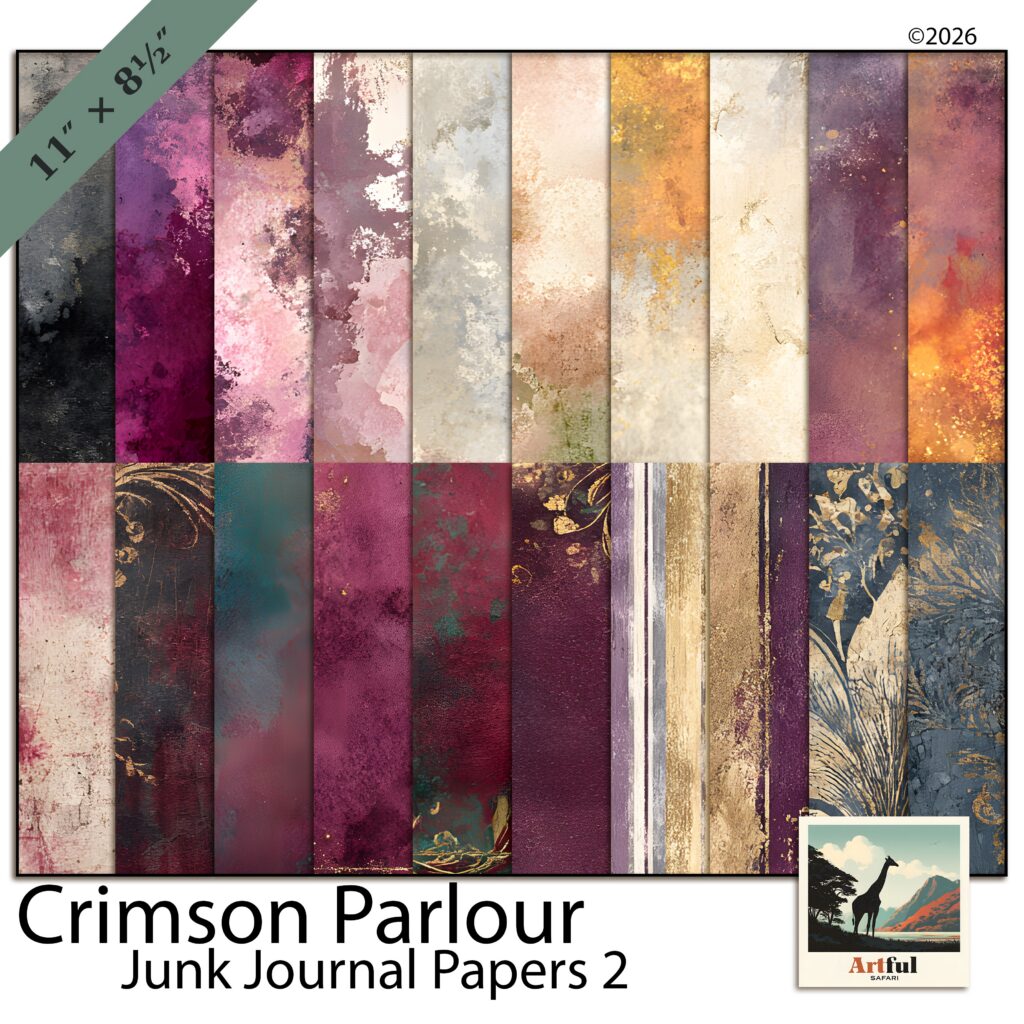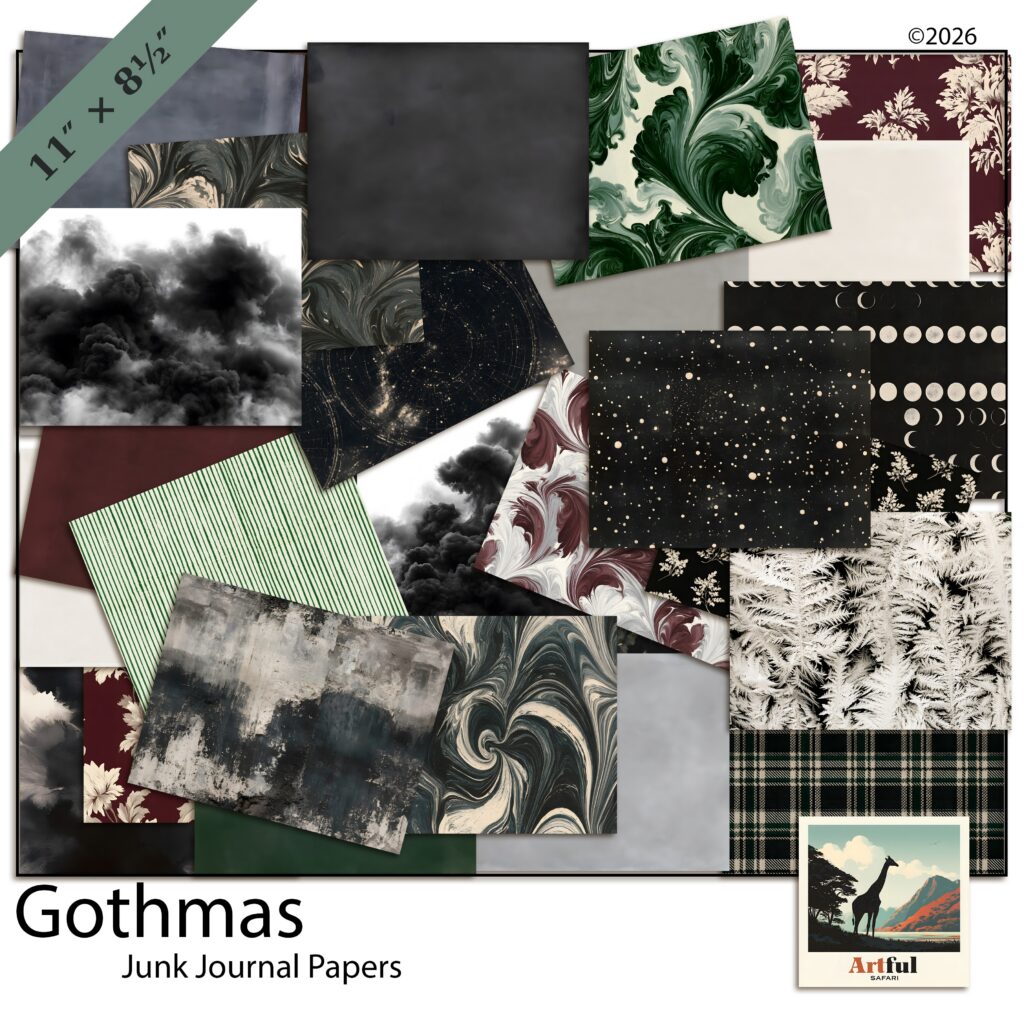
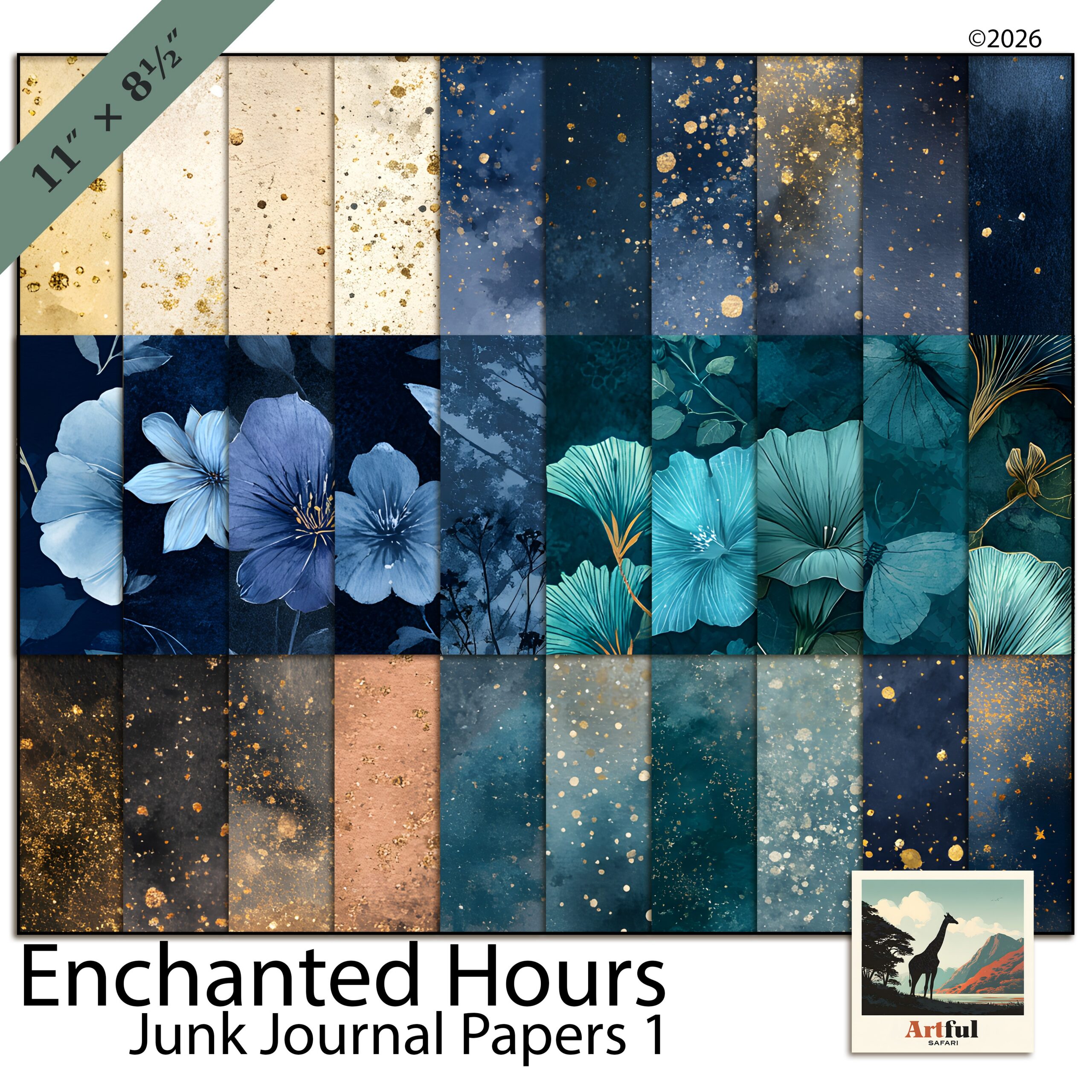


Dark Academia Botanical Junk Journal is a coordinated Enchanted Hours junk journal paper set — 20 pieces designed in one style so you can build a page without hunting for matching parts.
It works for a junk journal spread, a memory-keeping album or a planner page. The colours and textures stay consistent across the set, so a multi-page layout still reads as one piece.
What’s in this library clipart kit
20 high-resolution pieces — dark academia greens and inky navy with aged parchment, oxblood and antique gold. Everything is 11 x 8.5 in (US Letter) at 300 DPI, designed to coordinate with the Enchanted Hours collection and ready to drop onto your pages.
File formats and sizes
- 20 high-resolution files, 11 x 8.5 in (US Letter)
- 300 DPI — print and screen ready
- JPG
- Instant digital download
Works with
Use your library clipart in Procreate, Photoshop, Canva, GoodNotes, or anything that opens PNG and JPG. Print at home or at a copy shop, or use them digitally. Print on US Letter or A4 and trim to your journal, or layer the pages digitally.
How to use Enchanted Hours on a page
Start with a paper as the base, then add your photo and a couple of pieces on top. The palette already matches, so you can layer without colours clashing. Keep the centre clear for the photo.
On a spread, repeat two or three motifs instead of using everything at once — that is what makes an album feel like one story.
Styling ideas
For a clean page, pair one textured piece with a single accent. For a fuller junk journal look, layer torn edges, a cluster and a journaling card. Same library clipart, different spacing.
What you can make with this library clipart
It suits junk journal spreads, memory-keeping and travel albums, family scrapbook pages and planner decoration. Card makers use it for greeting cards, invitations and save-the-dates. Because the licence covers small-business use, the same library clipart can sit behind a product line you sell, not only your own pages. The 300 DPI files hold their detail on screen or in print.
Why this library clipart works
A coordinated set saves the time you would spend matching pieces yourself. Everything is designed as one collection at 300 DPI, so it stays sharp and nothing looks out of place on the page.
Licence
For personal and small-business use. You can sell finished products made with the art, like cards, prints and journals, but you can’t resell or share the files themselves.
Instant download
Your files are ready the moment you check out. The download link is on the order confirmation and in your account, so you can come back for it later.
Frequently asked questions
What size is this library clipart?
Everything is 11 x 8.5 in (US Letter) at 300 DPI.
Can I use it commercially?
Yes. The licence covers personal and small-business use, so you can sell finished products made with it.
Which apps does it work in?
Procreate, Photoshop, Canva, GoodNotes and anything that opens PNG and JPG.
How do I get the files?
It is an instant digital download. Add it to your cart and the link is yours as soon as the order goes through.