40% off until 31 October on selected products·8 days left

Poinsettia Clipart: 26 Victorian Christmas PNG Elements, Crimson Parlour Elements

$4.49

5-star Etsy seller·Stripe & PayPal

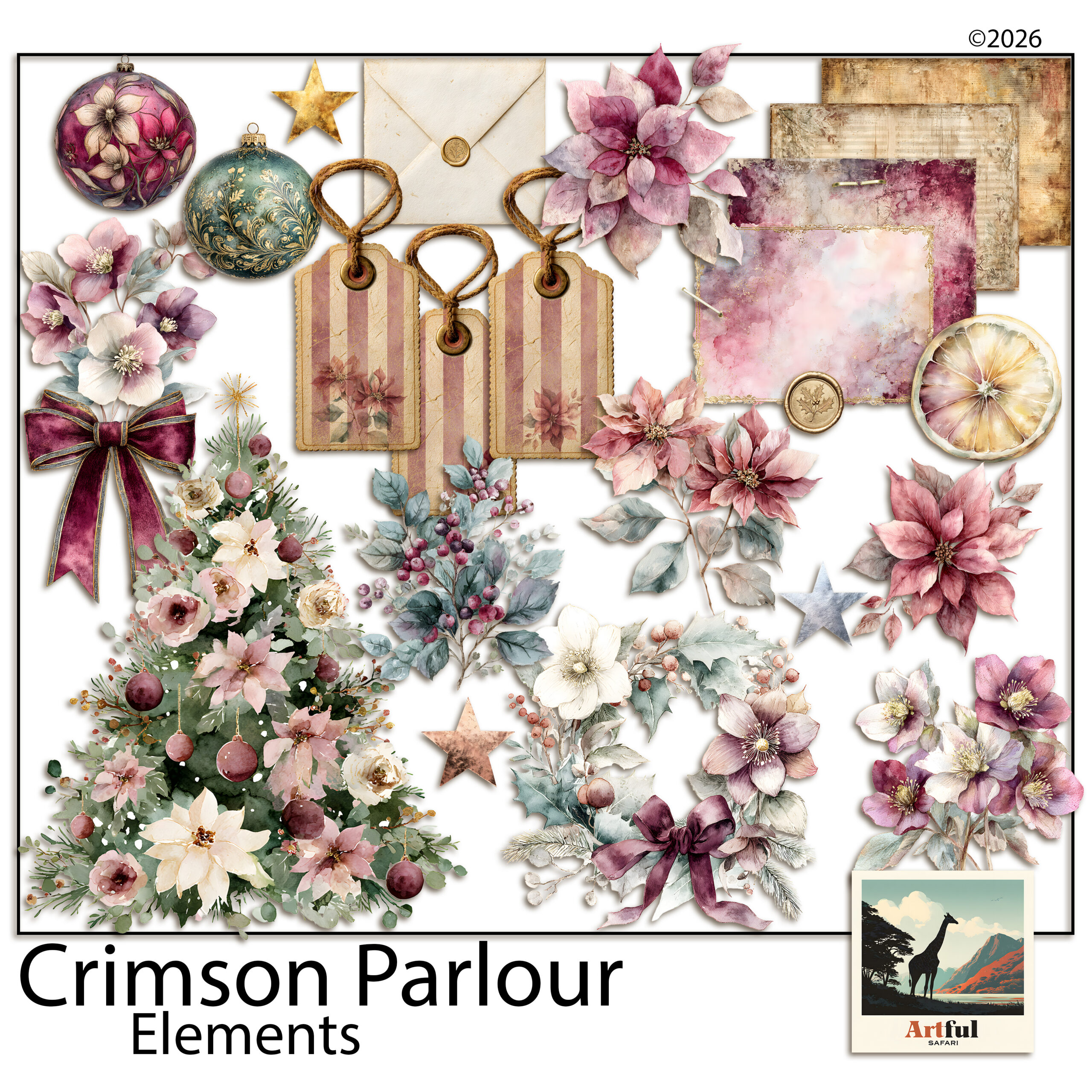
Crimson Parlour Elements is a set of 26 transparent PNG elements in a Victorian Christmas style, designed by Helene for digital scrapbooking, junk journals and card making. The set includes poinsettia clipart in plum and dusty pink, brass baubles, a decorated tree, a berry wreath, tags, notecards, an envelope and a wax seal. You download the files and place them on your own pages in a layout app. Nothing ships in the post, and every piece is a separate file, so you can use one element or all 26. What is in the poinsettia clipart set Florals and foliage (7):…

5-star Etsy seller·Stripe & PayPal

stripePayPalLink

5-star Etsy seller·Stripe & PayPal

Money back until you downloadHave a proper look at what you have bought. If it is not what you hoped, email me before you download the files and I will refund you.
★★★★★  Bought this? Leave a review

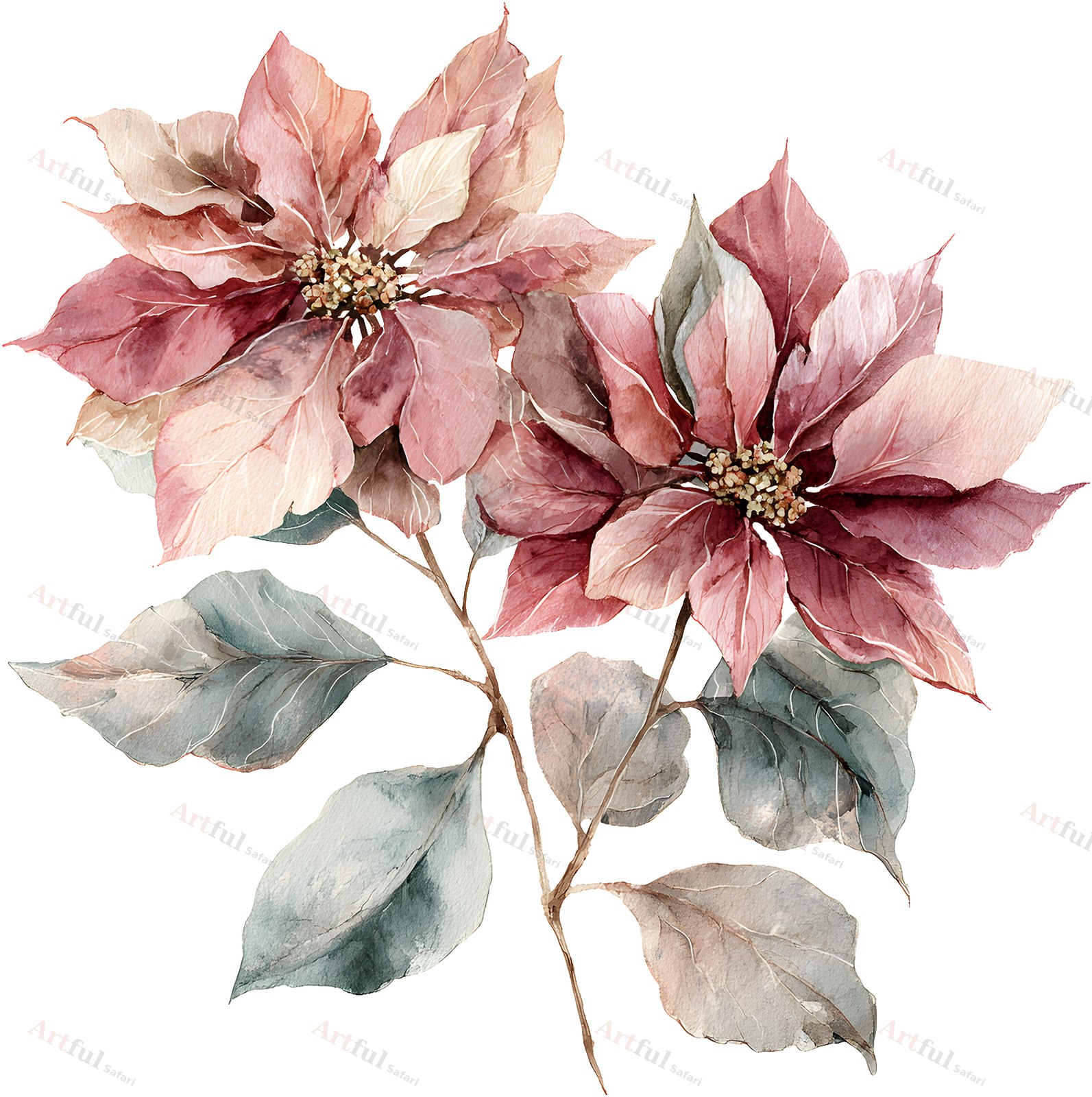
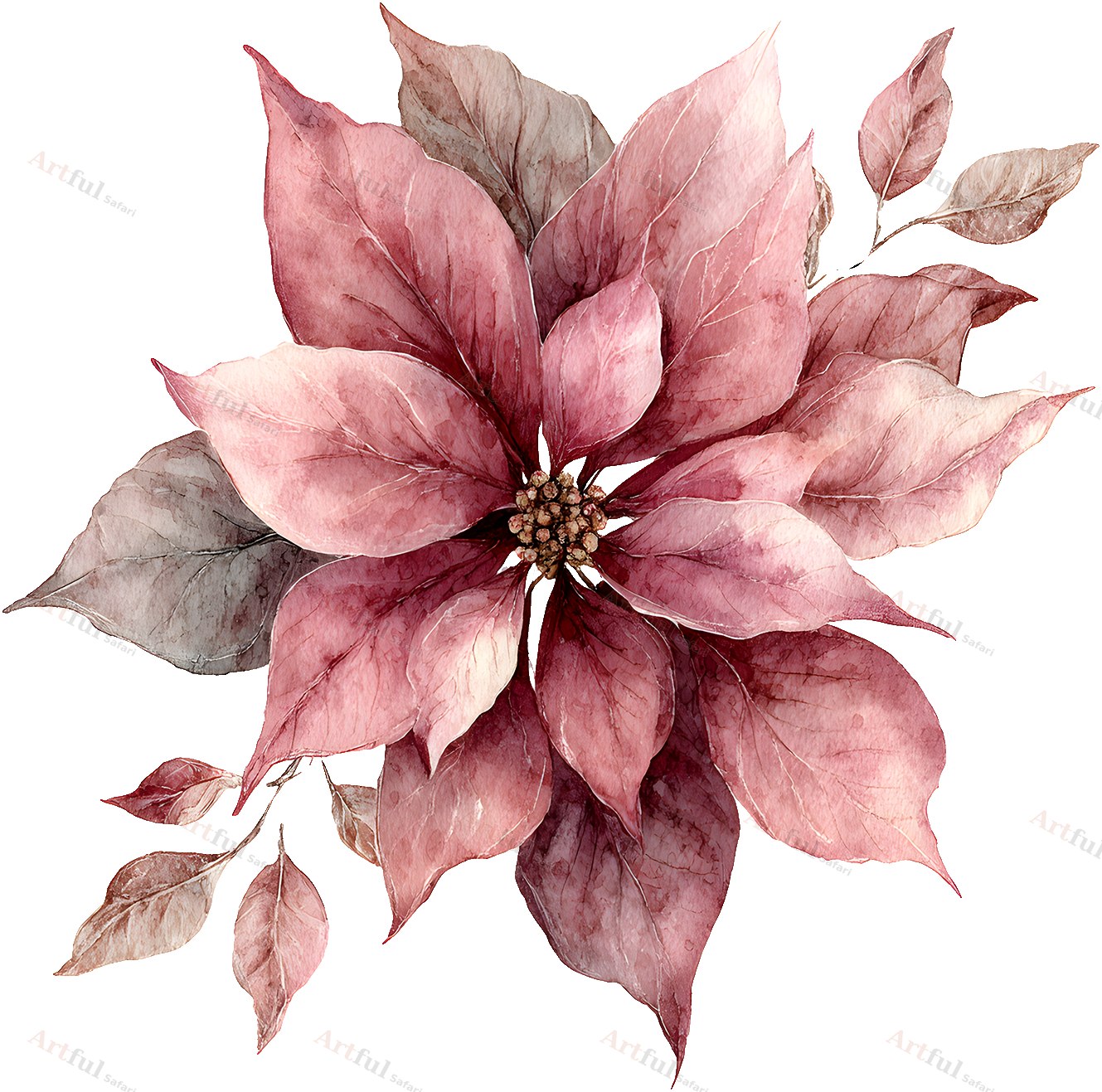
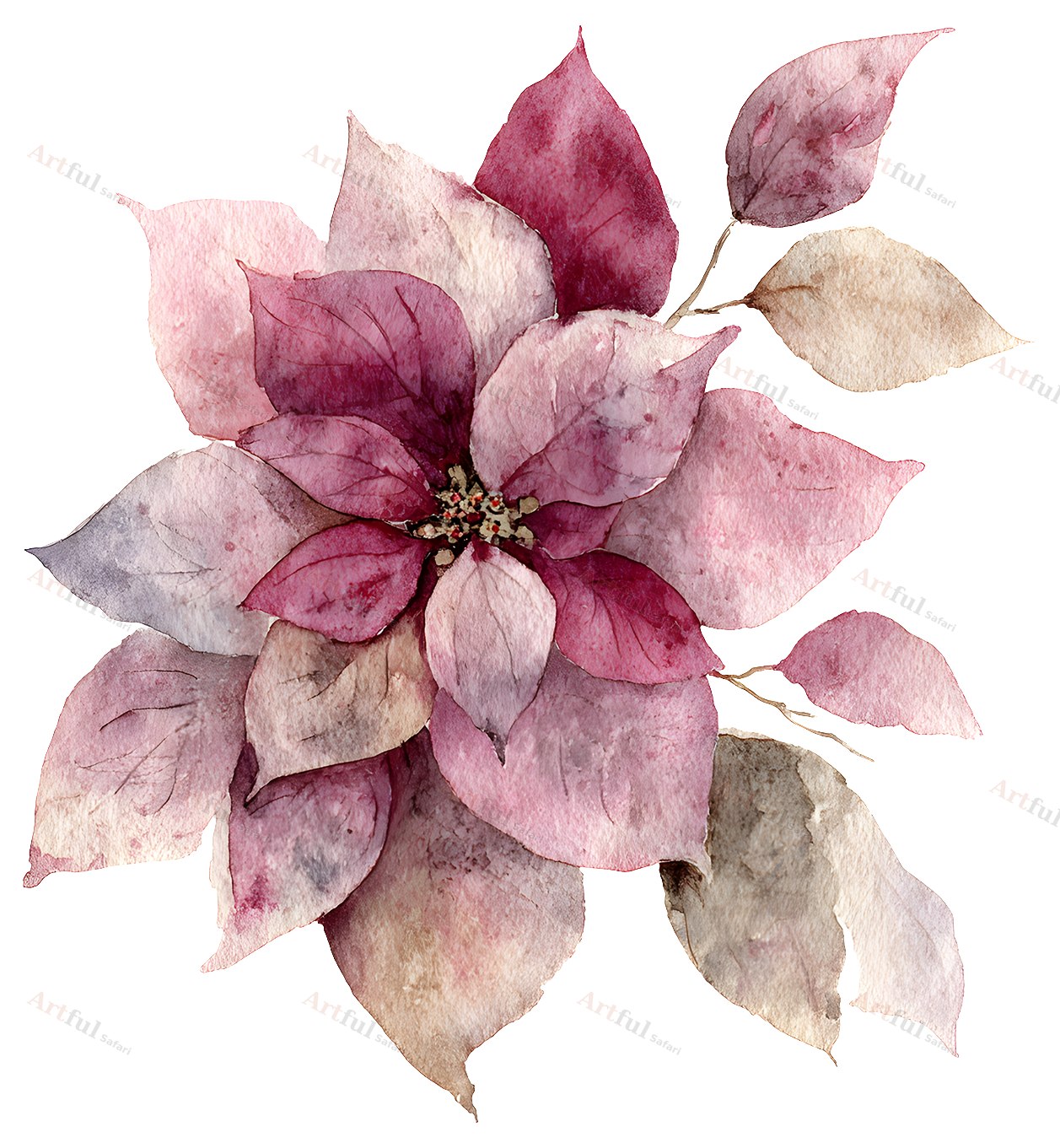
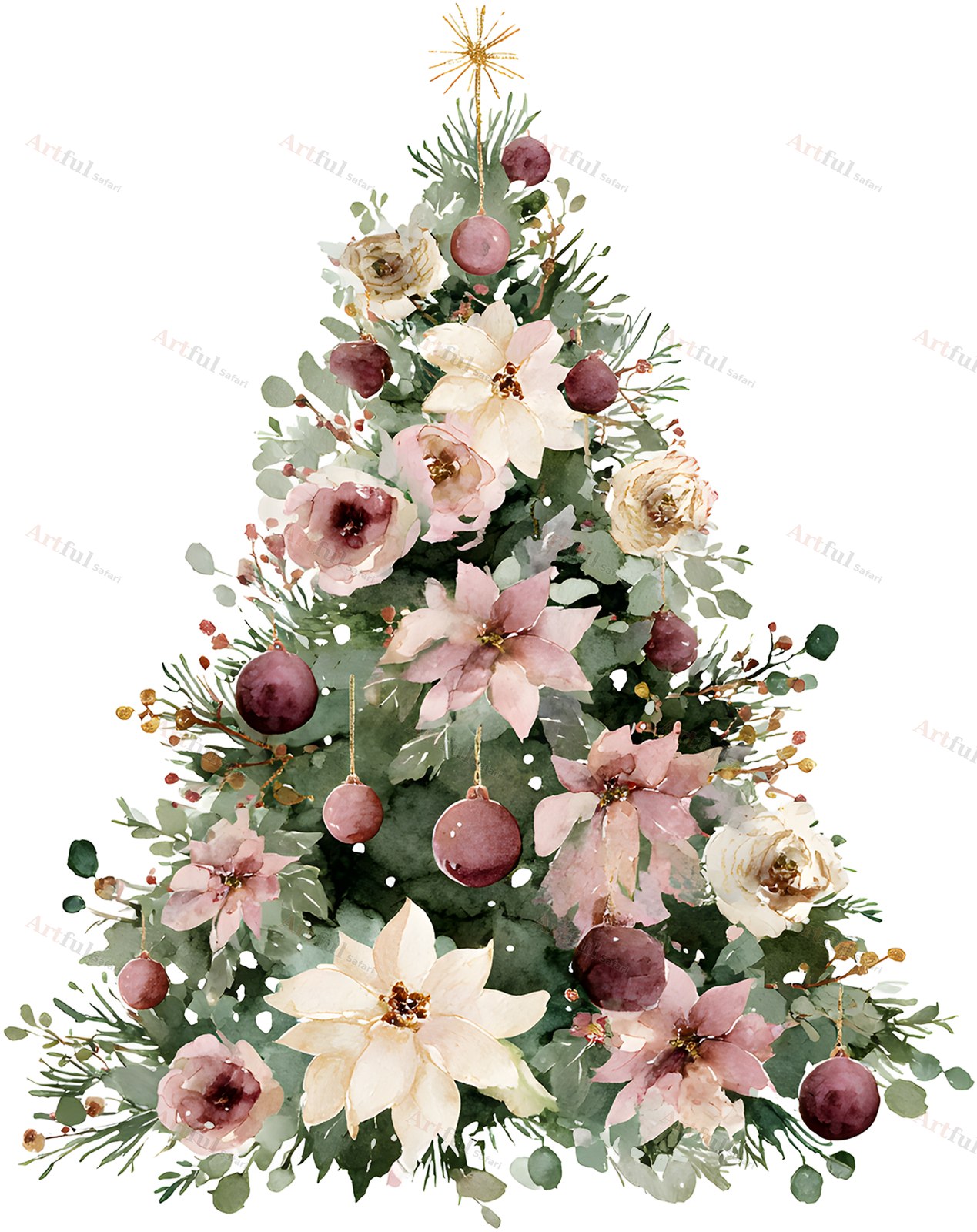
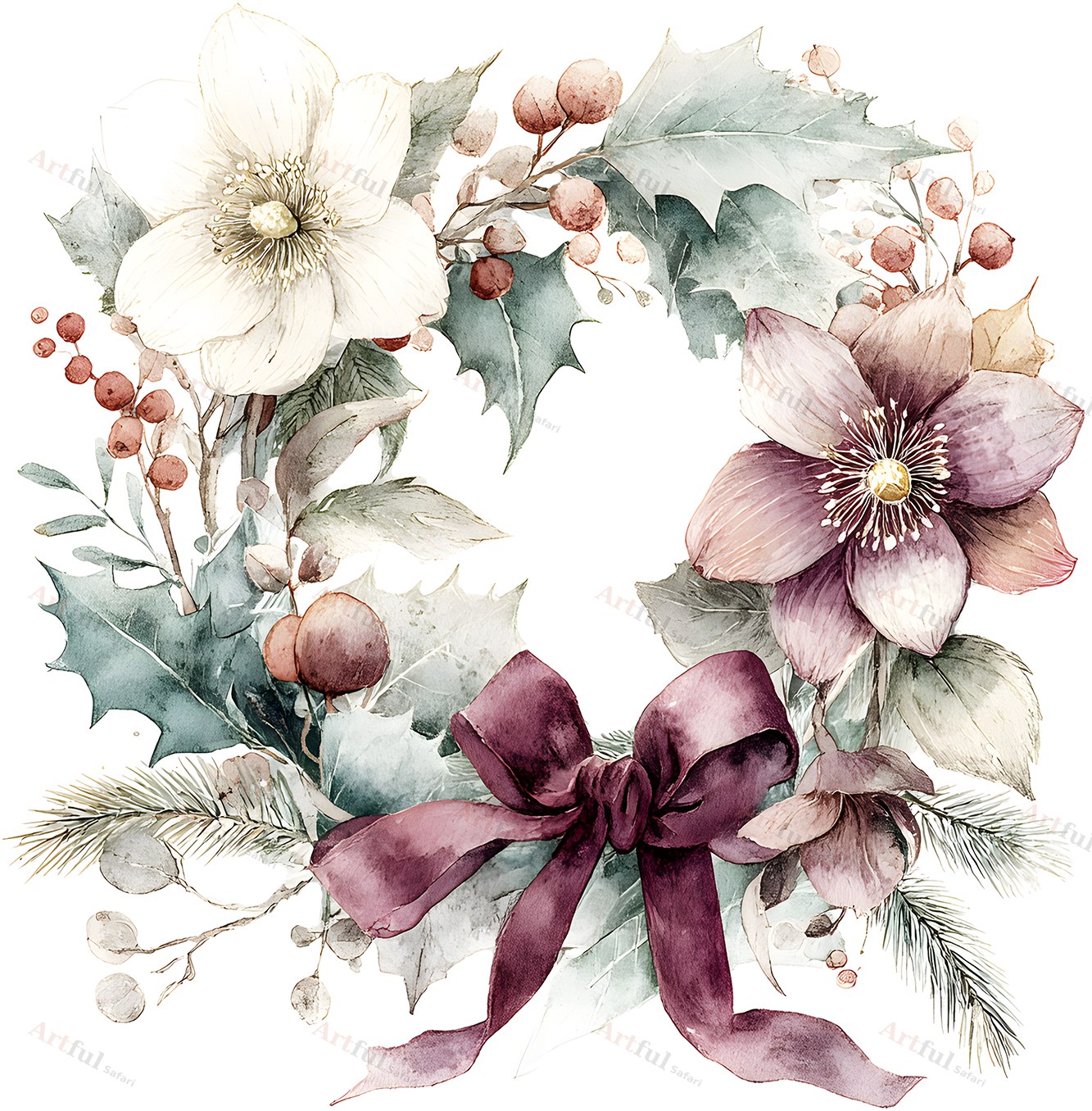
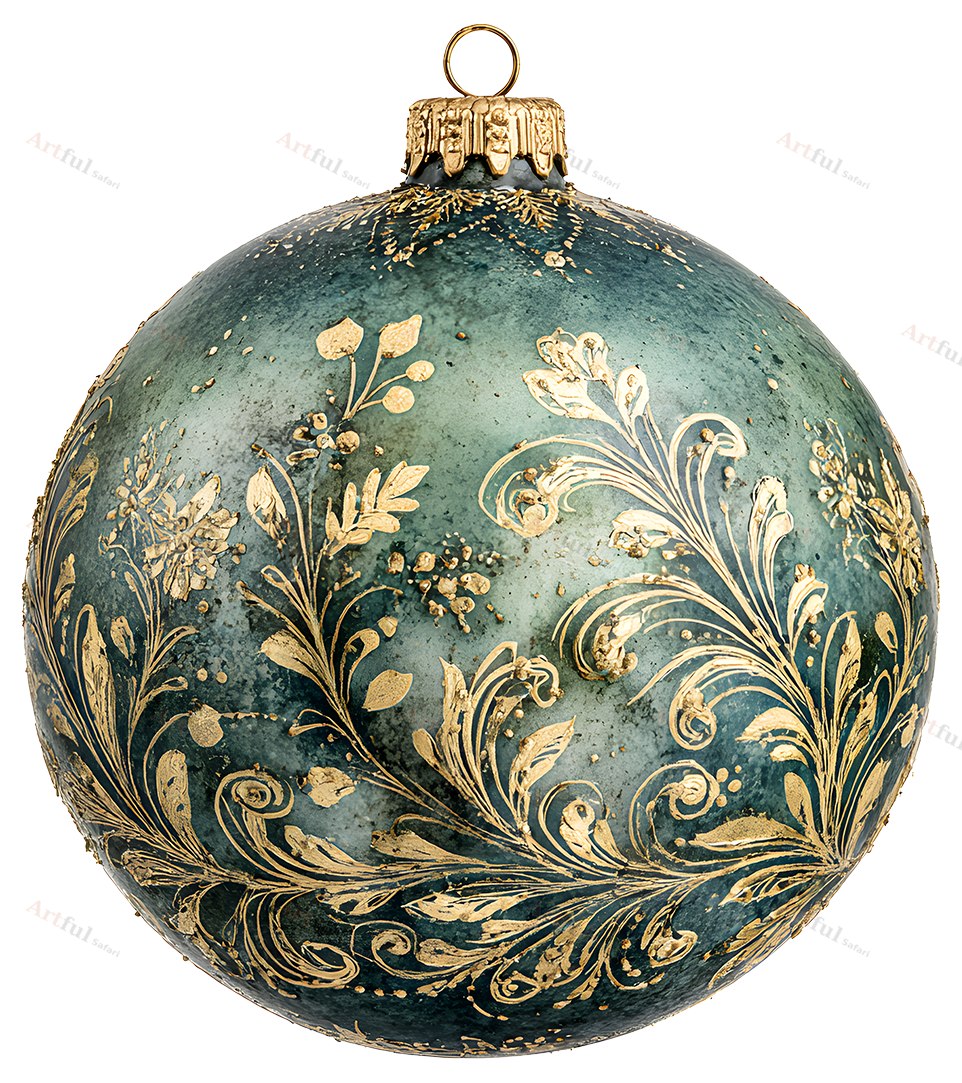
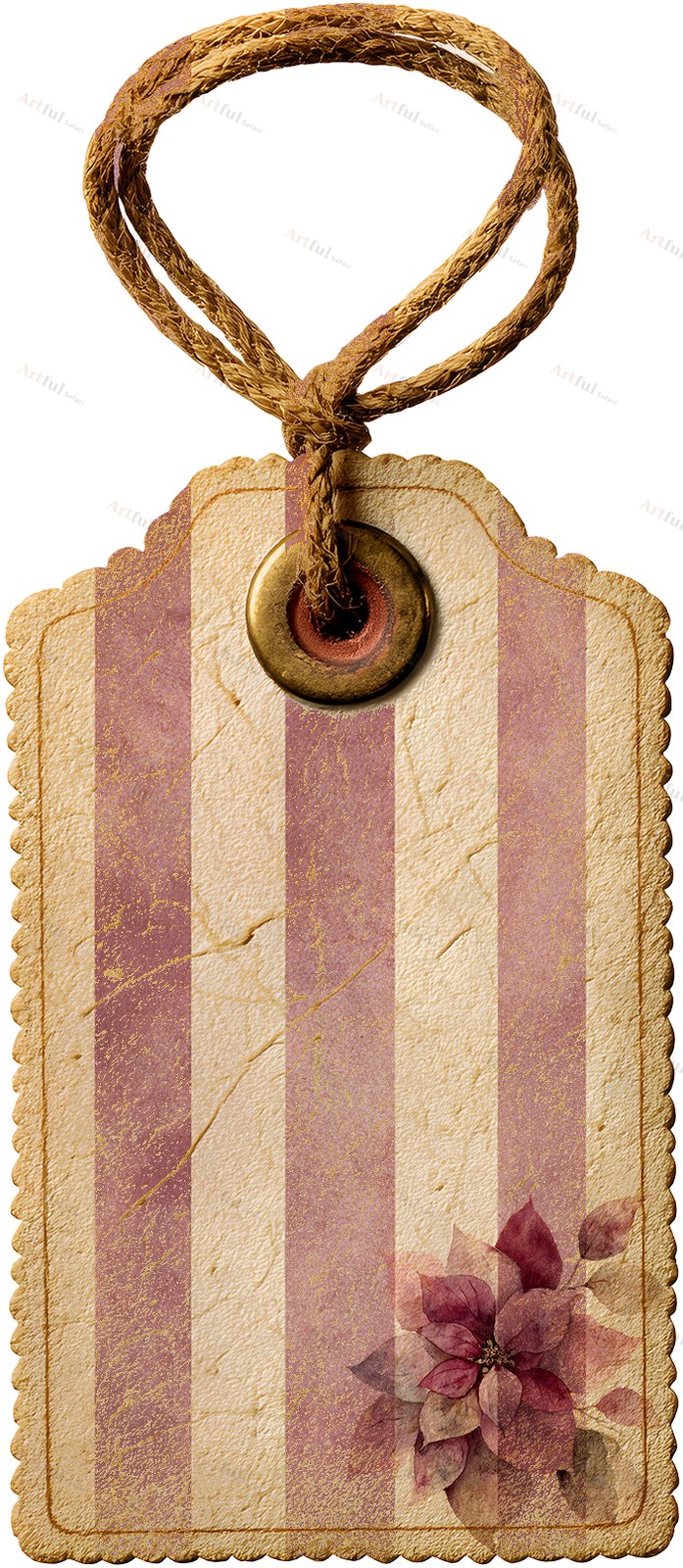
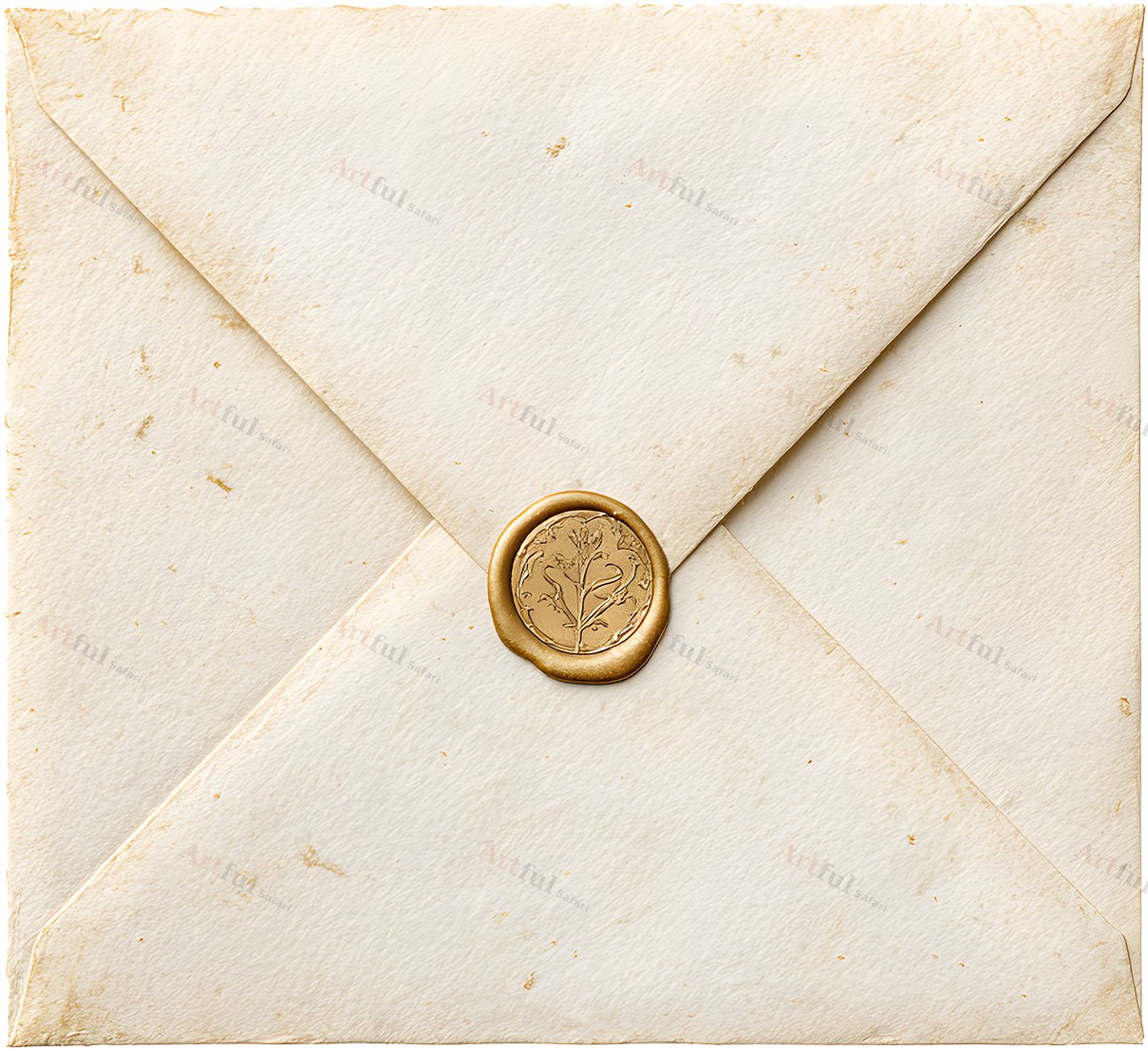
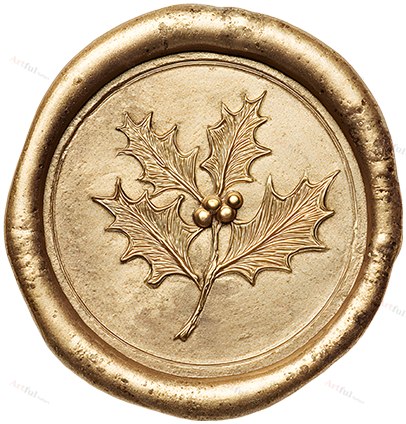
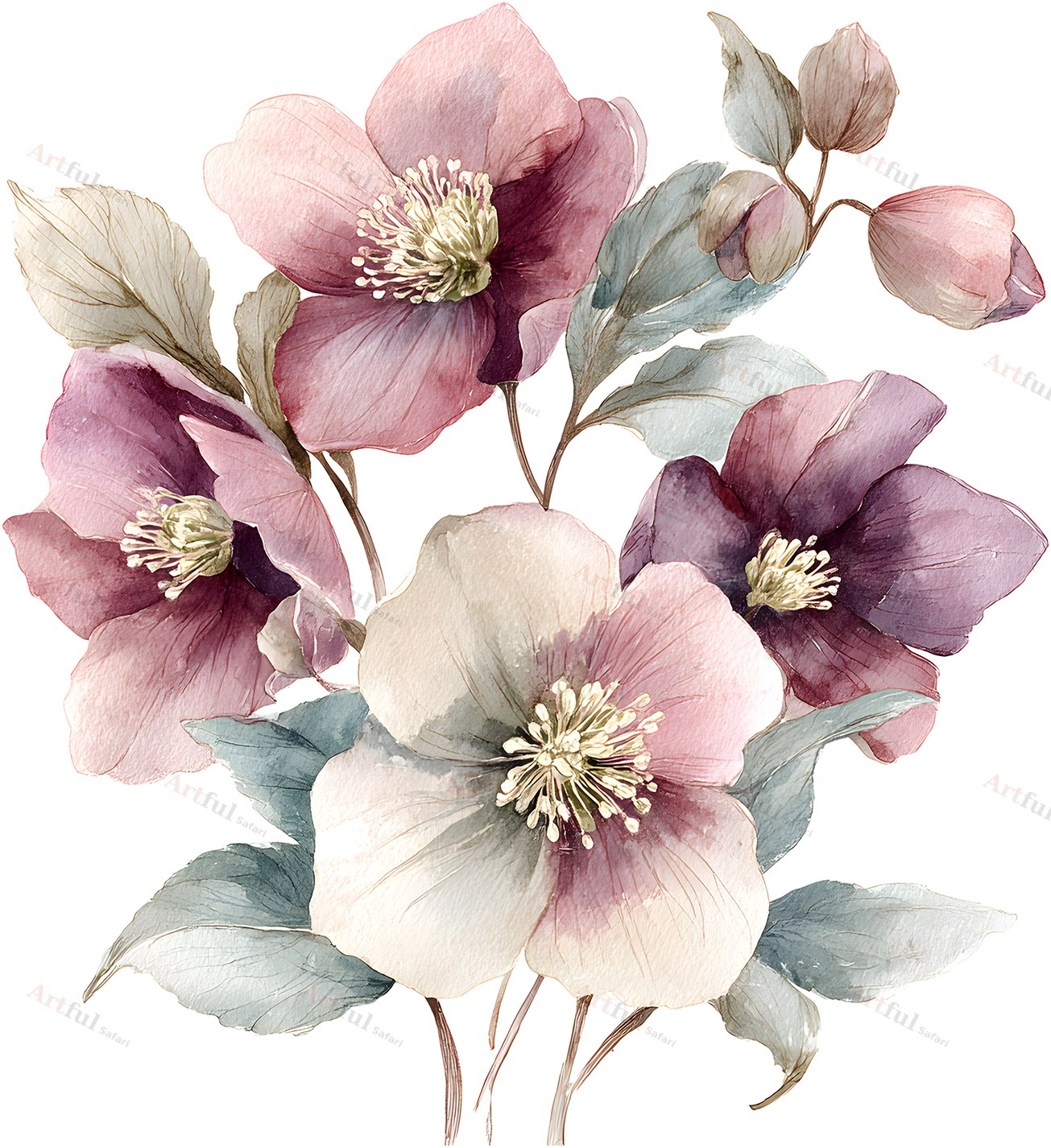
Crimson Parlour Elements is a set of 26 transparent PNG elements in a Victorian Christmas style, designed by Helene for digital scrapbooking, junk journals and card making. The set includes poinsettia clipart in plum and dusty pink, brass baubles, a decorated tree, a berry wreath, tags, notecards, an envelope and a wax seal.

You download the files and place them on your own pages in a layout app. Nothing ships in the post, and every piece is a separate file, so you can use one element or all 26.

What is in the poinsettia clipart set

  • Florals and foliage (7): 3 poinsettias, 2 flower sprays, a berry foliage sprig and a wreath
  • Christmas trimmings (7): a decorated tree, 2 baubles, 3 stars and a citrus slice
  • Journaling ephemera (12): 4 notecards, 3 tags, an envelope, a ribbon, a wax seal and 2 staples

File format and size

  • 26 PNG files with transparent backgrounds
  • 300 DPI, with each piece cut to its own size (the longest side reaches about 2,300 pixels)
  • Instant digital download, with the link on your order confirmation and in your account

Works with

Any app that opens PNG layers: Procreate, Photoshop, Affinity, Canva and GoodNotes. You can also print the pieces and cut them out for paper projects.

What you can make with it

Use the poinsettia clipart, tags and notecards on a Christmas scrapbook page, a junk journal spread or a planner page. Card makers can build greeting cards and gift tags, and the envelope and wax seal suit invitations and letter pages. Because the backgrounds are transparent, each piece sits on any paper or photo without a white box around it.

Licence

For personal and small-business use. You can sell finished items made with the art, such as cards, prints and journals. You cannot share, redistribute or resell the files themselves.

Instant download

Your files are ready as soon as you check out. The download link is on the order confirmation and in your account, so you can come back for it later.

Frequently asked questions

Are the backgrounds transparent?
Yes. Every element is a true transparent PNG.

Which apps does it work in?
Procreate, Photoshop, Affinity, Canva, GoodNotes and anything else that handles PNG layers.

Can I use it for items I sell?
Yes, finished handmade items are covered by the small-business licence. The digital files themselves cannot be resold.

Does it pair with other Crimson Parlour kits?
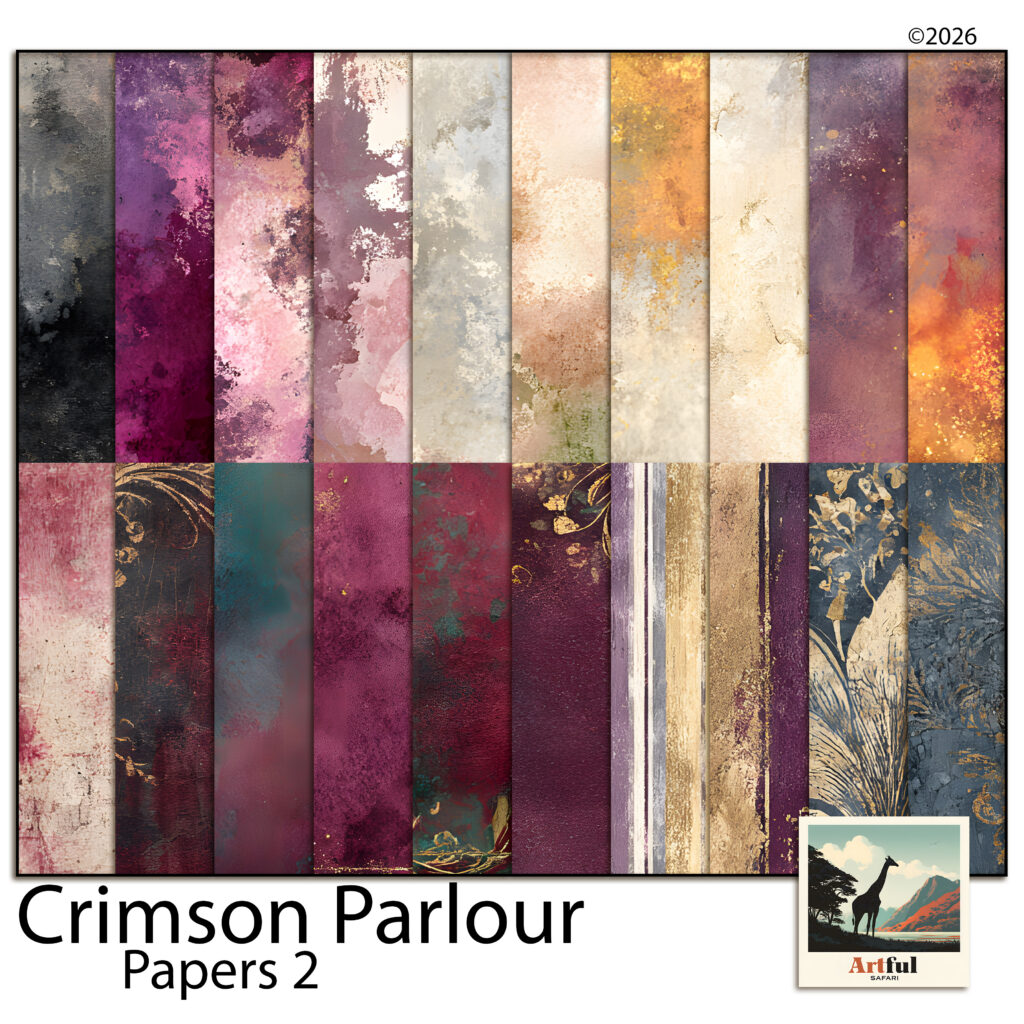
Yes. The colours match Crimson Parlour Papers 1 and 2, Frames, Masks and Titles, and the Crimson Parlour Bundle collects the set.
Before you buy

What file formats do I get?

Papers come as JPG. Elements, frames and alphabets come as transparent PNG. All of it is 300 DPI.

What size are the papers?

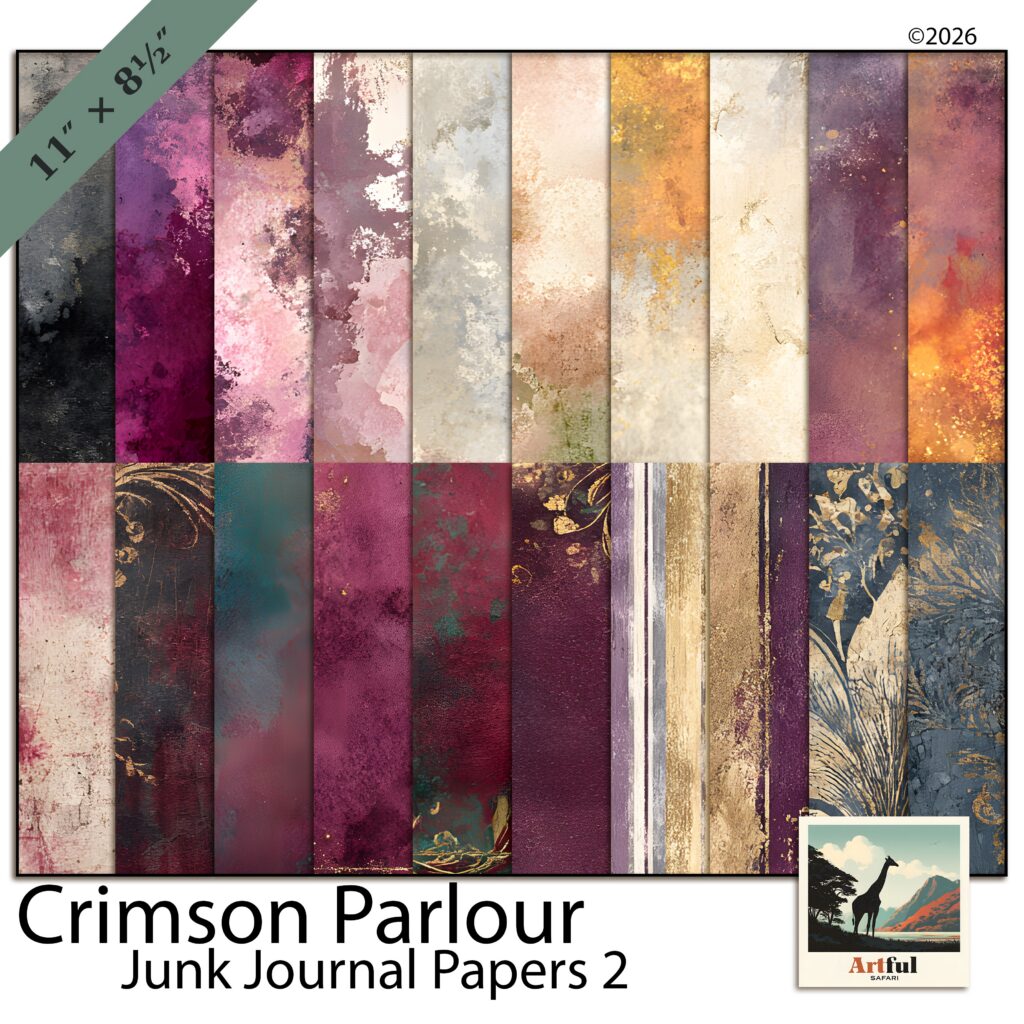
Digital scrapbook papers are 12 x 12 inches. Junk journal papers are 11 x 8.5 inches, which is US Letter. Elements, word art and alphabets vary in size, because a torn strip and a full frame are not the same shape. Everything is 300 DPI, so it holds up on screen and in print.

Does it work in Procreate, Photoshop, Canva or GoodNotes?

Yes. PNG and JPG open in all four, and in anything else that reads those two formats.

Can I use it on an iPad?

Yes. Save the files into the Files app, then import them into Procreate or GoodNotes the way you would any other image.

Do I have to print it?

No. The files are sized for digital pages, so you can work on screen. If you would rather print, 300 DPI holds its detail at full size.

Can I use it on things I sell?

Yes. The licence covers personal and small-business use. You can sell finished things made with the art, like cards and prints. You cannot resell or share the files themselves.

How do I get the files?

The moment you pay. The link is on the order confirmation and in your account, so you can come back for it later. The larger packs arrive as a short PDF with the download link inside it.

What if the download does not work?

Email helene@artfulsafari.com and I will send you a working link. If I cannot get it working, you get your money back. You can also change your mind on anything in the shop and get a refund, any time before you download it.