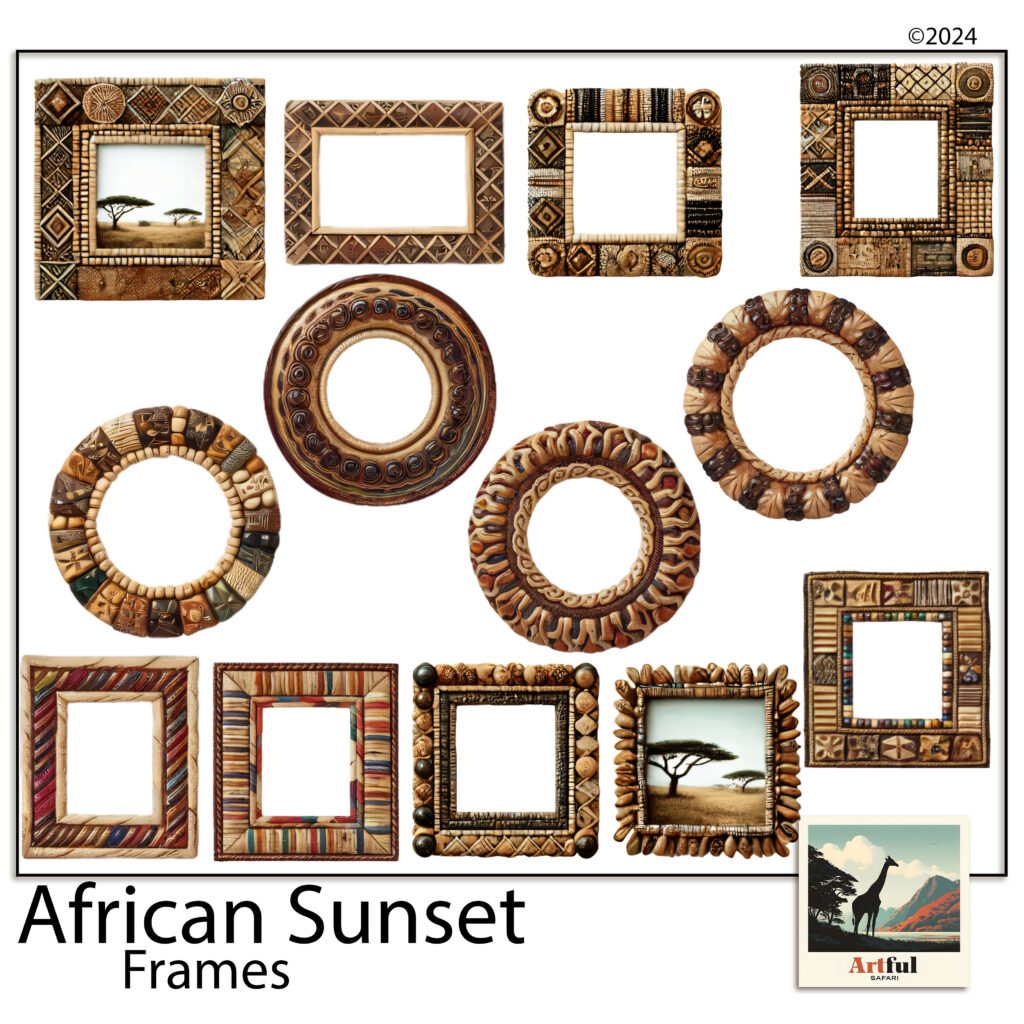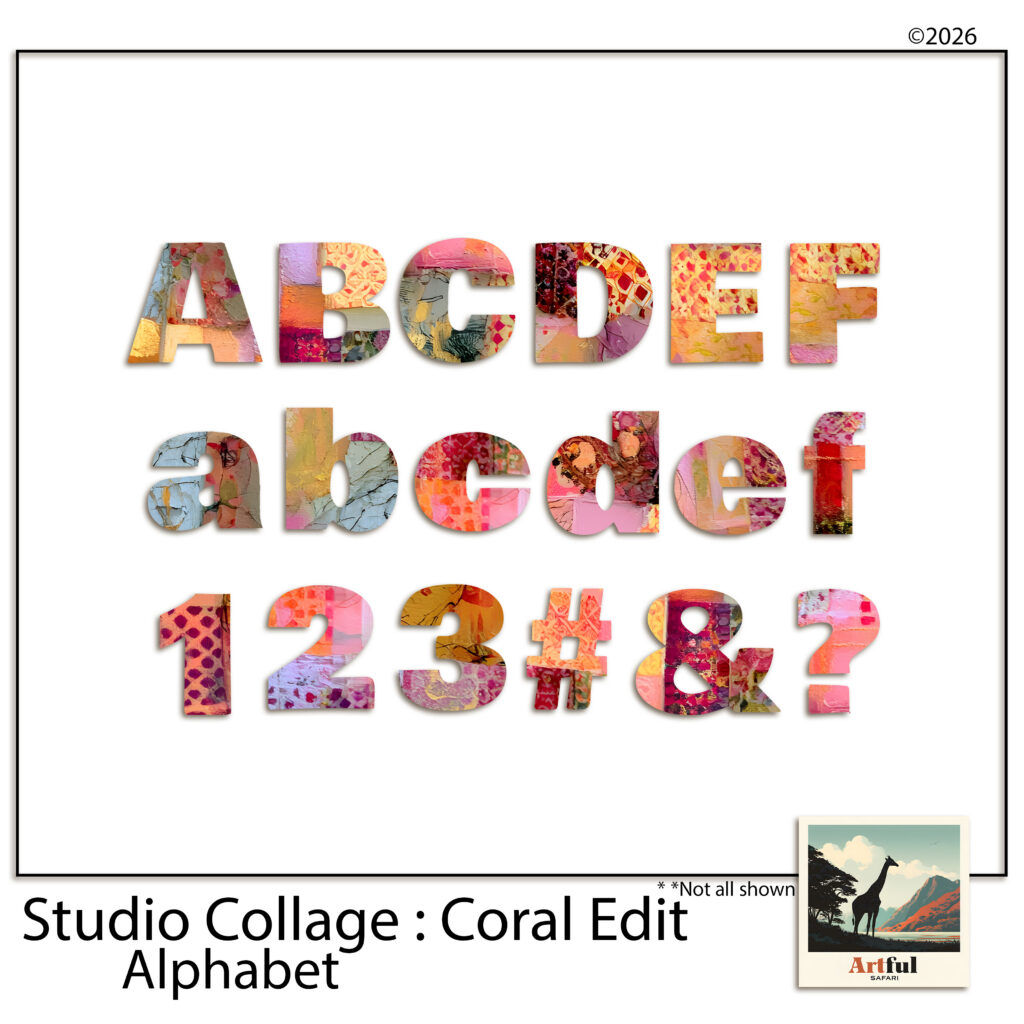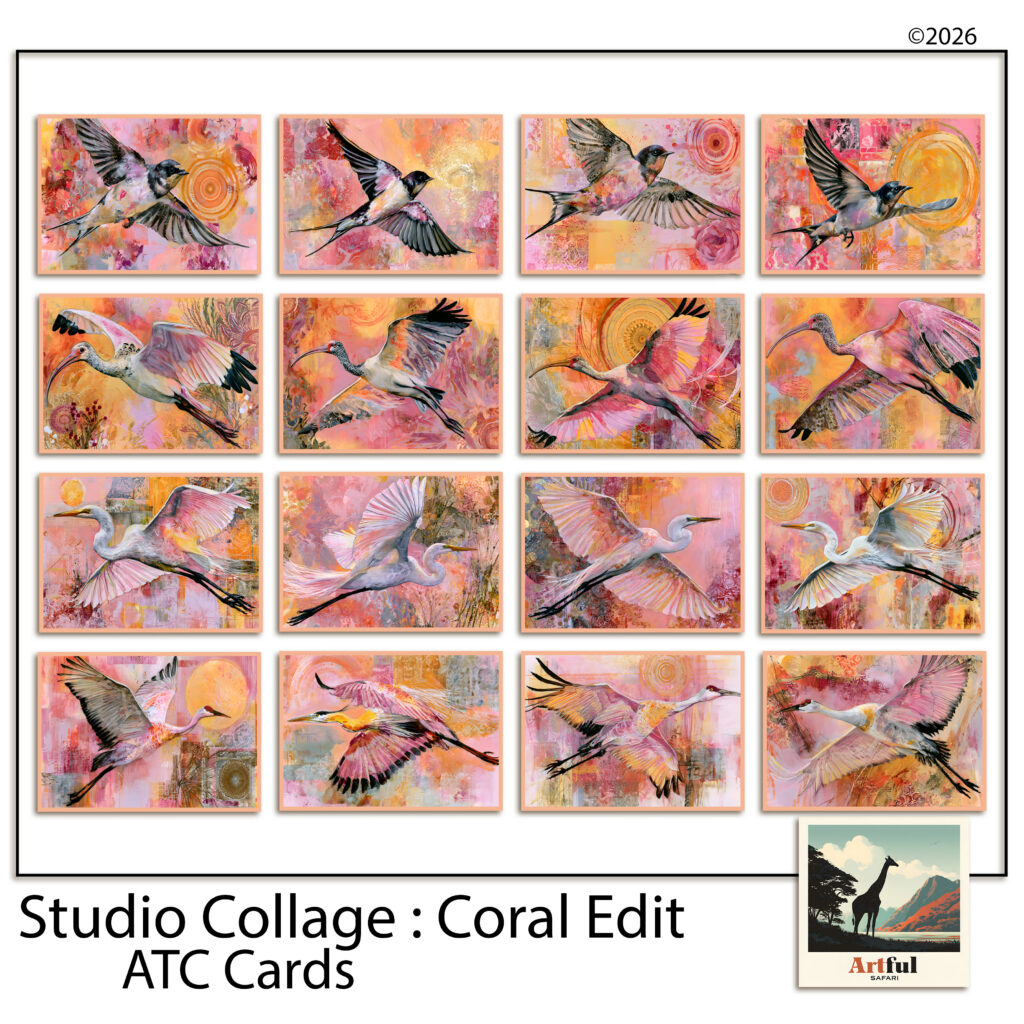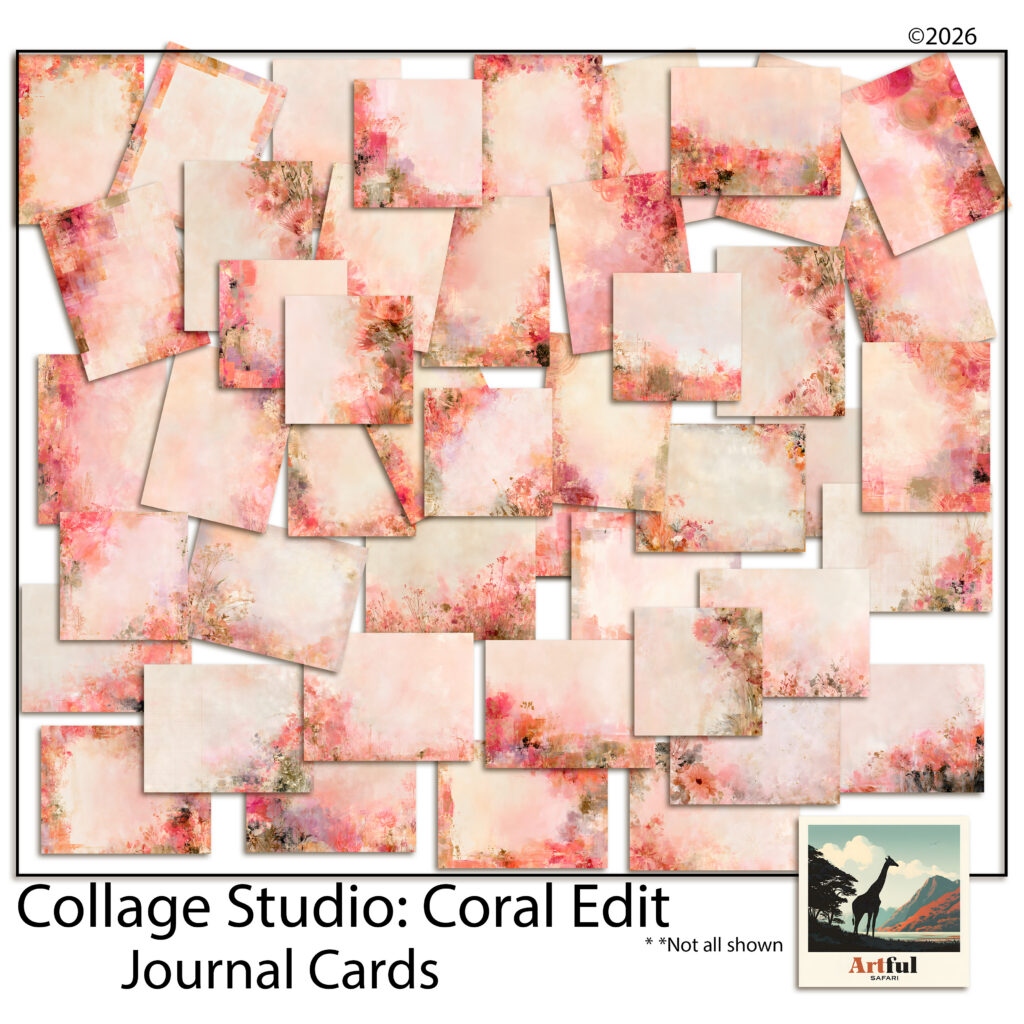
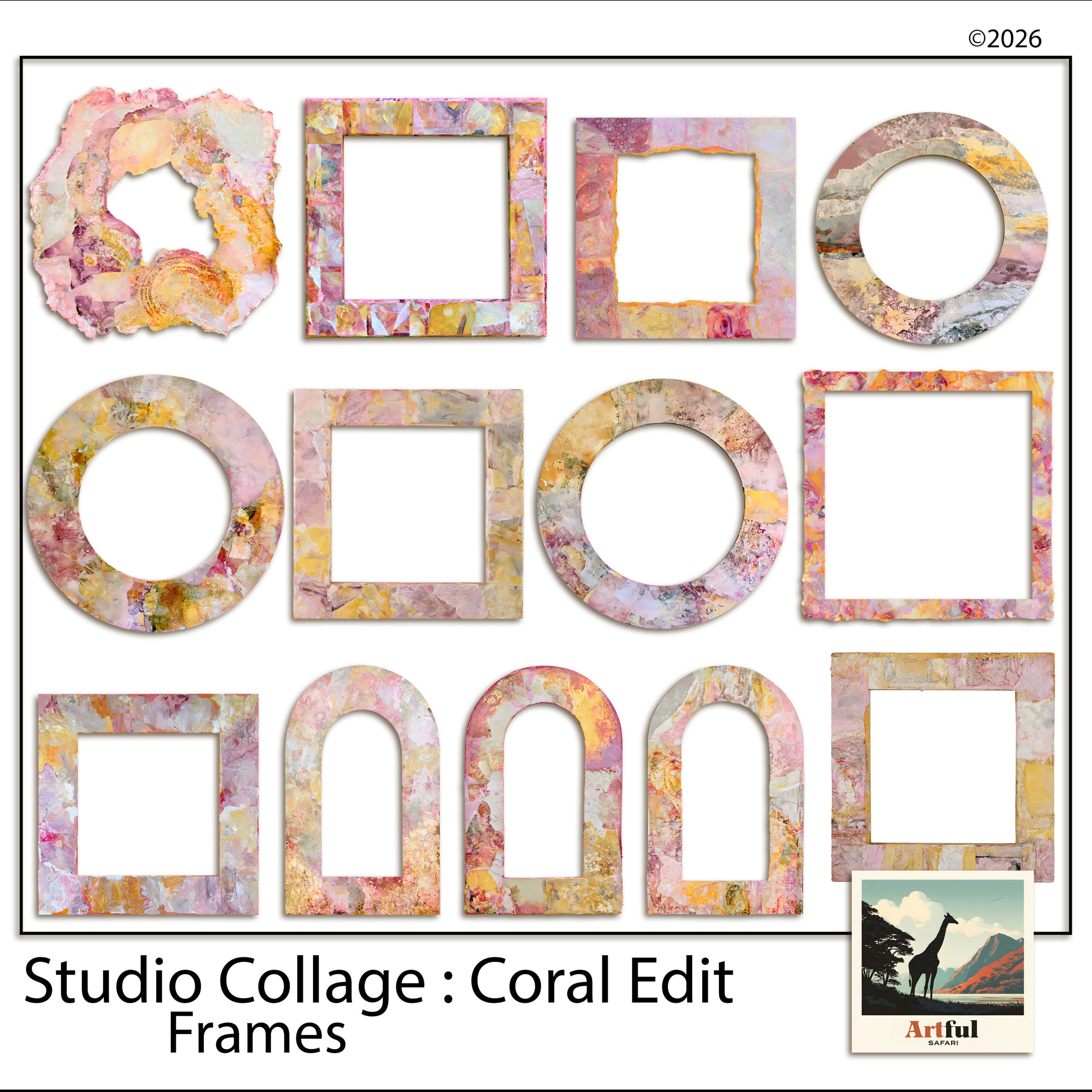
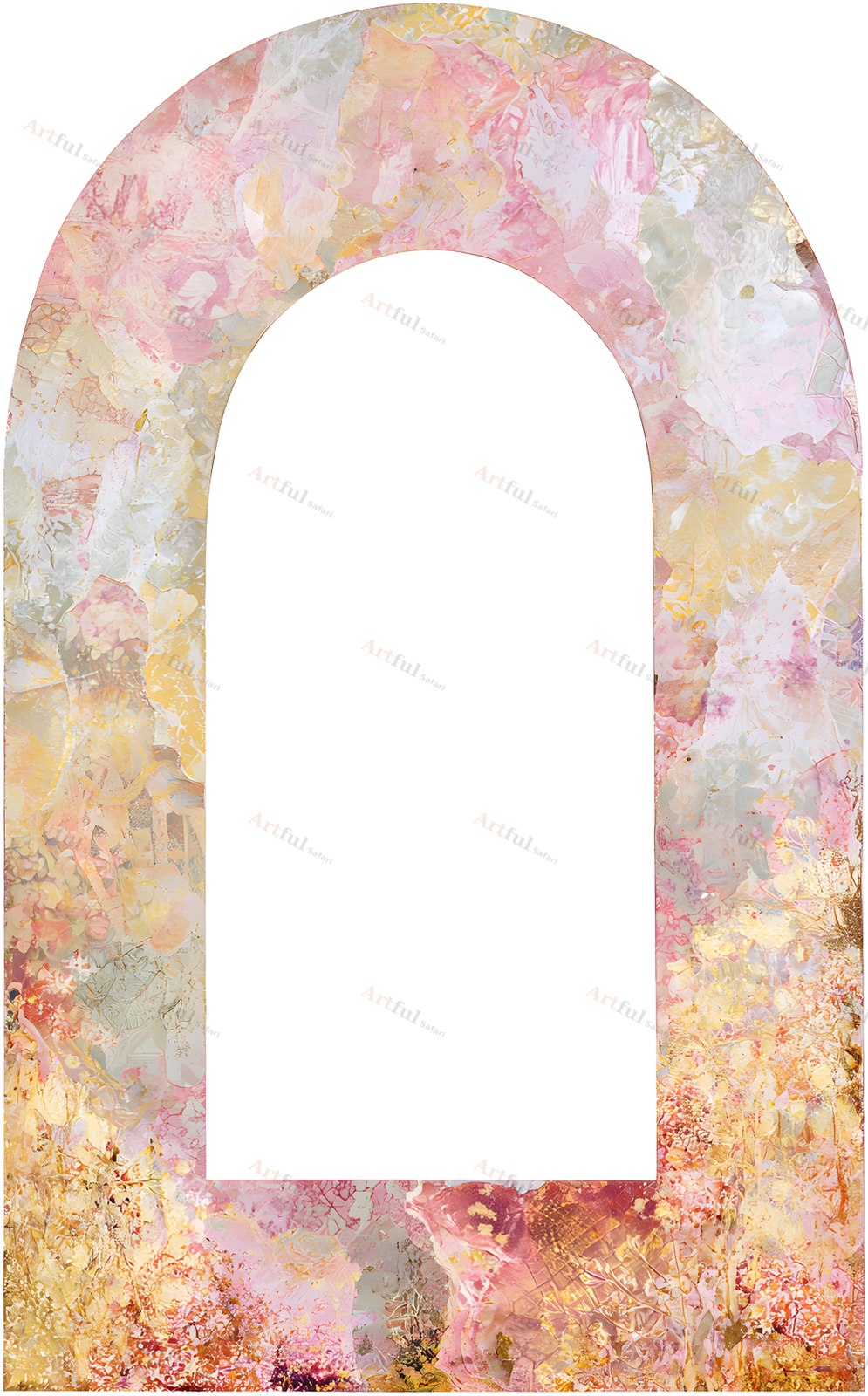
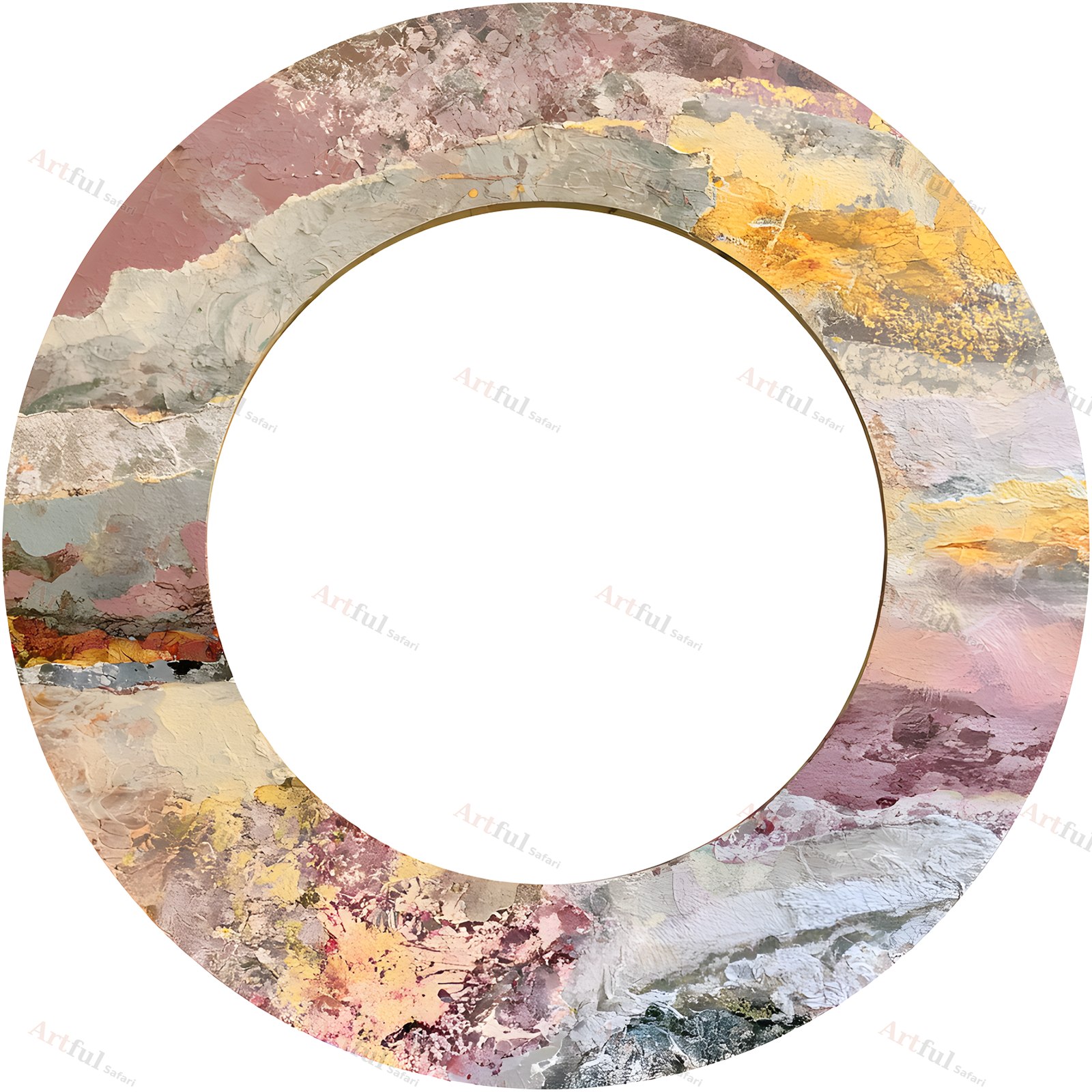
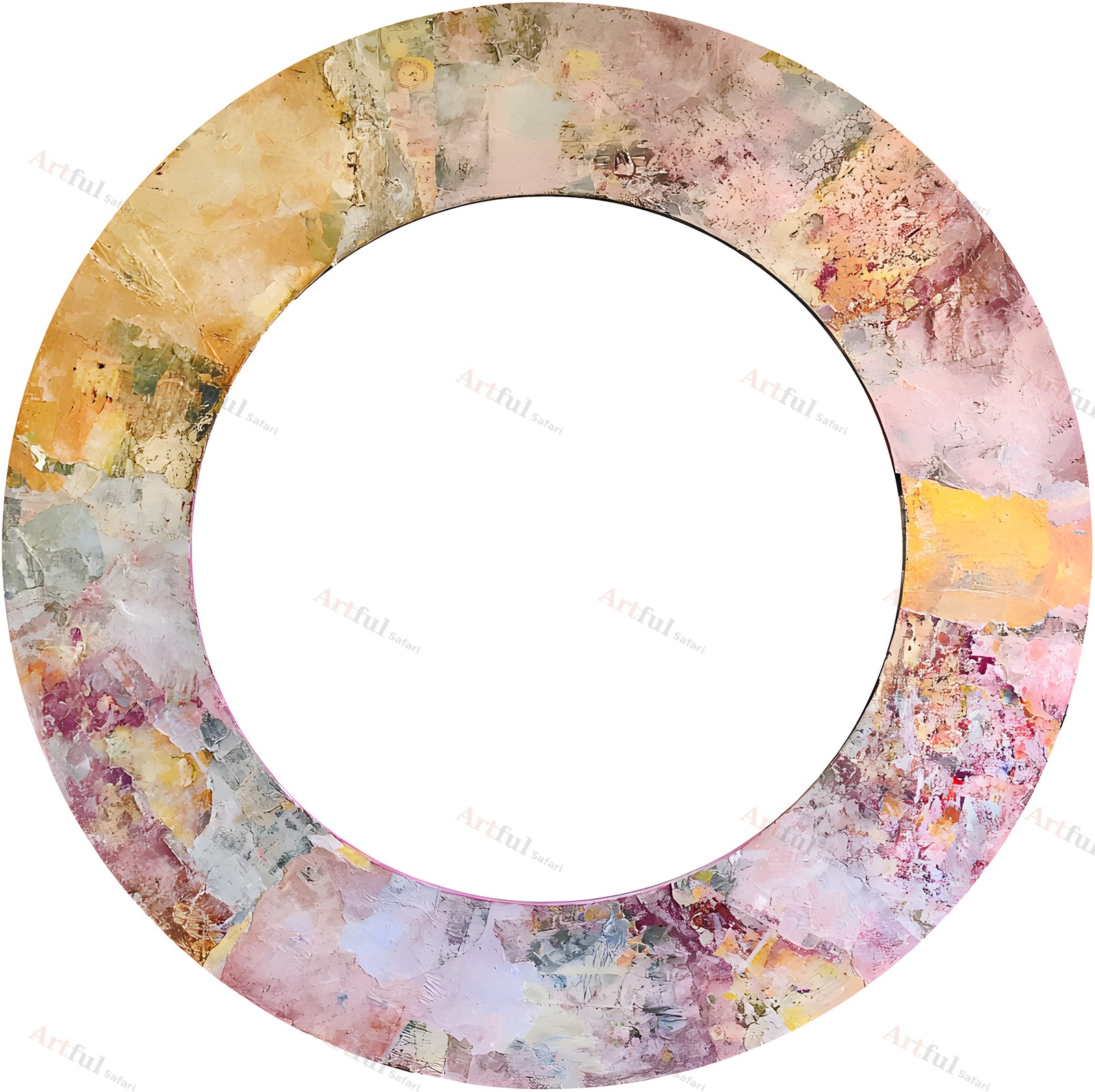
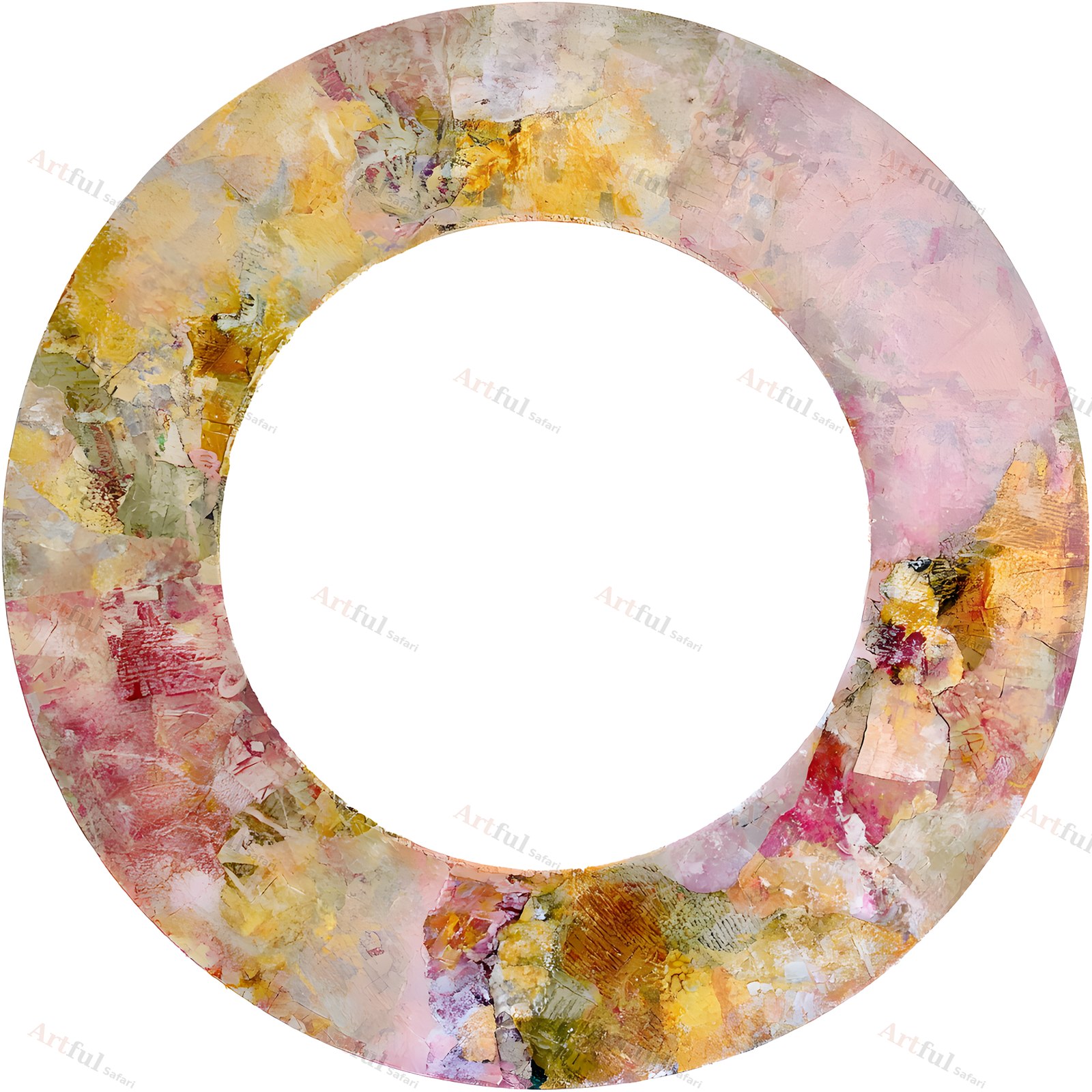
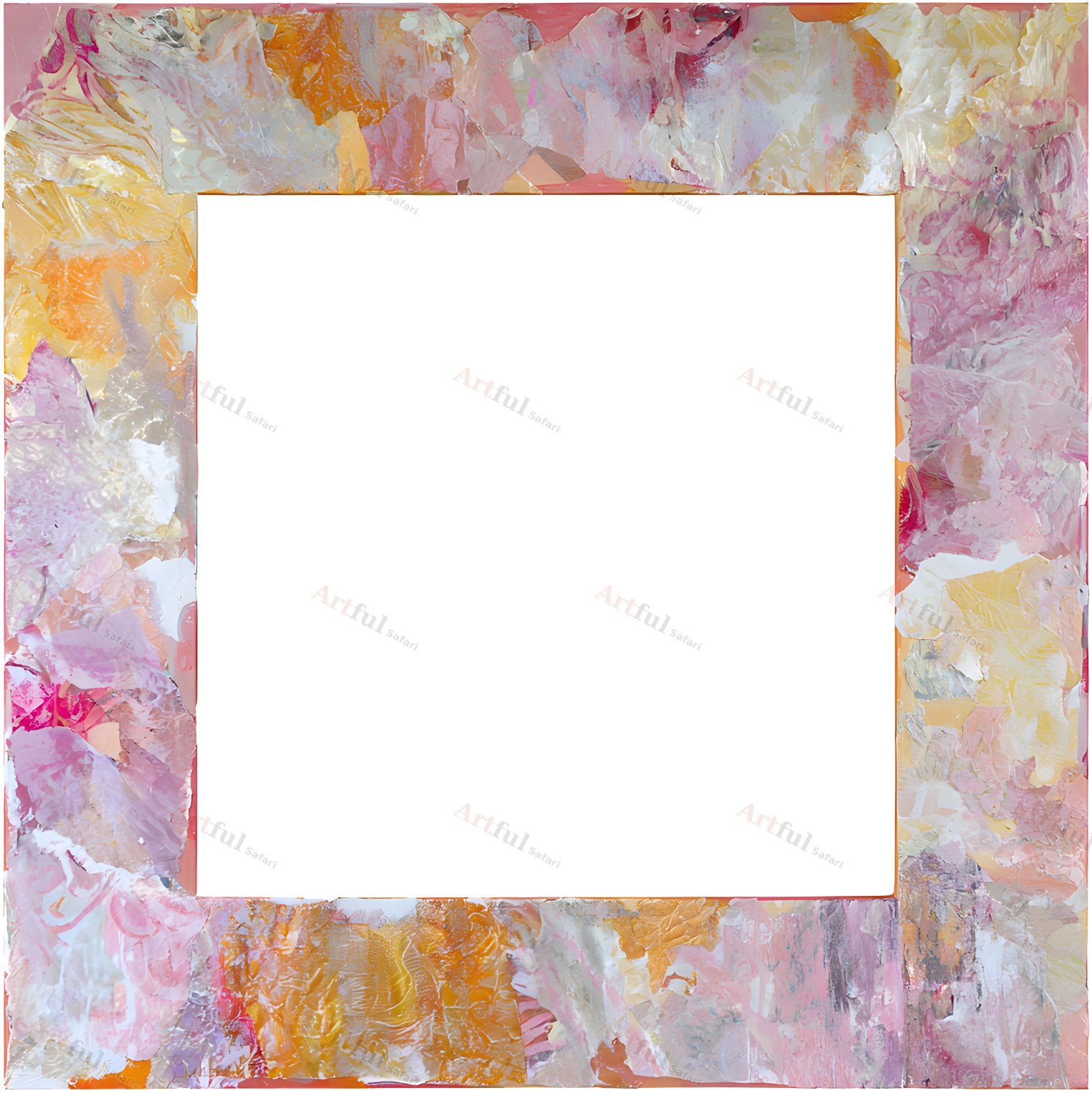
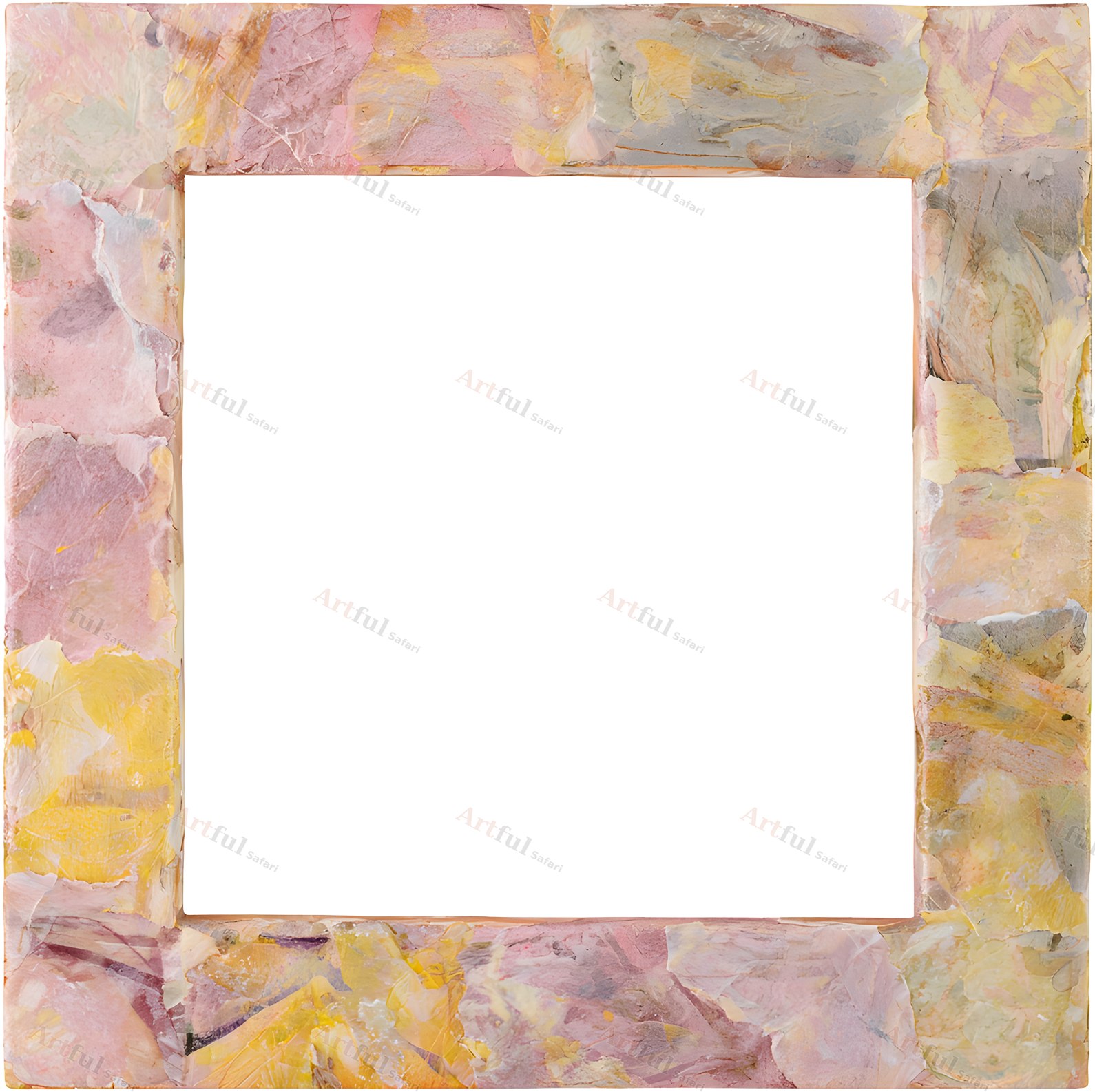
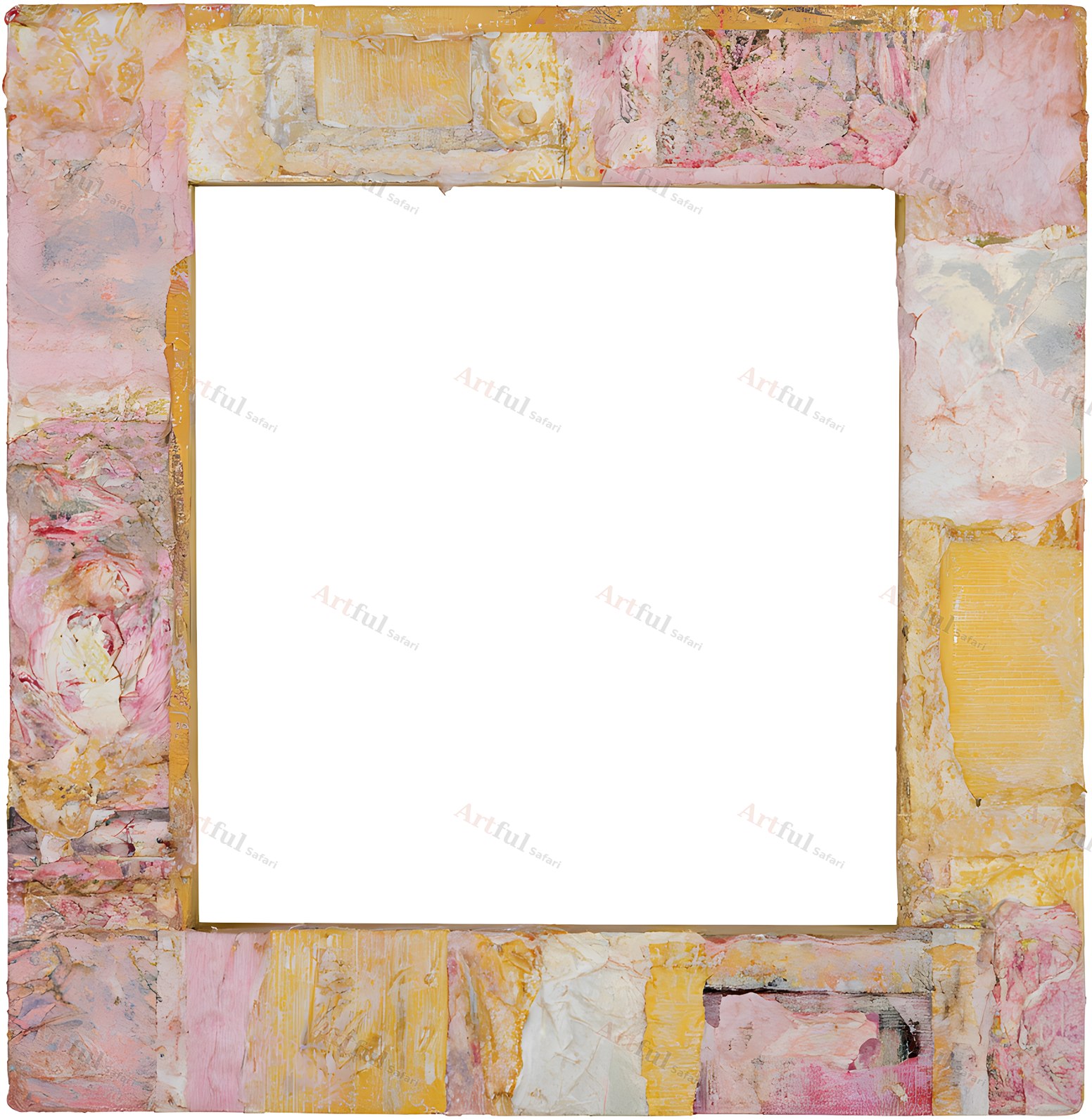
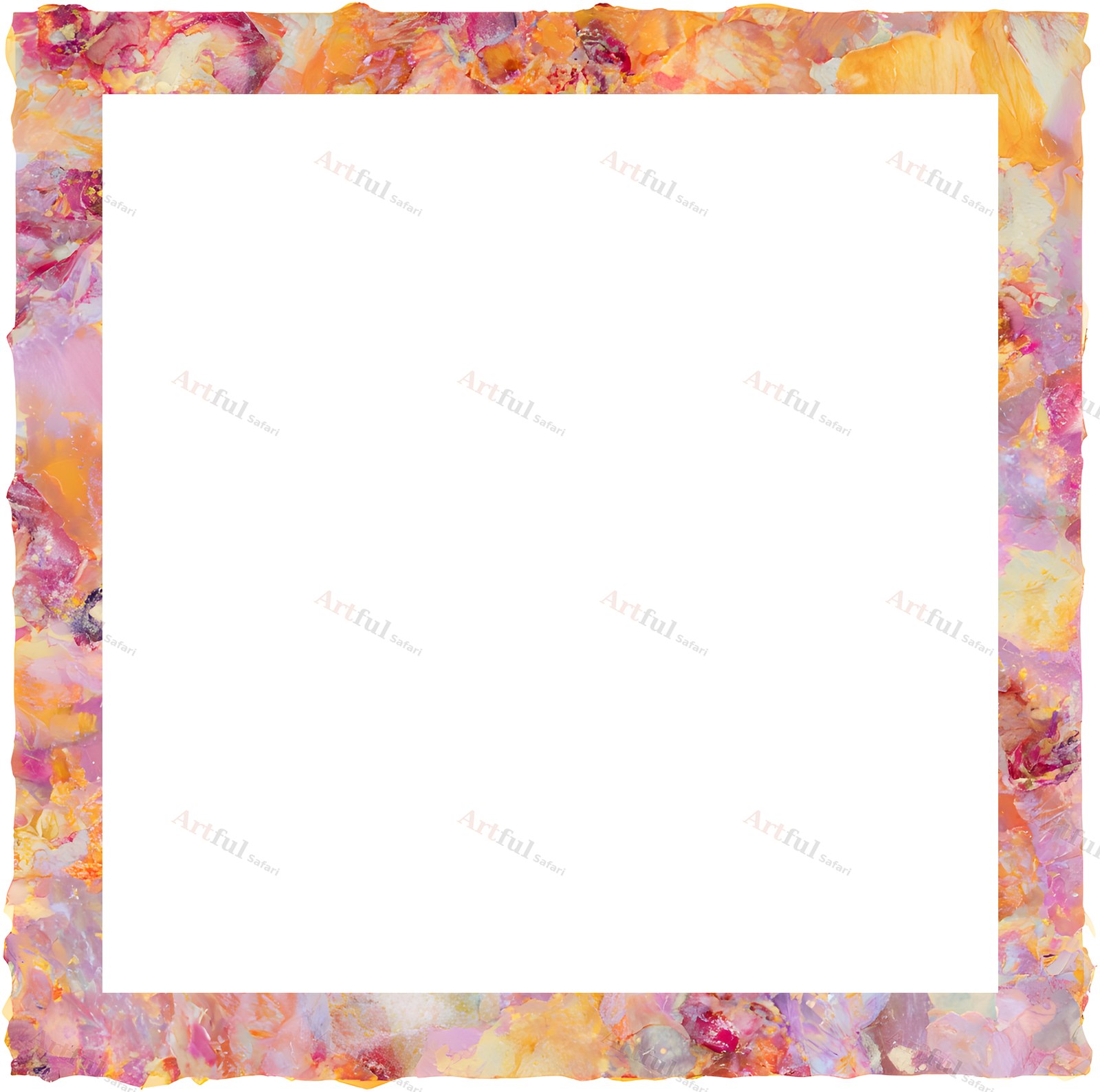
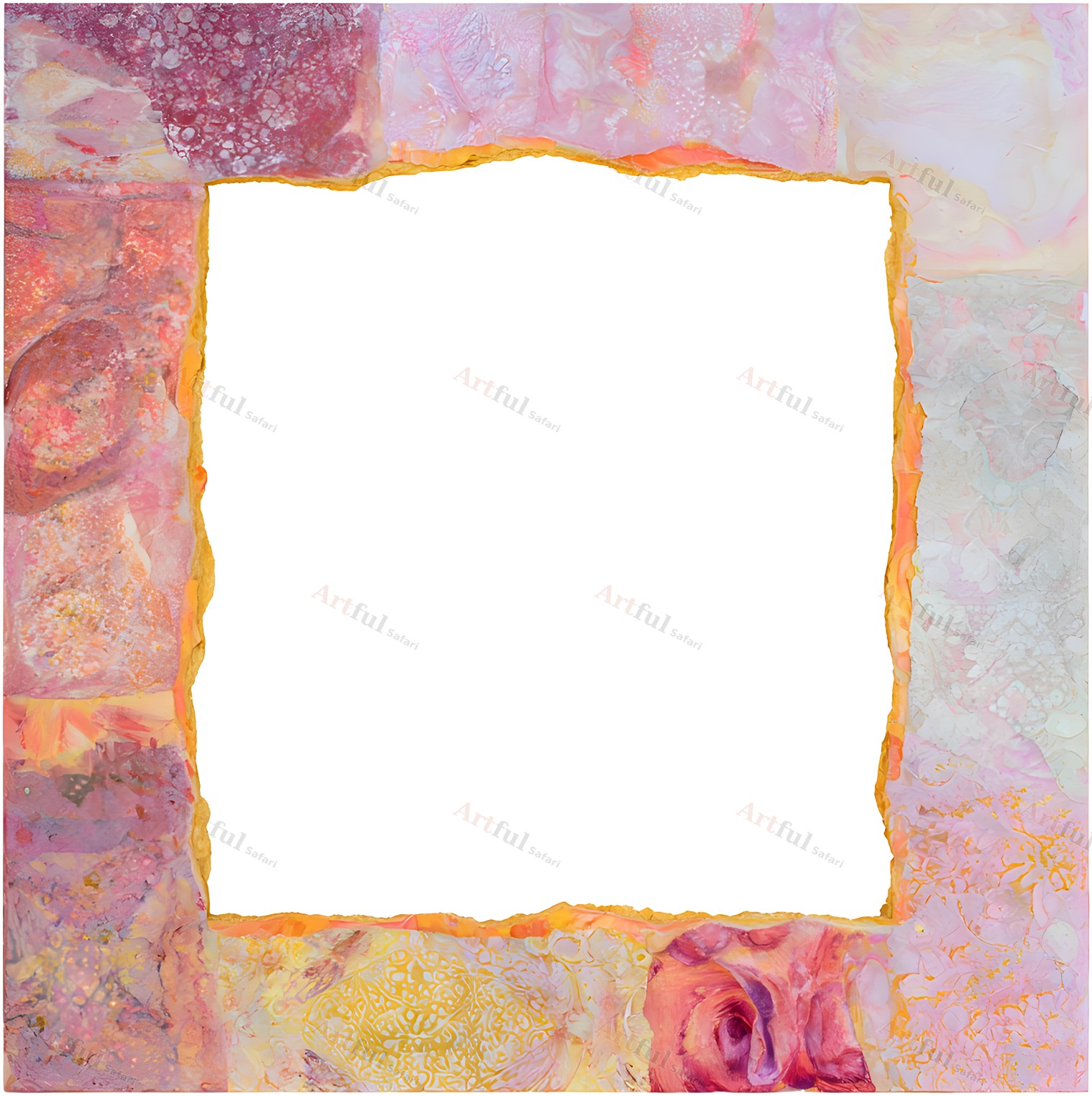
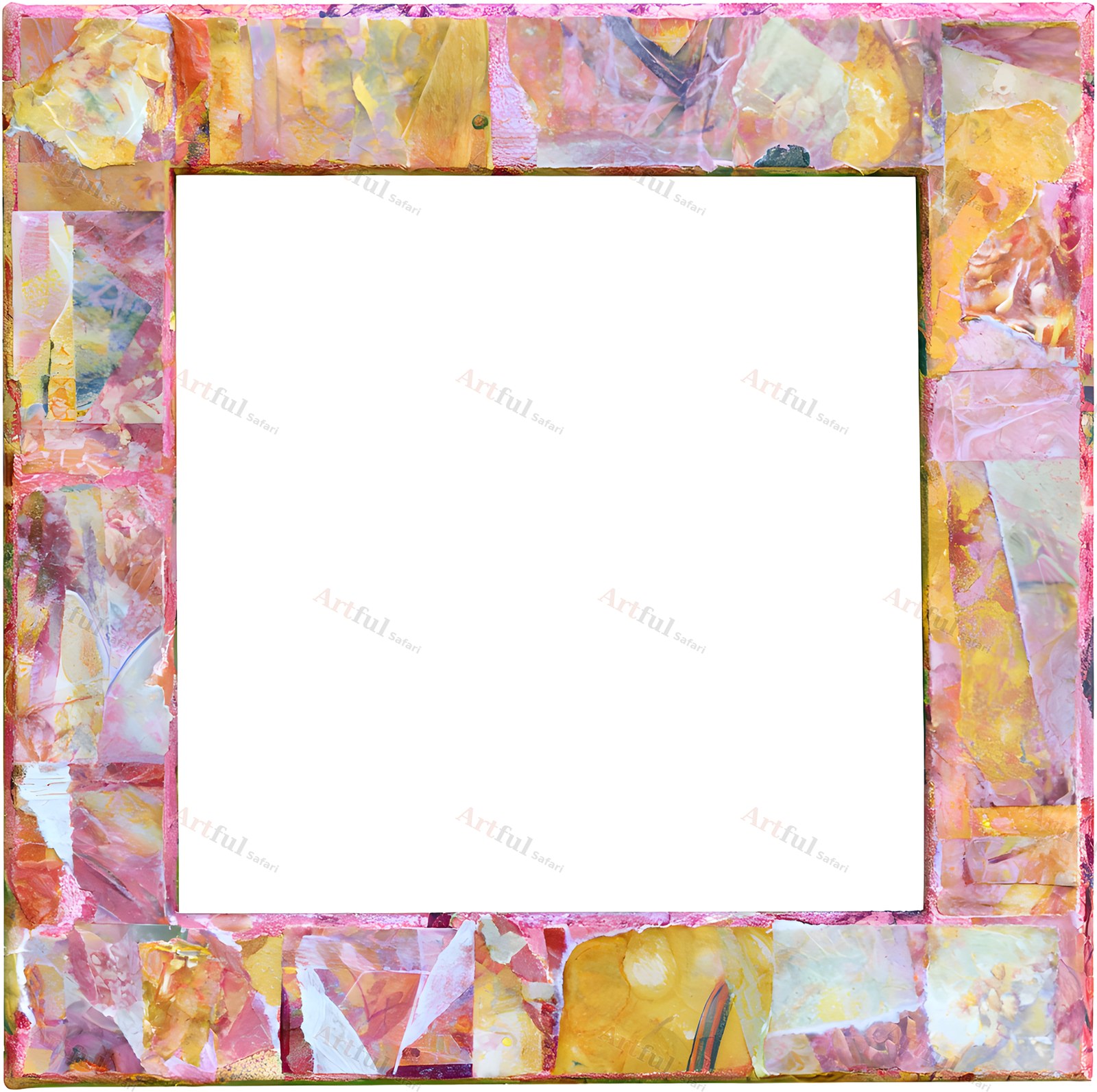
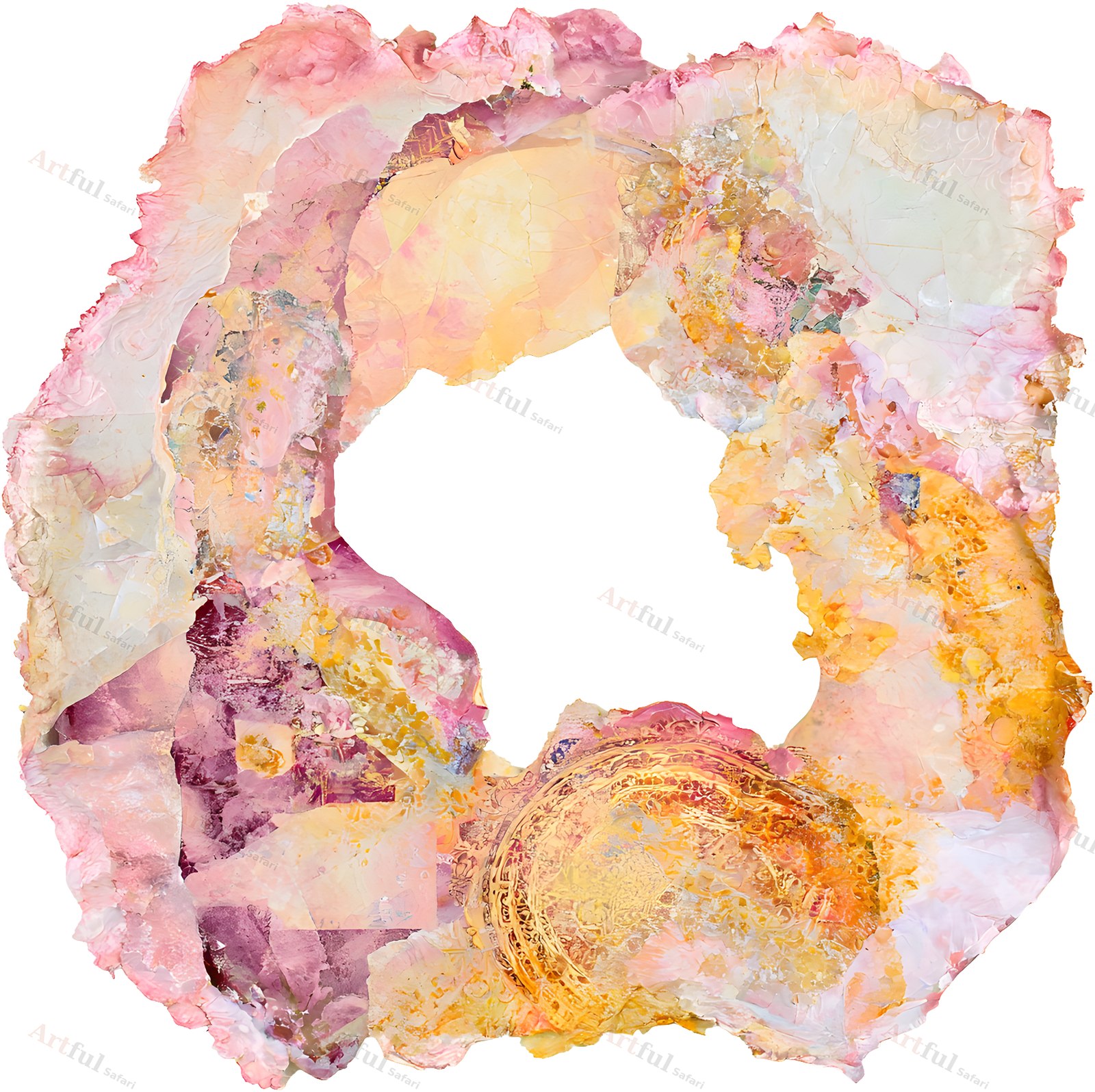
Coral Edit Frames is a set of 13 picture frames in blush pink, apricot and gold, sold as transparent PNGs. Each frame has its middle cut away, so a photo placed on the layer underneath shows through the opening. Part of the Studio Collage Coral Edit family.
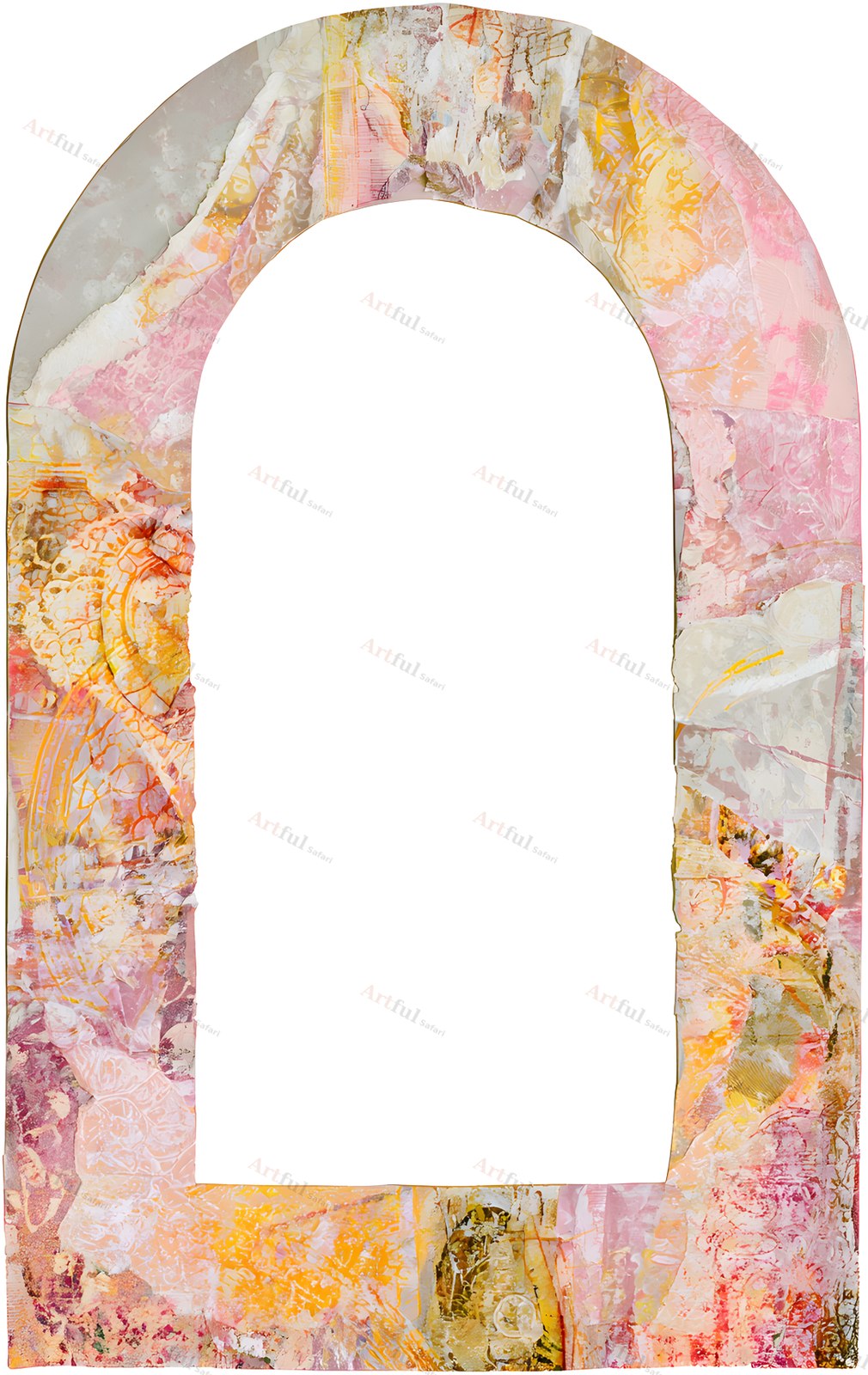
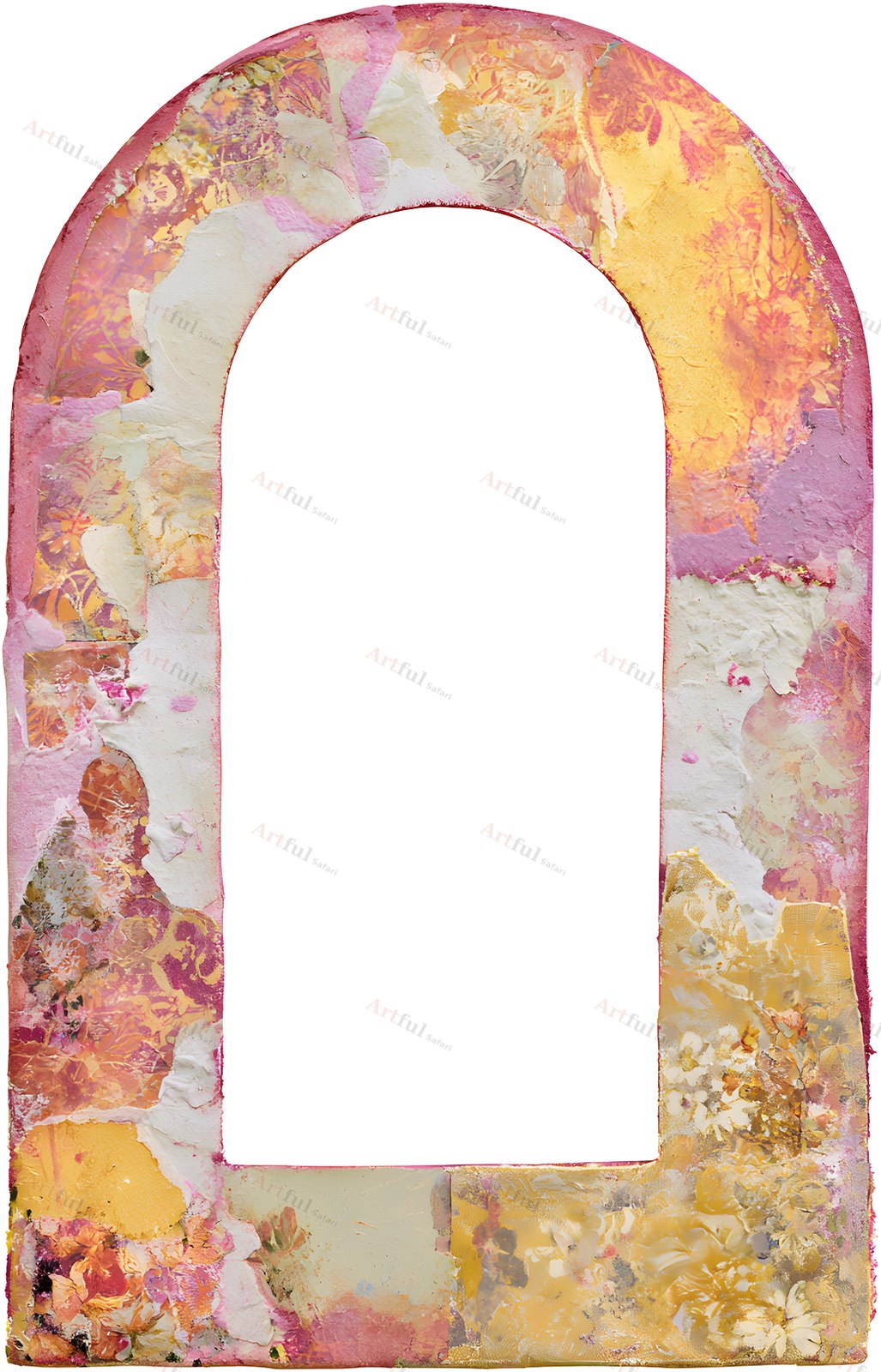
The edges carry layered paper, plaster texture and torn edges, and no two openings sit perfectly square. That gives a page a collage look without any cutting or gluing.
What’s in this picture frame clipart set
13 PNG files with transparent backgrounds, all at 300 DPI:
- 6 rectangle and square frames, 5.1 to 5.8 in
- 3 arch frames, portrait, about 3.6 x 5.7 in
- 3 round ring frames, 5.3 to 5.9 in across
- 1 torn-edge circle with an uneven opening, 5.8 in
File formats and sizes
- 13 PNG files with transparent backgrounds, 300 DPI
- Rectangles measure 1519 to 1751 px, arches about 1072 to 1103 x 1718 to 1723 px, rings 1603 to 1776 px and the torn circle 1744 px
- Instant digital download
Works with
Any app that opens a PNG and keeps transparency: Procreate, Photoshop, Canva, Affinity, GoodNotes, and digital scrapbooking software such as Artisan. You can also print a frame onto card stock and cut the opening for a paper mat.
What you can make with it
Digital scrapbook layouts, photo mats, junk journal pages, memory keeping, cards, planner pages, collage and photo books. Put the frame on a layer above your photo and move the photo until it sits in the window.
The frames match the other Studio Collage Coral Edit kits, so they sit on Coral Edit Papers 1 and 3, and alongside the Coral Edit Elements, Alphabet and Journal Cards.
Licence
For personal and small-business use. You can sell finished products made with the art, such as cards, prints and journals, but you cannot resell or share the files themselves.
Instant download
Your files are ready as soon as you check out. The download link is on the order confirmation and in your account, so you can come back for it later.
Frequently asked questions
Are the middles transparent?
Yes. The opening is cut through, so whatever is on the layer underneath shows in the window.
Can I resize them?
They scale down cleanly at 300 DPI. Going much larger than the listed size softens the edge texture.
Can I print and cut them?
Yes. Print onto card stock and cut the opening with a craft knife for a paper mat on a physical page.
How do I get the files?
It is an instant digital download. Add it to your cart and the link is available as soon as the order goes through.