40% off until 31 October on selected products·8 days left

Digital Masks: 8 Photo Blending PNG Masks, Honeysuckle Lane Scrapbook Kit

$3.99

5-star Etsy seller·Stripe & PayPal

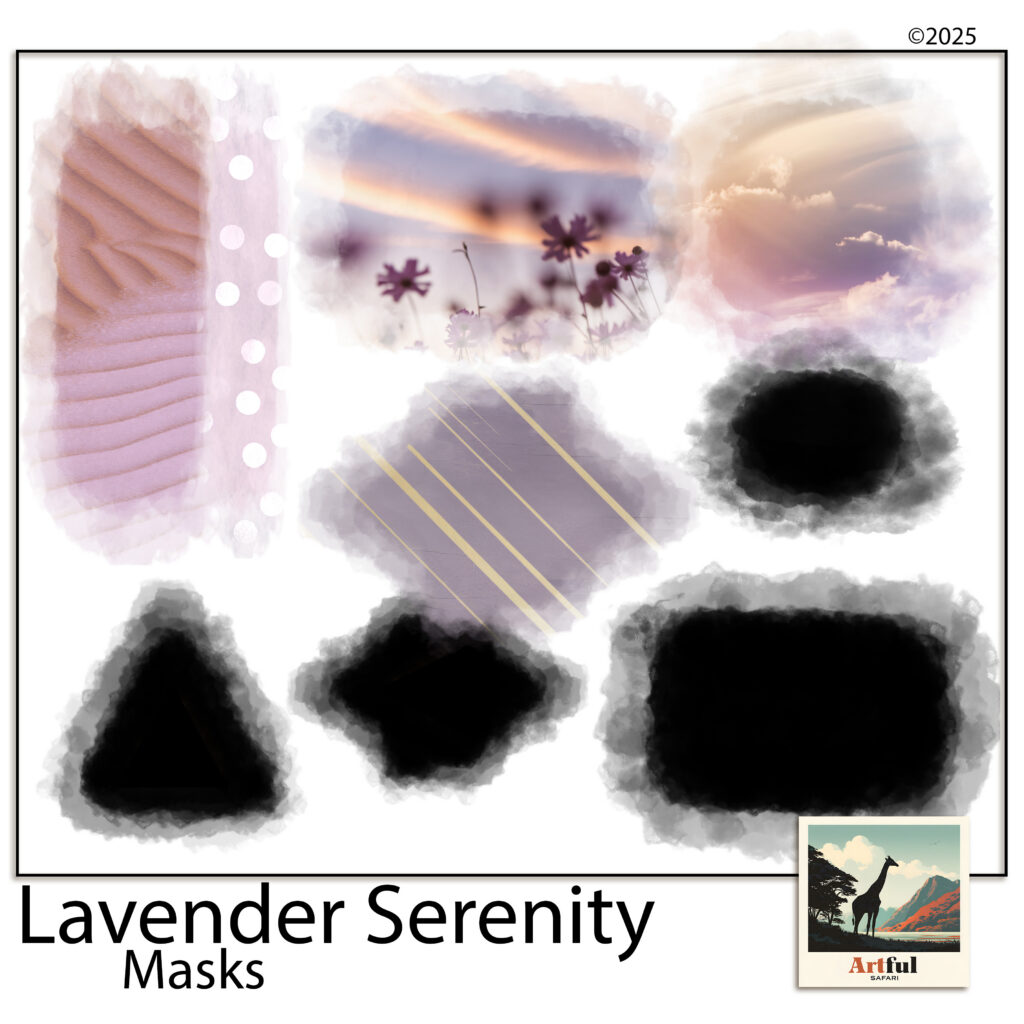
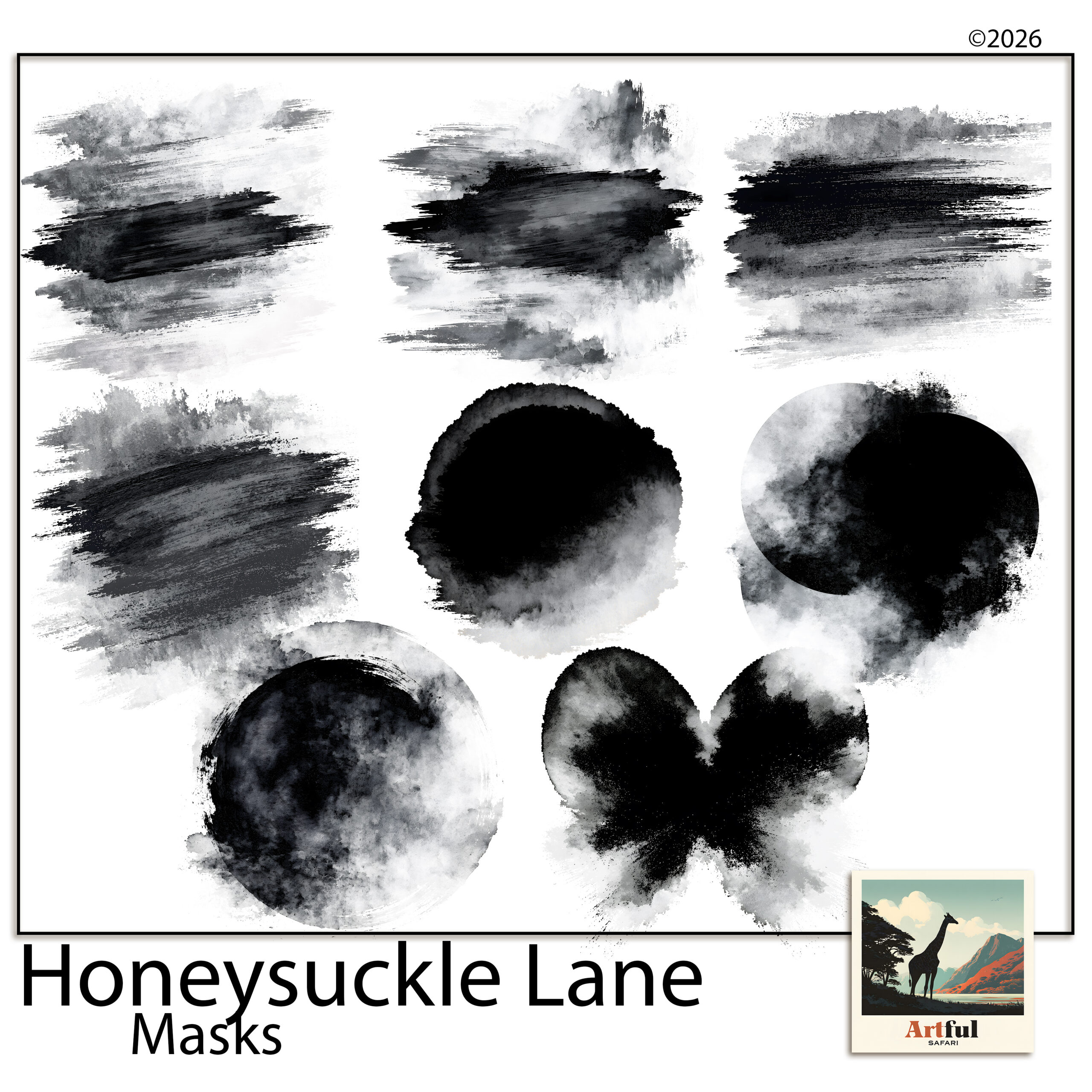
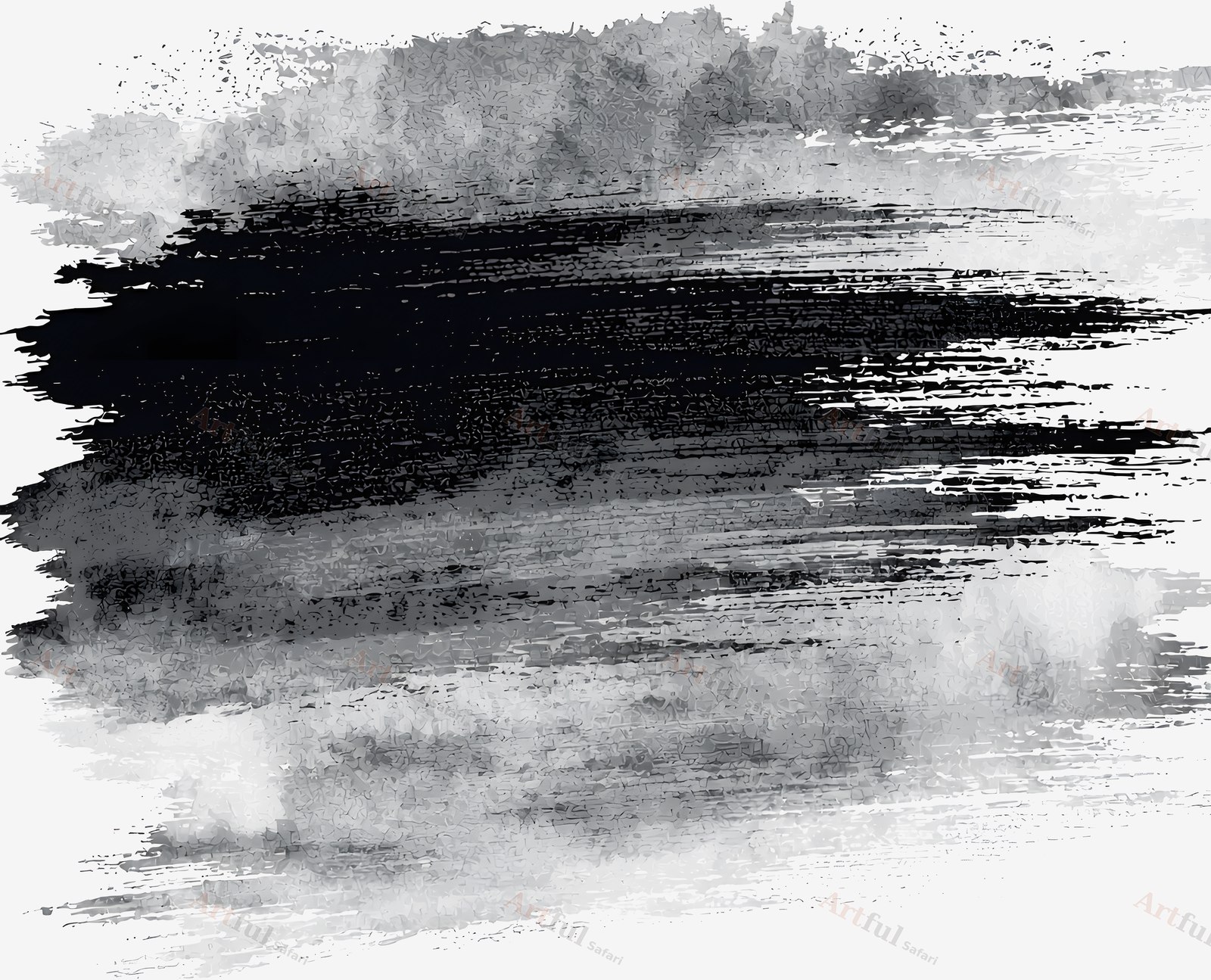
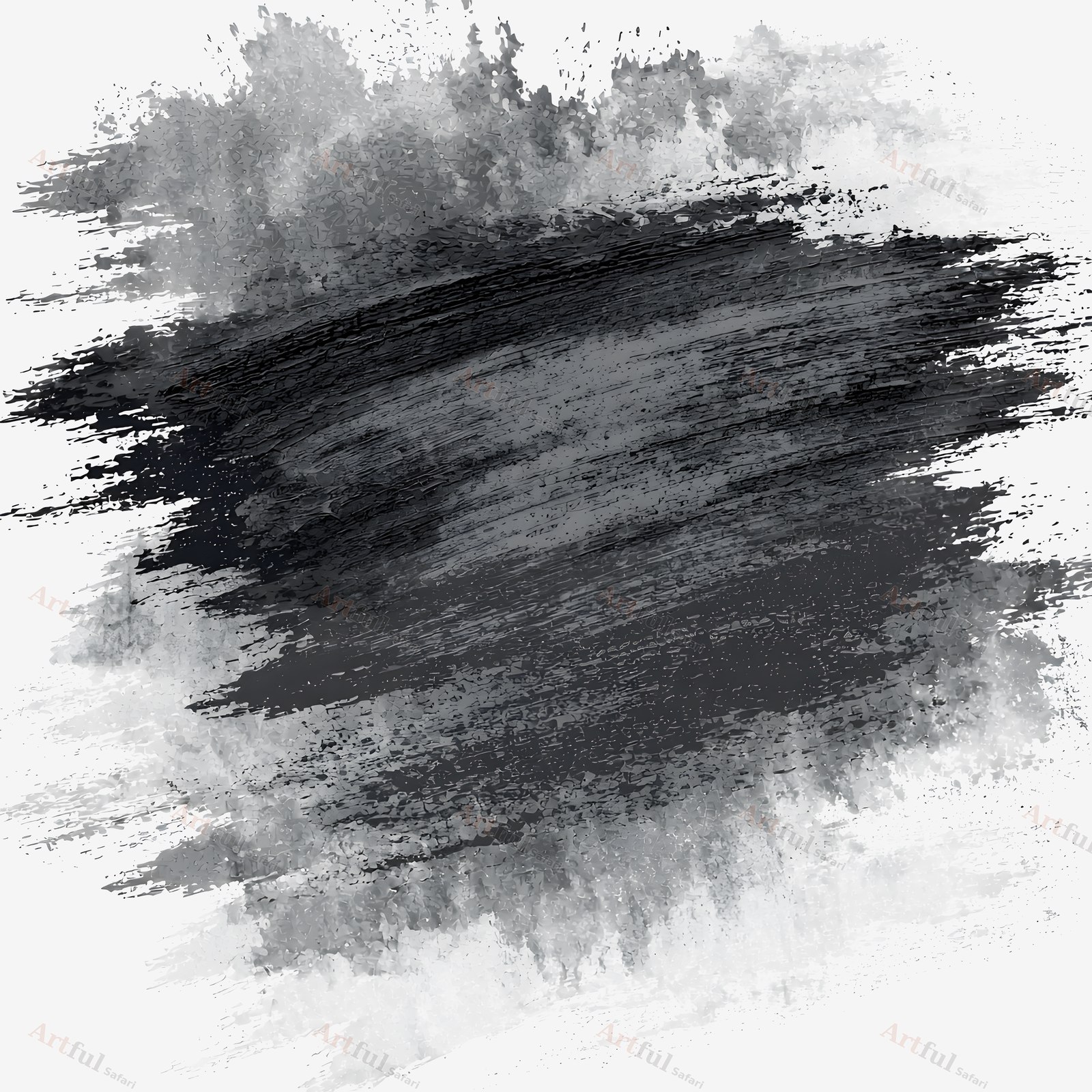
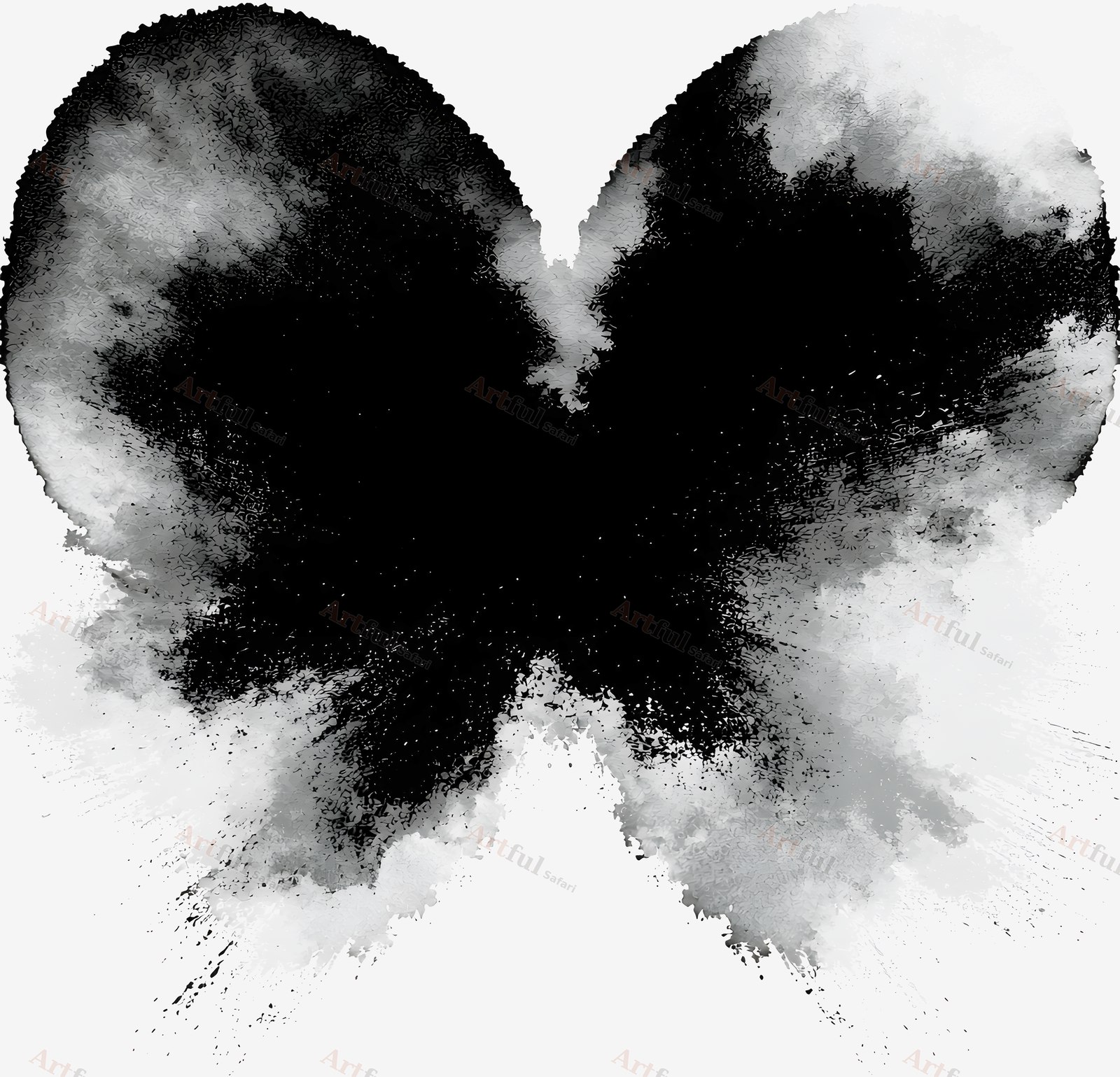
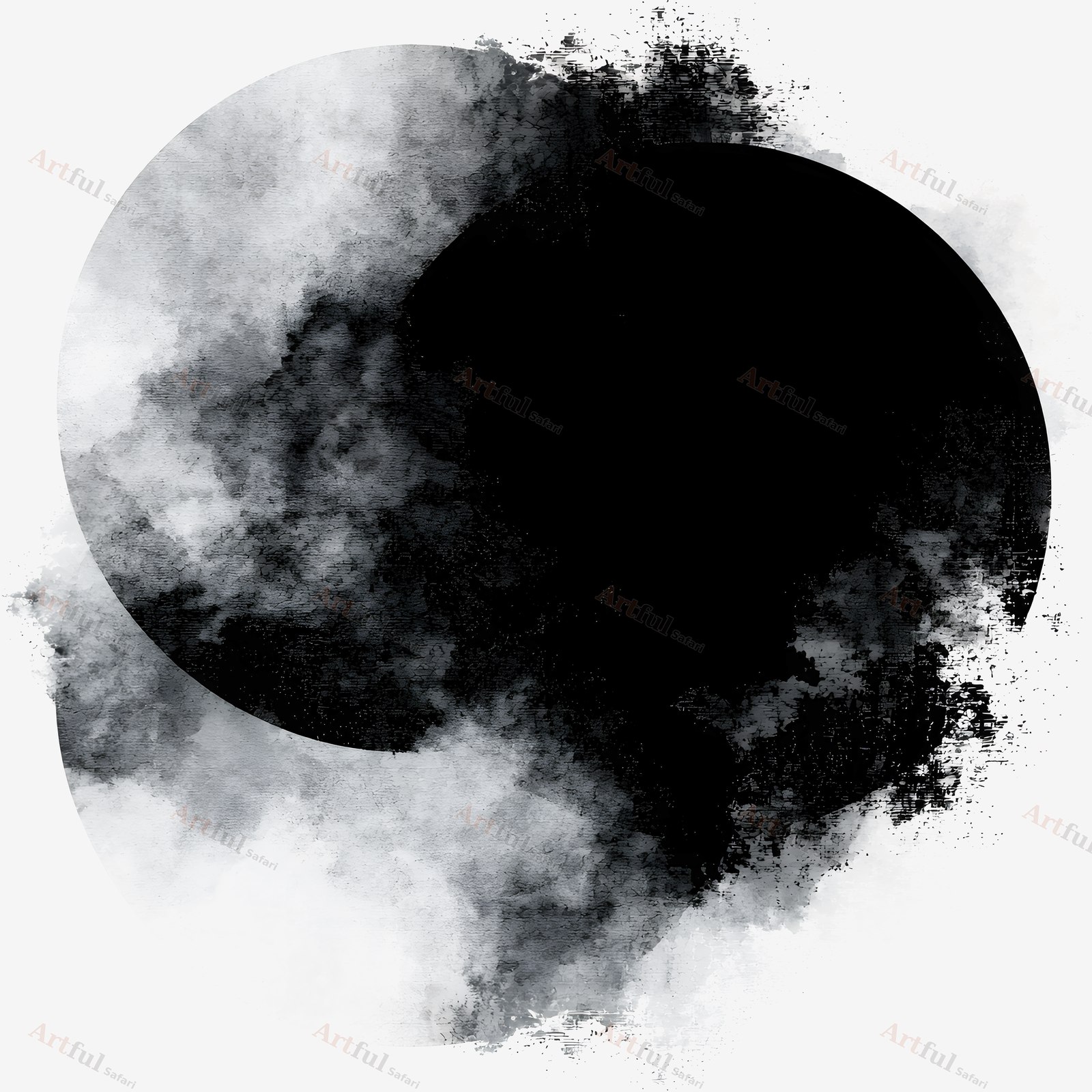
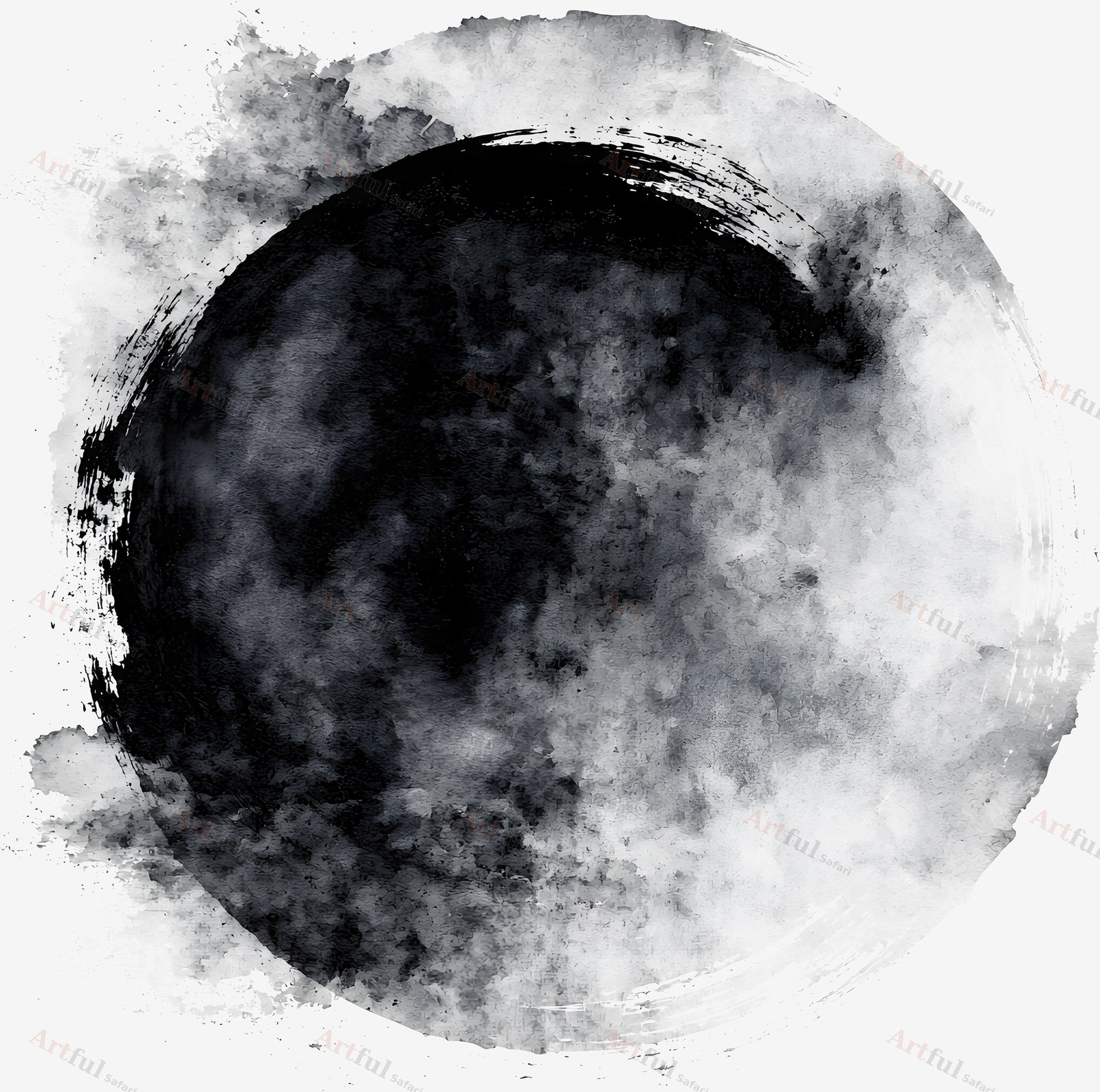
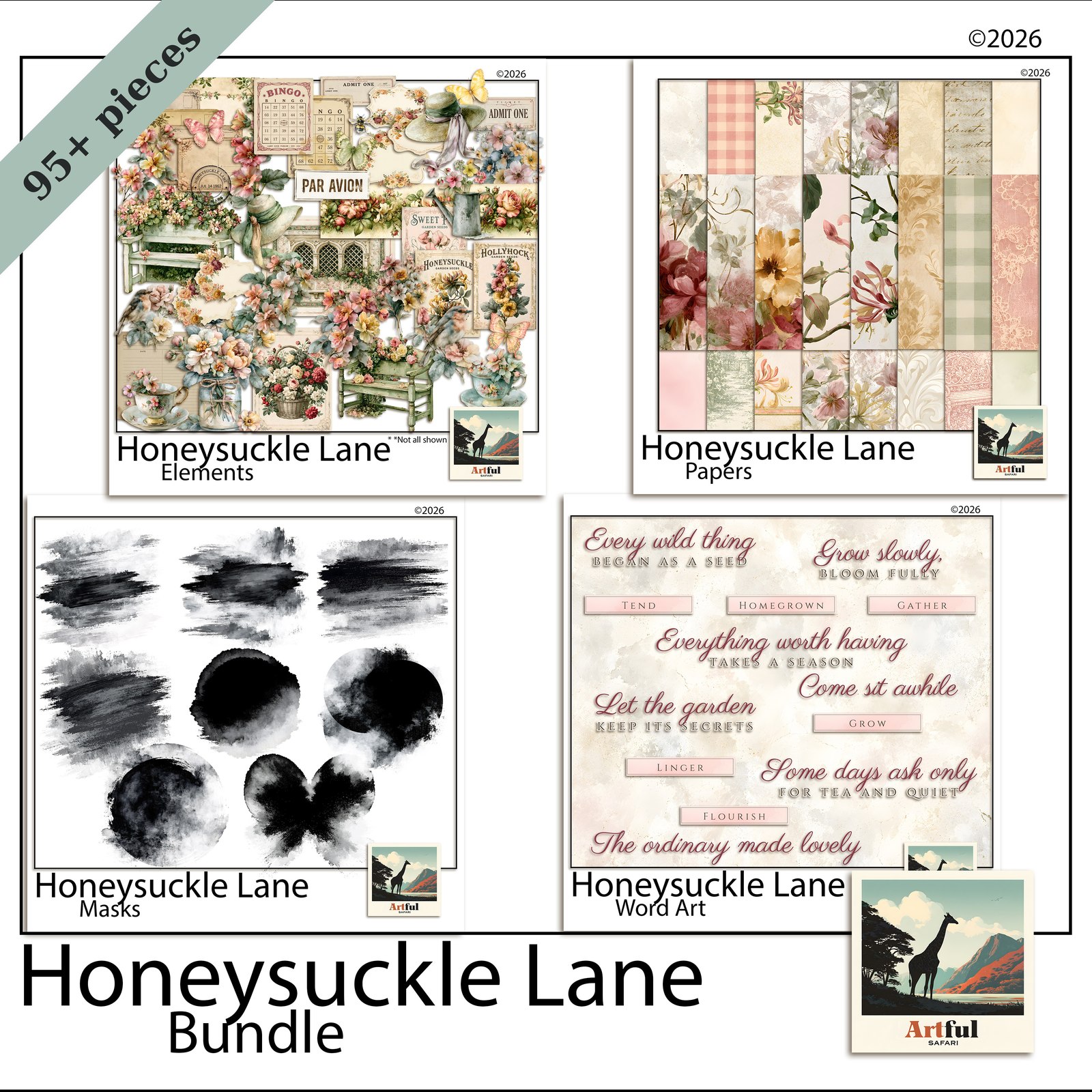
Honeysuckle Lane Masks is a set of 8 digital masks for blending photos into a digital scrapbook page. Each mask is a transparent PNG with a brushed or clouded edge. Clip a photo inside one and the hard rectangle edge of the picture is replaced by the mask’s soft edge. What’s in this digital masks kit 8 PNG files, designed by Helene to go with the Honeysuckle Lane cottage garden collection: 4 horizontal brush-stroke masks with dry, broken edges 3 round masks with clouded edges 1 bow-shaped mask File formats and sizes 8 transparent PNG files at 300 DPI Each…

5-star Etsy seller·Stripe & PayPal

stripePayPalLink

5-star Etsy seller·Stripe & PayPal

Money back until you downloadHave a proper look at what you have bought. If it is not what you hoped, email me before you download the files and I will refund you.
★★★★★  Bought this? Leave a review

Honeysuckle Lane Masks is a set of 8 digital masks for blending photos into a digital scrapbook page. Each mask is a transparent PNG with a brushed or clouded edge. Clip a photo inside one and the hard rectangle edge of the picture is replaced by the mask’s soft edge.

What’s in this digital masks kit

8 PNG files, designed by Helene to go with the Honeysuckle Lane cottage garden collection:

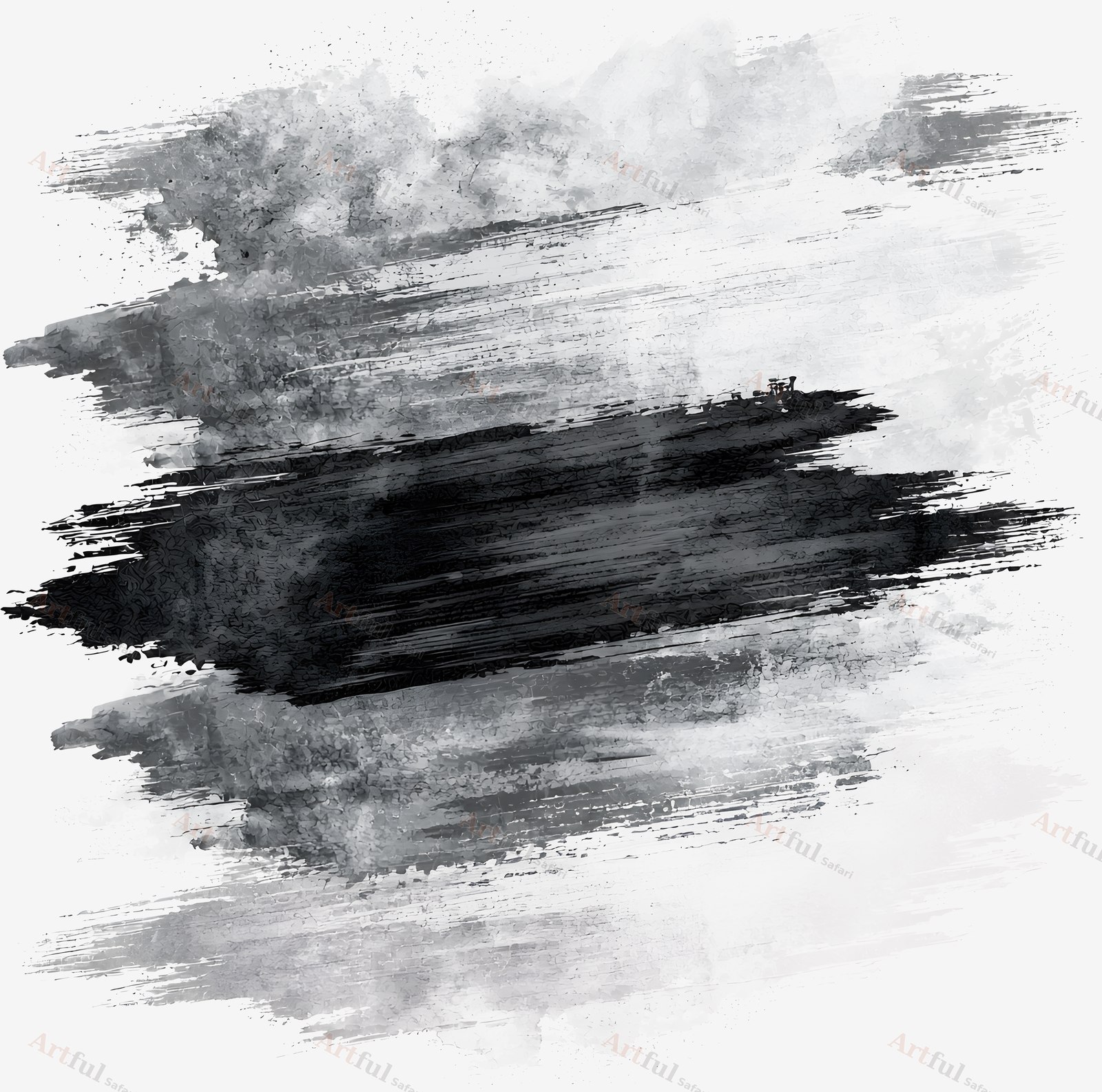
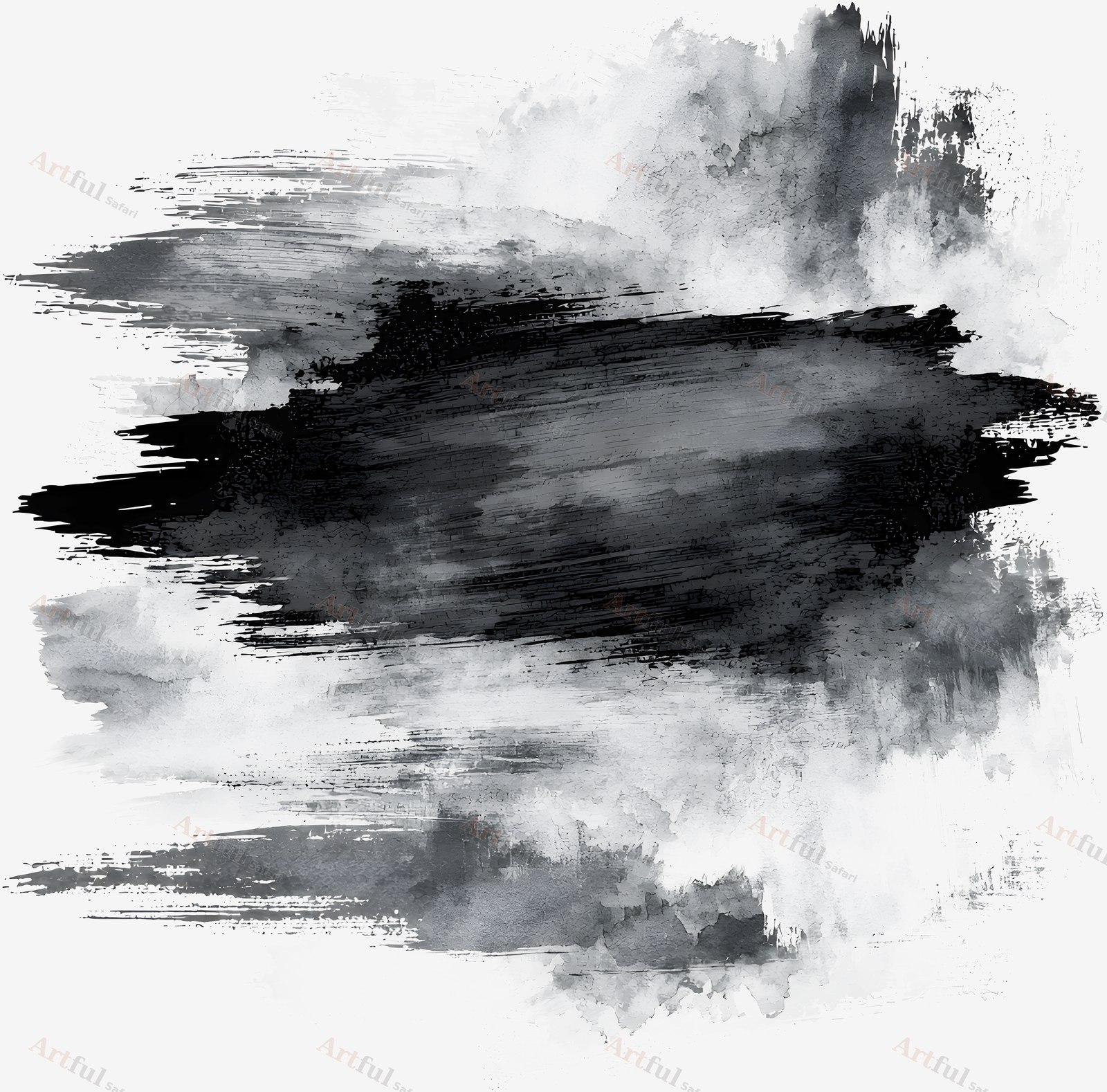
  • 4 horizontal brush-stroke masks with dry, broken edges
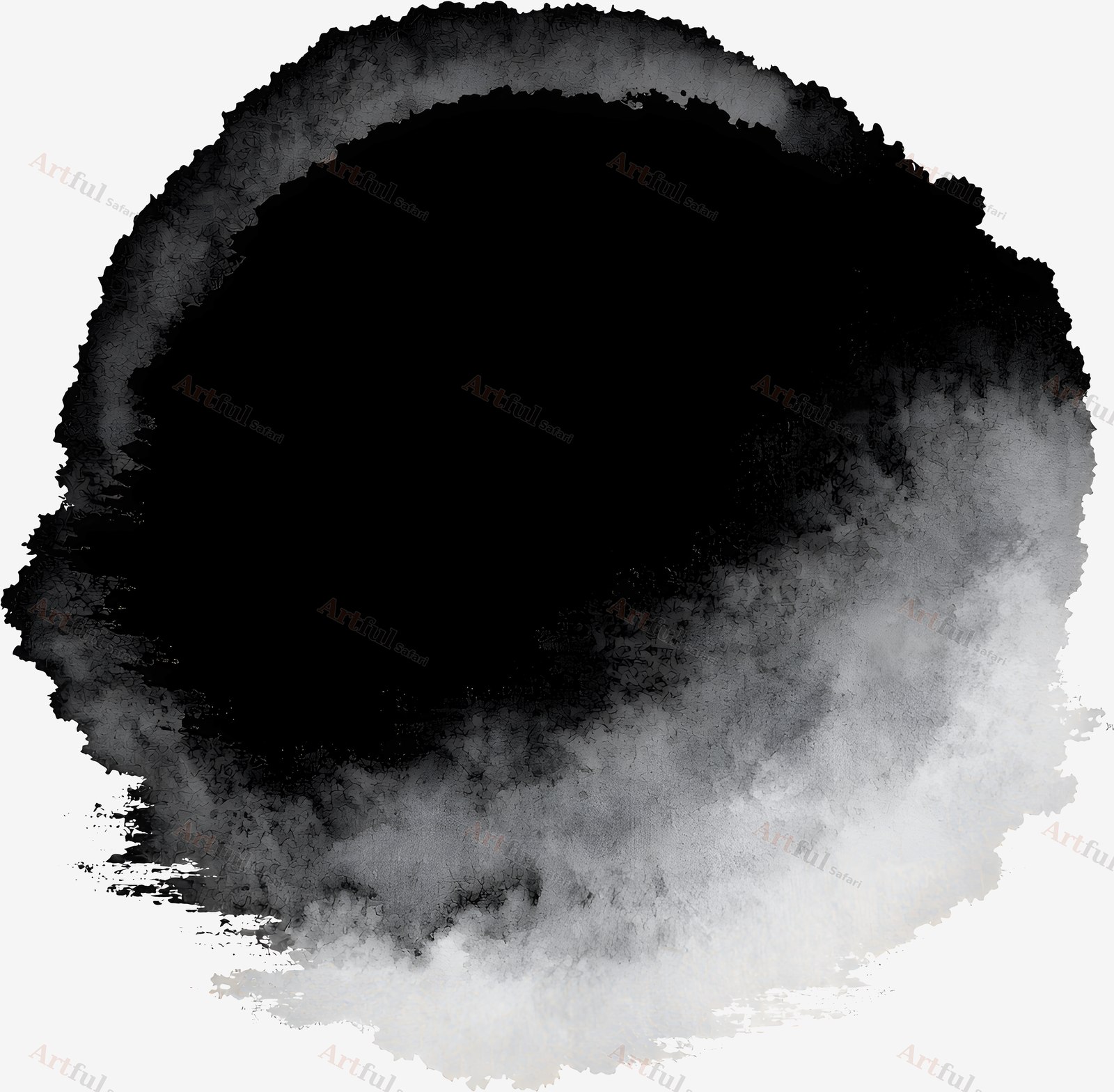
  • 3 round masks with clouded edges
  • 1 bow-shaped mask

File formats and sizes

  • 8 transparent PNG files at 300 DPI
  • Each file is between 3111 and 3600 pixels wide and 2914 and 3600 pixels tall, roughly 10 to 12 inches, so a mask fills most of a 12 x 12 inch page
  • The masks are shown in black and grey on the product images. They are shapes to clip a photo into, not coloured artwork
  • Delivered as a PDF of download links, available as soon as you check out

Works with

Any app that supports clipping masks or clipping groups, including Photoshop, Affinity, Procreate and Canva. The files are made for digital pages.

How to use a mask

Place the mask on your page, put your photo above it and clip the photo to the mask. The photo shows only inside the mask shape, with the mask’s edge. Resize the mask first if you want a smaller photo.

What you can make with these digital masks

Photo blending for scrapbook pages, memory keeping albums and junk journal spreads. The same masks work for collage, card making, planner pages and digital art.

Licence

For personal and small-business use. You can sell finished products made with the masks, such as cards, prints and journals. You can’t resell or share the files themselves.

Instant download

The download link is on your order confirmation and in your account, so you can come back for it later.

Pairs with

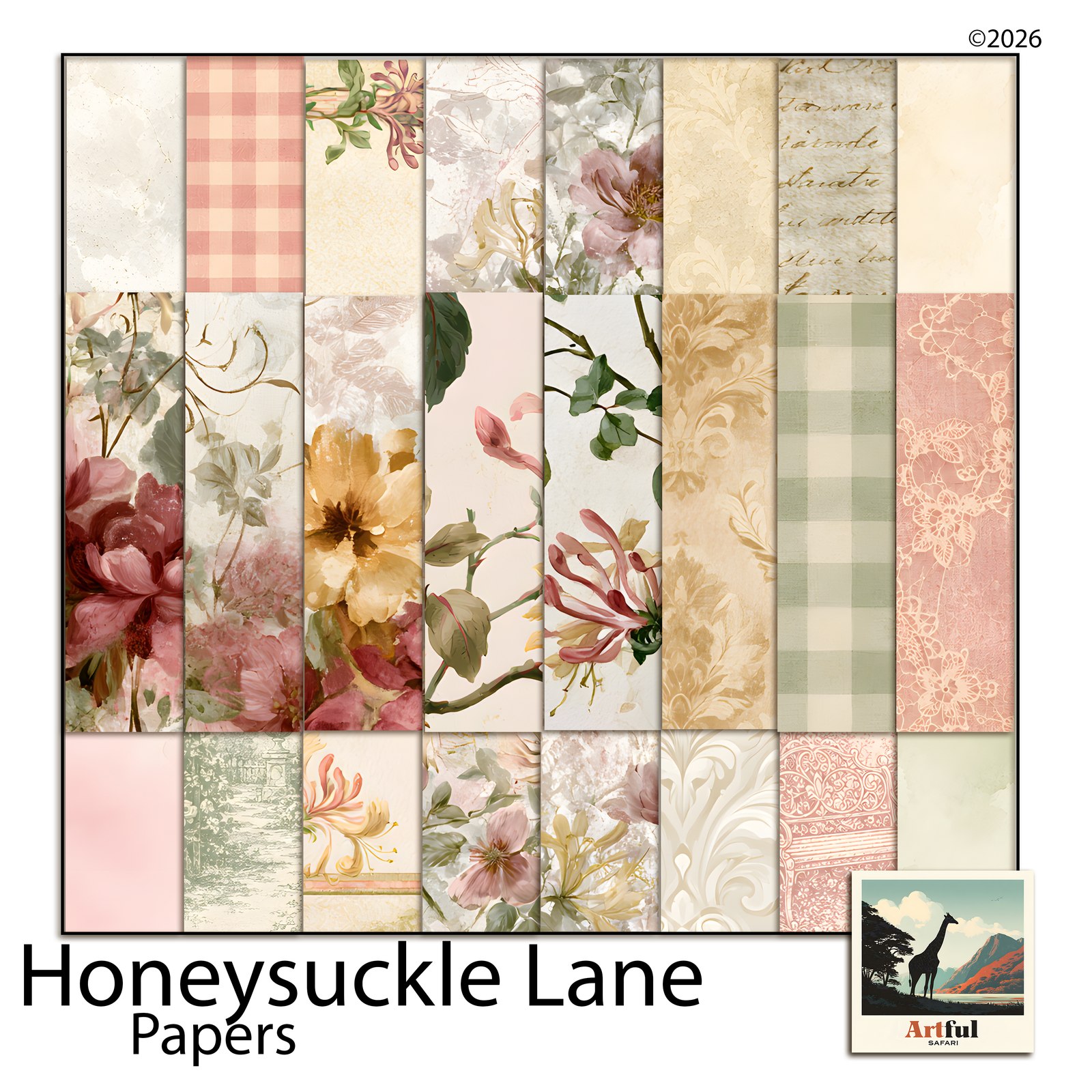
Honeysuckle Lane Papers, Elements and Word Art, or the Honeysuckle Lane Bundle, which holds all four kits.

Frequently asked questions

Are the backgrounds transparent?
Yes. Every mask is a transparent PNG.

Which apps does it work in?
Photoshop, Affinity, Procreate, Canva and any app with clipping masks or clipping groups.

Can I use it for items I sell?
Yes, for personal and small-business use. You can’t resell or share the files themselves.

How do I get the files?
Add the kit to your cart. The download link is available as soon as the order goes through.
Reviews

There are no reviews yet.

Be the first to review “Digital Masks: 8 Photo Blending PNG Masks, Honeysuckle Lane Scrapbook Kit”

Your email address will not be published. Required fields are marked *

Before you buy

What file formats do I get?

Papers come as JPG. Elements, frames and alphabets come as transparent PNG. All of it is 300 DPI.

What size are the papers?

Digital scrapbook papers are 12 x 12 inches. Junk journal papers are 11 x 8.5 inches, which is US Letter. Elements, word art and alphabets vary in size, because a torn strip and a full frame are not the same shape. Everything is 300 DPI, so it holds up on screen and in print.

Does it work in Procreate, Photoshop, Canva or GoodNotes?

Yes. PNG and JPG open in all four, and in anything else that reads those two formats.

Can I use it on an iPad?

Yes. Save the files into the Files app, then import them into Procreate or GoodNotes the way you would any other image.

Do I have to print it?

No. The files are sized for digital pages, so you can work on screen. If you would rather print, 300 DPI holds its detail at full size.

Can I use it on things I sell?

Yes. The licence covers personal and small-business use. You can sell finished things made with the art, like cards and prints. You cannot resell or share the files themselves.

How do I get the files?

The moment you pay. The link is on the order confirmation and in your account, so you can come back for it later. The larger packs arrive as a short PDF with the download link inside it.

What if the download does not work?

Email helene@artfulsafari.com and I will send you a working link. If I cannot get it working, you get your money back. You can also change your mind on anything in the shop and get a refund, any time before you download it.