
To print junk journal papers at home, use an inkjet printer with 100–120 gsm matte paper, set quality to High, pick the matte paper type in the driver, and print at 100% with “fit to page” turned off.
That single setup fixes the two things people get wrong: washed-out colour and pages too stiff to fold. The rest of this guide covers weights, sizing, double-sided printing and sealing.
Every kit in our junk journal collection is made to print at home this way.
Table of Contents
What you need to print junk journal papers at home
You do not need a studio printer. A regular home inkjet handles junk journal papers well, and inkjet ink actually takes water-based glue and gesso better than most laser toner.
- An inkjet printer (laser works too, but ink layering is harder over toner)
- Paper in the right weight (more on that below)
- The PNG or JPG sheets from your kit, at full size
- Optional: a bone folder, a glue stick, and a sealant if you want to layer wet media
If you are brand new to the format, my What Is a Junk Journal? guide covers what these papers are for before you commit a stack of them to the printer.
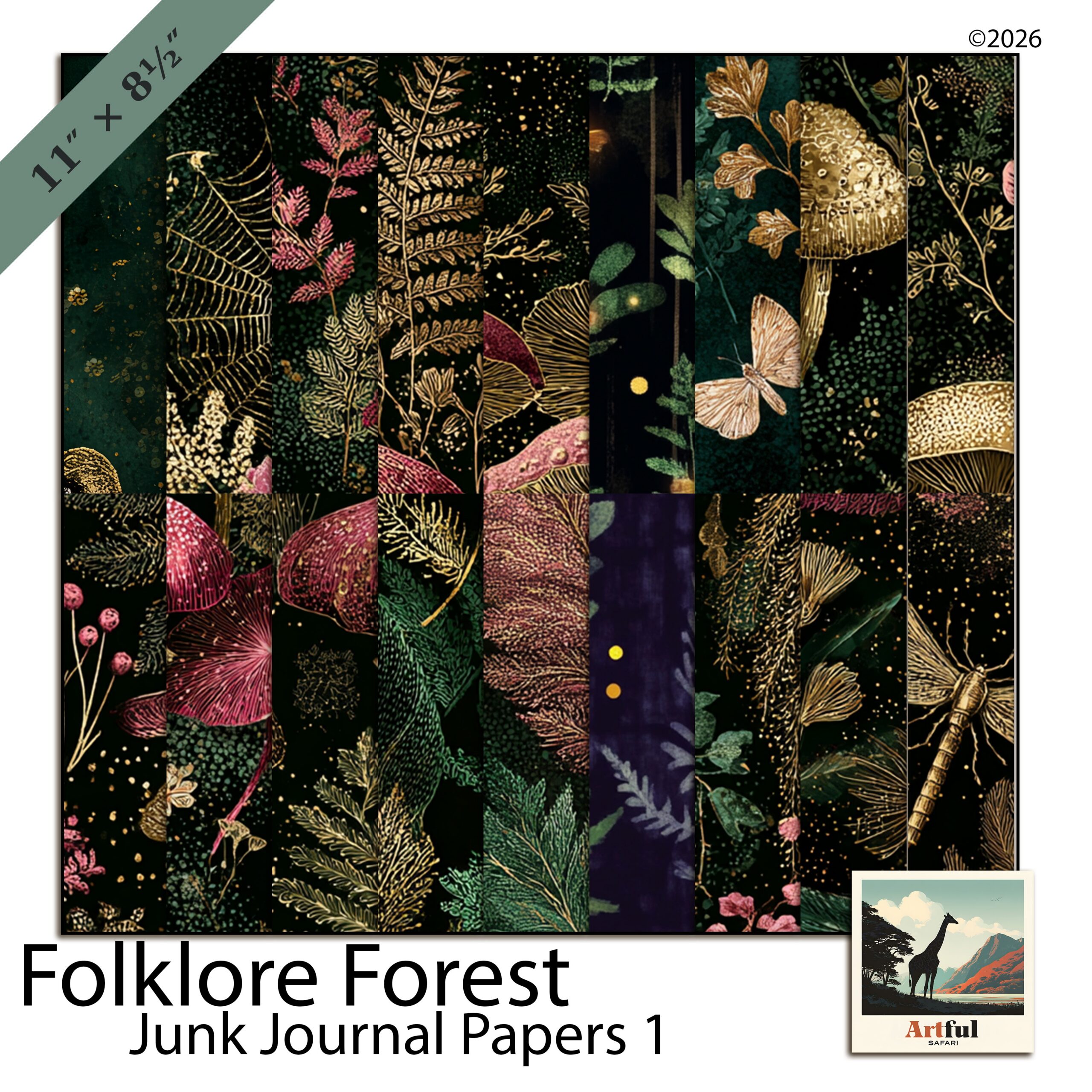
What paper weight should you print junk journal papers on?
This is the question that makes or breaks the result. Junk journal pages need to fold, tear and glue without cracking, so you want lighter stock (measured in gsm) than you would use for a greeting card.
| Paper weight | Feel | Best for |
|---|---|---|
| 80–90 gsm (text weight) | Thin, foldable, slightly see-through | Tip-ins, pockets, layered ephemera |
| 100–120 gsm | Sturdy but still bendable | Everyday journal pages, double-sided sheets |
| 160–200 gsm | Firm, holds a crease hard | Tags, dividers, signature covers |
| 250 gsm+ (card) | Rigid | Covers only, not page interiors |
My default is 100–120 gsm for pages and a heavier 160–200 gsm for tags. Anything above 250 gsm fights you when you try to fold a signature.
Matte beats glossy
Use matte or uncoated paper. Glossy photo paper resists glue, smudges under a pen, and looks wrong for an aged, papery aesthetic. Matte takes stamping, writing and distress ink the way you want.
Printer settings that get the colours right
Default settings print junk journal papers too pale and too small. Fix these before you waste a sheet.
- Set quality to High or Best. Draft mode bands the soft washes that make these papers look good.
- Choose the matching paper type. Pick “Matte” or “Presentation” in the driver so the printer lays down enough ink. Selecting “Plain” underinks; selecting “Glossy” overinks.
- Turn off “Fit to page” and print at 100%. Scaling shrinks the sheet and adds a white margin you do not want.
- Set borderless if your printer supports it. Junk journal papers are designed edge to edge; a white border breaks the layered look.
- Print one test sheet first. Check the colour on the actual paper before you run the batch.
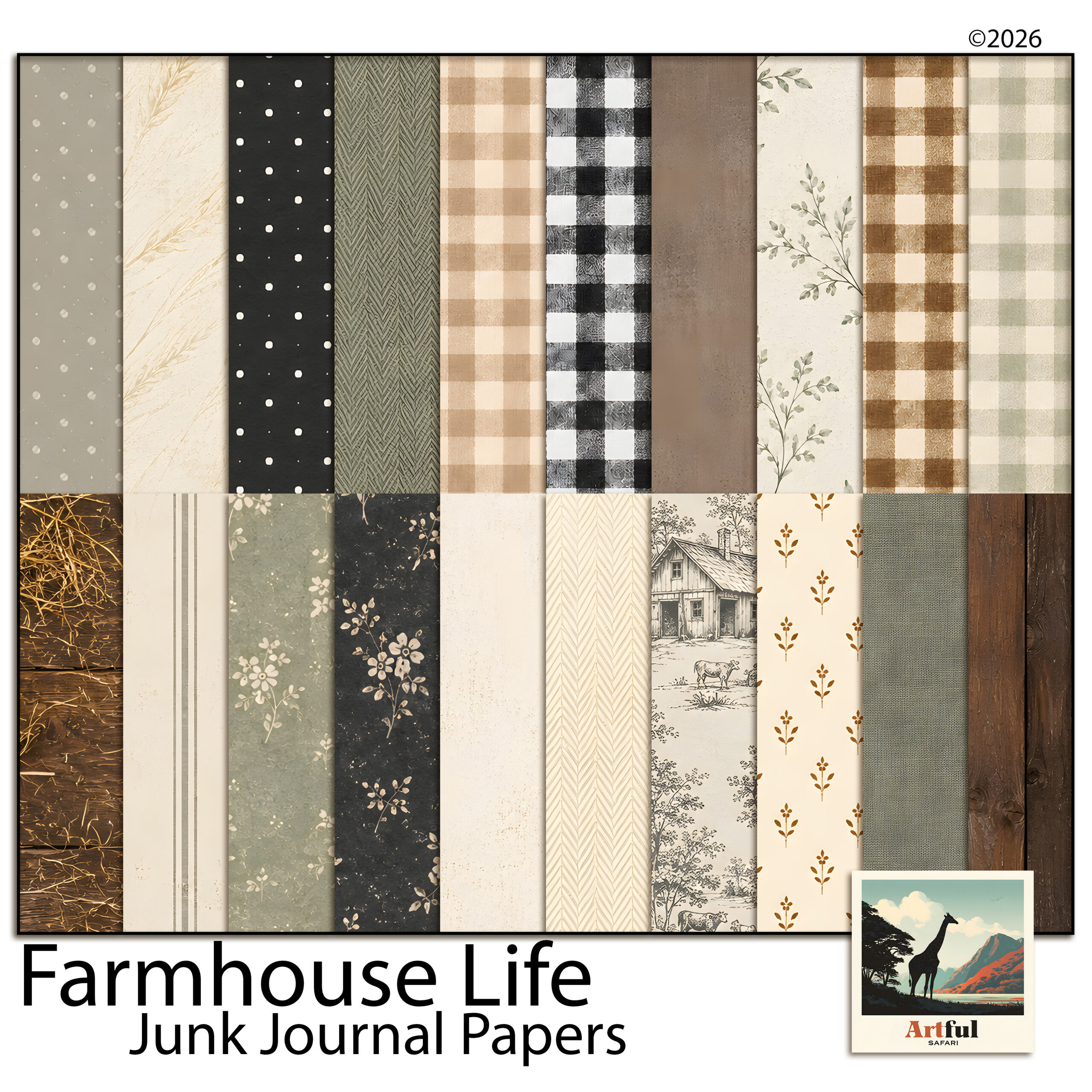
How to size junk journal papers to A4 or Letter
Most kits come as 12×12 inch sheets or A4-ready files. Here is how to get them onto your home paper without losing the design.
A4 and Letter
If a sheet is supplied at A4 (210 x 297 mm) or Letter (8.5 x 11 in), print at 100% with no scaling and it lands correctly. This is the simplest path and what I reach for when I want full pages fast.
12×12 sheets onto smaller paper
A 12×12 sheet will not fit A4 at full size. You have two clean options:
- Scale to fit in your printer dialog or PDF reader, which shrinks the whole design to about 8 inches and keeps the full pattern.
- Crop in an editor to A4 proportions first if you would rather keep the print at full scale and lose the outer edge.
For pockets and tip-ins, smaller is fine, so scaling down a 12×12 sheet gives you several usable pieces from one print.
Printing double-sided junk journal pages
Double-sided pages feel like real book pages and use half the paper. The trick is registration so the back lines up with the front.
- Print the front, note which edge fed first, then reload following your printer’s flip guidance.
- Use “Flip on long edge” for portrait pages so the second side is upright.
- Let the first side dry for a minute on an inkjet so it does not offset onto the rollers.
- Run one test pair before batching; printers vary by a few millimetres and you want to learn yours.
If your printer has no duplex mode, print the two designs on separate sheets and glue them back to back. Simpler for beginners, and it lets you mix two patterns into one page.
Sealing and finishing printed pages
Inkjet ink is water-based, so wet glue or a damp brush can smear it. If you plan to paint, ink or use watery glue over a printed page, seal it first.
- Spray fixative or matte sealer in light coats stops smudging and dulls any sheen.
- A thin layer of matte gel medium brushed on also seals, and gives a faint texture.
- Skip sealing if you are only using a glue stick and dry embellishments; it is not needed for dry work.
Tea or coffee staining over a sealed inkjet print works, but test a scrap first. Unsealed, the ink will run.
Common printing mistakes and how to avoid them
Almost every wasted sheet comes down to one of these.
- Pages come out pale. The driver is set to “Plain paper” or quality is on Draft. Switch to a matte paper type and High quality.
- A white border appears. Either “Fit to page” is on or your printer cannot go borderless. Turn off scaling, and if you need full bleed, trim a couple of millimetres off with a guillotine after printing.
- Colours look right on screen, wrong on paper. Screens are backlit and paper is not, so prints always read a touch darker and warmer. Run a test sheet and judge the paper, never the monitor.
- Ink smears when you glue. You skipped sealing before wet work, or did not let the print dry. Seal first, glue second.
- The page cracks when folded. The stock is too heavy. Drop to 100–120 gsm for anything you need to fold into a signature.
How many pages does one ink cartridge print?
Junk journal papers are ink-heavy because they cover the whole sheet edge to edge. Expect far fewer pages per cartridge than plain documents, often in the dozens rather than hundreds. If you print in volume, a tank-style inkjet pays for itself fast, and high-yield cartridges help on a standard machine.
Storing and reusing your printed papers
Print a few extra of your favourite sheets while the file is open; it is the same setup time. Keep spares flat in a folder or a poly sleeve so they do not curl, and away from direct sun so the colours hold. A small stash of pre-printed pages means you can sit down and make without firing up the printer every time.
Key takeaways
- Print junk journal papers on 100–120 gsm matte stock for pages, heavier for tags.
- Set quality to High, pick the matte paper type, and print at 100% with no “fit to page”.
- A4 and Letter files print at full size; scale 12×12 sheets down to fit smaller paper.
- Seal inkjet prints before any wet media, and let ink dry before duplexing.
Frequently asked questions
What paper is best for printing junk journal papers?
Matte or uncoated text weight, around 100 to 120 gsm, for pages, and 160 to 200 gsm for tags. Avoid glossy photo paper, which resists glue and smudges under a pen.
Can I print junk journal papers on a normal home printer?
Yes. A standard home inkjet works well, and inkjet ink takes water-based glue and gesso better than laser toner. Just set quality to High and choose the matte paper type.
How do I print 12×12 junk journal papers on A4?
A 12×12 sheet will not fit A4 at full size, so scale to fit in the print dialog to keep the whole design at about 8 inches, or crop to A4 proportions first if you want full-scale printing.
Do I need to seal printed junk journal pages?
Only if you plan to use wet media over them. Inkjet ink is water-based and will smear under damp glue or paint, so seal with a light spray fixative or matte gel medium first. Dry work needs no sealing.
How do I print double-sided junk journal pages?
Use your printer’s duplex mode with flip on long edge for portrait pages, let the first side dry before flipping, and run a test pair to check registration. With no duplex mode, print two sheets and glue them back to back.