Every digital scrapbook page starts with the same question: what do I actually open to make this? The answer changes depending on whether you draw, whether you like templates, whether you own an iPad, and how much you want to learn before you can place a single photo.
There’s no single best digital scrapbooking software. There are a few good ones, each strong for a different kind of person. Here’s how they compare and who each one suits, so you can pick a tool and start rather than reading forum threads for a week.
Whichever app you use, our digital scrapbook papers work as page backgrounds in it.
Table of Contents
Drawing-first digital scrapbooking software
Procreate (iPad)
Procreate is a favourite among digital scrapbookers who own an iPad and an Apple Pencil. It’s a painting app at heart, so layers, blend modes, masks and brushes are all there, and moving photos and papers around feels natural with the pen. Once you understand layers, building a page is quick.
- Fast, tactile page-building with the Pencil, and a one-off price rather than a subscription
- Layers, clipping masks and blend modes cover almost everything a scrapbook page needs
- iPad only, so there’s no desktop version if you work on a laptop
- Type handling is basic compared with Photoshop, which matters if you letter a lot of pages
The full-control desktop options
Adobe Photoshop
Photoshop is the digital scrapbooking software most long-timers grew up on, and it still does more than anything else. Smart objects, layer styles, precise masking, actions to batch repetitive steps. If you want total control over shadows, blending and colour, this is the ceiling.
- The most control of any option, and almost every tutorial you’ll find assumes it
- Handles large multi-layer pages and template files that other apps choke on
- A steeper learning curve, and the subscription runs on whether you like it or not
- More app than a simple page needs, which can feel heavy when you just want to drop in three photos
Affinity Photo
Affinity Photo does most of what Photoshop does for a single payment, no monthly fee. It opens PSD files, supports layers and masks, and reads the layered templates many kit designers ship. For someone who wants Photoshop-style control but resents the subscription, it’s the sensible swap.
- Buy it once and own it, with a desktop and iPad version in the box
- Reads PSD templates and layered kits well enough for most scrapbooking work
- A smaller tutorial pool than Photoshop, so you sometimes have to translate steps yourself
- A few advanced Photoshop features don’t have exact equivalents, though rarely ones a scrapbooker misses
The easiest place to start
Canva
Canva runs in a browser or on your phone, and you can make a decent page in the first ten minutes with no training. It’s template-led, so you drag your photos into a ready layout and swap the colours. For beginners, or for anyone who wants a quick page without opening heavier digital scrapbooking software, it’s the softest landing.
- Almost no learning curve, and it works on phone, tablet and computer from the same account
- Good for quick pages and sharing straight to social
- Less precise control over layers and blending, so intricate pages hit a wall
- The free tier limits some elements, and heavy template use can make pages look samey unless you bring your own papers
The notebook-style option
GoodNotes and Notability
These started as note-taking apps rather than digital scrapbooking software, and a lot of people scrapbook in them without ever calling it that. You import a page, drop photos in, write over the top by hand, and the result feels like a journal rather than a designed layout. If your scrapbooking leans towards memory-keeping and daily journaling, this style fits.
- Handwriting and stickers feel natural, and pages come together fast
- Great for journal-style spreads and travel logs kept over time
- Limited layer control, so you can’t tuck a photo behind a paper edge the way you can in Procreate or Photoshop
- Better suited to loose, hand-drawn pages than tightly composed ones
A word on dedicated scrapbook apps and photo-book makers
You’ll also find dedicated digital scrapbooking software, plus the photo-book makers from print services. They can be pleasant and quick, and some people are happy staying inside them. The catch is that most lock you into their own elements and their own export, so you can’t bring in a kit you bought elsewhere or move your work to another program later. If you think you’ll grow, a general tool you actually own gives you more room than a closed one.
So which digital scrapbooking software should you pick?
If you have an iPad and like drawing, start with Procreate. If you want the most control and don’t mind the climb, Photoshop is still the top of the pile, and Affinity Photo gets you most of the way for a single payment. If you’re brand new or want the quickest possible page, open Canva today. If your pages are really a journal, GoodNotes or Notability will feel more like home than any design app.
One thing settles the choice for a lot of people: what device you already own, and whether you’d rather learn a bit now for more control later, or make something nice this afternoon. Both are fine answers.
Whatever you open, you still need papers and elements
Here’s the part the tool comparisons skip. Digital scrapbooking software is the workbench, not the materials. Procreate gives you brushes and layers, but a blank canvas. Photoshop opens an empty file. Canva hands you templates, but they’re everyone else’s templates. To make a page that looks like yours, you need digital papers, embellishments, frames and cut-out elements to lay onto the canvas.
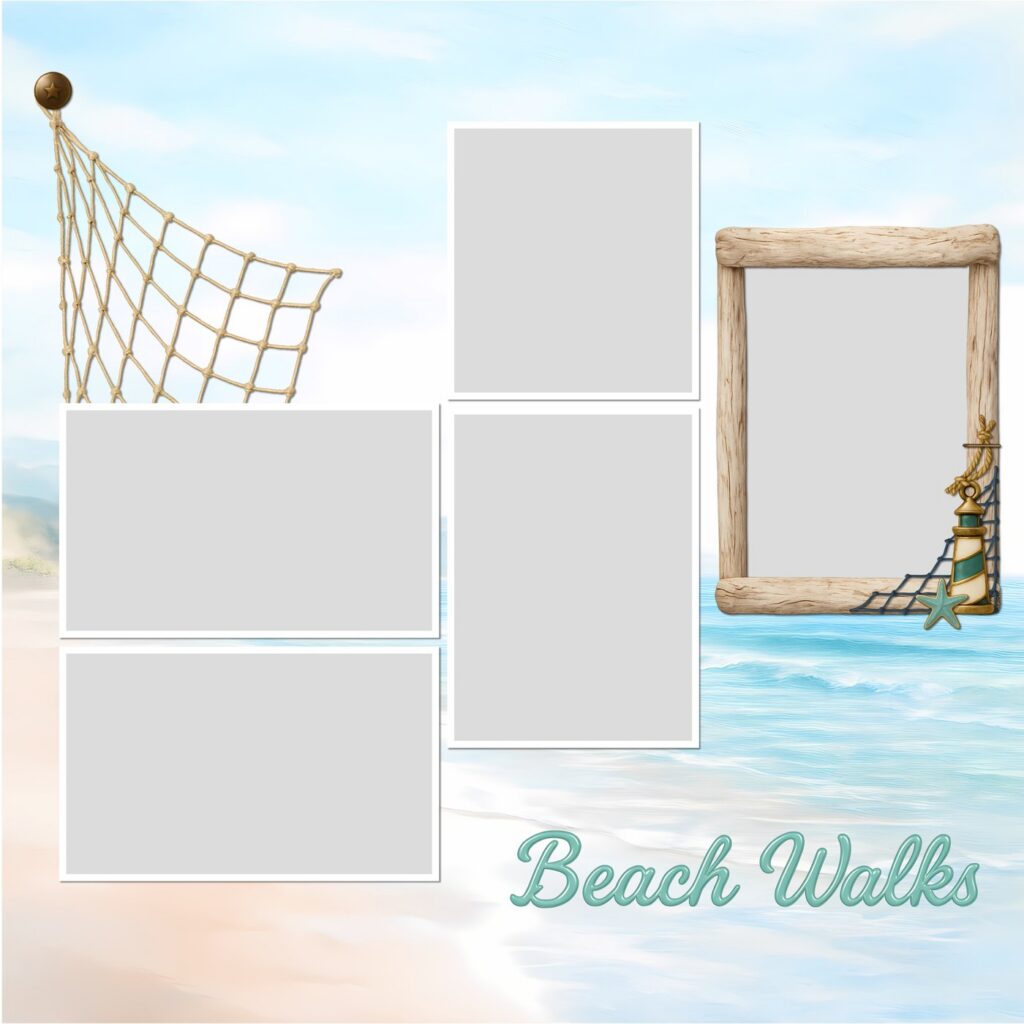
That’s where a themed kit does the heavy lifting. You download a set of coordinated papers and elements as PNG and JPG files, then drag them into whichever app you chose. The files don’t care which digital scrapbooking software you’re in. Whichever you land on, a themed set like the Soft Coastal digital scrapbook bundle drops straight onto the canvas and gives you a full page to build from.
Pick the digital scrapbooking software that matches your device and your patience, gather a few kits you love, and make a page. The software is only ever half the answer.