
A photo frame PNG is a transparent border you drop on top of your photo, so the frame sits on its own layer and the picture shows through the open middle. Put the photo on a layer underneath, the frame on a layer above, and you get a framed photo in seconds with nothing to cut out by hand.
The trick is keeping the layers in the right order and resizing the photo frame PNG without squashing it. Both are quick once you know what to look for.
Table of Contents
What does a photo frame PNG actually do?
A frame PNG is one image with the middle cut out. Because it is saved as a PNG, that cut-out stays see-through, so whatever sits on the layer below shows through the opening. Slide your photo underneath and the frame looks like it wraps around the picture.
The transparency is the whole point of the PNG format. A JPG can’t do this. JPG has no see-through areas, so the centre would be a solid block sitting on top of your photo. If a frame ever covers your picture with a white square, you’ve been handed a JPG by mistake, not a PNG.
Three things make a frame easy to work with:
- A clean transparent centre, so the photo slots straight in.
- A high-resolution file at 300 DPI, so the edges stay sharp when you scale it.
- The frame trimmed close to its own edges, so it doesn’t drag a wide invisible margin across the canvas.
You’ll see photo frame PNGs sold on their own and tucked inside full kits. A kit version usually matches the papers and clipart around it, which saves you guessing whether a border belongs on the page.

How do you place a photo behind a photo frame PNG?
Layer order decides everything. The photo goes underneath, the frame goes over the top. Most apps stack each new layer above the last, so bring in the photo first and the frame second.
- Open your page and add the photo on its own layer.
- Add the photo frame PNG on a new layer above the photo.
- Move and scale the photo until the part you want sits inside the opening.
- Nudge the frame so the beads or brush strokes line up the way you like.
- Group the two layers so they travel together after that.
Procreate, Photoshop and Canva all handle this
In Procreate, drag the PNG in from Files and it lands as a fresh layer. In Photoshop, use File then Place Embedded. In Canva, upload the PNG, drop it on the page, then send the photo to the back. The principle never shifts: frame on top, photo behind. Once it looks right, lock or group the pair so a stray tap doesn’t knock the photo out of the opening.
Should you clip the photo or just stack it on top?
Stacking the photo behind the frame is the quick way, and for a frame with a solid border it is all you need. The trouble starts when bits of the photo poke out past the frame’s edge, which happens a lot with thin or open borders.
That is where a clipping mask helps. Clip the photo to the frame’s opening and anything outside the window disappears, so the edges stay tidy with no manual rubbing-out.
When to stack
Use plain stacking when the frame has a wide, solid border that hides the photo’s edges anyway. It is faster and there is less to manage.
When to clip
Clip when the border is thin, when the opening is an odd shape, or when the page behind is busy and you can’t have stray photo edges showing. I walk through clipping step by step in the Digital Scrapbook Papers in Procreate layering guide. Both routes work; clipping is the tidier one on a crowded spread.
How do you resize a photo frame PNG without distorting it?
Distortion creeps in when width and height scale by different amounts. A round frame turns into an egg, beads stretch into ovals, and the page looks wrong without you spotting why.
The cure is to lock the proportions while you resize. Drag a corner handle, never a side handle, and most apps hold the ratio for you.
- Procreate: choose Uniform in the Transform menu, then drag a corner.
- Photoshop: free transform keeps the ratio by default now, so drag from a corner.
- Canva: always pull a corner handle, not the middle of an edge.
One more habit worth keeping: scale a photo frame PNG down rather than up. A 300 DPI frame shrinks cleanly. Push it to twice its size and the edges go soft. If you know a frame will sit large on the page, drop in the biggest version the kit gives you and work down from there.
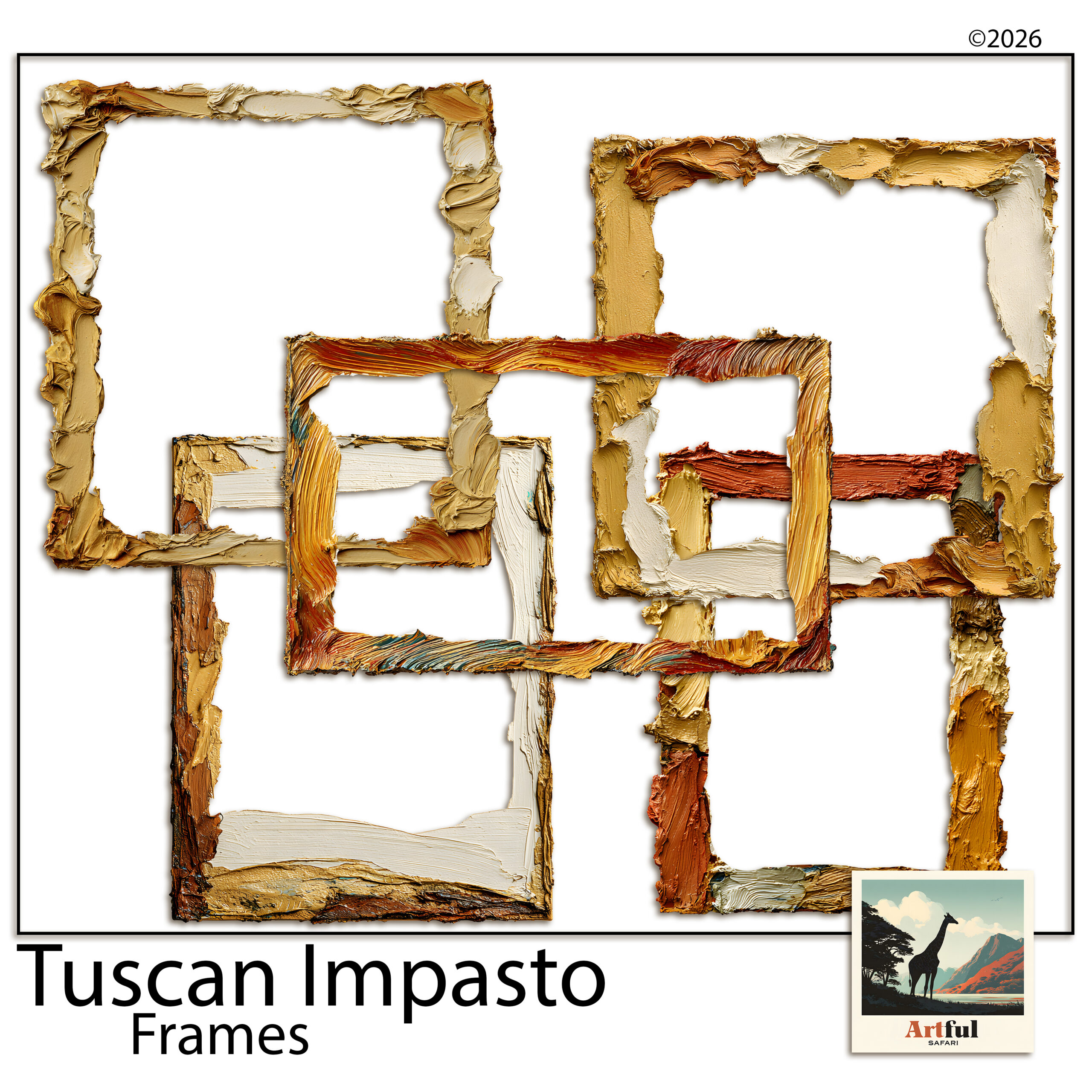
Layering photo frame PNGs over patterned papers
A photo frame PNG earns its place when it gives a busy photo room to breathe. Drop one onto a patterned paper and it carves out a quiet window, so the pattern stops competing with the face you’re trying to show.
A few things that help:
- Add a soft shadow under the frame so it lifts off the paper. A small offset at low opacity reads as real; anything heavier looks pasted on.
- Match the frame to the paper’s mood, not its exact colour. A warm oil-paint frame over a soft Tuscan paper beats a precise colour match that falls flat.
- Leave a margin around the frame. Jammed into a corner it feels cramped. Give it space and the page settles.
Getting the shadow right
In Procreate you can add a shadow by duplicating the frame, filling it dark, blurring it and dropping the opacity. In Photoshop, a Drop Shadow layer style does it in one box. In Canva, the Shadows effect under a photo or element gives you a quick version. Keep the angle the same on every framed photo across a spread, or the page looks like the light is coming from four directions at once.
Can you mix different frame styles on one page?
You can, as long as you pick a thread that ties them together. A beaded frame and an oil-paint frame on the same spread will clash unless they share a palette or a theme. On a safari page, beaded and woven frames belong together because they come from the same world. On a Tuscan page, two brushy painted frames sit happily side by side.
My rule of thumb: vary the shape, keep the family. Two frames that differ in size and angle but share a style read as a set. Two frames from different kits, different eras and different colours read as an accident.
Which frame style suits which page?
| Frame style | Works best for | Watch out for |
|---|---|---|
| Beaded or woven | Safari, travel and boho pages | Crowds very small photos |
| Oil-paint or brushy | Tuscan, Mediterranean, art journals | Strong edges fight busy paper |
| Thin botanical | Spring, wedding and soft palettes | Gets lost on dark backgrounds |
| Ornate gold | Regency, vintage and heritage pages | Reads heavy when oversized |
Common photo frame PNG mistakes
Most photo frame PNG problems come down to a handful of repeat offenders:
- Frame under the photo. The picture covers the border. Move the frame layer up.
- Stretched to fit a portrait photo. Rotate the frame instead, or pick a portrait-shaped one.
- No shadow at all. The frame looks printed onto the paper rather than placed on it.
- Five styles on one spread. Cut it back to one or two and the page settles.
- Blown-up low-res frame. Soft, fuzzy edges. Start from the largest file and scale down.
Key takeaways
- A photo frame PNG keeps its centre transparent, so the photo shows through from the layer below.
- Frame on top, photo behind, then group the two so they move as one.
- Clip the photo to the opening when the border is thin or the page is busy.
- Resize from a corner to hold the proportions, and scale down rather than up.
Frequently asked questions
What is a photo frame PNG?
It is a frame saved as a PNG image with a transparent centre. Because the middle is see-through, you can place a photo on the layer below and the frame appears to wrap around it.
Why does my frame cover the photo with a white box?
You are almost certainly using a JPG, not a PNG. JPG files can’t hold transparency, so the centre stays a solid block. Swap it for the PNG version of the frame.
How do I stop a round frame turning into an oval?
Resize from a corner handle so the width and height scale together. Side handles change only one dimension, which is what distorts the shape.
Should I clip the photo or stack it behind the frame?
Stack it for frames with a wide solid border. Clip the photo to the opening when the border is thin or the page behind is busy, so no stray photo edges show.
Can I use frame PNGs in Canva?
Yes. Upload the PNG, drop it on your page, then send your photo to the back so the frame sits on top. Drag corner handles when resizing to keep the proportions.