
Digital vs paper scrapbooking comes down to one trade: paper gives you a physical book you can hold, smell and pass around the table, while digital gives you supplies you never run out of, an undo button, and pages that can’t be lost to a spilled cup of tea.
I make pages both ways, so here is the side-by-side I wish I’d had when I started, with the real costs, the storage reality, and what each one is genuinely better at.
Table of Contents
What’s the real difference between digital and paper scrapbooking?
Paper scrapbooking is the classic version: cardstock, patterned paper, stickers, glue and a trimmer, all assembled by hand into an album. Digital scrapbooking does the same thing on a screen, in Procreate, Photoshop, Canva or GoodNotes, using digital papers, clipart and frames as the supplies.
The page you build is the same idea. The materials and the workspace are what change. With paper you cut once and it’s gone. With digital, the same patterned paper sits in a folder and you can drop it onto a hundred pages without buying it twice.
There’s a third thing people forget: the muscle you build is different. Paper teaches you to trim straight, line up edges and judge how much glue is too much. Digital teaches you layers, opacity and a few keyboard shortcuts. Neither is harder, they just ask different things of you. If you already edit photos on a phone, digital will feel closer to home. If you love a craft table, paper will.
Which costs more over a year?
Paper scrapbooking costs more once you keep going, because every sheet, sticker and embellishment is consumed the moment you use it. Digital has a higher feeling of value per purchase: one bundle covers dozens of pages and never runs down.
Here is a rough side-by-side for someone making a page or two a week.
| Factor | Paper scrapbooking | Digital scrapbooking |
|---|---|---|
| Up-front kit | Trimmer, glue, albums, paper stash | An app and one or two bundles |
| Cost per page | Adds up, supplies get used up | Near zero once you own the kit |
| Restocking | Buy more paper as you go | Reuse the same files forever |
| Mistakes | A ruined sheet is money gone | Undo and try again, no cost |
None of this makes paper a bad buy. You’re paying for a tactile object. It’s a different kind of value, and worth naming before you pick a side.
One more cost most people miss with paper: the impulse stash. It’s easy to buy a sticker pack or a paper pad you love and never use, and that money is gone. Digital has its own version of this, the bundle you buy and forget, but at least it doesn’t take up a drawer and it’s still there waiting the day you need it.
How does storage and mess compare?
Paper scrapbooking takes physical room and stays a little messy by nature. Digital takes folder space and a backup habit. Pick the problem you’d rather manage.
Paper scrapbooking storage
- Paper trimmer, off-cuts, and a growing stash of patterned sheets
- Finished albums that need shelf space
- Sorting by theme means physical drawers and folders
Digital storage
- Folders on your iPad, laptop or cloud drive, sorted by theme
- No off-cuts, no clean-up, no glue on the table
- One rule that matters: back it up, or a dead drive takes the lot
If you want a folder system that doesn’t fall apart after fifty kits, the Digital Scrapbooking for Beginners guide walks through a simple one.
Worth saying plainly: the mess cuts both ways. Paper’s mess is visible, glue and off-cuts you tidy at the end. Digital’s mess is invisible until it bites, a thousand unsorted files and no idea which paper lives where. Whichever you pick, the tidy habit is the same job in different clothes.
What happens when you make a mistake or want to reprint?
This is where the two part ways the most. On paper, a crooked photo or a smudge of glue means starting that section again. On digital, you nudge the layer, undo the step, or swap the photo, and the page is fixed in seconds.
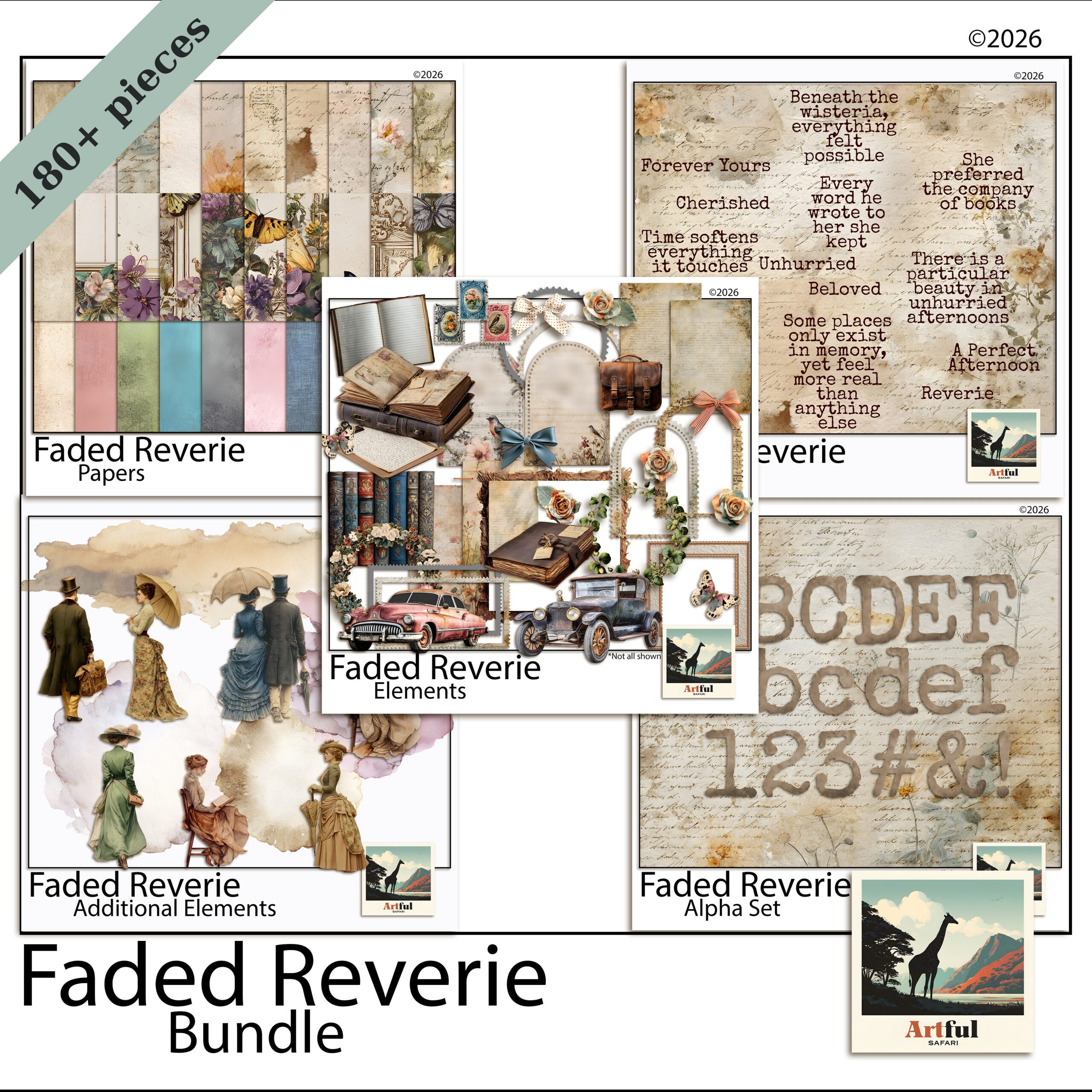
Reprinting is the same story. Want a second copy of a paper album for your mum? You rebuild it by hand. Want a second copy of a digital page? You export the file again. A bundle like the Faded Reverie Digital Scrapbook Bundle sits ready for the next project, the next gift, the next year.
The catch for digital: you stare at a screen instead of touching paper, and some people miss the feel of cutting and gluing. That’s a real loss for some makers, not a small one.
What is each one genuinely better at?
Forget the tie-breakers for a second. There are jobs each version simply does better, and knowing them saves you fighting your tools.
Paper scrapbooking is better at
- A finished object you can wrap, gift or sit on a coffee table
- Texture you can feel, like embossing, ribbon and layered card
- Switching off, with no screen and no notifications
Digital is better at
- Reusing one kit across years of pages
- Fixing a mistake or moving a photo in seconds
- Making multiple copies for the whole family
- Working in small pockets of time on an iPad, no setup or pack-down
The setup gap is bigger than it sounds. Paper needs a clear table, supplies out and time to tidy up after. Digital you open the app, work for ten minutes on the sofa, and close it. For busy weeks, that alone decides it for a lot of people.
Digital vs paper scrapbooking: which should you pick?
Pick paper scrapbooking if the physical book is the whole point, you like working with your hands, and you don’t mind buying supplies as you go. Pick digital if you want to reuse kits, fix mistakes instantly, skip the mess, and keep everything backed up.
Plenty of us do both. I draft a layout digitally because it’s fast to move things around, and I still keep a paper album for the trips that deserve a book on the shelf. You don’t have to marry one.
Which is friendlier for a beginner?
Digital, for most people, mainly because of the undo button. The first few paper pages can feel high-stakes when a wonky cut costs you a sheet you liked. On screen you experiment freely, drag a photo around, try three papers, and keep only what works. The learning curve is real either way, but digital lets you fail cheaply while you find your style. Once you’re confident, the choice goes back to taste rather than fear of wasting supplies.
Quick way to decide
- Love the craft table and the feel of paper? Start with paper.
- Short on space, want unlimited supplies, work on an iPad? Start digital.
- Making gifts or multiple copies? Digital wins on reprints.
Key takeaways
- Paper gives you a physical book; digital gives you reusable supplies and instant undo.
- Over a year, paper scrapbooking costs more per page because supplies get used up.
- Storage is shelf space versus folders plus a backup habit.
- Digital wins on fixing mistakes and making second copies; paper wins on the tactile feel.
Frequently asked questions
Is digital scrapbooking cheaper than paper?
Over time, yes. Paper scrapbooking supplies get used up each page, while a digital bundle is reused on as many pages as you like for no extra cost. Paper’s value is the physical book you end up with.
Can I do both digital and paper scrapbooking?
Plenty of makers do. A common approach is to plan or draft layouts digitally because it’s quick to move things around, then keep paper albums for the trips that deserve a book on the shelf.
Do I need an expensive app for digital scrapbooking?
No. People build pages in Procreate, Photoshop, Canva and GoodNotes. Canva has a free tier, so you can start with digital papers and clipart without buying pricey software.
What’s the biggest risk with digital scrapbooking?
Losing files to a dead drive or lost iPad. Keep your kits and finished pages backed up to a cloud drive or external disk and that risk goes away.