
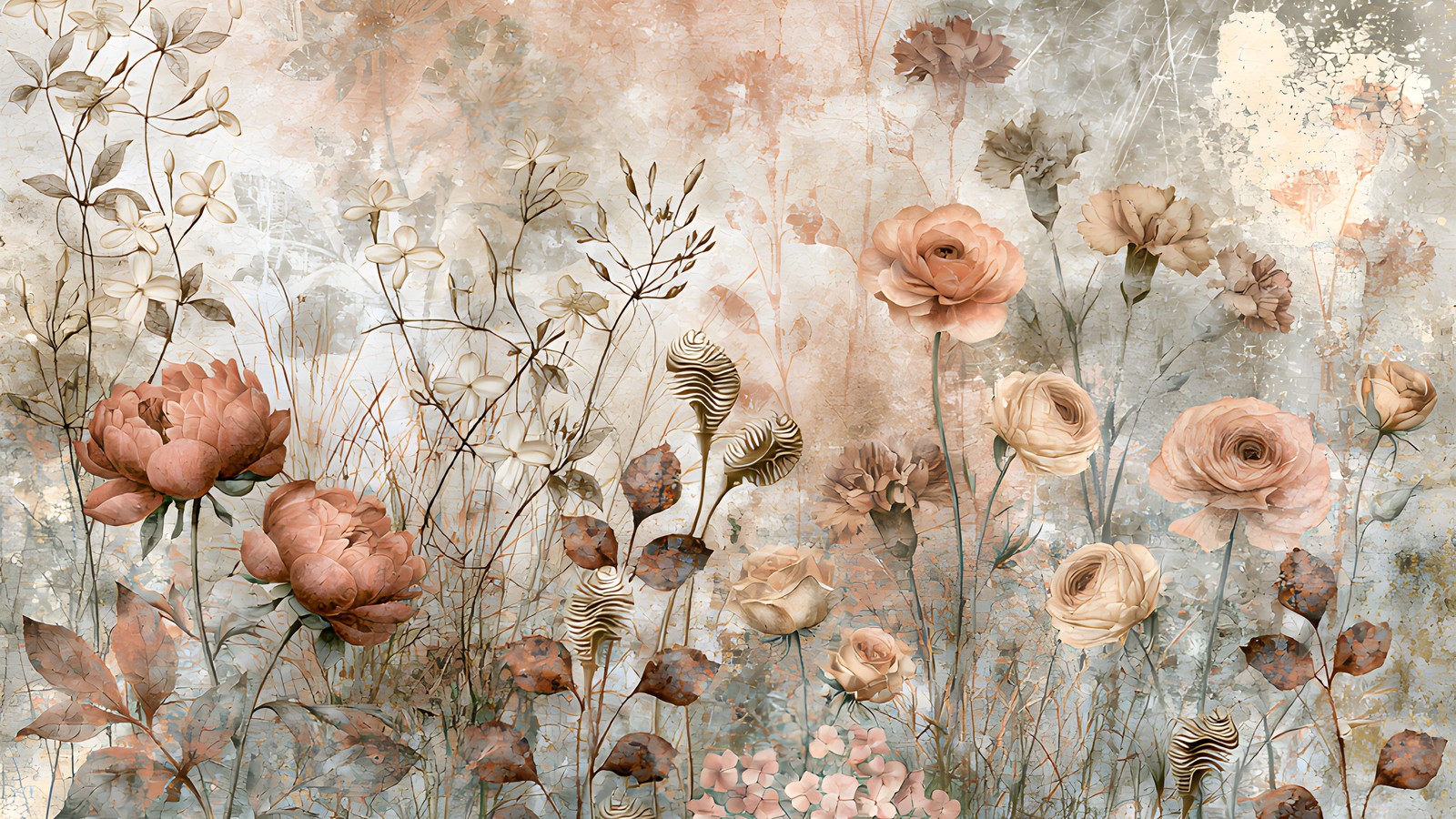
Dusty rose is one of those colours that looks effortless on a finished page and turns into a muddle the moment you try it yourself. The papers are lovely on their own. Layer three of them behind a photo and suddenly the photo has vanished into a wash of pink and grey, and you can’t work out which bit went wrong.
Usually nothing went wrong with the papers. What went wrong is that every paper in the stack was doing the same job. Below is the way I sort a dusty rose kit before I place a single element, and the four decisions that keep the photo winning.
Why dusty rose behaves differently to a brighter pink
Dusty rose is a desaturated red with a grey or brown base sitting underneath it. That grey is the whole story. It means the colour reads as a neutral more often than it reads as a pink, which is why dusty rose sits happily next to sage, warm stone, charcoal and cream without anyone having to think hard about it.
The catch is that a neutral does not fight for attention, and a photograph does. Put a strong photo on a bright pink background and the two compete, which at least tells you where the edges are. Put the same photo on a dusty rose background and the edges go soft. Your eye slides off the photo and into the paper. Solving that is a matter of contrast, not colour.
Sort the papers into three jobs first
Before anything else, open the whole kit and split it into three piles. Almost every floral paper collection divides this way, and once you see it you can’t unsee it.
- Statement papers. Big blooms painted large across the page, edge to edge. Gorgeous, and almost never the right choice behind a photo.
- Spray papers. Florals gathered into a corner or along one edge, with open space left in the middle. These are the workhorses.
- Blenders. Plain washes with no florals at all. The pile people skim past, and the pile that makes the other two usable.
A page that isn’t working is usually two statement papers stacked on each other. A page that works is normally a blender doing the heavy lifting with one spray paper layered on top at a smaller size.
The rough proportions
As a starting point, give roughly 60% of the visible page to a blender, 30% to a spray, and 10% to a statement paper used as a small torn strip or a matted panel. You will break this constantly. It’s useful mainly as a reference point for when a layout feels crowded and you can’t say why.
Give the photo somewhere quiet to sit
The single most reliable fix for a busy dusty rose layout is to put a plain shape between the photo and the paper. A cream rectangle a few millimetres larger than the photo on every side, sitting at around 85% opacity, will rescue a spread that felt hopeless a minute earlier.
This works because it manufactures the contrast the dusty rose palette won’t give you on its own. The photo stops floating on the florals and starts sitting on something. If a hard-edged rectangle feels too severe for the style, soften it: a torn paper edge, a rough brush mask, or a vignette of the blender paper at low opacity all do the same job with a lighter touch.
Journaling gets the same treatment. Text over florals is difficult to read at any size, and a dusty rose floral is busiest exactly in the mid-tones where most body text lives. Give the words their own quiet patch.
Pull one colour out of the photo, not five
When you’re choosing accents to go with dusty rose papers, the temptation is to match everything in the photo. Resist it. Sample a single colour from the photograph, ideally something in a jumper, a wall or a bit of foliage, and use that one colour for your titles, tags and small elements across the whole spread.
One repeated accent makes a page look deliberate. Five matched accents make it look like a colour chart. If you want a second, take it from the darkest point in the papers rather than from the photo, and use it only for text.
Dusty rose is generous about what it will sit beside. Sage green, warm grey, muted terracotta, antique gold and plain cream all work. The combinations that go wrong are the ones that reintroduce saturation: a true red, a hot coral or a clean white will all make the dusty rose around them look dirty rather than soft. If you want to read more about why desaturated colours behave this way, the basics of colourfulness and saturation are worth ten minutes.
Layer in a stack, not a pile
Build from the back forwards and give each layer a reason to exist. A stack that holds up tends to look like this: blender paper at the back, a spray paper on top of it rotated slightly and scaled down so its florals gather in one corner, a photo mat, the photo, then two or three small elements breaking the mat’s edge so the layers knit together.
Anything that doesn’t change the page when you toggle it off can come out. That one test will strip a surprising amount out of a layout, and the spread almost always improves.
Putting it together
To make this concrete, here’s how it looks with a kit built entirely around this palette. Antique Coral Peony is 30 papers of antique coral peonies, blush cabbage roses and sage-grey foliage, and it happens to divide neatly into the three piles above: ten statement bouquets, eight corner sprays, four meadow papers, four small ditsy florals and four plain plaster blenders.
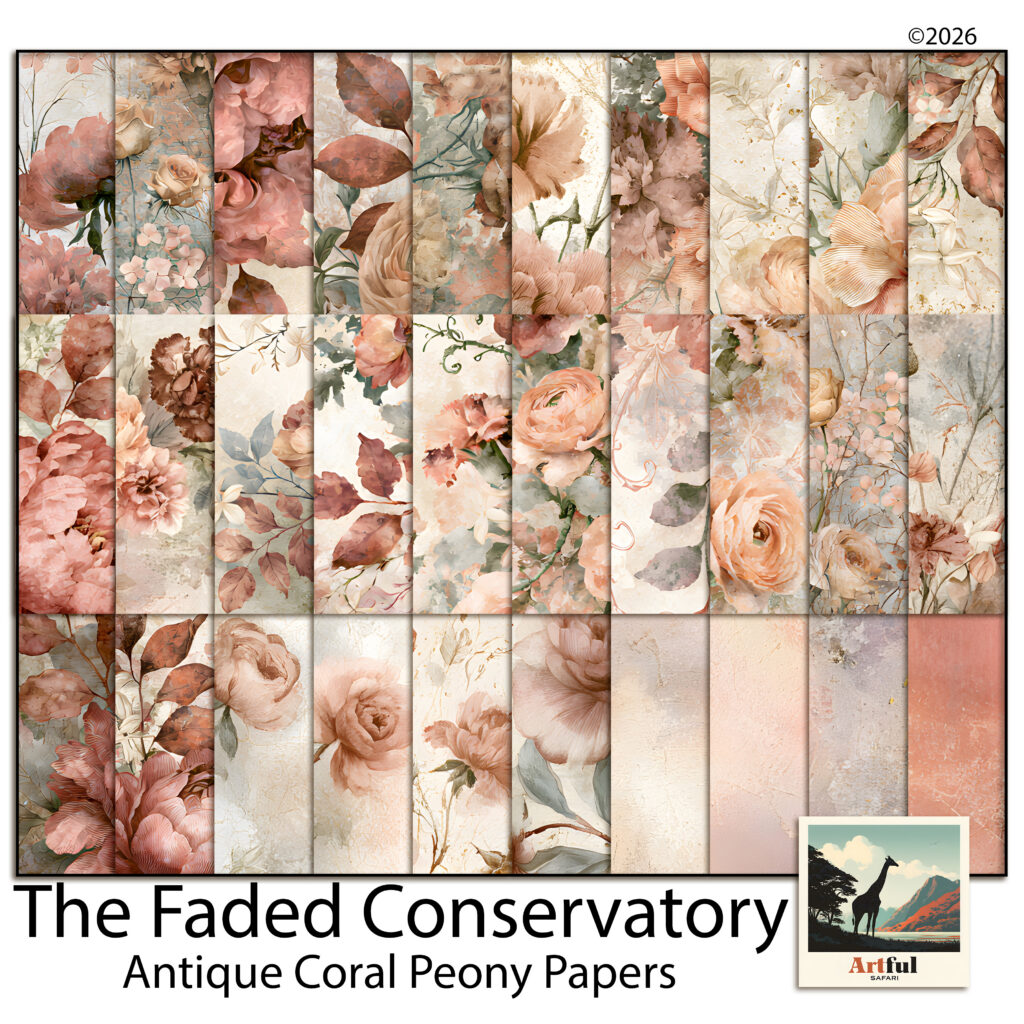
A single-photo page from that kit might run: a coral plaster blender as the base, a corner spray scaled to about 70% and rotated a few degrees so the peonies gather top-left, a cream mat at 85% opacity under the photo, and the title in the sage green pulled out of the foliage. The ditsy florals get cut into strips for tags. The big statement bouquets stay out of that page entirely and go on the facing side, where there’s no photo to protect.
That last move is the one worth stealing regardless of which papers you own. Statement florals aren’t wasted when you keep them off the photo page. They just belong on the side of the spread that can afford to be loud.
A short checklist
- Sort into statement, spray and blender before you design anything.
- Put a plain shape between the photo and any dusty rose floral.
- Take one accent colour from the photo and repeat it.
- Keep clean white and true red away from the palette.
- Toggle each layer off; if nothing changes, delete it.
None of this is fussy work once the sorting is done. The dusty rose palette is forgiving in almost every direction except contrast, so protect the contrast and the rest of the page tends to look after itself.