
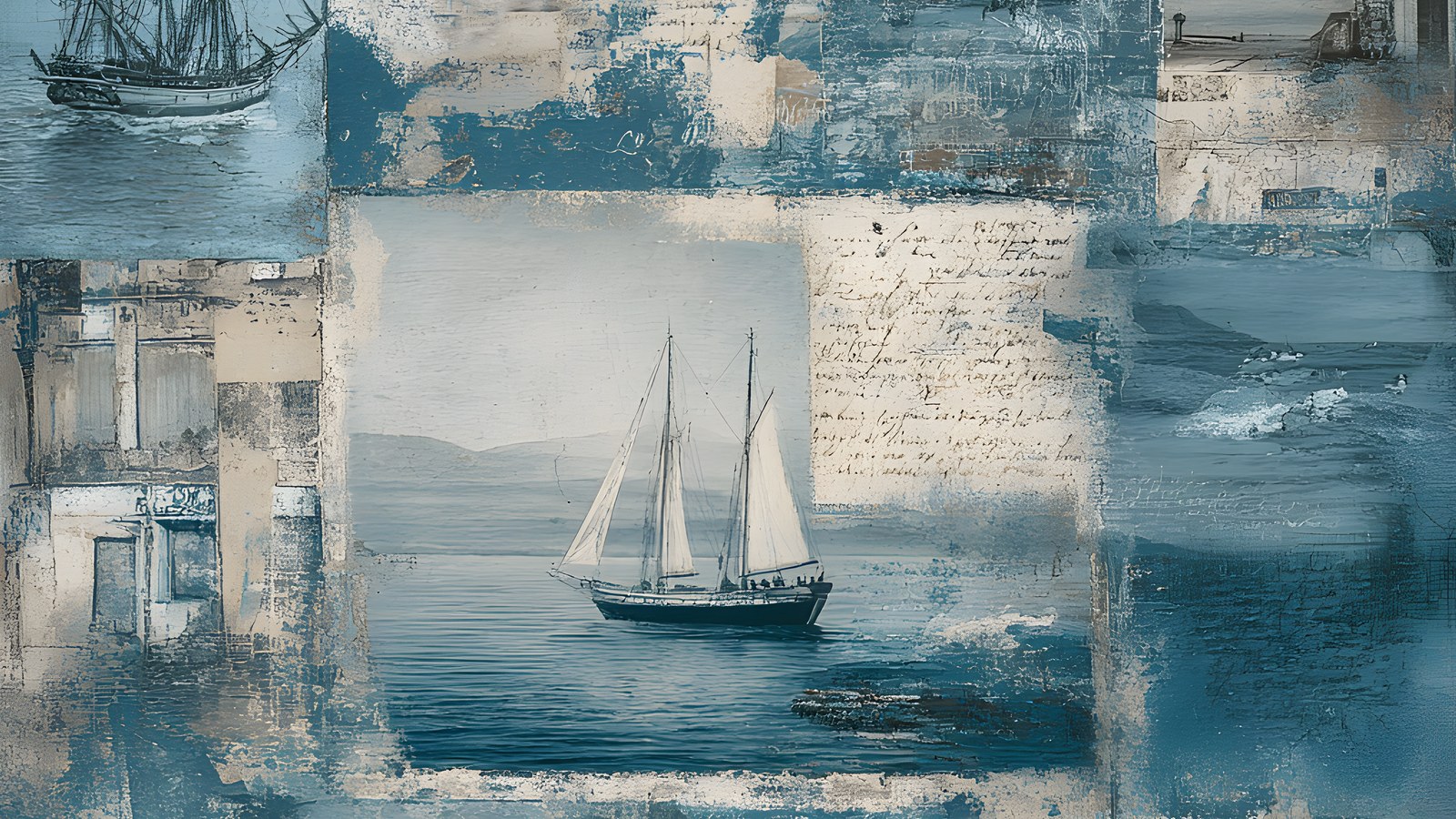
You’ve probably heard the term digital scrapbooking and wondered what it actually means. Is it just making a photo book? Is it hard? Do you need to be good at design software? Short answers: no, no, and no.
This is a start-here guide for anyone who’s curious. By the end you’ll know what digital scrapbooking is, how it’s different from the paper kind and from an automatic photo book, what you need to begin, and how a single page comes together layer by layer.
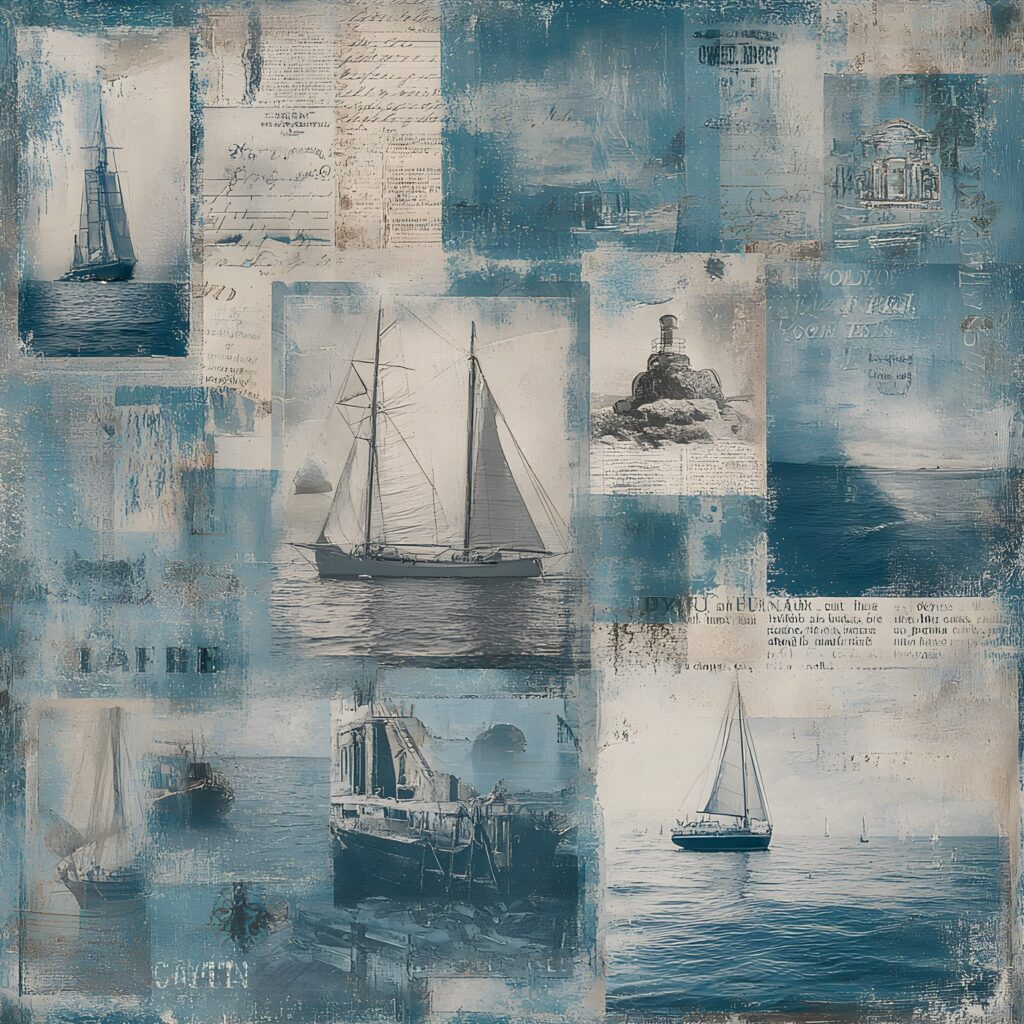
To try it, start with a few digital scrapbook papers as page backgrounds.
Table of Contents
What digital scrapbooking actually is
Digital scrapbooking is building memory pages on a screen instead of with paper and glue. You take your photos, arrange them on a background, add decorative bits around them, write a few lines about the day, and save the finished page as an image. The whole thing lives on your device. Nothing gets cut, stuck, or spilled.
A page usually comes out square, something like a 30x30cm layout, though you can work at any size you like. You make it in an app you probably already have or can download in a minute, using the same photos sitting in your camera roll right now.
How it’s different from paper scrapbooking
Paper scrapbooking means physical supplies: card, patterned sheets, stickers, a trimmer, adhesive, a drawer full of bits. Digital scrapbooking swaps all of that for files. A patterned sheet becomes a background image. A sticker becomes a small graphic you drag onto the page. If you don’t like where something sits, you move it. If you change your mind about a colour, you undo it. There’s no waste and no mess, and you can remake the same page five different ways without using up a single thing.
How it’s different from an automatic photo book
Those photo-book apps that drop your pictures into a template and spit out a finished book are quick, but you’re stuck with whatever layout the software picked. Digital scrapbooking is the opposite. You decide everything: which photo goes where, how big it sits, what surrounds it, what the page says. It takes a bit longer, and that’s the point. The page ends up looking like your memory rather than a factory template.
What you need to start
Digital scrapbooking needs less kit than you’d think. Four things, and you likely have most already.
- A device. A tablet, phone, or computer all work. An iPad with a stylus is a favourite for a lot of people, but it’s not required.
- An app. Procreate, Photoshop, and even GoodNotes all handle layouts. Canva is free and runs in a browser, so it’s an easy first stop.
- Your photos. Whatever’s already on your device is fine.
- A digital kit. This is a set of matching backgrounds (called papers) and small graphics (called elements) that you drop onto the page. Kits are what make a page look designed rather than plain.
That last one is where a lot of beginners get stuck, so it’s worth understanding. A digital kit is a folder of image files: a handful of patterned or textured background papers, plus separate elements like frames, leaves, tape, labels, and little illustrations, each saved so it sits neatly on top of your page. Because everything in one kit is designed to go together, the colours already match and you don’t have to think about whether a green leaf clashes with a blue paper. You just pick and place.
What a page is made of
Every digital scrapbook page is built from layers, stacked one on top of the next like sheets of glass. Understanding the stack is the thing that makes it all click.
- The background paper. This is the bottom layer, the surface everything else sits on. Usually a patterned or textured sheet from your kit.
- Your photos. These go on top of the paper. One big photo, or a few smaller ones grouped together.
- Elements. Frames around the photos, a sprig of foliage in a corner, a strip of tape holding a picture down, a label. These sit above the paper and around the photos, filling the empty space and tying it together.
- Journaling. A few lines of text: the date, where you were, what happened, how it felt. This is the layer that turns a nice arrangement into an actual memory.
Because each part is its own layer, you can move any one of them without disturbing the rest. Nudge a photo, swap a background, delete an element you’ve gone off. Nothing is permanent until you decide it is.
Building your first digital scrapbooking page
Here’s how the layers come together in practice. Open your app and make a new square canvas, roughly 30x30cm. Then work bottom to top.
- Drop in a background paper from your kit. That’s your surface set.
- Add a photo on top. Resize it, move it around, decide whether it sits centre or off to one side. Leave some breathing room; you’ll want space for the rest.
- Bring in a few elements. Put a frame around the photo, tuck some foliage behind a corner, add a strip of tape across the top. Two or three touches is plenty for a first go. Resist the urge to fill every gap.
- Write your journaling. A date and a sentence is enough. “First swim of the summer, freezing, worth it.”
- Save the page as an image. Done. It lives in your photos now, ready to share or keep.
Your first page won’t be perfect and that’s completely normal. The good news is that redoing it costs you nothing. Move things, try a different paper, swap the photo. Because it’s all digital, experimenting is the whole fun of it.
Where to get the pieces
The device and app are the easy part. The kit is what saves a beginner from staring at a blank canvas, because the papers and elements are already made to sit together. A themed set like the Weathered Tide digital scrapbook bundle gives you coordinated coastal papers and elements in one download, so your first digital scrapbooking page has matching parts before you’ve placed a single thing.
That’s really all digital scrapbooking is. A device, an app, your photos, and a kit to pull from. Start with one page about one small day and see how it feels. Most people who try it once end up making a second before they’ve even finished the first.