
Photos from an aquarium visit bring the same problem to every scrapbook page layout: they are all blue. The tanks are blue, and so is the grey smear where a ray swam past faster than the camera. Snorkelling photos are worse, because the camera was in the water too.
There is a reason for that. Water absorbs the red end of the light spectrum and leaves the blue behind, according to NOAA’s explanation of why the ocean looks blue. So the photos arrive already tinted.
If you then reach for blue papers because the theme is the sea, the whole page ends up one colour at one brightness, and it goes flat.
Working through the page in this order stops that happening. It works for ocean scrapbook page layouts whether the photos came from an aquarium or from snorkelling off the beach.
For more themed sets like this one, see our scrapbook bundles.
Table of Contents
1. Sort the photos before you choose a paper
Pick one photo to be the hero. Choose one with a clear shape in it, like a face against the glass or a turtle close to the lens.
Then choose two or three supporting photos and put the rest aside for another page. A scrapbook page layout with eight near-identical blue photos reads like a contact sheet. With one large photo and a few small ones, the eye knows where to land first.
2. Layer blue on blue by changing the value
Value is how light or dark something is once you ignore the colour. Two blues at the same value merge into one shape, however different they look in a paper preview.
So use papers at three levels of brightness: a pale one as the full-page base, a mid blue cropped to a smaller block, and a narrow dark strip. That is why navy is the most useful paper on an ocean page. A narrow band of navy behind the hero photo gives the eye an edge to find.
Then squint at the screen until everything blurs. If the photo still stands out as a distinct block, the values are working.
If it melts into the paper, move the paper lighter or darker. There is more on this test in choosing a background paper that does not fight your photograph.
Add one warm colour
An all-blue scrapbook page layout needs something warm to push against, and sand or a soft coral does the job. A strip of sand-coloured paper along the bottom reads as the seabed without you having to draw one. A single peach shell near the photo makes the blues around it look bluer.
3. Put the hero photo inside a water-shaped mask
A clipping mask is a black shape that a photo gets clipped to, so the photo only shows where the black is. A rectangle works, but a mask with a cloudy, watery edge makes the photo look as if it is sitting in the water rather than stuck on top of it.
Match the edge to the photo. A snorkelling shot looking up towards the surface suits a mask with rippled light along its top edge. A tank photo suits one with bubbles rising up one side or seaweed along the bottom.
In the layers panel, the mask layer goes underneath and the photo layer goes directly above it. In Procreate you tap the photo layer and choose Clipping Mask from the Layer Options menu, and the Procreate Handbook page on masks covers the details. Photoshop, Affinity Photo and Artisan each have their own version, and there is a walk-through for them in how to use clipping masks in digital scrapbooking.
Once it works, the photo shows only inside the mask’s shape, and you can still move and resize it until the subject sits where you want.
4. Group the smaller photos in a frame cluster
Supporting photos look scattered when each has its own frame dotted around the page. A frame cluster groups them for you: several frames already arranged together, with coral and shells tucked around them.
The openings are transparent, so the photos go on a layer underneath the cluster and show through. Crop each photo close around the one thing it shows, such as a starfish or the sign with the name of the tank.
5. Where labels and journaling go on a scrapbook page layout
Words are easier to read when they sit next to the thing they describe. A label with the name of a fish belongs beside that fish’s photo. A label with the date and place can sit on the edge of the hero photo, overlapping it slightly so the two read as one unit.
Longer journaling needs a surface of its own, and a journal card is the easiest one to use. Write down what the photos cannot show, like who pressed their nose to the glass and which fish ended up with a name.
Make a pocket strip from journal cards
If you like pocket page scrapbooking, you can borrow the idea without giving it a whole page. Line up three square journal cards along the bottom of a 12 x 12 page. If your cards are about three inches square, three of them fill most of the width and leave a margin either side.
Put your journaling on one card and a small photo on another. The third can carry a single element or a word. A row like that gives the scrapbook page layout a firm base, and it gives the reader somewhere to go once they have looked at the photos.
6. Tuck in the elements and add a title
On any scrapbook page layout, elements work best when they touch something. Let a strand of seaweed come out from behind the hero photo (put its layer below the photo so part of it is hidden), and let a few bubbles rise from it towards the title. Elements floating with space all around them look pasted on.
Keep the drop shadows consistent, with the light coming from the same direction on everything. A page where some elements have shadows and some do not looks like a mistake.
For the title, fit the words to the trip. A snorkelling page might say Beneath the Surface, while an aquarium page can simply name the place you went. A cream title stands out best along the navy strip.
Putting it together: an aquarium scrapbook page layout
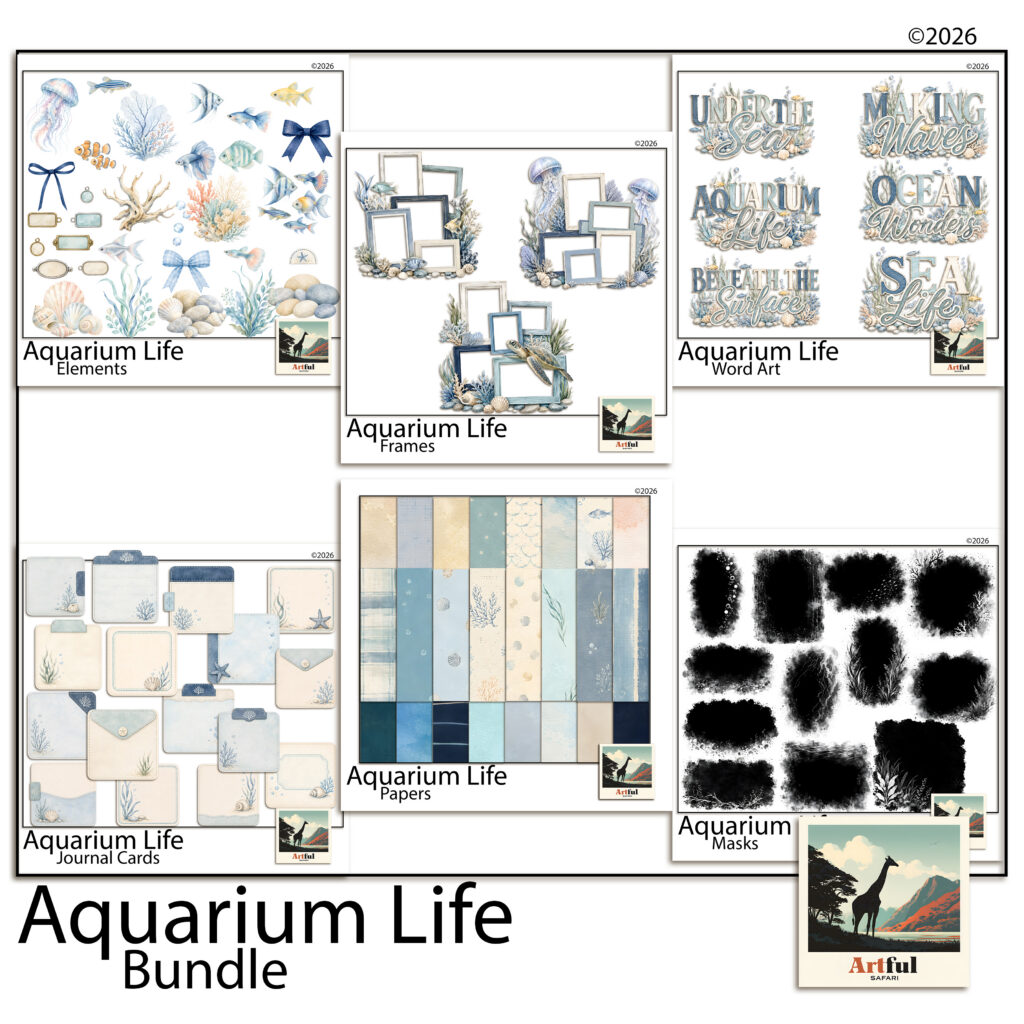
The Aquarium Life kits I designed have a piece for each of these steps, so here is one scrapbook page layout built with them.
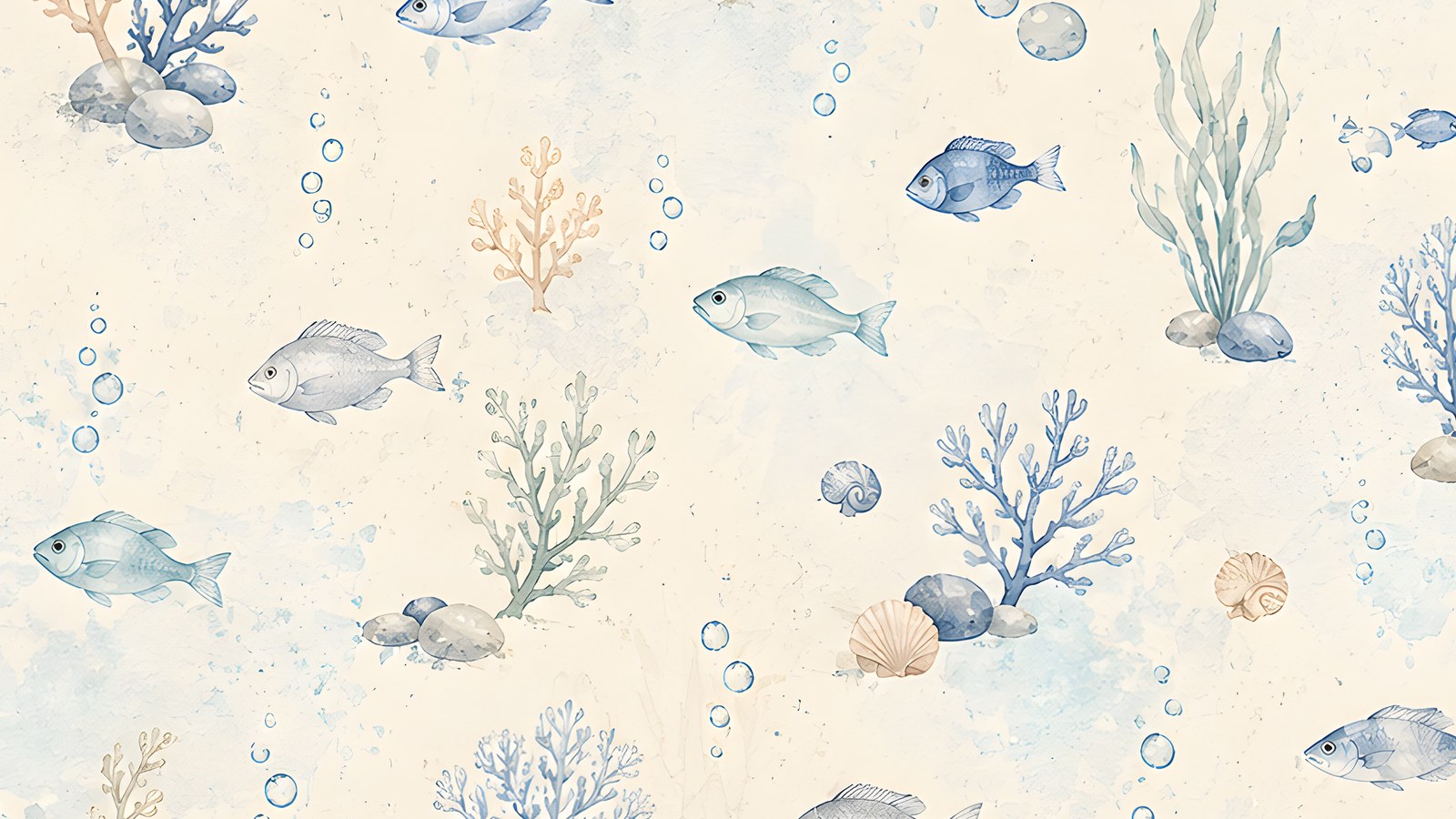
Start with the watercolour paper of fish among coral as the base. It is cream with pale blue washes, so it keeps the page light.
Lay a band of the plain navy paper across the middle. Crop the mid blue bubbles paper to a block a little bigger than the photo and set it on the navy, then clip the hero photo to the mask with light rippling along its top edge and place it on the blue block. A strip of the sand paper along the bottom becomes the seabed.
The smaller photos go into the frame cluster with the sea turtle, off to one side. Below it, three journal cards make the pocket strip: the ruled card holds the journaling, the card with a starfish in its corner takes a small photo, and the third carries one of the metal-framed labels with the date on it.
Seaweed and a branch of coral come out from behind the hero photo, bubbles rise towards the Beneath the Surface title, and a navy bow sits on the date label. The bundle has 92 pieces across the six kits, so one trip’s worth of photos can fill several pages without repeating a paper.
A last check on the scrapbook page layout
Zoom out until the scrapbook page layout is the size of a thumbnail. You should see the hero photo first, then the title, then the journaling. If one of them is lost in the blue, go back to step two and move a paper lighter or darker.
Most of the time that one change is all the page needed.