
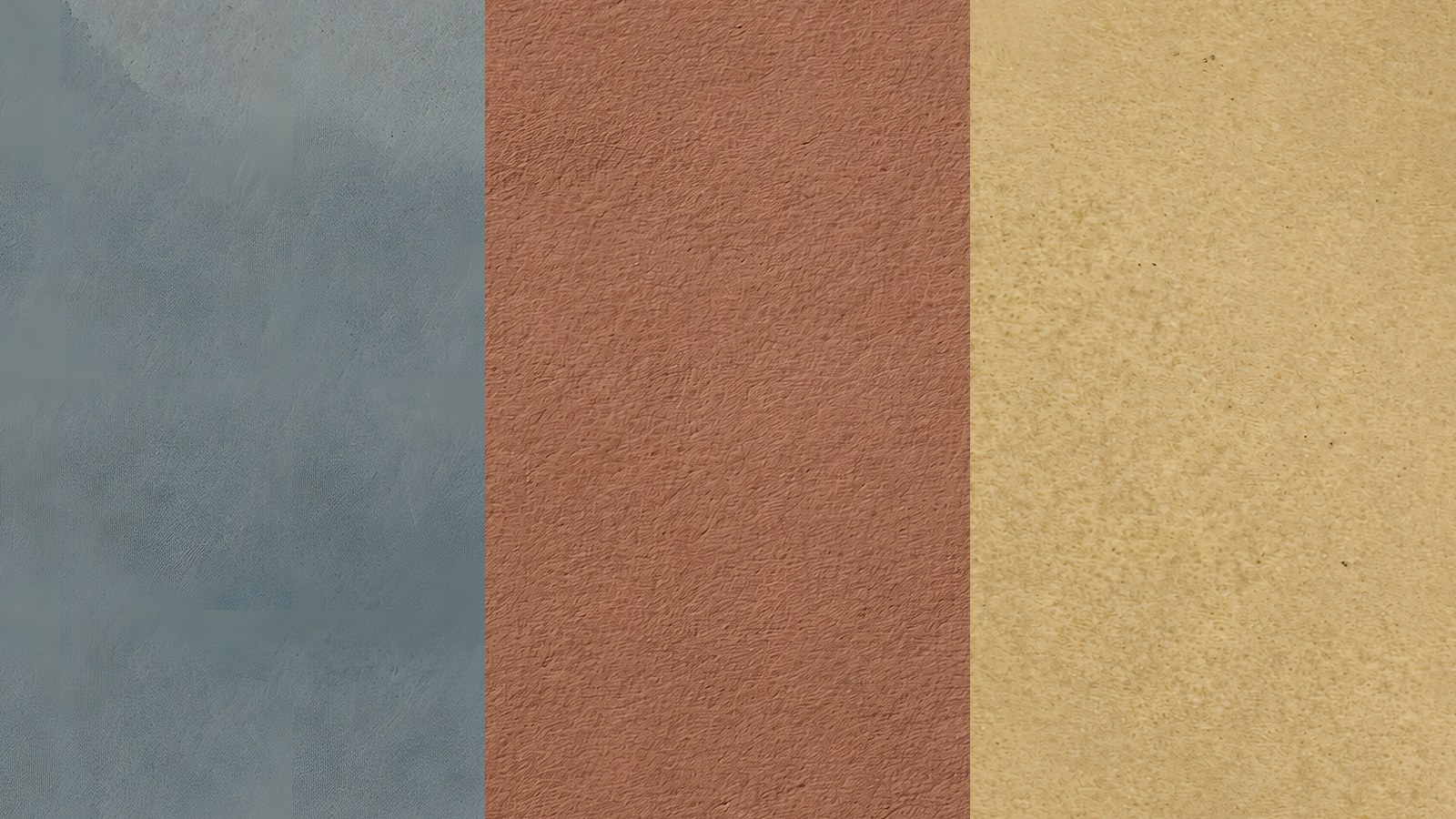
Textured background paper does one job well: it gives a page colour and grain without adding a pattern. A plain sheet with a soft watercolour texture sits under photos, mats and cut-outs and lets them do the talking.
This guide covers five ways to use textured background paper on scrapbook, junk journal and nature journal pages. It works the same in a digital layout or a printed spread.
Table of Contents
What textured background paper is, and why it helps
Textured background paper is a paper image with a visible surface, usually the tooth of cold-pressed watercolour stock, and sometimes a wash where the pigment pooled. It has no motifs, no borders and no print to compete with.
That plainness is the point. A busy patterned sheet fights a photo, while a quiet textured background paper holds it up. If you want the longer argument, our guide on choosing a background paper for your photo goes through it step by step.
For the material behind the look, the Wikipedia page on watercolour painting explains how pigment settles into paper grain. It is the same effect you see in a good textured background paper.
1. Use textured background paper as the quiet layer under a busy page
Start with the page you already have. If it has a patterned paper, a frame and three cut-outs, slip a plain sheet underneath the pattern and let a strip of it show at the edge.
The visible strip gives the eye somewhere to rest. A slate or sage textured background paper works best here because it reads as neutral next to almost any print.
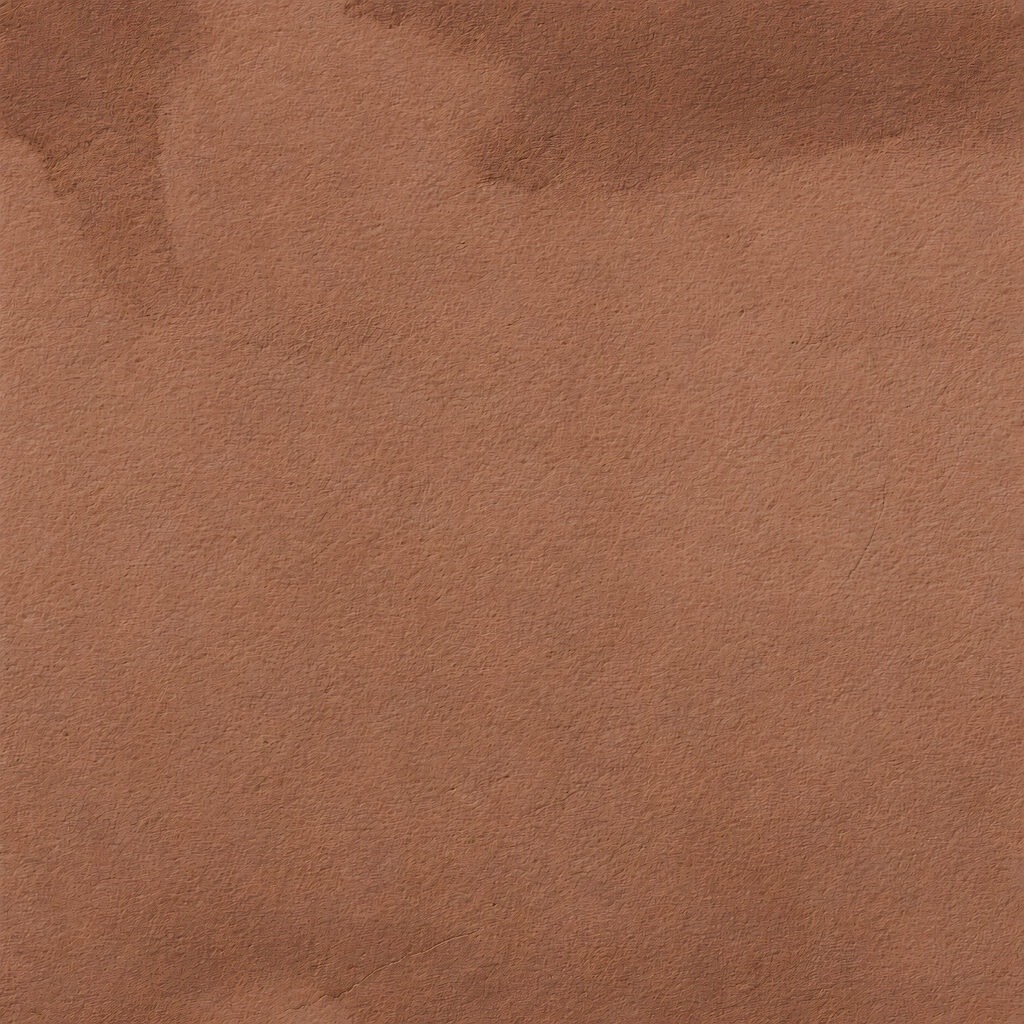
2. Put a photo cluster on a textured background paper
A cluster of three or four photos looks tidier on a single flat colour. Pick a tone that already appears in the photos, such as the green of a hedge or the tan of a path.
Matching the paper to the picture makes the group read as one object. Leave a margin of at least a thumb’s width on every side so the textured background paper frames the cluster.
Choosing the colour
Look for the second most common colour in your photo, not the first. If the photo is mostly green with a rust door, the rust paper brings the door forward.
3. Build a colour story across a spread
A two-page spread holds together when the two backgrounds are related but not identical. Try a warm tan on the left and an ochre on the right, or a sage and a dove grey.
Each textured background paper in a set of ten gives you a different temperature to pair. Our post on sage green colour pairings shows which neighbours work best with a green base.
For the theory underneath, the Wikipedia page on colour theory covers warm and cool pairings in plain terms.
4. Cut a textured background paper into mats and tags
The sheet does not have to be the base of the page. Crop a section of a textured background paper to make a mat under a photo, a journaling strip or a label.
Because the grain carries through the crop, the small piece looks like a torn scrap of real paper. A slate mat under a tan photo cluster is one of the quickest ways to add depth.
5. Give a nature journal page a plain ground
Pressed ferns, feathers and pinecones need a quiet surface or they turn to noise. A cream or ivory textured background paper behind them looks like a page from a field notebook.
We use this approach in our nature journal pages guide, where the plain sheet holds a small collection of finds. The same idea works for the mushroom spreads in our mushroom journal guide.
Which colour of textured background paper goes where
Not every colour does every job. A rough guide helps when you are staring at ten options and a half-built page.
- Cream, ivory and buttermilk suit pages with lots of small elements, because they stay out of the way.
- Slate, denim and dove grey suit cool photos such as sea, sky and winter walks.
- Rust and ochre suit autumn pages, brick, spice and anything with warm light.
- Sage suits gardens, hedgerows and any page with leaves in it.
If you are unsure, hold the photo next to each textured background paper and pick the one that makes the photo look slightly more like itself. The right colour usually shows up in the first few seconds.
Common mistakes with textured background paper
The first mistake is choosing a textured background paper that is too close to the main subject. A tan paper under a tan dog makes the dog vanish.
The second is stacking several textured sheets of similar value, so the layers blur into one flat block. Change the lightness a step or two between layers and the edges show up again.
The third is shrinking the paper until the grain disappears. If you scale a sheet down to fit a small mat, check that the texture still reads, and crop a section at full size instead.
How to keep a textured background paper from looking flat
Plain does not have to mean dull. Three small habits stop a textured background paper looking like a blank screen.
- Layer a shadow under every photo and mat so the page has depth.
- Let one element overlap the edge of the page, such as a leaf or a tag.
- Pick a paper with a wash or a soft band, so the colour is not completely even.
Check how the paper looks at full size before you commit. Grain that looks right on a thumbnail can vanish when the page is exported, so zoom to 100% and look at a corner.
Digital or printed, both work
A square 12 x 12 in textured background paper suits a digital scrapbook page, a journal cover or a planner background. If you print one, set the paper size to 12 in. It will not fit a Letter or A4 sheet without trimming.
For printing, a matte or lightly textured stock keeps the grain looking like paper. Glossy stock tends to flatten it.
Putting it together with one set
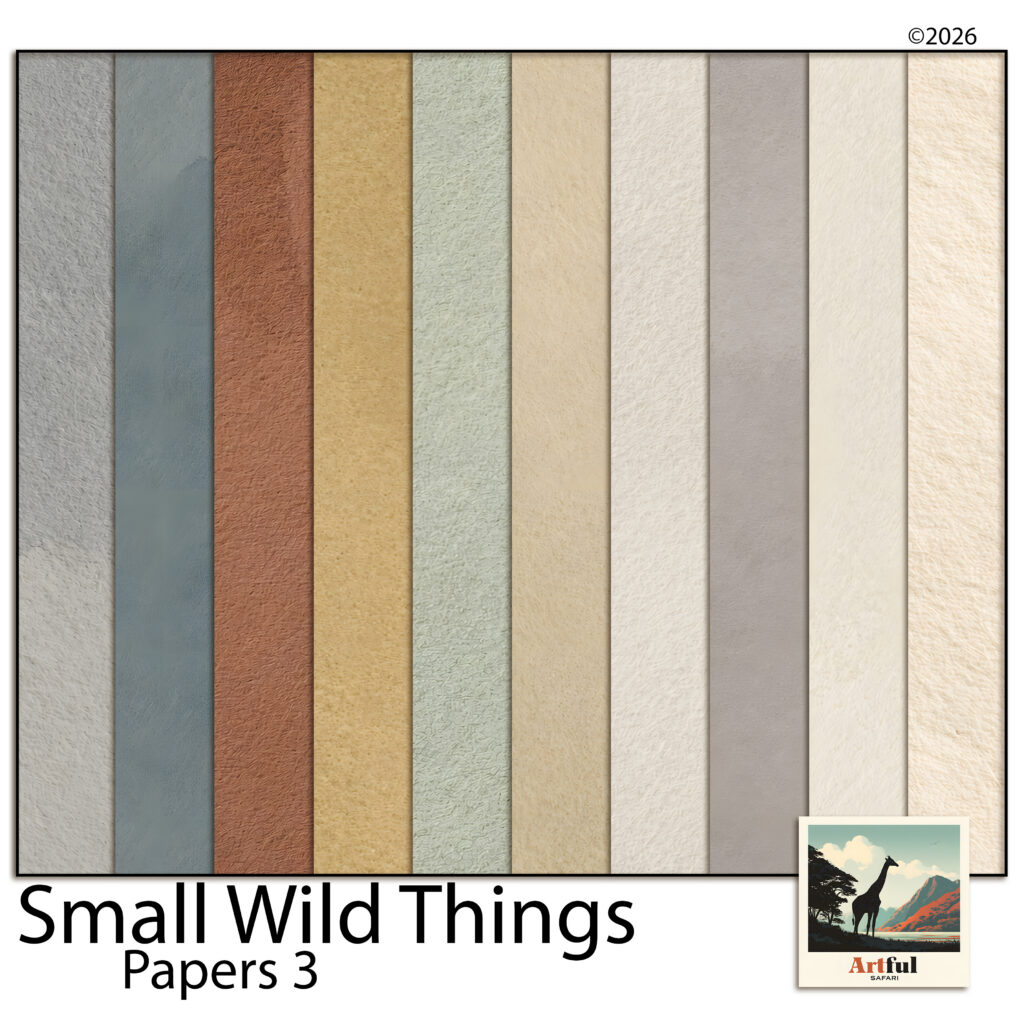
As a worked example, Small Wild Things Papers 3 is a set of ten of these sheets in slate, denim, rust, ochre, sage, tan, buttermilk, ivory and two greys. The colours were pulled from the other kits in the family, so each one sits under them without a clash. You can see the full set on the Small Wild Things textured paper page.
Whichever set you use, the method is the same. Pick the colour from the photo, keep the surface plain and let the grain do the quiet work.
A simple way to begin
Take a page you already finished and swap its background for a textured background paper. Compare the two versions side by side.
If the new one makes your photos stand out, you have your answer. Keep a few plain sheets in every project folder and the next page will start faster.