40% off until 31 October on selected products·8 days left

Author: Helene

  • Digital Scrapbooking for Beginners: Your First Page in 8 Easy Steps

    Digital Scrapbooking for Beginners: Your First Page in 8 Easy Steps

    Digital scrapbooking for beginners means building photo-album pages on a screen instead of with paper, scissors and glue. You drop your photos onto a ready-made patterned background, add a few decorations and a line or two of text, then save the finished page as an image file. Nothing to cut, nothing to store in a cupboard, and no wasted supplies when you change your mind.

    To start you need three things you can sort out in an afternoon: a device you already own, one layout app, and one themed kit of papers and clipart. I’ll take you through choosing each one and making your first page below.

    What is digital scrapbooking for beginners, really?

    It’s memory-keeping done in a layout app rather than with physical paper. You work in layers, stacked like sheets of glass. The bottom layer is a patterned background (a “digital paper”). On top of that you place your photo. On top of that go the decorations: a frame around the photo, a sprig of clipart in the corner, the date in a nice font. Move any layer, resize it, delete it, redo it. Your photos stay untouched the whole time.

    Most kits hand you the four building blocks of a page already made:

    • Papers — full-page patterns and textures you use as backgrounds.
    • Clipart (elements) — small cut-out images on a transparent background: flowers, leaves, ribbons, little objects.
    • Frames — borders you sit a photo inside.
    • Alphabets — letters as images, for titles when a plain font feels too flat.

    How it differs from the paper version

    The big one is that mistakes cost nothing. Trim a paper photo too short and it’s gone; on screen you press undo. You can also use the same kit on twenty pages without buying it twenty times, and your whole album lives in a folder instead of a box under the bed. If you’re still weighing the two approaches, I broke down the trade-offs in Digital vs Paper Scrapbooking.

    Scrapbooking for beginners: what do you actually need?

    Less than people think. Scrapbooking for beginners comes down to four things, and here’s a sensible first choice for each.

    WhatWhat it’s forBeginner pick
    A deviceSomewhere to build the pageThe iPad, phone or laptop you already have
    A layout appLets you stack and move layersCanva (free) or Procreate on iPad
    One themed kitPapers, clipart, frames that already matchA bundle in a colour you like
    Your photosThe actual memories5–10 from one day or trip

    You do not need a drawing tablet, a subscription, or any design training. Buying one matched bundle instead of loose pieces is the shortcut that saves beginners the most grief: the colours are picked to work together, so your first page looks deliberate without you knowing a thing about colour theory.
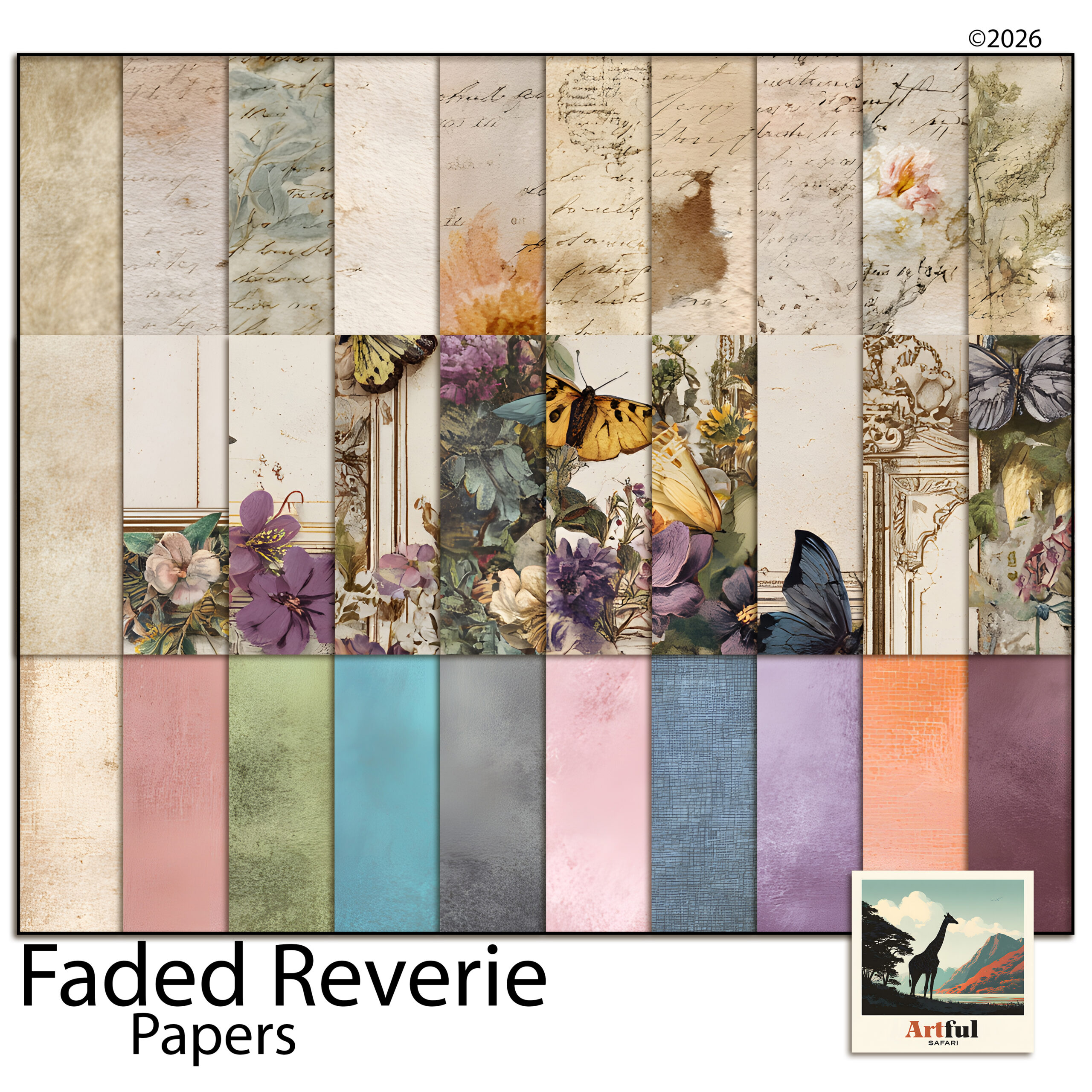
    Faded Reverie kit used for digital scrapbooking for beginners
    A soft, muted starter set: the Faded Reverie Digital Scrapbook Bundle is a forgiving scrapbooking for beginners pick because nothing clashes.

    Which app should a beginner pick?

    This depends entirely on what’s in your hands right now. All three below open the PNG and JPG files that come in a kit, and all three work in layers.

    If you have an iPad

    Use Procreate. It’s a one-off purchase, no subscription, and it handles layers and transparent clipart cleanly (the Procreate handbook covers the canvas setup). Set up a 12 x 12 inch canvas at 300 DPI and you’ve matched the size most kits are built to.

    If you’re on a phone or a laptop

    Use Canva. The free tier is plenty for a first page. You upload your papers and clipart, drag them onto a square page, and stack them. It runs in a browser, so nothing to install.

    If you already own Photoshop

    Then use it. Clipping masks and layer groups make it the most powerful of the three, but it’s the steepest to learn, so I wouldn’t buy it just for this.

    Pick one and commit for your first few pages. Hopping between apps to find the “best” one is how a fun afternoon turns into a frustrating week.

    How do I make my first scrapbook page?

    Here’s the shortest path from blank screen to a page you’re proud of. Give it an hour.

    1. Choose one story. One day, one trip, one person. Five to ten photos, not fifty. A tight set is far easier to lay out than a sprawling one.
    2. Open a square canvas. 12 x 12 inches at 300 DPI in Procreate or Photoshop; a square page in Canva. Square is the scrapbooking standard and it keeps your pages consistent.
    3. Drop in a paper. Drag one background paper across the whole canvas. Pick a quieter pattern, not the boldest one. The pattern is a backdrop, not the star.
    4. Place your photos. Start with one hero photo, larger, slightly off-centre. Add two or three smaller supporting shots. Leave breathing room around the edges.
    5. Add a frame or two. Sit your main photo inside a frame so it lifts off the busy paper. Don’t frame every photo; one or two is enough.
    6. Scatter a little clipart. A sprig in one corner, a small element near the title. Three or four pieces, then stop.
    7. Write a title and a date. A few words and the month and year. This is the part that turns a nice collage into a memory you’ll understand in ten years.
    8. Export. Save as a high-quality JPG or PNG. Keep the layered file too, so you can tweak it later.

    That’s a finished page. The only skill you used was dragging things around and knowing when to stop.
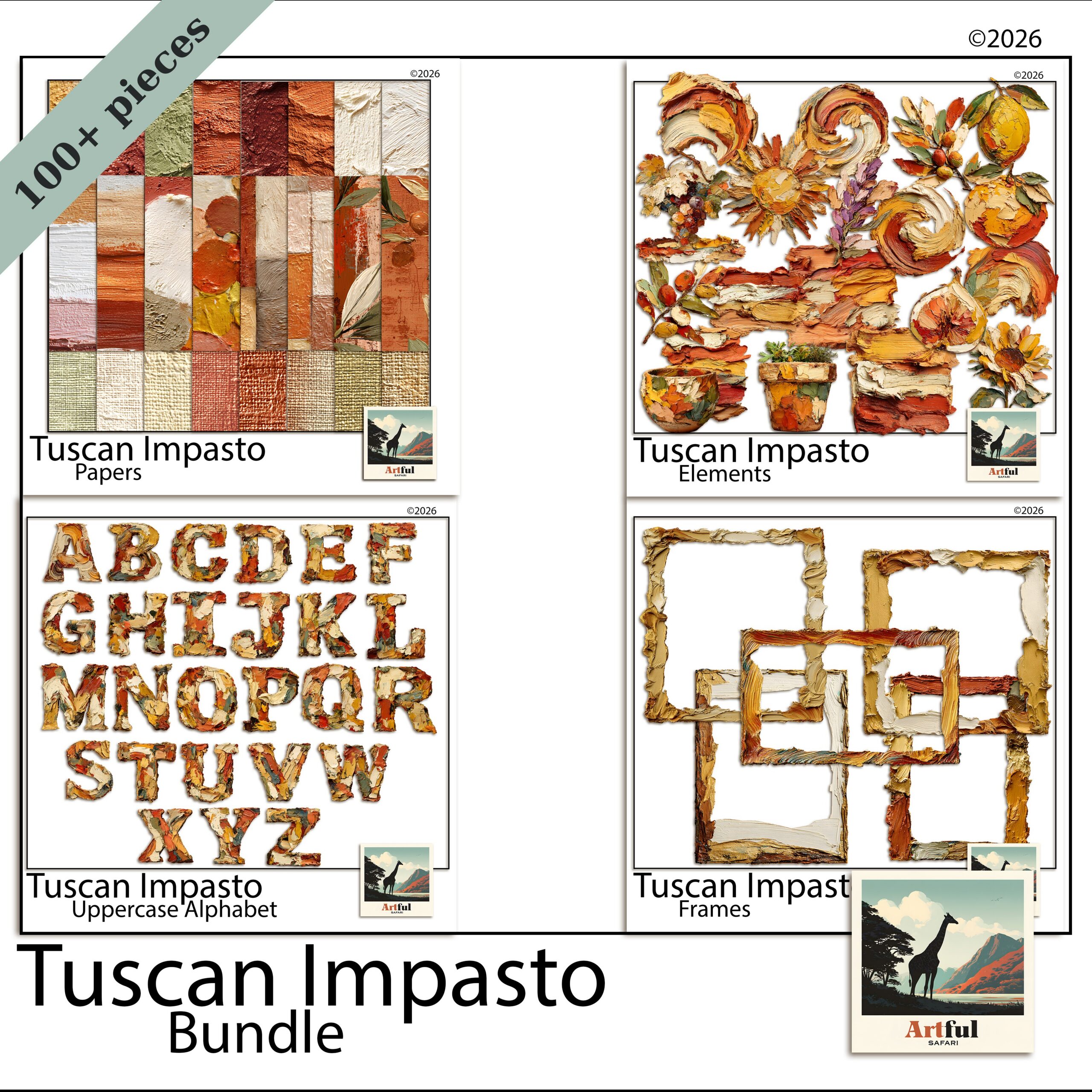
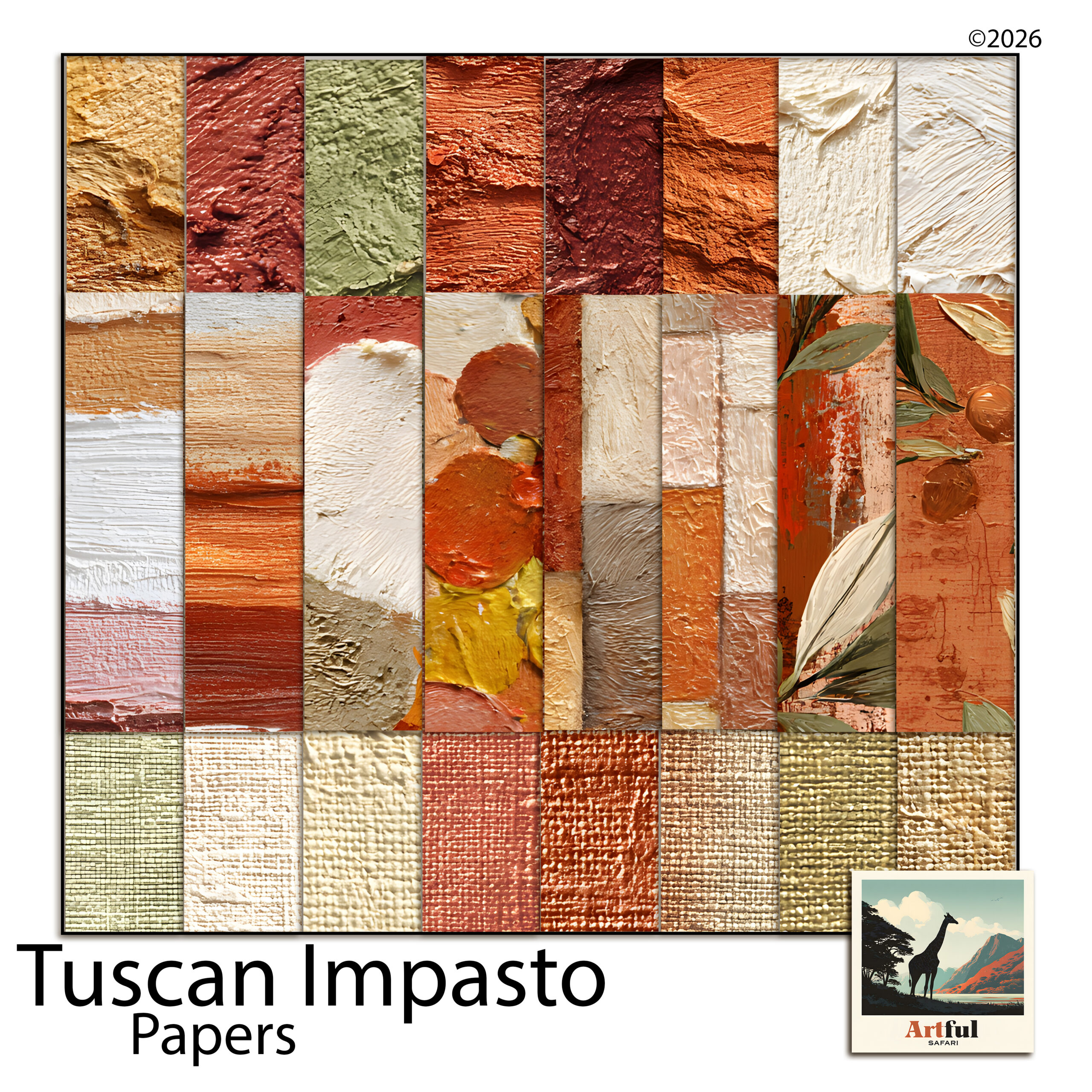
    Tuscan Impasto bundle papers and clipart for a first scrapbook page
    If your photos are warm and sunny, the Tuscan Impasto Digital Scrapbook Bundle gives you papers, frames and clipart that already match — another easy scrapbooking for beginners set.

    Scrapbooking for beginners: the snags to skip

    Almost every first-timer hits the same handful of snags. Here’s what they are so you can sidestep them.

    • Cramming the page. Empty space is doing a job. If it feels too plain, it’s probably right. Add one thing, not five.
    • Mixing five themes. Florals, then nautical, then geometric, all on one page. Stay in one kit until you’re confident, which is exactly why a matched bundle helps.
    • Stretching photos out of shape. Resize from a corner handle to keep the proportions, never by dragging a side.
    • Forgetting words. A page with no title or date is a pretty picture you’ll squint at later. Always add the who, where and when.
    • Saving low quality. Export at full resolution. A blurry, pixelated page is almost always a too-small or over-compressed file.

    Key takeaways

    • Scrapbooking for beginners needs three things: a device you own, one app (Canva or Procreate), and one matched kit.
    • Work in layers — paper at the back, photos in the middle, clipart and titles on top.
    • Keep your first page to one story, a handful of photos, and a few decorations. Restraint reads as polish.
    • A matched bundle does the colour work for you, so your page looks intentional from day one.

    Frequently asked questions

    Is digital scrapbooking for beginners hard to learn?

    No. Scrapbooking for beginners is mostly dragging photos around a screen. The hardest part is choosing your photos, not using the app, especially when your kit’s pieces already match.

    What is the best app for digital scrapbooking beginners?

    Canva if you’re on a phone or laptop and want free, or Procreate if you have an iPad and don’t mind a one-off purchase. Both open kit files and work in layers.

    Do I need to print my digital scrapbook pages?

    Not at all. Most people keep their albums on screen and share them as image files, or back them up to the cloud. Printing is optional, not the point.

    How much does scrapbooking for beginners cost?

    You can start free with Canva and a single kit, using the device you already own. There’s no subscription needed and no recurring supply costs the way paper has.

    What size should a digital scrapbook page be?

    A square 12 x 12 inch page at 300 DPI is the standard most kits are built for. Setting your canvas to that means papers and frames drop in at the right scale.
  • Paris Scrapbook Kit Ideas: 6 Beautiful Pages for a Travel Album

    Paris Scrapbook Kit Ideas: 6 Beautiful Pages for a Travel Album

    A good Paris scrapbook kit hands you everything to build a page in one place: background papers, Paris clipart beyond the Eiffel Tower, photo frames and a few journaling cards.

    Buy one that’s all landmarks and no papers and you’ll spend the project filling gaps. The rest comes down to following the trip’s shape and holding one palette across the album.

    What goes in a good Paris scrapbook kit?

    A Paris scrapbook kit should give you everything to build a page without hunting for extras. That means papers for the backgrounds, clipart for the Paris feel, and frames or mats to sit your photos in. If a kit is all Eiffel Towers and no papers, you’ll spend the project filling gaps.

    For a trip album I look for four things before I buy.

    • Plenty of plain-ish papers in the palette, not just heavily patterned ones
    • Clipart beyond the Eiffel Tower: cafe scenes, macarons, street signs, perfume, books
    • Photo frames so images drop in cleanly
    • A few journaling cards for dates and notes

    The papers are the part people undervalue. You’ll use far more background than you expect, and a kit that’s heavy on decoration but light on plain sheets runs out of room to breathe halfway through the album. A bundle that covers all four bases saves you stitching pieces together from three different sets that don’t quite match.

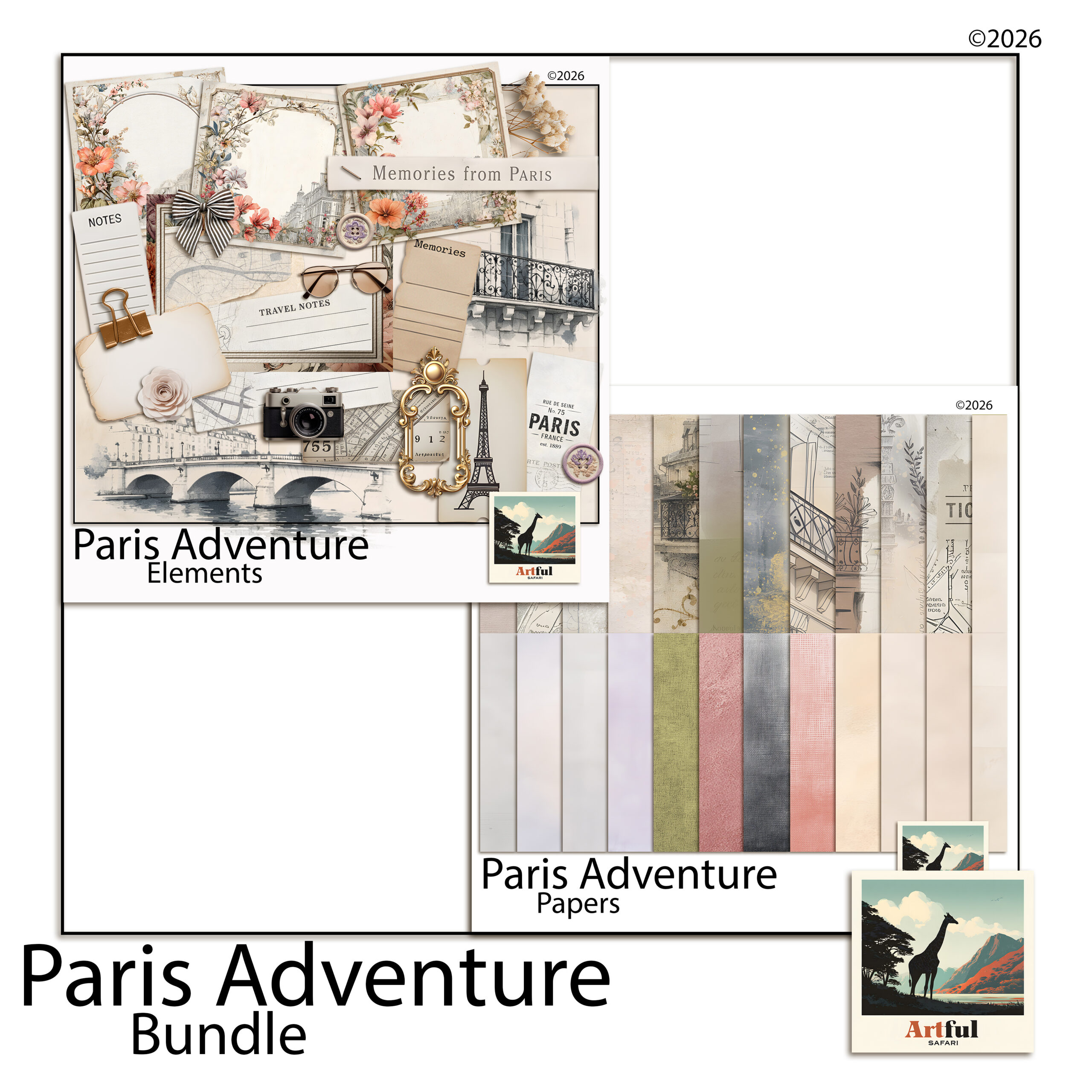
    Paris scrapbook kit with Eiffel Tower clipart, cafe papers and travel frames
    A Paris scrapbook kit with papers, clipart and frames in one place: the Paris Adventure Digital Scrapbook Bundle.

    Page ideas from one Paris scrapbook kit

    A trip has a shape, and the album reads better if the pages follow it. Here is a running order that holds together.

    1. Title page. One hero photo, the word “Paris” big, the dates underneath.
    2. Getting there. Boarding passes, the plane window, the first metro sign.
    3. The landmarks. Eiffel Tower, Notre-Dame, the Louvre, one strong shot each rather than ten small ones.
    4. The food. Croissants, a cafe table, the patisserie window. Food pages age really well.
    5. The streets. Doors, balconies, a quiet corner you stumbled on.
    6. Closing page. A favourite photo, a few lines on what you’d go back for.

    Don’t fill every page with the Eiffel Tower

    It’s the obvious motif and it gets old fast across a whole album. Use it on the title page and one landmark spread, then let the small details carry the rest: a street name, a metro ticket, a cafe awning. Those are the bits that actually take you back. The tower will be in plenty of your photos already, so you rarely need the clipart version more than once or twice.

    Pages people forget to make

    The landmarks photograph themselves. The pages you’ll be glad of later are the smaller ones: a list of where you ate, the metro map with your route traced on it, the view from the room you stayed in, the one rainy afternoon you spent in a museum. A trip album that’s only highlights reads like a postcard rack. The in-between pages are what make it yours.

    What colour palette suits Paris pages?

    Paris has a few palettes depending on the mood you’re after. Pick one and hold it across the album so the pages feel like a set.

    MoodPaletteSuits
    Soft romanticCream, dusty rose, pale grey, goldHoneymoons, anniversaries, spring trips
    Classic chicBlack, white, charcoal, one red accentCity breaks, fashion-leaning pages
    Vintage ParisianSepia, aged cream, faded blue, brown inkOld-postcard feel, cafe and book pages
    Bright springBlush, sky blue, fresh green, soft yellowGarden, market and outdoor days

    The soft romantic palette is the safe one and it’s what most Paris scrapbook kits lean toward. If your photos are moody and grey-skied, the classic black-and-white route flatters them more than pastels will. Holding one palette across the album is the single thing that makes a stack of pages feel like a finished book rather than a pile of loose layouts.

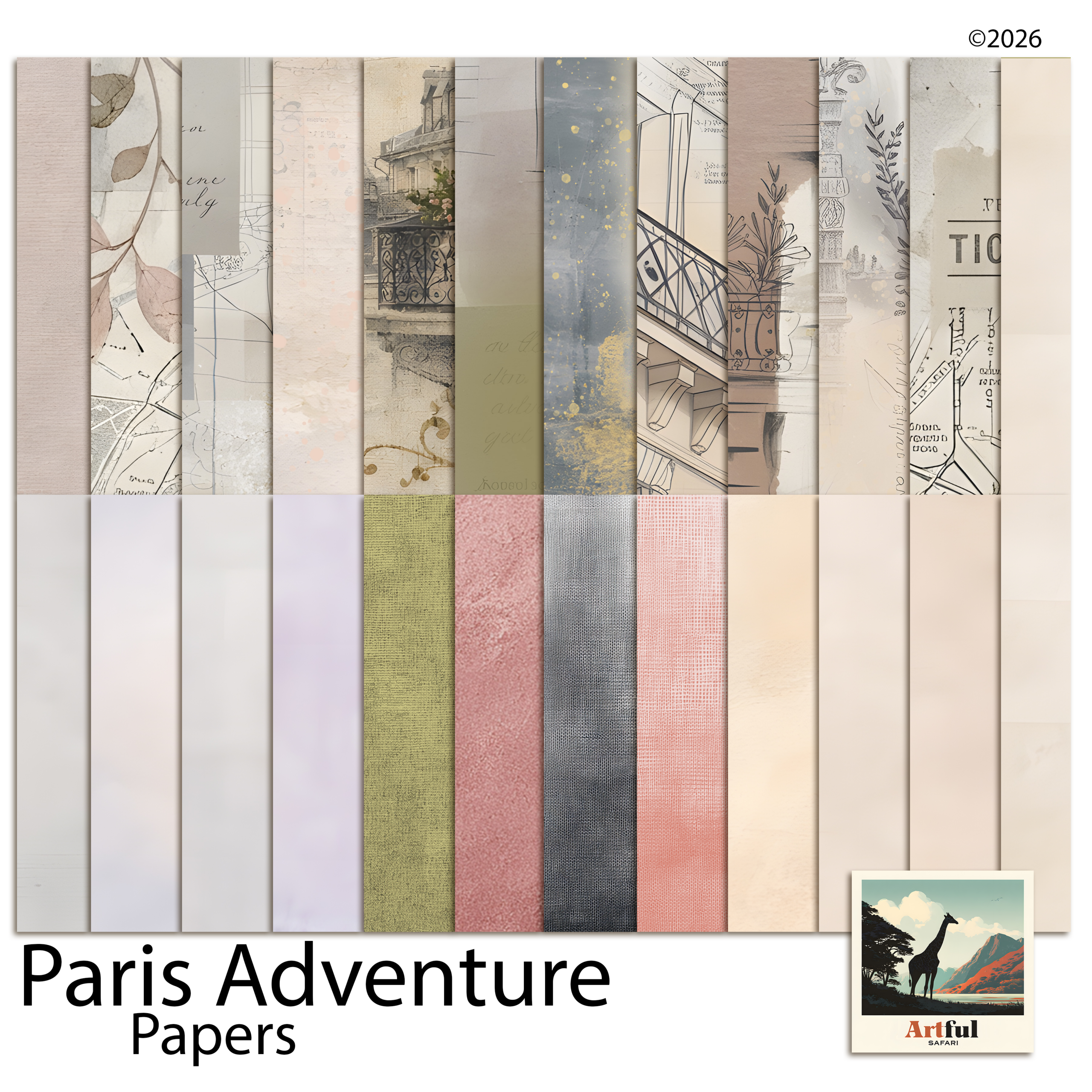
    Soft Parisian papers in cream, dusty rose and grey for a travel album
    If you mainly need backgrounds, the Paris Adventure Digital Scrapbook Papers cover the page on their own.

    How do you lay out the iconic shots without cliche?

    Everyone has the same Eiffel Tower photo. The layout is what makes yours yours.

    • Crop in. A detail of the ironwork beats the full postcard view you’ve seen a thousand times.
    • Pair the big with the small. One landmark photo next to a cafe receipt or a metro ticket tells more of a story than two landmarks side by side.
    • Leave white space. A single photo with room around it on a Parisian paper looks more considered than a packed collage.
    • Add your own words. A line about getting lost on the way there is what stops the page being a brochure.

    Mementoes do a lot of quiet work here. A scanned ticket, a torn menu, a pressed flower from the Tuileries gives the page texture that no amount of clipart can fake, because it was actually there. Scan the paper bits the day you get home, while you still have them.

    Building the album from a digital Paris scrapbook kit

    A digital Paris scrapbook kit makes this far less precious. You can try a layout, undo it, recolour a paper and reuse the same Eiffel Tower clipart across pages without it ever running out. Drop your papers as the base, sit photos in clipping masks inside the frames, then tuck clipart around the edges.

    Work at a standard page size from the start, usually a 12×12 digital page, so every spread matches and you’re never resizing at the end. Build one page you’re happy with, then save it as a template: same paper, same frame positions, same title spot. Swap the photos and you have the next page in minutes instead of starting from a blank canvas each time.

    The other advantage of going digital is that nothing is final. If you decide halfway through that the romantic palette is too sweet for your grey-skied photos, you can swap the papers across every page rather than starting the album over. You can also build the whole thing once and keep it as a file to revisit, add to after the next trip, or share with whoever travelled with you. Physical pages don’t forgive a change of mind the way a layered file does.

    If you’ve not built a trip album before, my full walk-through is in How to Make a Travel Scrapbook. This post is the Paris-specific layer on top of it.

    Key takeaways

    • A good Paris scrapbook kit gives you papers, varied clipart, frames and journaling cards, not just Eiffel Towers.
    • Follow the trip’s shape: title, getting there, landmarks, food, streets, closing page.
    • Pick one palette and hold it across the album, whether that’s soft romantic, classic chic, vintage or bright spring.
    • Crop in, pair big shots with small mementoes, and add your own words to keep pages from reading like a brochure.

    Frequently asked questions

    What should be in a Paris scrapbook kit?

    Background papers in a Parisian palette, clipart beyond the Eiffel Tower such as cafes, macarons and street signs, photo frames, and a few journaling cards. A kit that’s only landmarks leaves you filling gaps.

    What colours suit a Paris travel album?

    Soft romantic creams, dusty rose and gold are the popular choice. Classic black, white and a red accent suit moody city shots, while sepia and aged cream give an old-postcard feel.

    How do I avoid cliches in a Paris scrapbook?

    Crop in on details rather than the full Eiffel Tower view, pair landmark photos with small mementoes like tickets, leave white space, and add your own words about the day.

    Can I make a Paris scrapbook digitally?

    Yes. A digital Paris scrapbook kit lets you try a layout, undo it and reuse the same clipart across pages without it running out. Drop papers as the base, sit photos in clipping masks, then add clipart around the edges.

  • Scrapbook Page Titles: 6 Easy Steps to Title with Clipart

    Scrapbook Page Titles: 6 Easy Steps to Title with Clipart

    Scrapbook page titles work when they’re short, sized to be seen and clearly contrasted against the paper behind them, so the title names the page in a second and then steps aside for the photos.

    The fiddly part is alphabet clipart, where each letter is its own PNG and you assemble the word by hand. Get the spacing and contrast right and it lifts a page; get them wrong and it reads unfinished.

    How do you make a scrapbook page title that actually reads?

    A scrapbook page title earns its place by telling you what the page is in a second, then getting out of the way of the photos. The two jobs people get wrong are size and contrast. A title that’s too small disappears, and one that sits in the same tone as the paper behind it turns to mush.

    Pick a short phrase, give it room, and make sure it stands clearly off the background. Everything else is styling. A title is a signpost, not the destination, so if you’re spending longer on the lettering than on the layout, you’ve got the balance backwards.

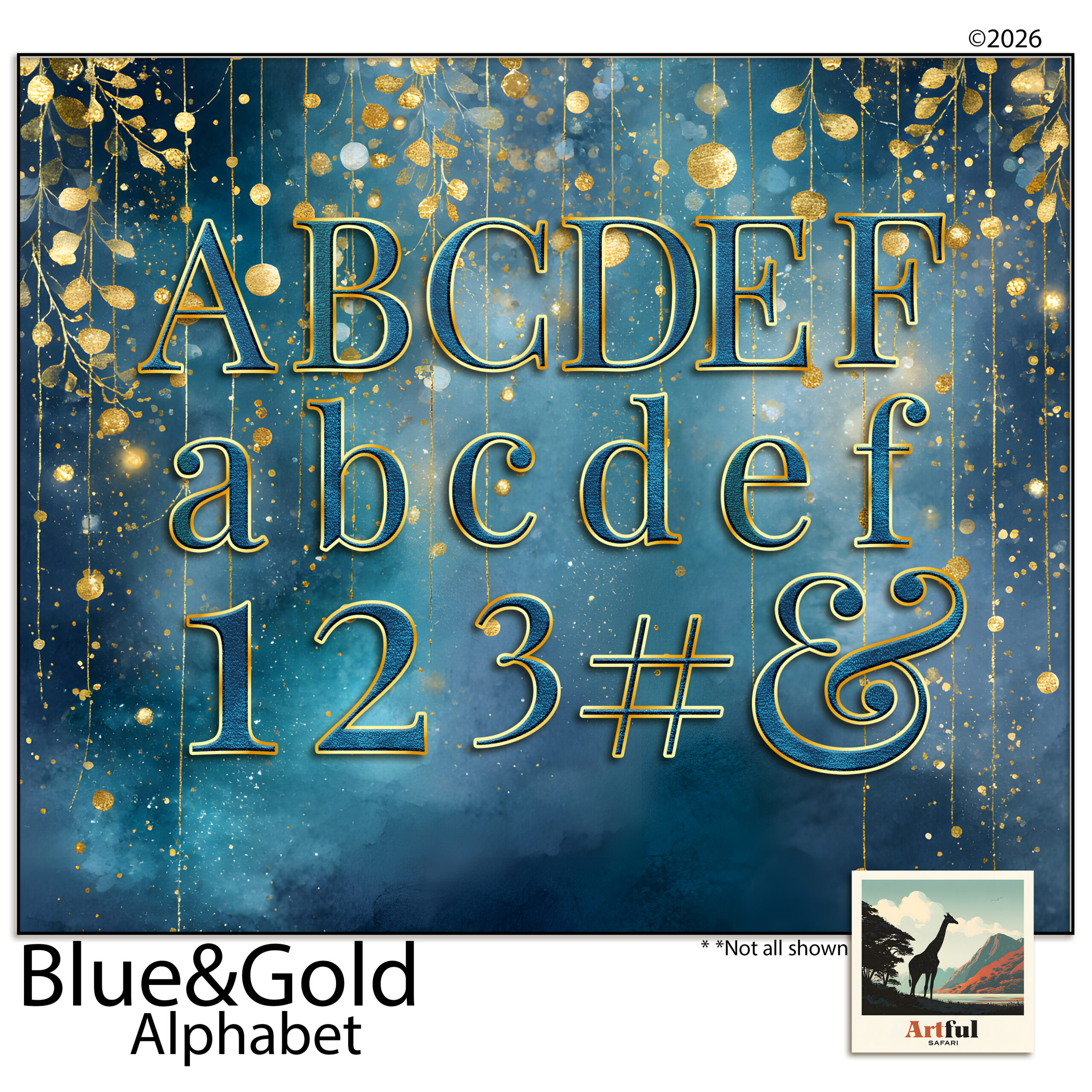
    Scrapbook page titles spelled out with blue and gold alphabet clipart letters
    Each letter of a scrapbook page title is its own PNG in the Blue Gold Digital Scrapbook Alphabet, so you build the word letter by letter.

    Where to put scrapbook page titles on the layout

    There are really only a handful of spots that work, and they all leave the photos as the main event.

    • Top-left or top corner. We read left to right and top down, so a title here gets seen first without a fight.
    • Across the bottom. Reads like a caption and leaves the upper page to a big photo.
    • Tucked into a quiet corner of the photo. Works when the image has empty sky, water or wall to sit on.
    • On a banner or journaling card. A solid shape behind the letters gives instant contrast on a busy paper.

    Whatever you choose, keep a clear margin around the word. Letters jammed against a photo edge look like an accident. If the page already has a strong focal point, a single hero photo say, put the title near it but not on top of it, so the eye lands on the photo and the title confirms what it’s looking at.

    Alphabet clipart vs a font: which should you use?

    Both can set a scrapbook page title. They behave differently once you’re on the page.

    Alphabet clipartA font
    TexturePainted, foiled, dimensional, matches a kitFlat colour unless you add effects
    SpacingYou place each letter, full controlType and go, faster
    Best forBig feature titles, the hero wordSubtitles, dates, journaling
    EffortA little fiddly, letter by letterQuick

    My usual move is alphabet clipart for the one big word and a plain font underneath for the date or the place. The textured letters carry the mood; the font keeps the details legible. Trying to set a whole long title in clipart letters is where people lose an afternoon and end up with wonky spacing, so reserve the clipart for the word that matters.

    Step by step: building a scrapbook page title with alphabet clipart

    Alphabet clipart comes as one PNG per letter, so you’re assembling the word rather than typing it. In Procreate, Photoshop or Canva the steps are the same.

    1. Drop in your first letter and size it to roughly the height you want the whole title.
    2. Bring in the rest, one at a time, on their own layers so you can nudge each one.
    3. Even out the spacing. Trust your eye over a ruler, since a rounded letter like O needs to sit a touch closer than a straight one like I.
    4. Sit the baseline level, or deliberately stagger it for a playful look, but commit to one or the other.
    5. Group the letters once it reads right, then resize the whole word as a unit.
    6. Add a soft shadow if the letters fade into the paper. A small drop shadow lifts them off the background.

    Mind the letter spacing

    Uneven gaps are the giveaway that a title was built by hand. Step back from the screen, or shrink the canvas right down. Spacing problems jump out at a small size that you’ll miss up close. The eye reads the gaps between letters as much as the letters themselves, so aim for even visual space rather than even measured space. Two straight letters need a little more room; a letter that opens outward, like an L or a T, can tuck closer to its neighbour.

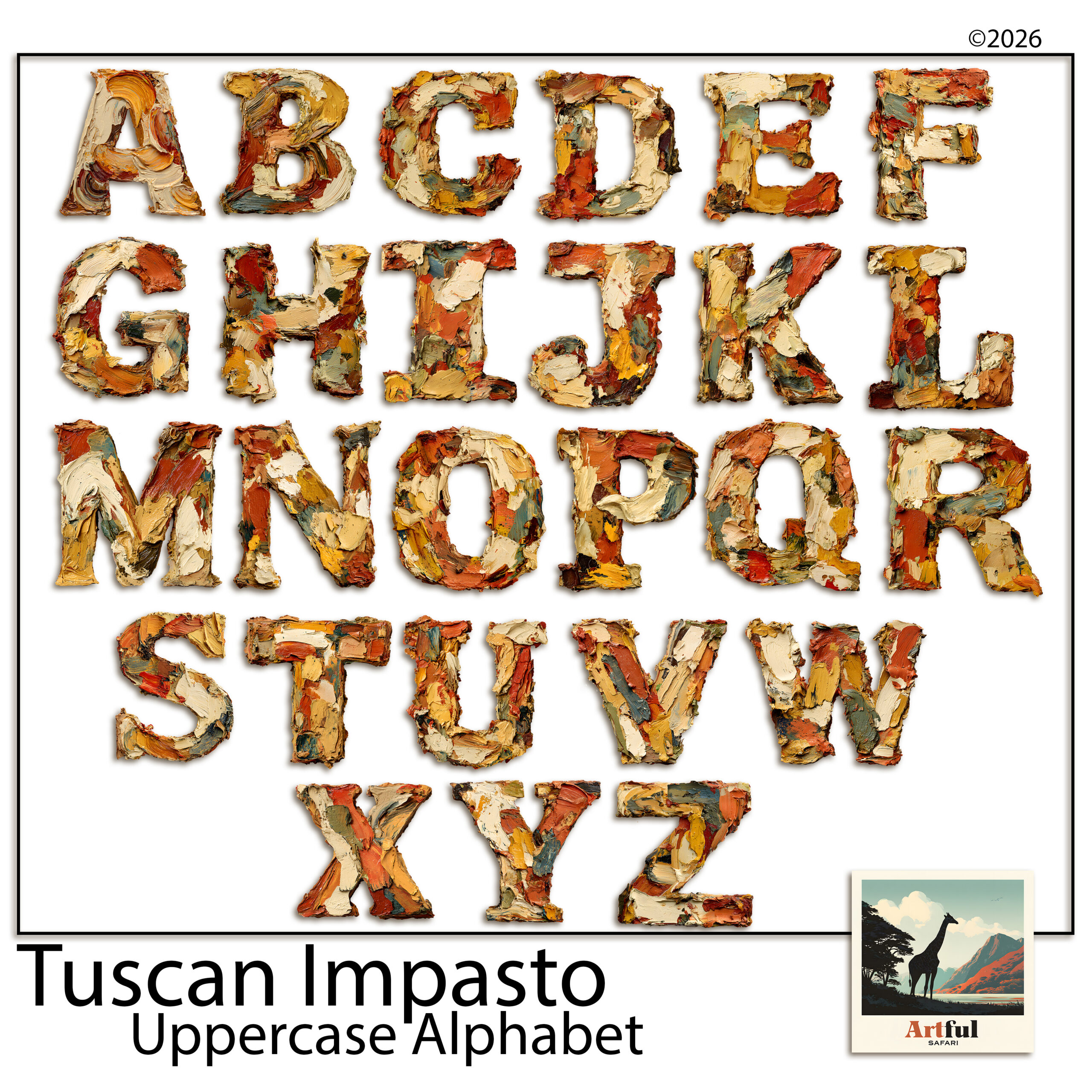
    Tuscan oil-paint alphabet clipart for warm Mediterranean album titles
    For warmer trips, the Tuscan Alphabet Clipart matches an Italian or Mediterranean spread.

    How do you match the lettering to the page?

    A scrapbook page title should belong to the same world as the rest of the layout. A painted, oil-textured alphabet looks at home on a warm Mediterranean or vintage page and out of place on a crisp, modern one. A few quick checks before you commit:

    • Colour. Pull the title colour from somewhere already on the page, a tone in a paper or a photo, so it ties in rather than floating.
    • Weight. A heavy clipart alphabet wants a bold, simple layout. A fine script wants more white space around it.
    • Era. A serif or hand-lettered style suits heritage and travel pages; clean sans-serif suits everyday and modern ones.

    Do you need a title on every page?

    No, and trying to is part of what makes albums feel repetitive. A scrapbook page title’s job is to mark a new chapter or a page that needs context. A run of everyday photos on matching paper often reads better with a single date or a one-word label than a full decorative title fighting for attention on every spread.

    A good rhythm across an album is a strong title on the opening page of each section, smaller labels or dates on the pages in between, and the occasional page left to speak for itself. If every page shouts, none of them stands out. Save the big lettering for the moments that earn it, and the album gets a sense of pace instead of feeling like the same page on repeat.

    What are the most common scrapbook page title mistakes?

    • Too many words. “Our wonderful family summer holiday by the sea” is a sentence. “Summer by the Sea” is a title.
    • Clashing styles. A painted Mediterranean alphabet on a sleek modern page reads off. Match the lettering to the kit.
    • No contrast. Pale gold letters on a cream paper vanish. Put a banner or shadow behind them.
    • Centred everything. A centred title over a centred photo on a symmetrical page is flat. Shift the title off-axis.

    If you want a full breakdown of choosing letter sets, I went deeper in Uppercase Alphabet Clipart.

    Key takeaways

    • Good scrapbook page titles are short, sized to be seen, and clearly contrasted against the paper.
    • Use alphabet clipart for the one hero word and a plain font for dates and journaling.
    • Build clipart titles letter by letter on separate layers, then group and resize as a unit.
    • Uneven spacing and weak contrast are the two faults that make a hand-built title look unfinished.

    Frequently asked questions

    How do you make a scrapbook page title?

    Pick a short phrase, place it top-left or along the bottom, and make sure it contrasts with the paper. Use alphabet clipart or a bold font for the main word and a plain font for the date underneath.

    What is alphabet clipart for scrapbooking?

    It’s a set of decorative letters supplied as one transparent PNG per letter, so you build a word by dropping in each letter on its own layer. It gives painted or foiled titles that match a themed kit.

    How many words should a scrapbook page title have?

    Two to four works best. A long sentence reads as journaling, not a title, so trim it to the shortest phrase that still says what the page is.

    Why does my clipart title look off?

    Usually uneven letter spacing or weak contrast. Shrink the canvas to spot gap problems, and add a soft shadow or a banner behind pale letters so they lift off the paper.

  • Lavender Scrapbooking: 5 Rules for the Soft Purple Trend

    Lavender Scrapbooking: 5 Rules for the Soft Purple Trend

    Lavender scrapbooking is the soft purple look that’s spread across stationery, weddings and memory-keeping over the last year, built on dusty lilac and faded violet rather than bright purple.

    Done well, lavender scrapbooking reads quiet and nostalgic. Done badly it tips straight into birthday-card. The difference is which purples you pick and how much white space you leave them.

    Why is lavender scrapbooking everywhere right now?

    Soft purple slipped into homewares, weddings and stationery over the last couple of years, and scrapbook supplies followed close behind. The shade reads quiet and a little nostalgic, which suits the slow, unhurried memory-keeping people are drawn to at the moment. It also photographs beautifully on a screen, so digital makers picked it up fast and ran with it.

    The look is built around faded violet, dusty lilac and grey-leaning mauve rather than bright purple. Pair those with cream, warm grey and a touch of sage and you get a page that feels settled instead of loud. It sits somewhere between the blush-pink palettes that came before it and the moodier plum tones that tend to show up in autumn kits, which is part of why it works across so many seasons.

    Lavender scrapbooking page kit with soft purple papers and florals
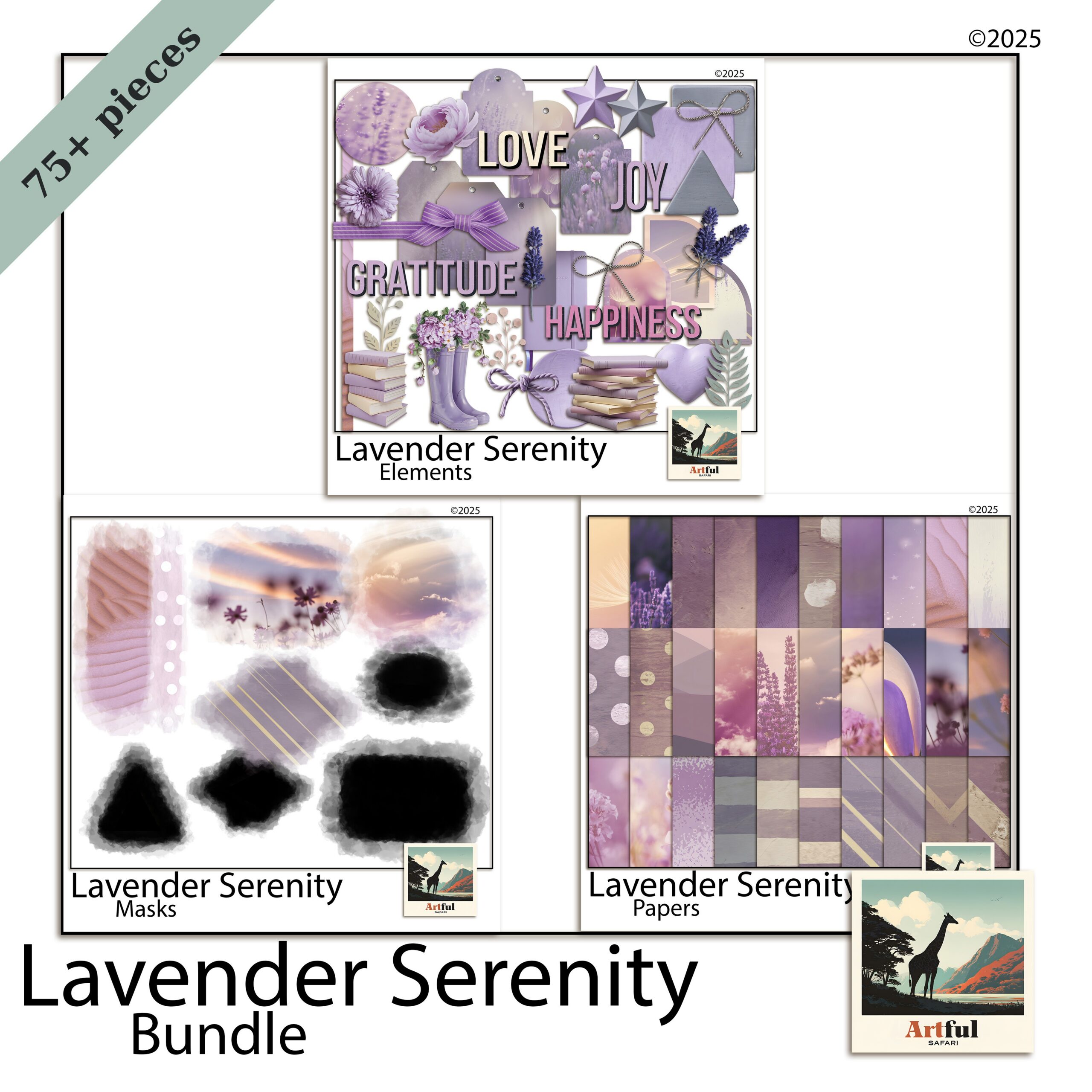
    Soft washes and pressed florals for lavender scrapbooking, from the Lavender Serenity Digital Scrapbook Bundle.

    What colours actually sit in a lavender palette?

    Lavender, violet and plum get used as if they mean the same thing. They don’t, and mixing them up is the quickest way to make a page look muddy. Here is how I separate them when I’m pulling papers for a lavender scrapbooking spread.

    ShadeWhat it looks likeBest used for
    Lavender / lilacPale, grey-tinted, almost dustyBackgrounds, large paper areas, mats behind photos
    VioletTruer purple, more saturatedAccents, journaling cards, title text
    Plum / aubergineDeep, brown-leaning, moodyBorders, shadows, anchoring a busy page
    MauveSoft purple-pink halfway to roseFlorals, ribbons, bridging purple and blush

    A page that works usually has one pale lavender doing the heavy lifting, one deeper violet or plum for contrast, and a neutral to settle the whole thing. Three purples all fighting for attention is a page nobody finishes. If you only remember one rule, make it that: one light, one dark, one neutral.

    What pairs well with soft purple?

    Lavender is a cool tone, so the colours that flatter it are mostly warm or muted neutrals that stop it feeling icy. Cream and oatmeal are the reliable ones. Sage and eucalyptus green sit beside it naturally because purple and green are opposite each other on the colour wheel, so they balance. A dusty rose or mauve bridges purple into pink if you want a softer, more romantic page. Gold, used as a thin line rather than a flood, gives a small lift. The combination to avoid is lavender with a cold blue-grey, which can read clinical and washed-out.

    How to build a soft purple page without it going sickly

    Purple tips into birthday-card territory fast. A few habits keep it grown-up.

    • Knock the saturation back. Reach for the dusty, greyed versions of each shade. Clean bright purple is the one that reads childish.
    • Add a warm neutral. Cream, oatmeal or warm grey stops the cool tones feeling clinical.
    • Let white space breathe. Soft palettes need room. Crowding the page is what makes lavender look fussy.
    • Use one metallic, sparingly. A thin gold line or a single foil sticker lifts the page. Cover it in foil and you lose the quiet that made the palette work.

    Texture matters more than pattern

    Lavender scrapbooking palettes are soft enough that busy florals everywhere will swallow your photos. I lean on textured solids, watercolour washes and a couple of small botanical accents, then let the photo be the loudest thing on the page. A linen or watercolour-paper texture under a flat lavender does more for the page than another patterned sheet ever will, because it adds interest without adding noise.

    Violet Dusk bundle with deeper plum and twilight purple papers
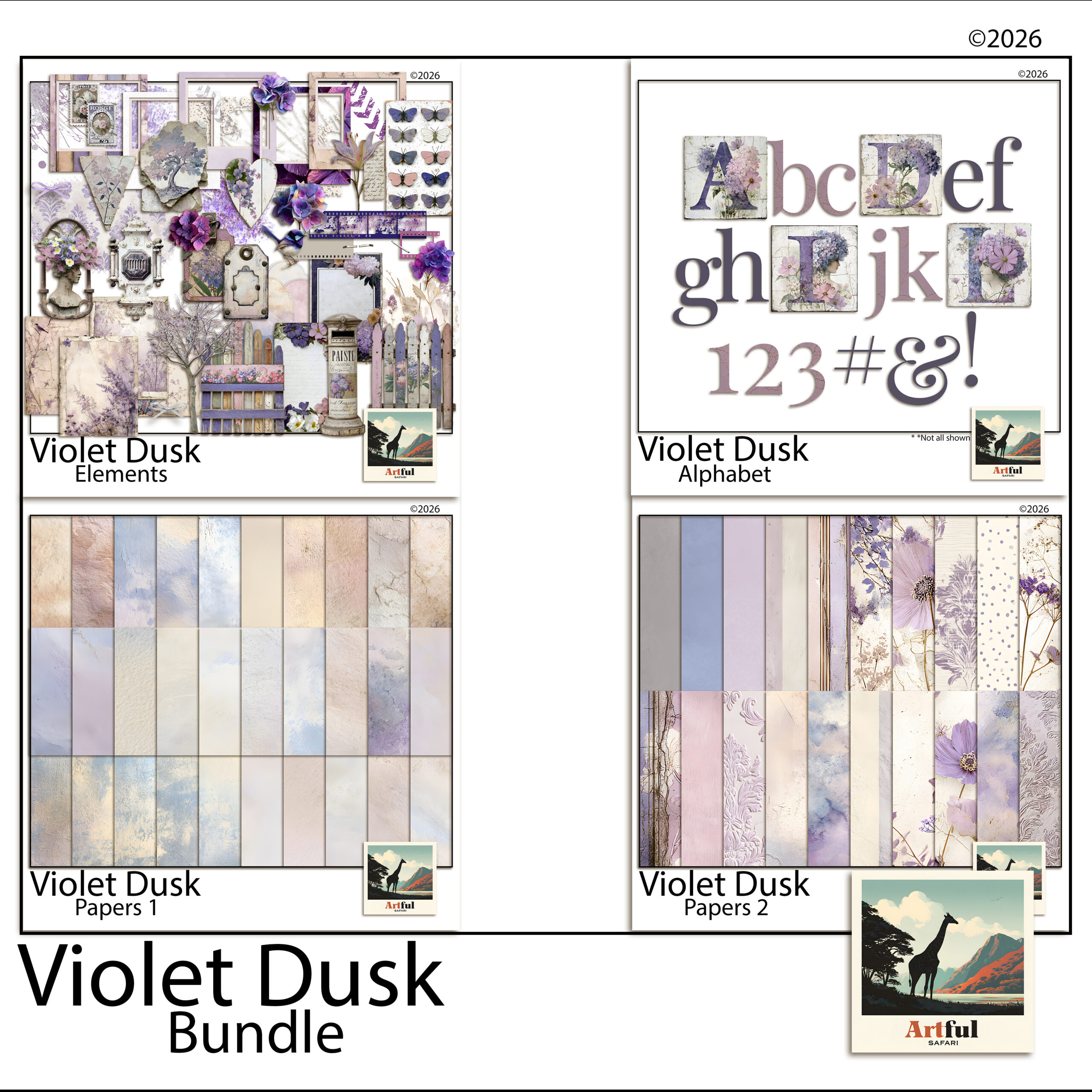
    When you want more depth, the Violet Dusk Digital Scrapbook Bundle leans plum and twilight.

    Which photos suit lavender layouts?

    Lavender scrapbooking flatters some photos and clashes with others. Soft purple sits naturally behind:

    • Garden and flower shots, especially wisteria, hydrangea, jacaranda and actual lavender fields
    • Wedding and engagement photos
    • Quiet at-home moments, reading, slow mornings, golden-hour windows
    • Newborn and christening pages

    It fights harder against high-contrast action shots and anything with a lot of red or orange in it. If your photo is warm and busy, drop the purple back to a thin border and let a neutral paper carry the page. A good test before you commit: lay the photo on the lavender paper at full size and squint. If the photo still reads clearly, the pairing works. If the two start to blur into each other, the page needs more contrast somewhere.

    Is lavender scrapbooking only a spring thing?

    It leans spring, but it doesn’t have to stay there. Pale lilac with fresh green and blush is unmistakably a spring palette and it suits Easter, garden days and early-year pages. Push the same purple deeper toward plum and aubergine, add charcoal and a touch of gold, and the palette carries straight into autumn and even quiet winter spreads. The mistake is treating lavender as a one-season novelty. Treat it as a base you can warm up or cool down, and it earns a place in the album all year.

    Lavender scrapbooking on a digital canvas

    This is where lavender scrapbooking gets easy. On a digital page you can recolour, fade and layer purple papers endlessly without buying a thing twice, which matters when the palette lives or dies on getting the exact shade right.

    A workflow I use in Procreate, Photoshop or Canva:

    1. Lay your palest lavender paper as the base layer.
    2. Drop a textured violet or plum paper on top and mask it into a strip or block for contrast.
    3. Add photos in clipping masks so they sit inside frames cleanly.
    4. Tuck two or three small florals near the photo corners, not scattered across the whole page.
    5. Set the title in a deeper violet so it actually reads against the soft background.

    The recolour trick is the one worth knowing. If a paper is close to the shade you want but a touch too bright, a low-opacity grey layer set over it knocks it back into that dusty range without you needing a different file. That single move is most of what separates a page that looks like a soft purple trend and one that looks like a child’s birthday. The same trick works in reverse: a too-flat lavender comes alive with a faint violet wash dropped over the top at low opacity, which gives the paper depth without changing the base colour.

    If you want the full set of layout recipes for this palette, I broke them down in Purple & Lavender Ideas. This post is the why; that one is the how.

    Key takeaways

    • Lavender scrapbooking works because it’s soft and nostalgic and easy on a screen, not because purple is loud.
    • Separate lavender, violet, plum and mauve, then use one pale shade, one deep one, and a warm neutral.
    • Knock saturation back and leave white space, or soft purple slides into birthday-card territory.
    • Digital pages let you nail the exact shade and recolour freely, which is the whole advantage with a palette this fussy.

    Frequently asked questions

    What colours go with lavender in a scrapbook?

    Cream, warm grey and oatmeal keep it grown-up, while sage green and dusty mauve sit happily beside it. A single gold accent lifts the page without crowding it.

    Is lavender the same as purple in scrapbooking?

    No. Lavender is a pale, grey-tinted purple used for backgrounds, while violet and plum are deeper and work better as accents and titles. Mixing them up is what makes a page look muddy.

    What photos suit a lavender scrapbook page?

    Garden and flower shots, weddings, newborns and quiet at-home moments all sit naturally on soft purple. High-contrast action shots and warm red-orange photos tend to fight it.

    Can I do lavender scrapbooking digitally?

    Yes. Lavender scrapbooking is easier digitally because you can recolour and fade purple papers until the shade is exactly right. Layer a pale lavender base, add a deeper violet for contrast, then drop photos into clipping masks.

  • Digital Scrapbook Papers in Procreate: 6 Easy Layering Steps

    Digital Scrapbook Papers in Procreate: 6 Easy Layering Steps

    To layer digital scrapbook papers in Procreate, you import each paper onto its own layer in the Layers panel, then reorder, resize and blend them with opacity and blend modes. Clipping masks drop photos into frames, and Alpha Lock keeps texture inside a shape.

    The six steps below take a blank 12 x 12 canvas to a finished, layered page.

    Any of our digital scrapbook papers can be imported into Procreate the same way.

    How do you layer digital scrapbook papers in Procreate?

    Layering is just stacking each digital scrapbook paper on its own layer in the Layers panel, then deciding what sits where and how the edges blend. Procreate does the heavy lifting. Once you understand the Layers panel, blend modes and clipping masks, a multi-paper page takes minutes.

    Procreate is a popular choice for this because it gives you precise control over every layer, real blend modes, and clipping masks, all on a one-off purchase with no subscription. If you have an iPad and an Apple Pencil, it is hard to beat for scrapbook pages.

    The walkthrough below assumes you have digital scrapbook papers already saved to your iPad (in Files or your Photos). If you have those, you are ready. The whole sequence is six steps, and the first few become muscle memory quickly.

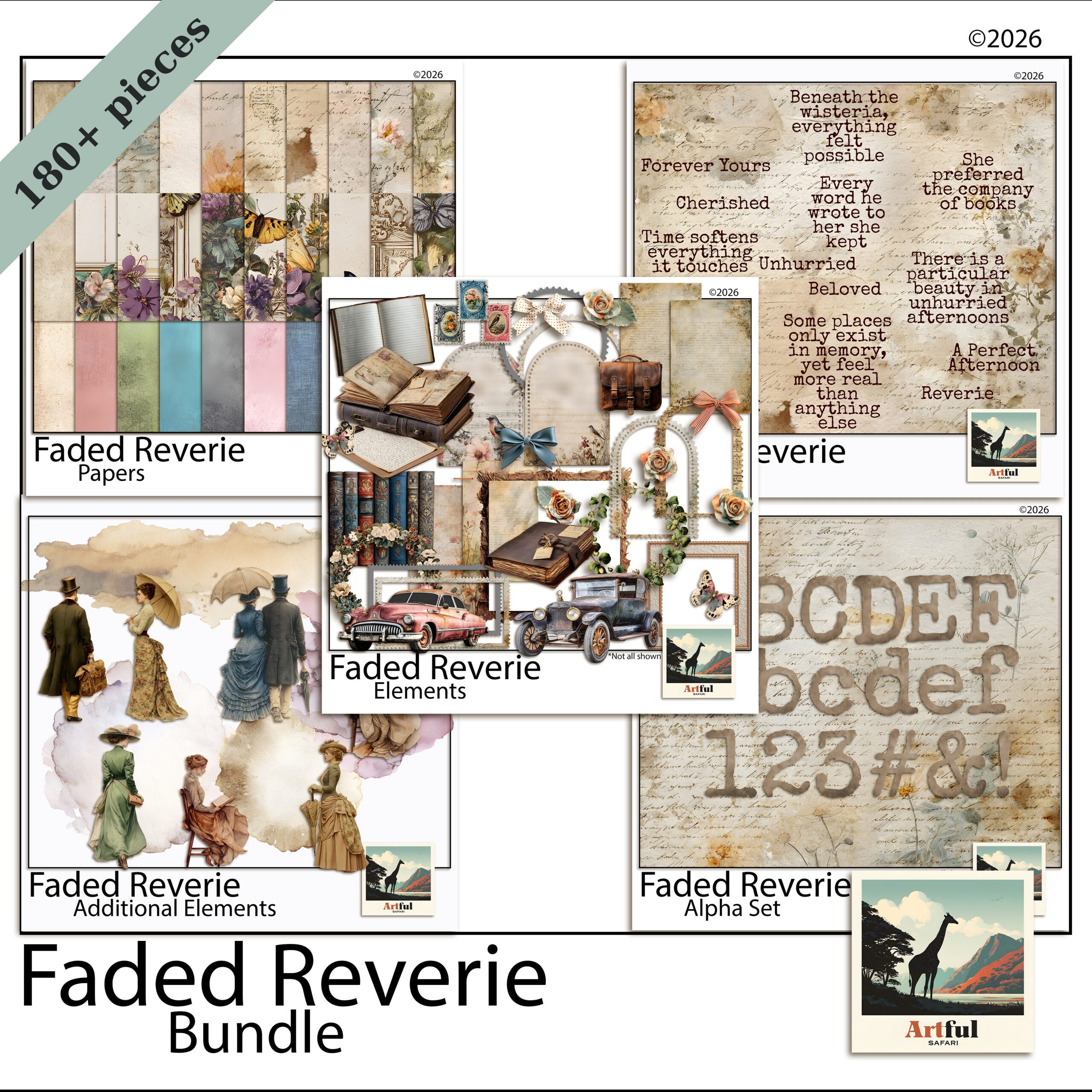
    Layering digital scrapbook papers in Procreate using the Faded Reverie set
    Soft, low-contrast sheets like the Faded Reverie Digital Scrapbook Papers layer well without fighting each other.

    Step 1: Set up the canvas

    Open Procreate, tap the plus, and choose Create Custom Size. Set it to 3600 x 3600 px at 300 DPI for a standard 12 x 12 inch page. Procreate caps the number of layers based on canvas size and your iPad, so a 300 DPI 12 x 12 is a sweet spot: big enough to look sharp, small enough to keep plenty of layers.

    If you go bigger than this, Procreate gives you fewer layers, which bites on a busy collage page. If you go smaller, the page looks soft when you zoom. So unless you have a reason to change it, stay at 12 x 12 and 300 DPI.

    Name the canvas something you will recognise later. Future you will thank present you.

    Step 2: Import your first digital scrapbook paper as the base

    Tap the wrench (Actions) > Add > Insert a file (or Insert a photo). Pick your background paper. It comes in on its own layer. Pinch to fit it to the canvas, then tap the arrow to confirm.

    Choose a quiet, textured digital scrapbook paper for the base. A loud pattern here makes everything above it hard to read. A faded linen or a soft olive texture works well as the bottom of the stack.

    Step 3: Add more digital scrapbook papers, each on its own layer

    Repeat the insert step for every digital scrapbook paper you want. Each lands on a new layer above the last. Open the Layers panel (the two-squares icon, top right) and you will see them stacked. The top layer in the panel is the top layer on your page.

    A habit worth starting now: rename your layers as you go. Tap a layer, choose Rename, and call it “base paper” or “blue tile” or “photo”. On a simple page you can get away without it, but the moment a spread has a dozen layers, named ones save you from poking at the wrong thing.

    1. Insert the paper.
    2. Resize and position it (drag, pinch, rotate).
    3. Drag the layer up or down in the panel to change the order.

    This is the core of layering digital scrapbook papers in Procreate: one paper per layer, reordered by dragging. Keep the layers panel open while you work so you always know what you are touching.

    Step 4: Blend the layers with opacity and blend modes

    Two controls do most of the magic. Tap the N beside a layer to open them.

    • Opacity fades a layer so the texture underneath shows through. Great for letting a base grain peek through a top paper.
    • Blend mode changes how a layer mixes with the one below. Multiply deepens and is good for shadows and overlays. Overlay and Soft Light add texture and contrast. Linear Burn ages a paper nicely.

    Here is a quick reference for the modes I reach for most on paper pages.

    Blend modeWhat it doesUse it for
    NormalNo mixing, full layerA solid top paper or a frame
    MultiplyDarkens, keeps shadowsDrop shadows, grungy overlays, stamps
    OverlayBoosts contrast and textureAdding grain to a flat paper
    Soft LightSubtle contrast liftA light texture wash over the base
    Linear BurnDeep darkeningAgeing and tea-stained looks
    Tuscan olive digital scrapbook paper shown as a textured base layer
    A textured base such as the Italian Digital Scrapbook Paper in olive reads as the bottom of the stack.

    Step 5: Drop a photo into a paper or frame with a clipping mask

    Clipping masks are how you get a photo to sit neatly inside a frame or a torn paper shape. Put the photo on a layer directly above the shape, tap the photo layer, and choose Clipping Mask. The photo now only shows where the shape underneath exists. Move or scale the photo and it stays inside the boundary.

    This is also how you fill text or a cut-out shape with a patterned paper. Make the shape, drop the paper above it as a clipping mask, and the pattern pours into the shape with the edges already clean. It feels like a trick the first time and then you use it on every page.

    Clipping masks deserve their own walkthrough, so for the full version across Procreate, Photoshop and Canva see How to Use Clipping Masks in Digital Scrapbooking.

    Step 6: Add depth and export

    Two finishing touches lift a flat page:

    • Shadows. Add a new layer under a paper, set it to Multiply, and brush a soft grey along one edge. Now the paper looks lifted off the page.
    • Alpha Lock. Tap a layer and turn on Alpha Lock to paint texture or colour only inside that paper’s shape, without spilling over the edges.

    When the page is done, go Actions > Share. Export a PNG or JPG for the finished image, and a Procreate file if you want to keep every layer editable. Save both, and back them up to a cloud drive or external disk. PNG keeps the most quality, while a JPG makes a smaller file that is perfectly fine for sharing online.

    A quick word on which digital scrapbook papers layer best. Soft, low-contrast sheets are the friendliest, because you can stack three or four without the page turning into a fight. Busy, high-contrast papers want to be the only patterned thing on the spread, so use one of those as a feature and keep the rest quiet.

    Common layering mistakes in Procreate

    • Editing the wrong layer. Always glance at the Layers panel and confirm the right one is highlighted before you draw or move.
    • Too many normal-mode papers. Everything at full opacity looks like stacked cards. Vary opacity and blend modes so layers talk to each other.
    • Forgetting the editable file. Flatten a copy, never your only file, or you lose the ability to tweak later.
    • Clashing palettes. Papers from one matched set layer far more easily than a grab-bag from five kits.

    Key takeaways

    • Work at 3600 x 3600 px / 300 DPI and put one paper per layer, reordered by dragging in the Layers panel.
    • Opacity and blend modes (Multiply, Overlay, Soft Light) are what make layers blend instead of stack.
    • Use a clipping mask to drop photos into frames and torn shapes; use Alpha Lock to paint inside a paper.
    • Export a flat PNG or JPG plus a layered Procreate file, and back both up.

    Frequently asked questions

    What canvas size should I use for digital scrapbook papers in Procreate?

    Use 3600 x 3600 px at 300 DPI for a standard 12 x 12 inch page. Most digital scrapbook papers are made at that size, and it stays sharp when you zoom in while leaving Procreate plenty of room for layers.

    How do I change which paper sits on top in Procreate?

    Open the Layers panel and drag a layer up or down. The top layer in the panel is the top layer on your page, so reordering is just dragging.

    Which blend mode is best for layering papers?

    Multiply is the workhorse for shadows and grungy overlays, while Overlay and Soft Light add texture and contrast. Tap the N beside a layer to reach the blend modes and opacity slider.

    How do I put a photo inside a frame in Procreate?

    Place the photo on a layer directly above the frame or shape, tap the photo layer, and choose Clipping Mask. The photo then only shows where the shape underneath exists.

  • Greek Island Scrapbook Paper: 4 Easy Checks Before You Buy

    Greek Island Scrapbook Paper: 4 Easy Checks Before You Buy

    Before you buy Greek island scrapbook paper, check four things: the resolution (300 DPI at 12 x 12 inches), the file format, whether the blues and whites really look like the Cyclades, and what the licence lets you do. Get those right and the set will carry your whole holiday album.

    This is a digital-paper buying guide, so every point below is about the files you download, not about printing anything.

    What makes good Greek island scrapbook paper?

    Good Greek island scrapbook paper gets two things right: the colours and the file quality. The colours are the whole reason you searched for it. Whitewashed walls, that specific deep Aegean blue, warm stone, the pink of bougainvillea. If a pack looks like generic “blue and white”, it will not say Santorini on your page.

    The file quality is the part most people forget to check. A gorgeous-looking preview means nothing if the actual file is small, low-resolution or saved at the wrong size. You only find out after you have paid and the paper turns soft the moment you use it full-page.

    So before you buy, run a quick four-point check. It takes two minutes and saves you the frustration of a set that looked perfect in the listing and disappointed in the app. I use the same checklist on every paper pack I bring into the shop, Greek island or not.

    Greek island scrapbook paper in Santorini blue and whitewash tones
    Greek island scrapbook paper that leans on whitewash, sea blue and warm stone, from the Santorini set.

    1. Resolution: is it 300 DPI at full size?

    This is the one that bites people. Aim for 300 DPI at 12 x 12 inches, which works out to about 3600 x 3600 pixels per sheet. At that size a paper stays crisp when you zoom in or crop a corner.

    If a listing only says “high quality” with no numbers, ask. A paper that is 1000 px wide looks fine as a thumbnail and turns soft and blocky the moment you use it full-page. The listing should state the dimensions and the DPI plainly.

    2. File format: PNG, JPG, and is anything transparent?

    Papers are usually flat JPGs, and that is correct. A paper is a full background, so it has no transparent areas and JPG keeps the file size sensible. Some makers supply PNGs instead, which is also fine, just a bigger file.

    Where format matters is the extras. Frames, borders and cut-out elements should be transparent PNGs so you can layer them over a paper without a white box around them. If a Greek island scrapbook set bundles in frames or ephemera, check those are PNGs, not JPGs. A bougainvillea spray saved as a JPG arrives with a white rectangle behind it, and you will spend ten minutes trying to cut it out by hand. Here is the quick version.

    PieceFormat you wantWhy
    Background papersJPG (or PNG)Full sheet, no transparency needed, smaller file
    Frames & bordersTransparent PNGLayers cleanly over paper with no white block
    Elements / clipartTransparent PNGTuck into a layout without a hard edge
    Whole-kit previewJPGJust a catalogue image, not a working file

    3. Colour: does it actually look like the Cyclades?

    Open the preview at full size and look hard at the blues. Real Cycladic blue sits somewhere between cobalt and a soft denim, paired with a warm off-white, not a cold grey-white. Sets that go too bright or too teal start to look like a swimming pool rather than Santorini.

    It is also worth glancing at the whites. The Cyclades are famous for whitewashed walls, and a good set carries a few near-white textures with the faintest warmth in them. A flat, pure digital white looks plasticky next to a photo and gives the page away as generic.

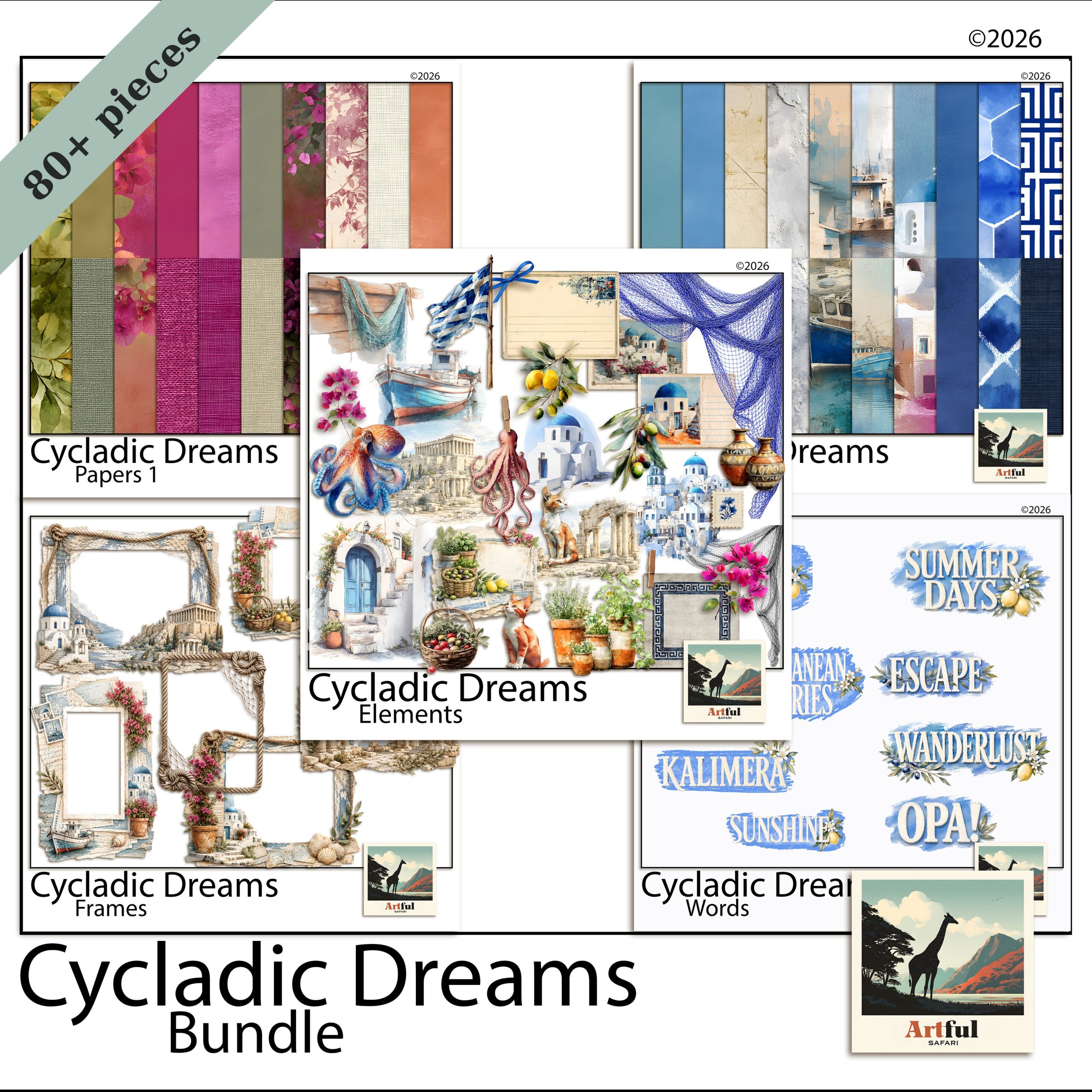
    Check the papers sit together as a family too. A good Cycladic Dreams Santorini Bundle uses one palette across every sheet, so a blue tile, a whitewash texture and a stone wall all belong on the same page. Mismatched packs make every layout a fight.

    Cycladic Dreams Santorini bundle with papers, elements and frames
    A full set like the Cycladic Dreams Santorini Bundle pairs papers with matching elements and frames.

    4. What’s included, and what does the licence allow?

    Two practical questions before you pay.

    How many papers, and what else comes with them?

    A paper pack might be 12 sheets. A bundle usually adds elements, frames and sometimes an alphabet for titles. If you want to build full holiday spreads, a bundle saves you buying the matching pieces separately later.

    Personal or commercial use?

    Most kits are personal-use by default: your own albums, gifts, pages you keep. If you plan to sell anything you make with the paper, you need a commercial licence, and the listing should spell out what that covers. Do not assume. Check the terms on the listing or ask the maker.

    Where do you buy Greek island scrapbook paper?

    You will find Greek island scrapbook paper on the maker marketplaces and on individual shop sites. A few things separate a pack worth buying from one you will regret.

    • Read the file details, not just the preview. The listing should tell you the dimensions, the DPI and the file types. If it does not, that is a small red flag.
    • Look at the full-size images. Zoom in. Thumbnails hide softness and colour casts.
    • Check the reviews for “as described”. Buyers will tell you fast if the files arrived smaller or muddier than the preview.
    • Prefer a maker with a matched range. If the same shop sells a coordinating elements pack and frames, your pages will hang together.

    Papers on their own, or a full bundle?

    This depends on what you are making. If you only want backgrounds to sit behind your holiday photos, a Greek island scrapbook paper pack is enough and costs less. If you want to build full spreads with framed photos, tucked-in elements and a title, a bundle is better value than buying each piece separately.

    My rule of thumb: buy the papers alone if you already own frames and elements you like in the same palette. Buy the bundle if you are starting a Greek island scrapbook from scratch, because everything will match out of the box and you will not be hunting for a frame that happens to be the right blue.

    One more thing worth a look: whether the set includes journaling cards or a title alphabet. Those are the pieces people forget they need until they are halfway through a page with nowhere to write the date.

    How to use Greek island scrapbook paper once you’ve bought it

    A few quick pointers so the set earns its keep:

    • Let one whitewash texture be your base, then layer a blue tile or door paper on top at an angle.
    • Keep photos warm and bright so they sit with the Mediterranean palette instead of fighting it.
    • Use the deep blue sparingly as an accent. Too much of it and the page goes heavy.
    • Pair it with simple, rounded fonts. Ornate script can tip the whole thing into a postcard cliche.
    • Leave breathing room. The white walls of the Cyclades work because of the space around them, and your page wants the same.

    For more layout ideas in the same family, see my Coastal & Nautical Scrapbook Ideas, which covers sand-and-sea palettes that sit nicely beside a Greek island scrapbook set.

    Key takeaways

    • Check the resolution first: 300 DPI at 12 x 12 inches (around 3600 x 3600 px) keeps papers sharp.
    • Papers are fine as JPGs, but frames and elements should be transparent PNGs so they layer cleanly.
    • Judge the blues at full size. True Cycladic colour is cobalt-to-denim with a warm white, not teal or grey.
    • Know what is included and whether the licence is personal or commercial before you buy.

    Frequently asked questions

    What resolution should Greek island scrapbook paper be?

    Look for 300 DPI at 12 x 12 inches, which is roughly 3600 x 3600 pixels per sheet. At that size the paper stays sharp when you crop or zoom in on a layout.

    Are digital scrapbook papers JPG or PNG?

    Background papers are usually JPGs because they fill the whole sheet and need no transparency. Frames, borders and cut-out elements should be transparent PNGs so they layer over a paper without a white box.

    What colours say ‘Greek island’ on a scrapbook page?

    Whitewashed walls, a cobalt-to-denim Aegean blue, warm stone, and touches of bougainvillea pink. Avoid sets that go too teal or use a cold grey-white, since those read more like a pool than Santorini.

    Can I sell pages I make with Greek island scrapbook paper?

    Only if the kit comes with a commercial licence, and the listing should state what that covers. Most digital papers are personal-use by default, so check the terms or ask the maker before selling anything.

  • How to Make a Digital Junk Journal: 6 Easy Steps

    How to Make a Digital Junk Journal: 6 Easy Steps

    To make a digital junk journal, you stack papers, ephemera and photos as movable layers inside an app like Procreate, GoodNotes or Canva, then save each finished spread as an image. There is no glue and nothing is permanent, so you can rearrange a page as many times as you like.

    The six steps below take you from a blank canvas to a saved spread you can be proud of.

    If you need papers and ephemera to start with, our junk journal kits come as high-resolution image files you can use digitally or print.

    What is a digital junk journal, and what do you need?

    A junk journal is a scrappy, collage-style book full of layered papers, bits of ephemera, photos and handwritten notes. The “junk” part is the charm. It looks busy and lived-in, not tidy.

    A digital one works the same way, except every layer is a file instead of a glued-down scrap. You stack everything inside an app, so nothing is permanent and nothing can be ruined. Delete a layer, slide it three pixels left, change your mind twice. The page does not care.

    The pull of going digital is exactly this: no mess, no drying time, no running out of a paper you love. You can reuse the same lace clipping on ten different pages and it never wears out. And because it all lives in files, you can keep a junk journal on a tablet in your bag and add to it on a train, in a cafe, wherever the mood strikes.

    To start you need three things: an app you are comfortable in, a stylus (or just your finger), and a kit of papers and ephemera. That last one matters more than people expect. A matched kit saves you an hour of hunting for textures that sit well together. Buy a themed bundle and the papers, frames and little bits already share a palette, so your first page looks intentional instead of cobbled together.

    Folklore Forest digital junk journal bundle open on a tablet
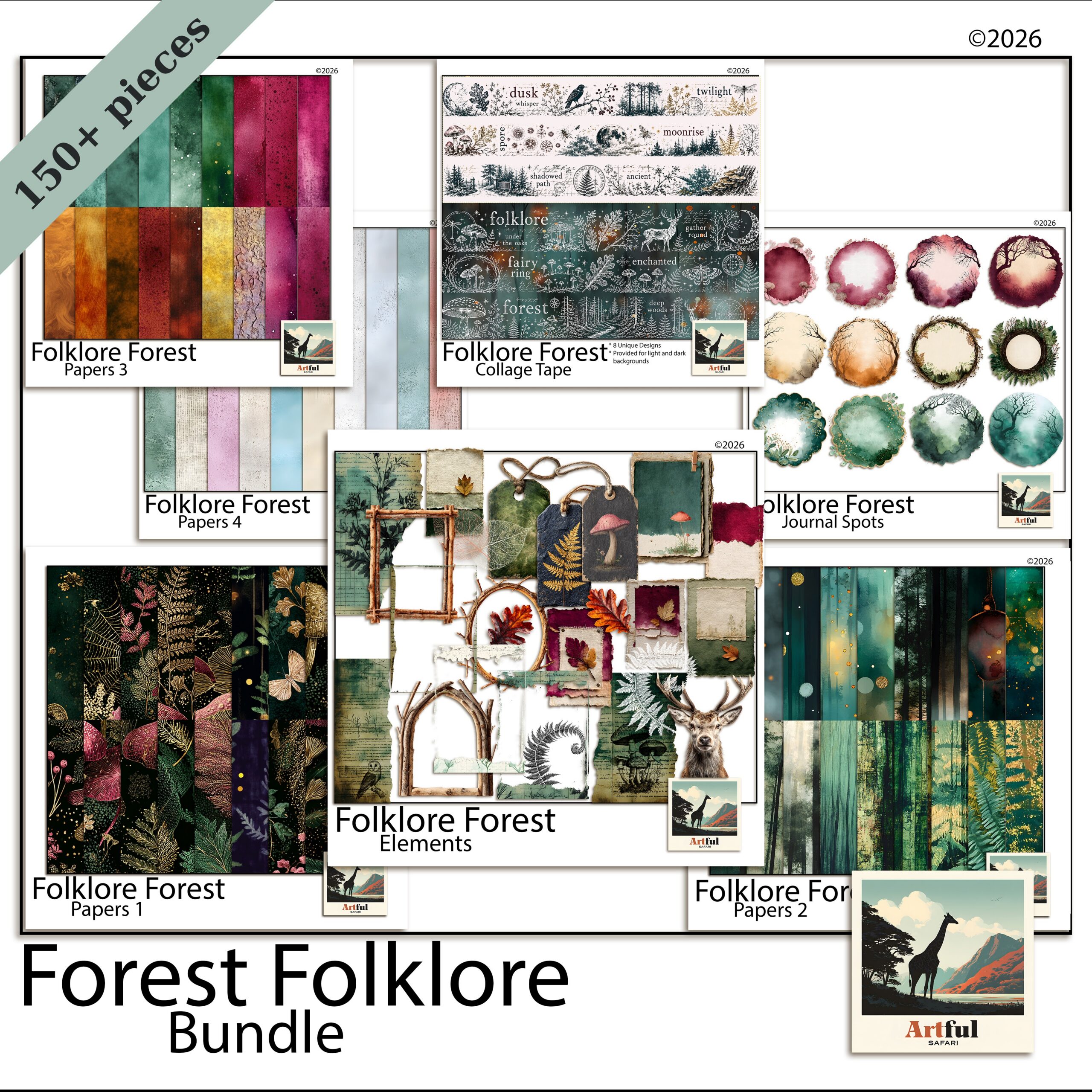
    A themed bundle like the Folklore Forest Botanical Junk Journal Bundle gives you papers, ephemera and frames that already match.

    How to make a digital junk journal in 6 steps

    Here is the whole process from blank canvas to a saved spread. None of it takes special skill. Step one is the only decision that sticks, so I will spend the most time there.

    Step 1: Pick an app and set a canvas

    Open your app and make a new file at roughly 3600 x 3600 px, which is a 12 x 12 inch page at 300 DPI. That is the standard scrapbook size and most kits are built for it. If you prefer a book-page feel, a portrait 8.5 x 11 works too.

    Keep the file in the app’s own format while you build (a Procreate file, a GoodNotes notebook, a Canva design). You only flatten to an image at the very end.

    Step 2: Drop in a base paper

    Import one paper and stretch it to fill the whole canvas. This is your background. Pick something with quiet texture, not a loud pattern, because everything else sits on top of it and a busy base fights the layers.

    Aged, linen and kraft textures are the safe choice for junk-journal pages. They read as old paper and they let the brighter pieces pop.

    Step 3: Layer a second paper for depth

    Add a smaller paper on a new layer, sitting at an angle, covering maybe two-thirds of the page. Torn or deckled edges sell the look. If your kit includes torn-edge papers, use them here. If not, a soft shadow under the edge fakes the same effect.

    This is the move that separates a flat page from a junk-journal page: two or three papers that overlap, not one paper sitting alone.

    Step 4: Add ephemera, a frame and a photo

    Now the fun part. Drop in ephemera: tags, tickets, stamps, botanical clippings, lace, whatever your kit gives you. Tuck them under and over the papers so they look slotted in rather than placed on top.

    Add a frame, then put a photo behind it (a clipping mask does this cleanly in most apps). One photo per spread is plenty for a junk journal. The papers and ephemera are the point.

    Step 5: Write the journaling

    Add a text layer or handwrite with your stylus. A date, a line about what happened, a quote. Junk journals lean personal and a little messy, so handwriting suits them better than a neat font. Keep it short. White space is rare on these pages, so a couple of lines is enough.

    Step 6: Flatten, save and back up

    Duplicate the file first so you keep an editable copy, then flatten the duplicate and export it as a PNG or JPG. Save the editable version too. Back both up to cloud storage or an external drive. The whole appeal of working digitally is that nothing is lost, so do not let it live on one device.

    One spread done. The good news is that steps two to five get faster every time, because you start to know which papers and pieces play nicely together. By page three you will be building spreads in ten minutes.

    Farmhouse Life junk journal papers shown as layered textures
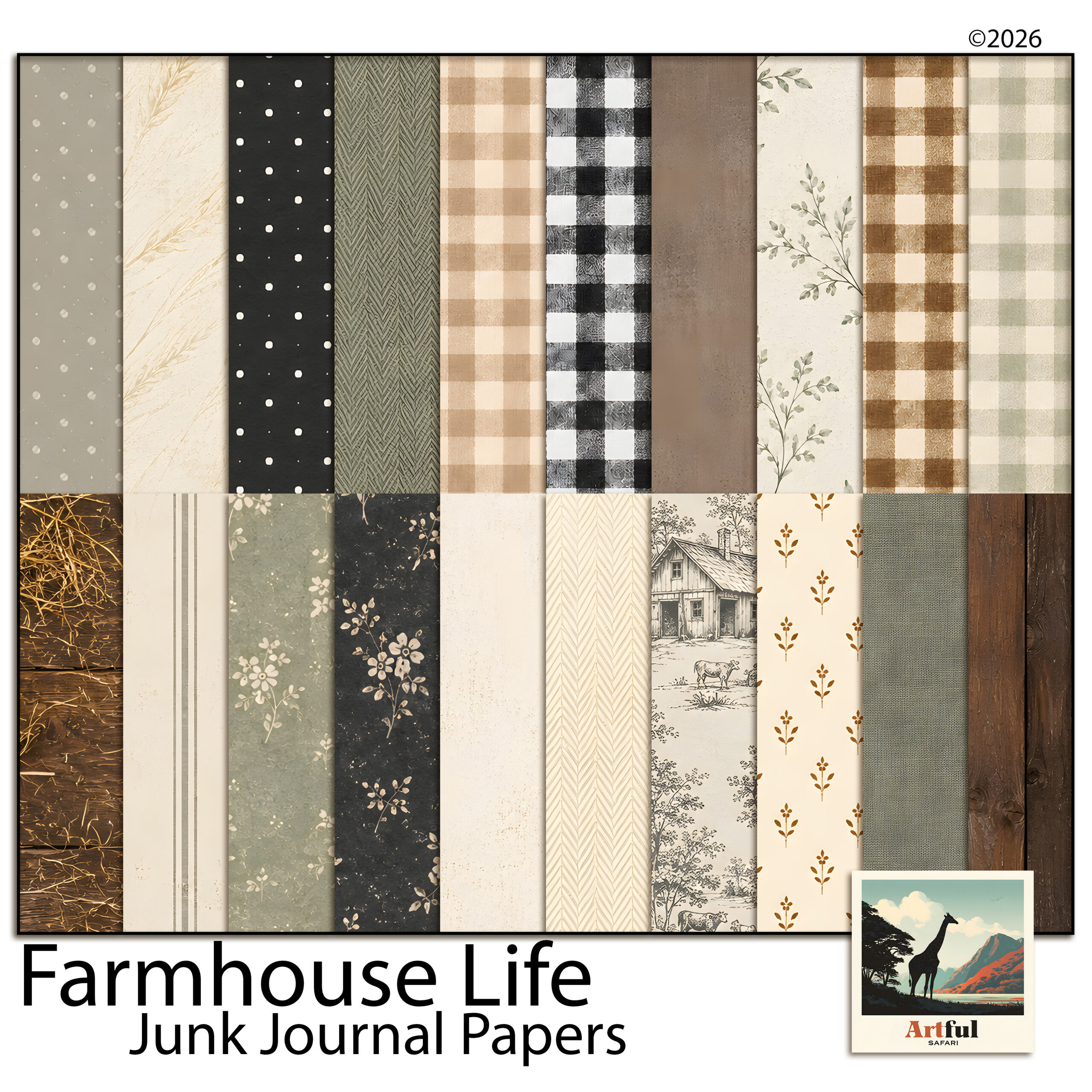
    Textured base papers from the Farmhouse Life Junk Journal Papers sit underneath everything else.

    Do you have to print a digital junk journal?

    No, and this trips people up. A digital junk journal is meant to be read on screen. You flip through it on a tablet, share a spread to social, or keep it as a private memory book. Nothing has to leave the device.

    You can print one if you want a physical book to hold, and the textured papers do print beautifully. But that is an optional extra, not a requirement. Plenty of makers keep the whole thing digital and never touch a printer. Treat printing as a choice you make later, not a step you owe the project.

    Which app should you use for a digital junk journal?

    Any of these will build a good page. The right one is the app you already own and already know. Here is how the popular three compare for this kind of work.

    AppBest forLayers & masksCost
    ProcreateFull control, painterly edges, brushesStrong layers, clipping masks, blend modesOne-off iPad purchase
    GoodNotesA book you flip through and write inStickers and images, lighter layeringLow one-off / subscription
    CanvaQuick spreads on any device, browser or appLayers and transparency, no real masksFree tier works; Pro adds more

    If you want pages that look hand-finished, Procreate gives you the most room. If you want something you read like a diary, GoodNotes feels closer to a real notebook. Canva is the fastest start if you have never done this before.

    Common mistakes that make a digital page look flat

    The pages that do not work usually share the same few problems. Easy to fix once you spot them.

    • No overlap. One paper, one photo, lots of empty space. Junk journals want layers touching and tucking under each other.
    • No shadows. Flat pieces look pasted on. A faint drop shadow under papers and ephemera gives the page real depth.
    • Mismatched colours. Five kits, twelve palettes, nothing agrees. A single themed bundle solves this in one go.
    • Too tidy. Perfectly straight, evenly spaced pieces read as a poster, not a journal. Tilt things a few degrees.

    New to the whole idea? Start with What Is a Junk Journal? for the plain-English version before you build your first spread.

    Key takeaways

    • A digital junk journal is the same layered, collage look as a paper one, built as files you can move and undo.
    • Work at 12 x 12 inches and 300 DPI, keep the editable file, and only flatten to PNG or JPG at the end.
    • Overlap two or three papers, tuck in ephemera, add soft shadows. Layers and depth are what make the page.
    • A matched themed bundle saves you from clashing colours and missing pieces.

    Frequently asked questions

    Do I need to print a digital junk journal?

    No. A digital junk journal lives on your device and is read on screen, so there is no printing involved. You only print if you want a physical copy, and that is a separate choice.

    What size should a digital junk journal page be?

    A 12 x 12 inch page at 300 DPI (about 3600 x 3600 px) is the standard and most kits are built for it. A portrait 8.5 x 11 also works if you want a book-page feel.

    Can I make a digital junk journal in Canva?

    Yes. Canva handles uploaded papers, layering and transparency, so it suits beginners well. It does not have true clipping masks, so dropping photos into frames is a little less precise than in Procreate.

    What is the difference between a junk journal and a scrapbook?

    A junk journal is busier and more collage-led, built from layered papers and ephemera with the photo as a small part. A scrapbook usually puts the photos first with cleaner layouts around them.

  • Travel Scrapbook Ideas: 4 Easy Pages from Your Camera Roll

    Travel Scrapbook Ideas: 4 Easy Pages from Your Camera Roll

    You get home from a trip with a thousand photos and every intention of doing something with them. Then real life starts again, the camera roll scrolls down, and six months later you can’t remember the name of the little restaurant you swore you’d never forget. A travel scrapbook is how you stop that from happening — a few pages that hold the trip in one place instead of letting it dissolve into a folder called “July”.

    The travel scrapbook ideas below all work on a screen — in Procreate, Canva, Photoshop or GoodNotes — and that’s an advantage here. There’s no printing, no trimming, no waiting for supplies to arrive. You can build a page the same evening you land, while the details are still sharp. Below are four page formats that hold up, plus how to put them together digitally without needing to be a designer.

    For city trips, the Urban Travel collection has papers and elements for exactly these pages.

    Start before the details fade

    The hardest part of any travel page isn’t the design. It’s remembering what actually happened. Photos capture the view; they don’t capture the name of the waiter, the song in the taxi, or the fact that it rained for exactly ten minutes at the top of the hill. Those are the things you’ll want in a year, and they’re the first to go.

    So before you open any app, jot down the anchors while they’re fresh:

    • Dates, the city, who you were with, where you stayed.
    • The one moment each day that made you laugh or stop and stare.
    • A meal worth naming, the weather, a smell, what the street sounded like.
    • The ticket stub, the metro map, the price of a coffee, a phrase you kept mangling.

    Ten minutes of notes on your phone is enough. That list becomes the journaling on your pages, and it’s the difference between a photo album and a scrapbook you’ll actually reread.

    Travel scrapbook ideas that hold up

    You don’t need a new layout for every page. The best travel scrapbook ideas are repeatable formats: a handful of them will carry a whole trip, and mixing them keeps the album from feeling repetitive.

    The one-photo hero

    Pick the single best shot from a day and let it fill most of the page. One strong photo, a wide border of patterned paper, and a short line of journaling underneath with the date, the place, and why it mattered. It’s the fastest of these travel scrapbook ideas to make and often the page people linger on.

    The map-and-tickets page

    This is where the small stuff earns its place. Drop in a map of the neighbourhood you walked, a couple of ticket stubs, a museum pass, a scrap of a menu. Scatter three or four smaller photos around them. It reads like the contents of your pocket at the end of a day out, which is exactly the feeling you’re after.

    The day in order

    A simple grid that walks through one day start to finish — breakfast, the walk, the thing you queued an hour for, dinner. Six to nine photos in a clean arrangement with tiny time or place labels. Good for the big days you don’t want to reduce to a single image.

    The details you’ll forget

    A whole page for the things that never make the highlight reel: door handles, street signs, the exact blue of a shutter, your feet on a particular set of steps. These pages age the best of all the travel scrapbook ideas here. They put you back on the street more than a posed photo ever does.

    Turning travel scrapbook ideas into pages on screen

    On a screen, these pages all come down to layering, and every app does the same basic thing: a background, your photos, and decorative bits on top. Once you see it as layers, it stops being fiddly.

    • Start with a paper. A textured or patterned background instantly sets the mood — soft and vintage for an old European city, bright and warm for a beach trip. This one choice does most of the styling for you.
    • Drop your photos in. Use frames or clipping masks so photos sit inside a shape with a clean edge. In Procreate and Photoshop that’s a clipping mask; in Canva you drag a photo into a frame; in GoodNotes you crop and layer.
    • Add elements to tie it together. Transparent PNG pieces — florals, tape, stamps, journaling cards, word art — bridge the gap between photo and background so nothing floats. A little goes a long way; leave breathing room.
    • Write it in. Type or handwrite your journaling straight onto the page. This is where those ten minutes of notes go.

    A themed kit speeds up every one of these travel scrapbook ideas, because the papers and elements are already designed to sit together. You’re not hunting for a map graphic that matches your paper that matches your frames — the matching is done, and you spend your time arranging instead of sourcing.

    Putting a Paris page together

    Say you’ve just come back from Paris. You’ve got the notes, a folder of photos, and an evening free. Here’s how the travel scrapbook ideas above come together on one page.

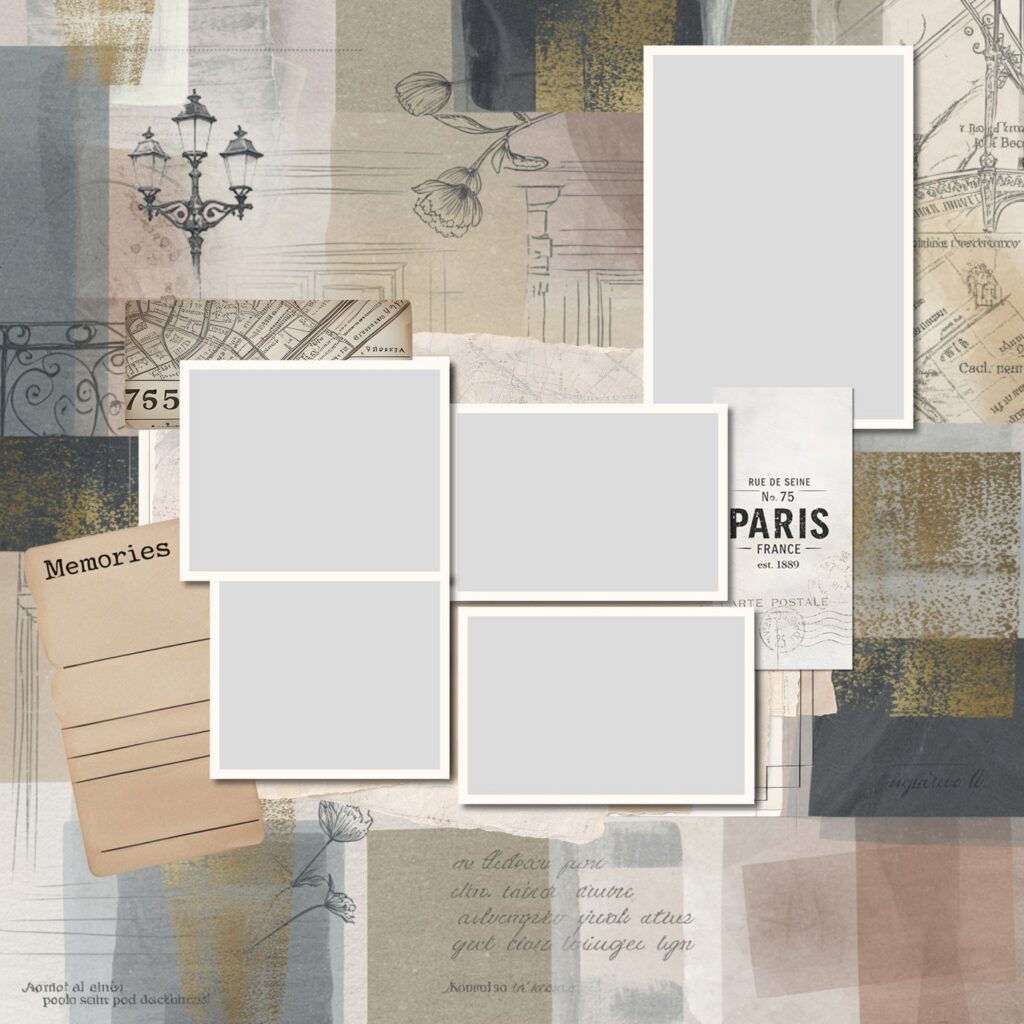
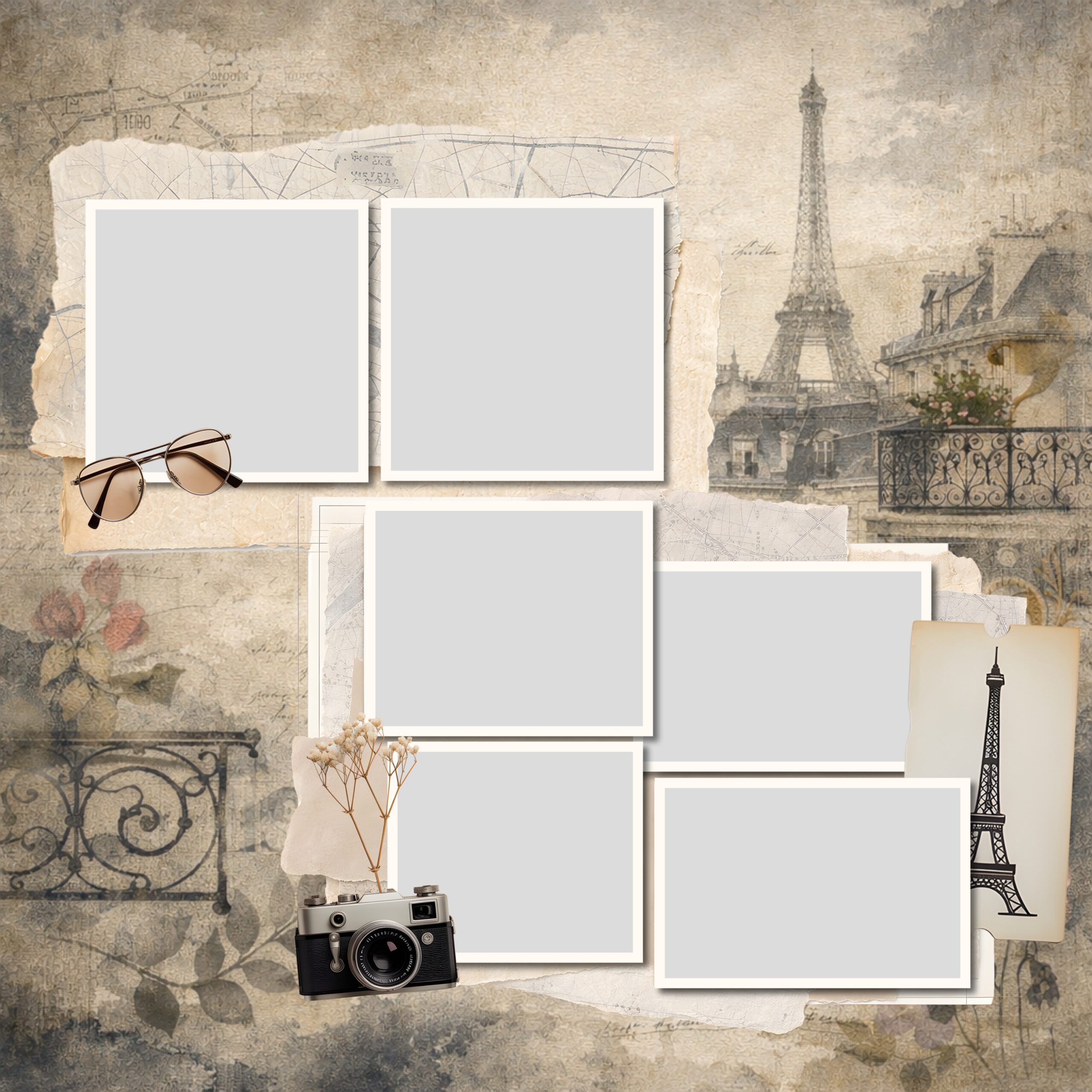
    Travel scrapbook ideas in practice: a digital Paris layout with papers, a street map, a vintage ticket, journaling cards and photo slots
    One of the fastest travel scrapbook ideas to build — photo slots, a map, a ticket and a journaling card already arranged, so you drop your own photos and words straight in.

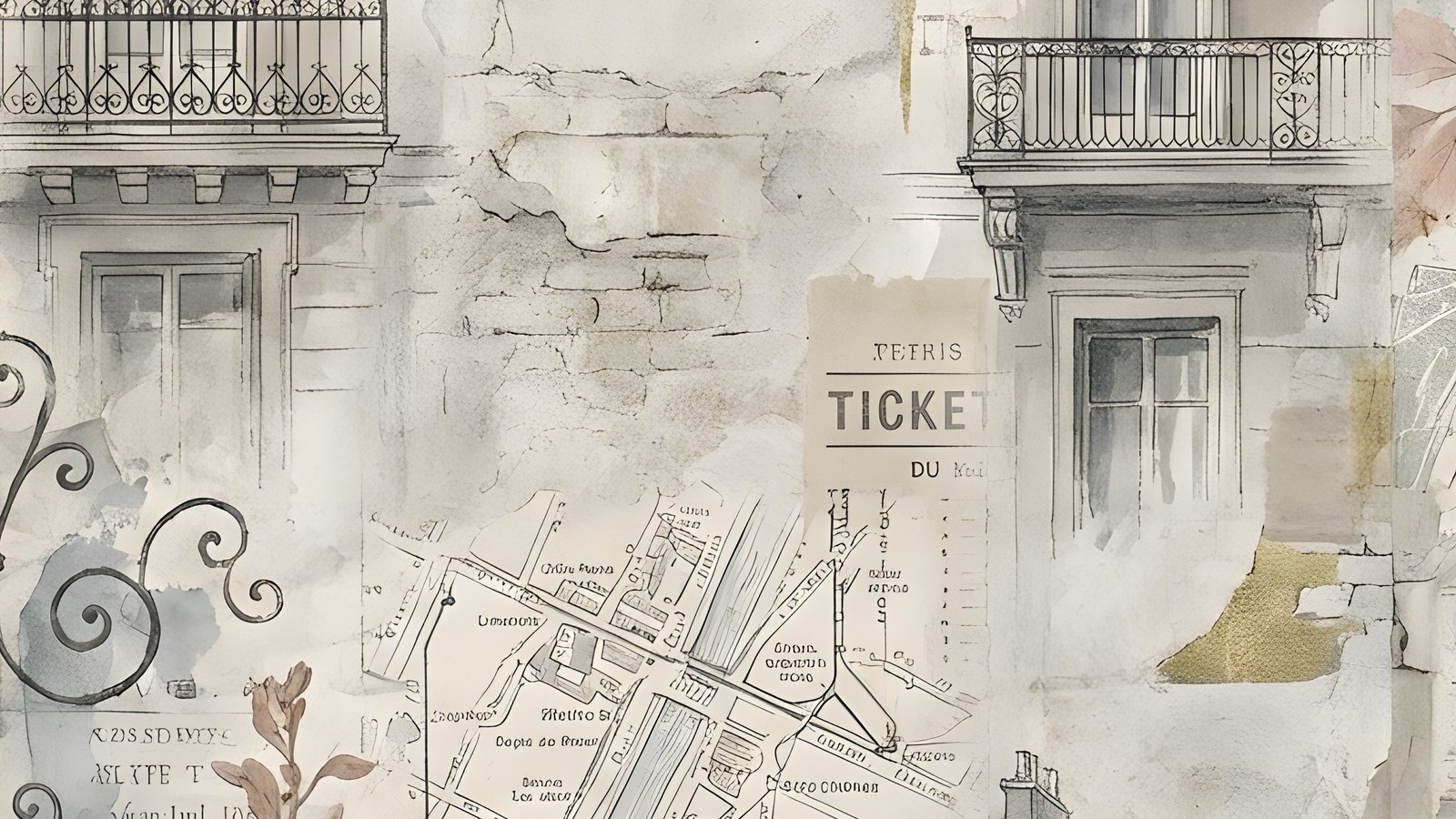
    Lay down a soft, aged paper as the background. Add a hand-drawn map of the arrondissement you stayed in, a vintage ticket, and a “Memories” journaling card for your notes. Slot your three or four favourite photos into frames — the café table, the view from Montmartre, the two of you squinting into the light. Finish with a line of small sketched details like a wrought-iron balcony or a street lamp so the page feels like the city, not just a template.

    If you’d rather not build every element from scratch, a themed set like the Paris Adventure digital scrapbook bundle gives you the papers, frames, maps and Parisian elements already designed to work together, plus page templates with the photo slots and journaling spots laid out. You bring the photos and the story; the styling is handled.

    Whatever tools you use, the goal of all these travel scrapbook ideas is the same. Get the trip out of your camera roll and onto a few pages while you still remember the small stuff — so years from now you open it and you’re right back there.

  • Spring Scrapbooking: 6 Easy Trends to Try in 2026

    Spring Scrapbooking: 6 Easy Trends to Try in 2026

    The spring scrapbooking trends I’m seeing most in 2026 are pressed botanicals, blush-and-cream neutrals, soft purple, torn-paper collage edges, oversized script titles, and clean one-photo focal pages.

    None of them need a new skill. They’re mostly about palette and restraint, which makes spring a good season to refresh how your pages look without relearning a thing.

    What’s behind the shift this spring?

    Before the list, one thread runs through all six spring scrapbooking trends: less is winning. The maximalist, every-corner-decorated page that ruled a couple of years ago is quietly going out of fashion, and a softer, more pared-back look is taking its place. Muted palettes, more white space, textures that feel handmade. If you only take one thing from this post, take that. Most of these trends are really the same instinct showing up in different ways.

    The other reason these stick around is time. The pared-back styles are simply faster to make, and a page you can finish in fifteen minutes is a page that actually gets done. That’s half of why they’re spreading.

    1. Pressed botanicals and meadow florals

    The biggest shift in spring scrapbooking this year is away from bright, busy florals toward botanicals that look pressed, almost faded, like something kept in a book for a decade. Sprigs, ferns and single stems, scattered with space around them rather than packed into a border.

    Try it: place two or three botanical sprigs at the corners of a photo and leave the middle of the page quiet. The restraint is the whole point.

    Why the shift? After a few years of maximalist, sticker-everywhere pages, a lot of us are tired of the noise. Pressed botanicals feel quieter to make and easier to live with, and they let the photo stay the subject. They also pair with almost anything, so a single botanical pack stretches across a whole album.

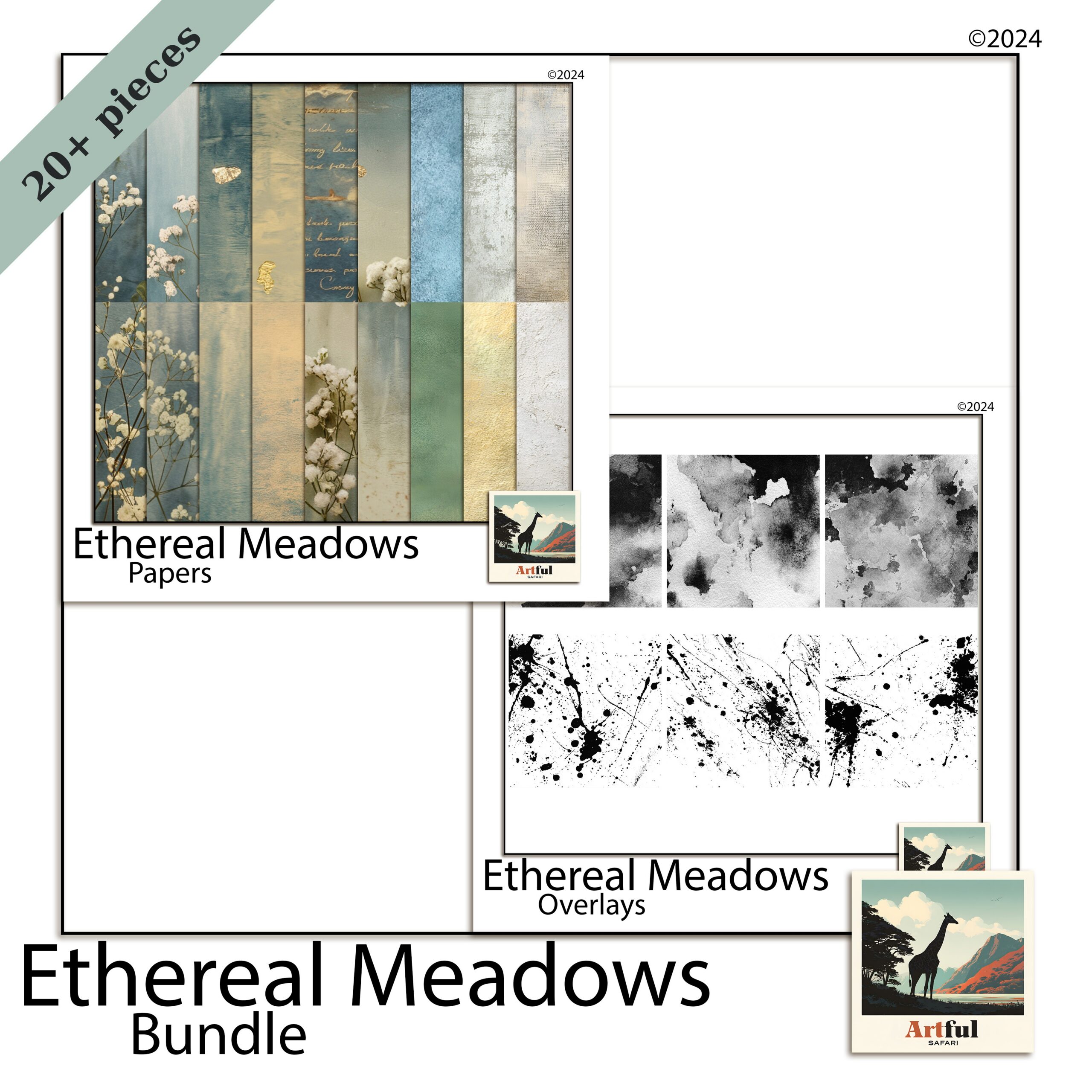
    Ethereal Meadow bundle for spring scrapbooking with pressed botanicals and florals
    Soft florals and meadow tones for spring scrapbooking, from the Ethereal Meadow Digital Scrapbook Bundle.

    2. Blush and warm neutrals, not just pastels

    Spring scrapbooking used to mean sugary pastels. In 2026 the warmer, dustier end is winning: blush, oat, clay and soft cream. They photograph beautifully behind everyday snapshots and don’t fight your photos for attention.

    Try it: build a page on a blush or oat background, then pull one slightly deeper tone from a photo for your title. Tonal, not matchy.

    The reason warm neutrals work so hard: they’re forgiving. A bright pastel can clash with a photo taken in odd light, but blush and oat sit behind almost any snapshot without a fight. That makes them the workhorses of an album, the pages you reach for when the photo is the star and you just want a quiet backdrop.

    Blush pink digital scrapbook papers for warm neutral spring layouts
    Warm neutral backgrounds from my Blush Pink Digital Scrapbook Papers.

    3. Soft purple keeps spreading

    Lavender and soft lilac aren’t slowing down. They’ve crossed from a niche colour into a full spring palette, often paired with sage or warm grey to keep them from going too sweet. If you want the background on why this one stuck, I went into it in my piece on the Lavender Scrapbooking Trend.

    Try it: use lilac as the base and sage as the accent, never the other way round. Purple leads, green supports.

    If lilac feels too sweet for your photos, drop in a warm grey as a third tone. It grounds the whole page and stops the purple reading as a nursery palette, which is the usual worry people have with it.

    4. Torn-paper and layered collage edges

    Clean digital edges are giving way to torn, deckled and rough-cut looks borrowed from junk journaling. Layered paper with a frayed edge adds texture that flat rectangles can’t, and it suits the pressed-botanical mood perfectly.

    Try it: stack two or three papers behind your photo, each slightly off-square, with a torn-edge overlay on top. Mind the layer order so the photo still sits clearly on top.

    This is one place digital and paper scrapbookers are borrowing from each other. The torn, layered look came up through junk journaling, and it’s now bleeding into clean digital pages because it adds the one thing flat layouts lack: a sense that hands made it. A little imperfection reads as warmth.

    5. Oversized handwritten and script titles

    Titles are getting bigger and more personal. Large hand-lettered or script titles, sometimes running off the edge of the page, are replacing tidy small captions. They turn the words into part of the design instead of an afterthought.

    Try it: set one short title, three or four words, at a size you’d normally think is too big. Then take it up one more notch.

    The trick that makes a big title look designed rather than shouty: let it overlap. Run the tail of a script word slightly behind the photo, or let one letter slip off the page edge. That small overlap ties the title to the image instead of leaving it floating above like a label.

    6. One-photo focal pages with breathing room

    After years of photo grids, a lot of people are paring back to a single hero photo with plenty of space around it. It feels current, it’s quicker to make, and it lets a really good shot actually breathe.

    Try it: one photo, one title, two small botanical accents, and a wide margin. Resist the urge to fill the gap.

    There’s a practical bonus here. A one-photo page takes ten minutes, not an hour, so you actually finish your album instead of leaving it half-done. If you’ve got a backlog of photos and not much time, this is the trend I’d start with. It keeps you moving.

    If you want to pick one and start tonight, here’s the spring scrapbooking shortlist with a palette and a use for each.

    TrendPaletteBest for
    Pressed botanicalsSage, cream, soft greenGarden and nature photos
    Blush neutralsBlush, oat, clayEveryday and family pages
    Soft purpleLilac, sage, warm greySofter mood spreads
    Torn-paper edgesKraft, cream, muted tonesLayered, textured layouts
    Oversized titlesOne bold accent colourSingle-event or milestone pages
    One-photo focalAny, kept minimalYour best single shot

    You don’t need all six. The strongest spring scrapbooking pages usually borrow two, not five. A combination I keep coming back to: a blush-neutral background, one large script title, a single photo, and two pressed-botanical sprigs in the corners. That’s it. Four moves, and it reads as current without looking like it’s trying.

    If you’re newer to this and want a starting point rather than a palette, my walkthrough on getting set up pairs well with these ideas.

    One last note before you dive in: don’t chase all of these at once across an album. A book where every page tries a different trend looks restless. Pick a palette and one or two looks, hold them across the whole album, and the spreads will sit together like they belong. The trend is the seasoning. Your photos and your story are still the meal.

    Key takeaways

    • Spring scrapbooking in 2026 leans muted and textured, not bright and busy.
    • Blush neutrals and soft purple are the season’s safest, most flexible palettes.
    • Pressed botanicals and torn-paper edges add texture without adding clutter.
    • Combine two trends per page, not all six, and leave breathing room.

    Frequently asked questions

    The main ones are pressed botanicals, blush and warm neutrals, soft purple, torn-paper collage edges, oversized script titles, and clean one-photo focal pages.

    Warmer, dustier tones lead: blush, oat and clay neutrals, plus soft purple paired with sage. The sugary pastel palette is fading in favour of muted, tonal combinations.

    How do I make a spring scrapbooking page look current without redoing my whole style?

    Pick two trends, not all six. A blush background, one large script title, a single photo and two botanical sprigs is enough to feel fresh while staying simple.

    Are torn-paper edges hard to do digitally?

    No. Many kits include torn or deckled-edge overlays you layer over your papers. Stack a couple of papers slightly off-square and drop the torn edge on top.

    Yes. Most spring scrapbooking trends this year come down to palette and restraint, so they translate to either. The torn-edge look in particular comes straight from junk journaling, so it suits both.

  • How to Build a Quiet Woodland Scrapbook Page in 5 Steps

    How to Build a Quiet Woodland Scrapbook Page in 5 Steps

    There is a particular kind of photo that never quite suits a busy layout — the quiet ones. A walk under bare trees, a cabin weekend, first snow, an autumn trail with the light coming sideways through the branches. Crowd those pictures with bright patterns and confetti and you lose the very thing that made you keep them. A woodland scrapbook page works the other way round: it gives the memory room to sit still.

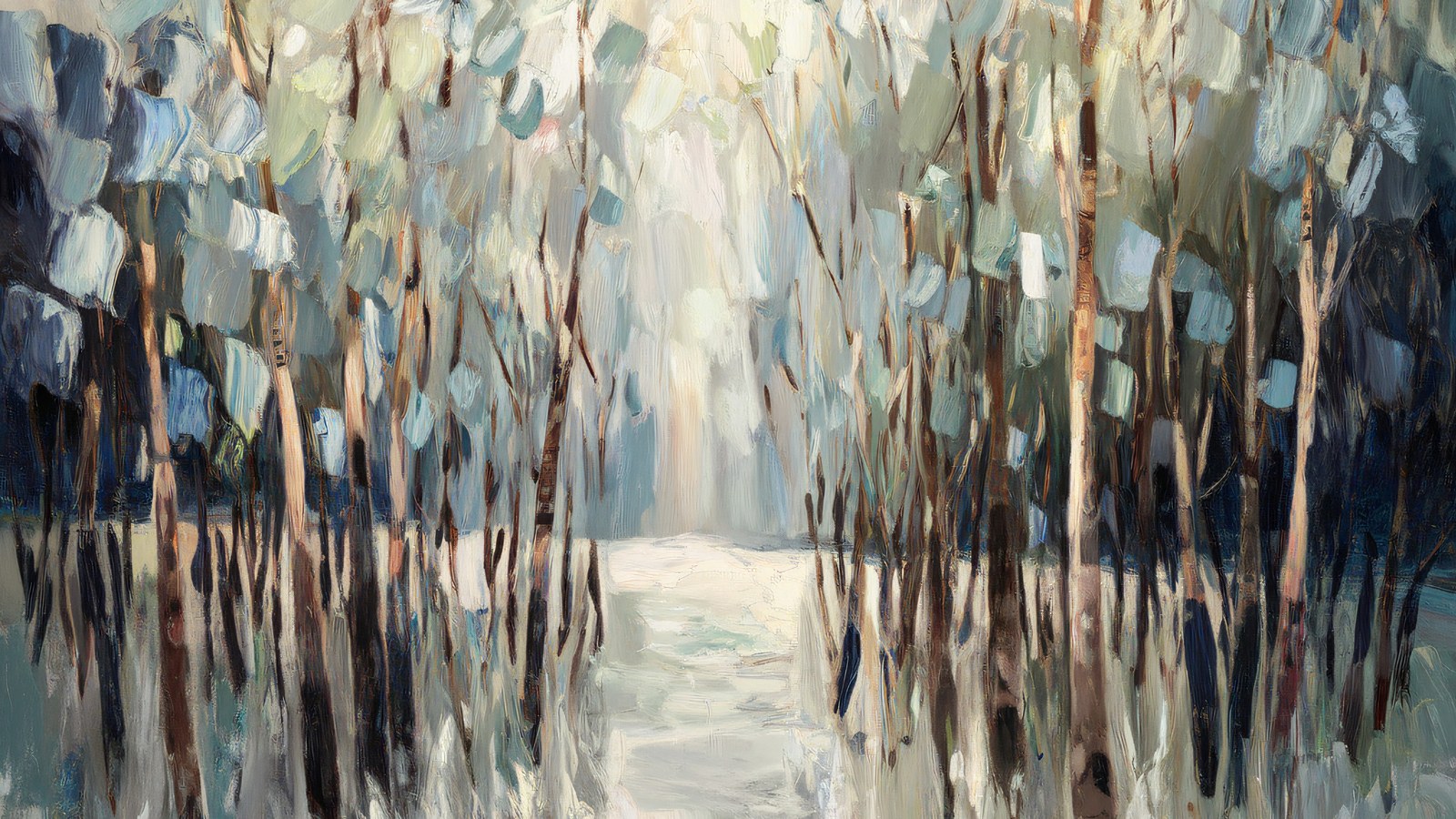
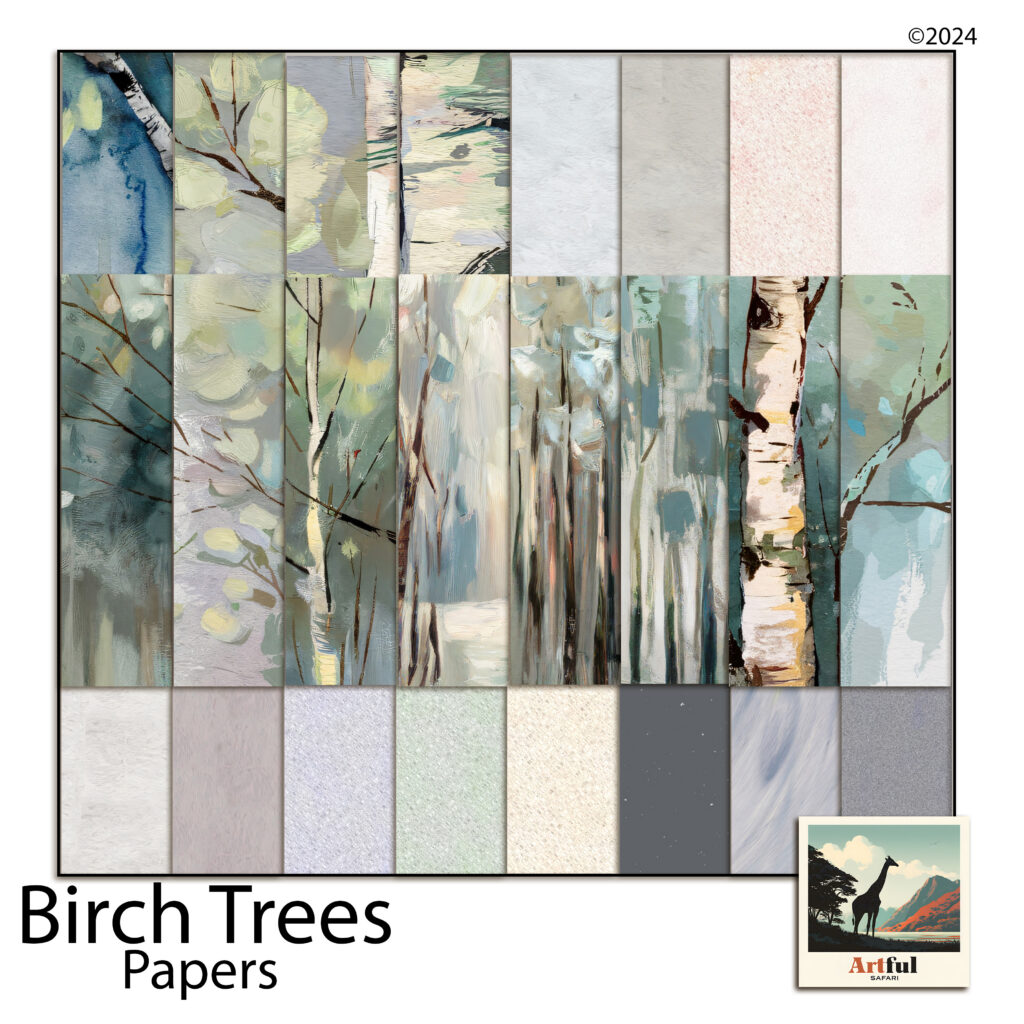
    This guide walks through how to build a woodland scrapbook page from the background up — choosing papers, pairing a soft forest palette, and layering photos so the page feels restful rather than empty. The examples use painted birch tree paper, because birch is about as forgiving a starting point as this style gets, but the same thinking carries across any nature-led spread.

    Start your woodland scrapbook page with a background that can breathe

    Most crowded pages are crowded because the background is already doing too much. A restful woodland scrapbook page usually pairs one expressive sheet with several near-plain ones, and lets the plain sheets carry most of the surface area.

    So it helps to think of your papers in two jobs. The painted scenes — a birch grove, a misty tree line, a single trunk against a pale sky — are your feature sheets. They are lovely, and they are loud enough that one is usually plenty per spread. The textured solids — bark white, warm grey, sage mist, a dusty blue — are your quiet sheets. They read almost as a single colour from arm’s length, which is exactly what you want behind a photo or a block of journaling.

    A simple rule of thumb: if you can read text comfortably laid over a paper, it can go behind your words. If it fights the text, keep it as a feature and mat your photo onto a quiet sheet instead.

    The colour logic of a woodland palette

    Woodland colours already coordinate in nature, which does half the work for you. The trick to keeping a woodland scrapbook page quiet is restraint in the proportions, not the number of colours.

    The old decorator’s 60/30/10 split translates neatly to a scrapbook page. Give roughly 60 per cent of the page to a dominant quiet tone — bark white or a soft grey is ideal because it behaves like a neutral. Give about 30 per cent to a supporting colour from the same family, say sage or a muted blue, on mats and borders. Then keep the last 10 per cent for an accent: a deeper charcoal or a slate blue used sparingly, on a title strip or a small tag, to stop the whole thing drifting into pastel soup.

    That single darker accent matters more than people expect. A page built entirely from pale sage and cream can look washed out on screen; a thin charcoal edge or a dark journaling block gives the eye somewhere to land and makes every soft colour beside it read as deliberate.

    Layering without crowding the page

    Layering is where a woodland scrapbook page is won or lost. The instinct is to fill the space; the better move is to build a small stack in one area and leave the rest open.

    • Anchor with the photo. Mat it on a quiet textured sheet, slightly larger than the photo, so a thin border of paper frames it. One mat is elegant; three stacked mats start to shout.
    • Let a painted scene sit behind, not around. If you use a birch grove as the background, keep photos and text over the calmer part of the image — the misty middle distance rather than the busy trunks — so nothing competes.
    • Give journaling its own quiet block. A rectangle of near-solid paper behind your words reads as intentional and keeps the text legible over any texture.
    • Leave one corner empty. Negative space is a design element. An open corner is what makes the difference between “minimal” and “unfinished” — it frames everything else.

    Putting the woodland scrapbook page together

    Here is how those ideas stack on a real spread. Start with a bark-white texture across the full 12 × 12 page as the base. Drop a painted birch scene into the top two-thirds as a feature band, and mat your main photo onto a soft sage sheet placed over the calmer lower third. Add a slim charcoal strip beneath the photo for the date, and a small block of dusty-blue paper for a line or two of journaling. That is five papers doing five clearly different jobs — and the page still feels quiet, because only one of them is trying to be the star.

    Painted birch papers and quiet textures for building a woodland scrapbook page
    This woodland scrapbook page recipe uses the painted birch and coordinating textures from the Birch Trees paper collection.

    Because these are digital papers, the whole process is non-destructive — drag a sheet in, resize it, swap it for a different texture if the balance feels off, and nothing is wasted. It is the fastest way to test the 60/30/10 idea, since you can recolour a mat or trade a sage sheet for a blue one and see the page shift in seconds. Everything drops straight into Procreate, Photoshop, Canva, or GoodNotes at the standard 12 × 12 size.

    A few finishing touches

    Once the structure works, small details make the woodland scrapbook page feel considered. Round the corners of a mat by a pixel or two so it sits softer against the painted background. Add the faintest drop shadow under photos and journaling blocks to lift them off the page — woodland pages suit a light touch here, just enough to suggest depth. And keep your title small; on a restful page, a quiet title in a single accent colour says more than a large one.

    The point of a woodland scrapbook page isn’t to decorate the memory — it’s to stay out of its way. Choose one feature, keep the rest quiet, mind your proportions, and leave a little room to breathe. The photos of the quiet moments have been waiting for a page that lets them stay quiet.