40% off until 31 October on selected products·8 days left

Author: Helene

  • Dusty rose paper: 5 simple ways to layer it on a page

    Dusty rose paper: 5 simple ways to layer it on a page

    Dusty rose is one of those colours that looks effortless on a finished page and turns into a muddle the moment you try it yourself. The papers are lovely on their own. Layer three of them behind a photo and suddenly the photo has vanished into a wash of pink and grey, and you can’t work out which bit went wrong.

    Usually nothing went wrong with the papers. What went wrong is that every paper in the stack was doing the same job. Below is the way I sort a dusty rose kit before I place a single element, and the four decisions that keep the photo winning.

    Why dusty rose behaves differently to a brighter pink

    Dusty rose is a desaturated red with a grey or brown base sitting underneath it. That grey is the whole story. It means the colour reads as a neutral more often than it reads as a pink, which is why dusty rose sits happily next to sage, warm stone, charcoal and cream without anyone having to think hard about it.

    The catch is that a neutral does not fight for attention, and a photograph does. Put a strong photo on a bright pink background and the two compete, which at least tells you where the edges are. Put the same photo on a dusty rose background and the edges go soft. Your eye slides off the photo and into the paper. Solving that is a matter of contrast, not colour.

    Sort the papers into three jobs first

    Before anything else, open the whole kit and split it into three piles. Almost every floral paper collection divides this way, and once you see it you can’t unsee it.

    • Statement papers. Big blooms painted large across the page, edge to edge. Gorgeous, and almost never the right choice behind a photo.
    • Spray papers. Florals gathered into a corner or along one edge, with open space left in the middle. These are the workhorses.
    • Blenders. Plain washes with no florals at all. The pile people skim past, and the pile that makes the other two usable.

    A page that isn’t working is usually two statement papers stacked on each other. A page that works is normally a blender doing the heavy lifting with one spray paper layered on top at a smaller size.

    The rough proportions

    As a starting point, give roughly 60% of the visible page to a blender, 30% to a spray, and 10% to a statement paper used as a small torn strip or a matted panel. You will break this constantly. It’s useful mainly as a reference point for when a layout feels crowded and you can’t say why.

    Give the photo somewhere quiet to sit

    The single most reliable fix for a busy dusty rose layout is to put a plain shape between the photo and the paper. A cream rectangle a few millimetres larger than the photo on every side, sitting at around 85% opacity, will rescue a spread that felt hopeless a minute earlier.

    This works because it manufactures the contrast the dusty rose palette won’t give you on its own. The photo stops floating on the florals and starts sitting on something. If a hard-edged rectangle feels too severe for the style, soften it: a torn paper edge, a rough brush mask, or a vignette of the blender paper at low opacity all do the same job with a lighter touch.

    Journaling gets the same treatment. Text over florals is difficult to read at any size, and a dusty rose floral is busiest exactly in the mid-tones where most body text lives. Give the words their own quiet patch.

    Pull one colour out of the photo, not five

    When you’re choosing accents to go with dusty rose papers, the temptation is to match everything in the photo. Resist it. Sample a single colour from the photograph, ideally something in a jumper, a wall or a bit of foliage, and use that one colour for your titles, tags and small elements across the whole spread.

    One repeated accent makes a page look deliberate. Five matched accents make it look like a colour chart. If you want a second, take it from the darkest point in the papers rather than from the photo, and use it only for text.

    Dusty rose is generous about what it will sit beside. Sage green, warm grey, muted terracotta, antique gold and plain cream all work. The combinations that go wrong are the ones that reintroduce saturation: a true red, a hot coral or a clean white will all make the dusty rose around them look dirty rather than soft. If you want to read more about why desaturated colours behave this way, the basics of colourfulness and saturation are worth ten minutes.

    Layer in a stack, not a pile

    Build from the back forwards and give each layer a reason to exist. A stack that holds up tends to look like this: blender paper at the back, a spray paper on top of it rotated slightly and scaled down so its florals gather in one corner, a photo mat, the photo, then two or three small elements breaking the mat’s edge so the layers knit together.

    Anything that doesn’t change the page when you toggle it off can come out. That one test will strip a surprising amount out of a layout, and the spread almost always improves.

    Putting it together

    To make this concrete, here’s how it looks with a kit built entirely around this palette. Antique Coral Peony is 30 papers of antique coral peonies, blush cabbage roses and sage-grey foliage, and it happens to divide neatly into the three piles above: ten statement bouquets, eight corner sprays, four meadow papers, four small ditsy florals and four plain plaster blenders.
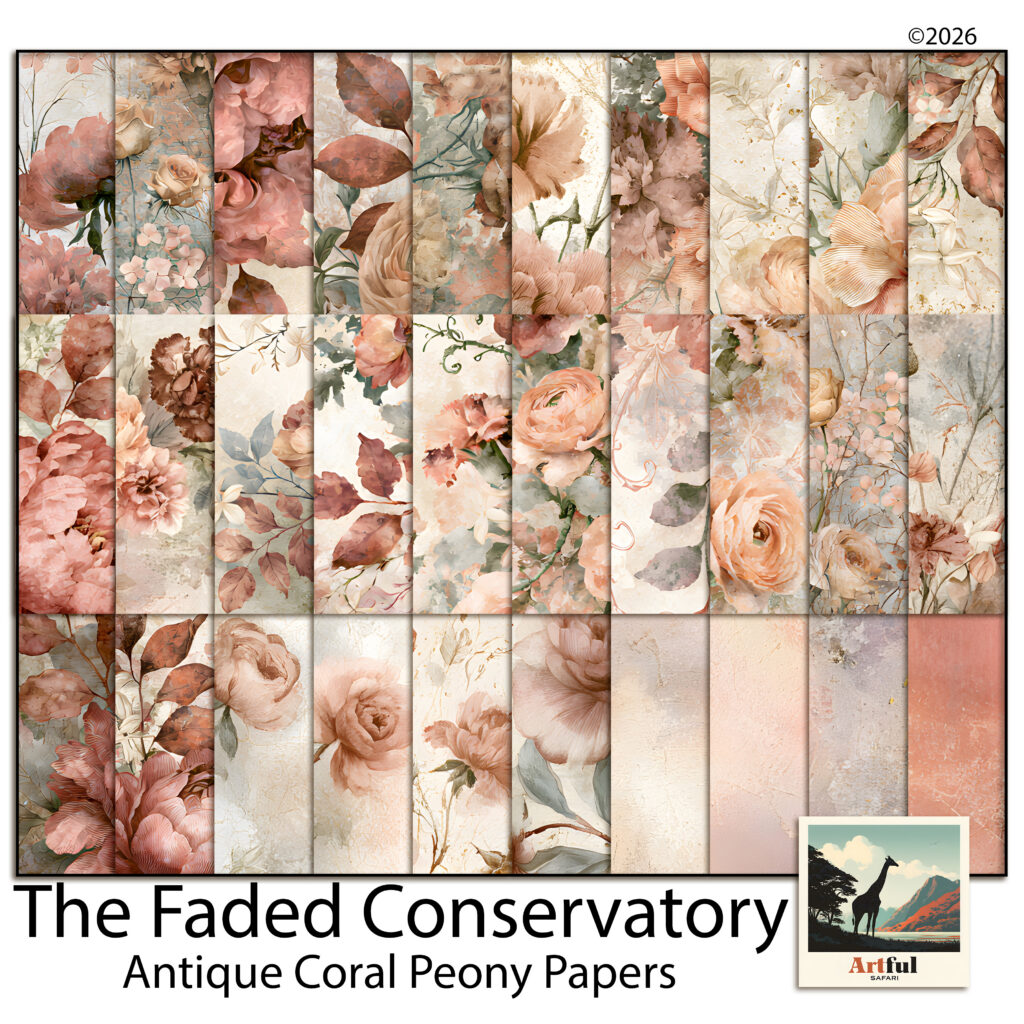
    Dusty rose floral scrapbook papers in coral, blush and sage from the Antique Coral Peony kit
    Thirty dusty rose papers sorted into statement blooms, corner sprays and plain blenders.

    A single-photo page from that kit might run: a coral plaster blender as the base, a corner spray scaled to about 70% and rotated a few degrees so the peonies gather top-left, a cream mat at 85% opacity under the photo, and the title in the sage green pulled out of the foliage. The ditsy florals get cut into strips for tags. The big statement bouquets stay out of that page entirely and go on the facing side, where there’s no photo to protect.

    That last move is the one worth stealing regardless of which papers you own. Statement florals aren’t wasted when you keep them off the photo page. They just belong on the side of the spread that can afford to be loud.

    A short checklist

    • Sort into statement, spray and blender before you design anything.
    • Put a plain shape between the photo and any dusty rose floral.
    • Take one accent colour from the photo and repeat it.
    • Keep clean white and true red away from the palette.
    • Toggle each layer off; if nothing changes, delete it.

    None of this is fussy work once the sorting is done. The dusty rose palette is forgiving in almost every direction except contrast, so protect the contrast and the rest of the page tends to look after itself.
  • Scrapbooking vs Junk Journaling: 5 Differences + an Easy Way to Choose

    Scrapbooking vs Junk Journaling: 5 Differences + an Easy Way to Choose

    The short version: scrapbooking vs junk journaling comes down to intent. Scrapbooking builds tidy, photo-led pages that document a specific event, while junk journaling is looser, keep-everything collage where the photos are optional and the texture is the point.

    Both keep memories. One frames a picture, the other collects a feeling.

    If junk journaling sounds like your thing, browse our printable junk journal kits.

    Scrapbooking vs junk journaling: the core difference

    Both hobbies keep memories on a page, so people mix them up. The split is about what each one is built around.

    Scrapbooking is photo-led. You start with pictures of a real event and design tidy pages that hold them. Junk journaling is material-led. You start with paper, ephemera and texture, and the photos are optional. One documents, the other collects.

     ScrapbookingJunk journaling
    Built aroundPhotos and eventsPaper, texture, ephemera
    LookClean, designed, balancedLayered, busy, collaged
    PhotosThe main eventOptional extras
    StructurePlanned pages, a theme per eventFree-form, fill as you go
    Best forTrips, weddings, baby yearsDaily life, journaling, mixed media
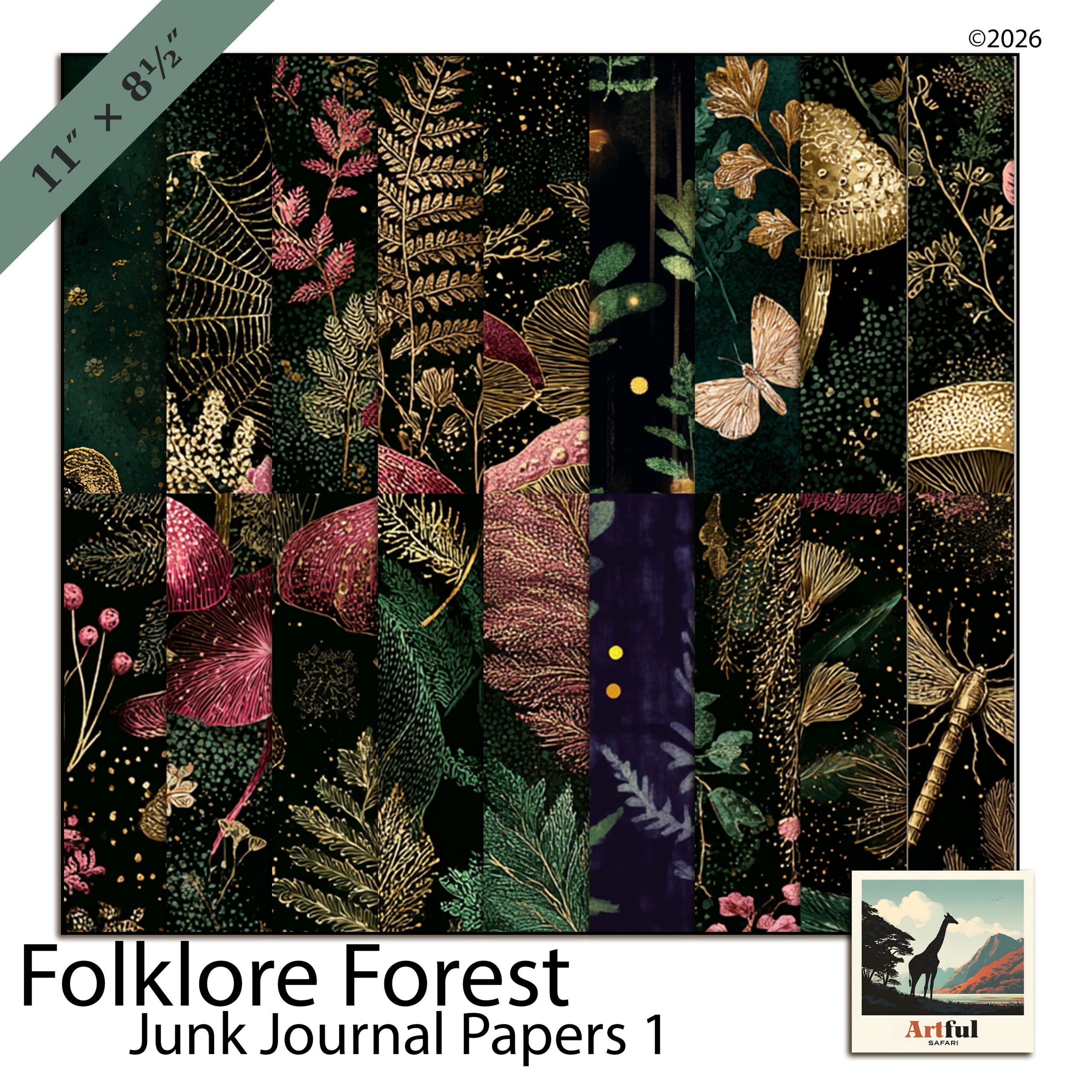
    Folklore Forest junk journal bundle showing scrapbooking vs junk journaling textures
    The collage-y, layered look I reach for when I want a junk journal feel: the Folklore Forest Botanical Junk Journal Bundle.

    What is scrapbooking, really?

    Scrapbooking is the older, more structured of the two. You pick photos from one occasion, choose a coordinated kit of papers and elements, and arrange a page so the eye lands on the picture first.

    The craft sits in the design choices: a focal photo, a few supporting shots, a title, a date, a line or two of journaling. White space matters. A good scrapbook page reads at a glance years later.

    Where digital scrapbooking fits

    Digital scrapbooking does the same job in Procreate, Photoshop or Canva. You drop photos onto a 12×12 canvas, layer papers and clipart, and export. Same design rules, no glue and no storage boxes.

    What is junk journaling?

    Junk journaling is bookmaking by collage. You build a book (or a digital book) from layered papers, tags, pockets, tickets, bits of old text and botanical cut-outs. The page is the project, not a frame for a photo.

    There is no rule that says a junk journal has to be neat. Pages overlap, edges peek out, and a finished spread looks like a stack of lovely things pressed flat. It suits people who like the making more than the planning.

    Digital vs physical junk journals

    A physical junk journal is a real book you glue and stitch. A digital one is the same aesthetic built in layers on a tablet, using junk journal papers and ephemera PNGs. If you are new to the whole idea, my What Is a Junk Journal? guide walks through it from scratch.

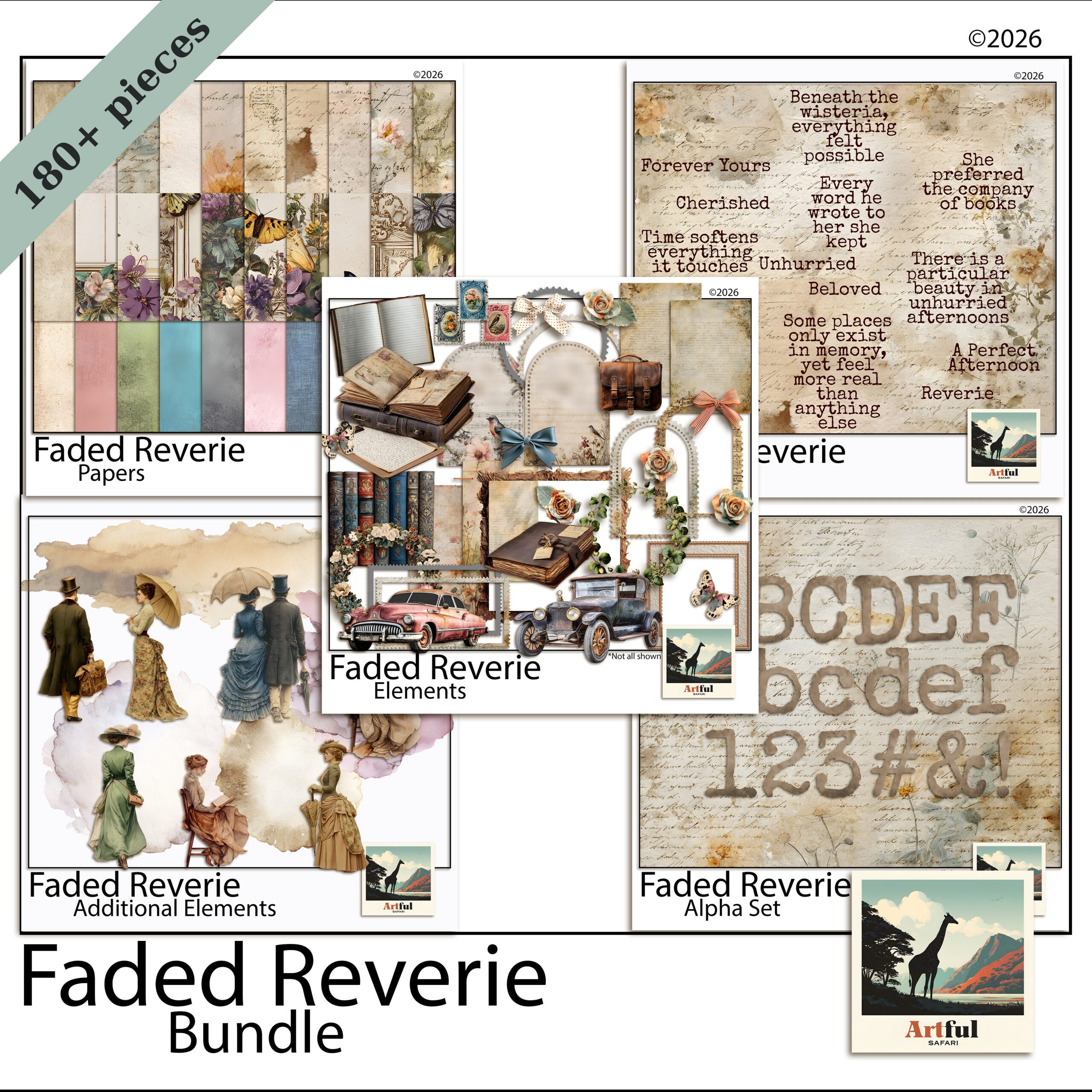
    Faded Reverie digital scrapbook bundle papers and elements
    For clean, photo-first scrapbook pages I use coordinated kits like the Faded Reverie Digital Scrapbook Bundle.

    Supplies and time: how they actually compare

    The kit lists overlap, but the way you use them differs.

    • Scrapbooking leans on coordinated paper packs, photo frames and alphabets for titles. You use fewer pieces per page, placed deliberately.
    • Junk journaling wants variety: aged papers, ephemera, tags, masks, stamps. You use more pieces per page, layered loosely.

    Time-wise, a single scrapbook page can take an hour because every element is a decision. A junk journal spread can come together faster because the layered, imperfect look forgives a lot. It can also become a rabbit hole if you love fussing with texture.

    What about cost and longevity?

    Cost splits the same way the supplies do. Scrapbooking, done physically, leans on fresh coordinated kits and acid-free papers chosen to last decades next to photos. Junk journaling reuses scraps, packaging and offcuts, so it can cost almost nothing once you have a glue stick.

    Going digital flattens both. One bundle prints or layers across dozens of pages, nothing yellows, and a backup means the work never gets lost to a spilled cup of tea. If you are weighing the formats more broadly, this sits alongside the wider digital-versus-physical question every memory keeper hits eventually.

    Scrapbooking vs junk journaling: which one suits you?

    Pick by temperament, not by which looks prettier online.

    1. You have specific photos to honour (a wedding, a baby, a big trip): scrapbooking. It is built to make pictures the hero.
    2. You love paper and tactile mess more than planning: junk journaling. The collage is the reward.
    3. You want a daily creative habit: junk journaling, because you can sit down with no photos and still make a page.
    4. You want a clean keepsake to hand someone: scrapbooking, because it reads clearly without a tour guide.

    Plenty of makers do both. I scrapbook our holidays and junk journal on quiet weekends, and the two feed each other. Skills you learn layering a junk page make your scrapbook backgrounds richer.

    The mistakes people make switching between them

    Most of the frustration I hear comes from applying one hobby’s habits to the other.

    Scrapbookers coming to junk journaling

    They try to make every page balanced and tidy, then wonder why it feels stiff. Junk journaling rewards overlap and imperfection. Let edges stick out. Glue something at a slight angle. Leave a torn corner. The looseness is the look, not a failure to plan.

    Junk journallers coming to scrapbooking

    They layer until the photo disappears under texture. A scrapbook page has a job: show the picture. Pull back the embellishments, give the photo room, and let one or two elements support it rather than ten competing for the eye. If you cannot find the photo in two seconds, the page is too busy.

    The fix in both directions is the same. Decide which hobby you are doing before you start the page, and follow that hobby’s rules instead of mixing them mid-spread.

    Can you do both digitally with one set of supplies?

    Mostly, yes. Digital papers work for either hobby. The difference is in the extras: scrapbooking wants photo frames and title alphabets, junk journaling wants ephemera, tags and masks.

    If you are starting digital and want one purchase to cover both, a botanical junk journal bundle gives you the textured side, and a coordinated scrapbook bundle gives you the clean side. Buy for the hobby you will actually do most weeks.

    Key takeaways

    • Scrapbooking is photo-led and designed; junk journaling is material-led and collaged.
    • Both can be digital, with the same papers but different extras (frames vs ephemera).
    • Choose scrapbooking for specific events, junk journaling for a daily making habit.
    • Doing both is normal, and the skills cross over.

    Frequently asked questions

    Is junk journaling just messy scrapbooking?

    No. Junk journaling is collage bookmaking built around paper and ephemera, with photos optional. Scrapbooking is photo-first and designed to keep pages tidy and readable.

    Can you turn a scrapbook into a junk journal?

    You can borrow each other’s techniques, but they stay different formats. A scrapbook holds designed photo pages; a junk journal is a built book of layered pages you add to over time.

    Which is cheaper to start, scrapbooking or junk journaling?

    Digital makes both cheap, since one set of papers covers a lot of pages. Physically, junk journaling can be cheaper because you reuse scraps and packaging instead of buying fresh kits.

    Do I need photos for a junk journal?

    No. A junk journal can be pure collage, journaling and ephemera with no photos at all, which is part of why people use it as a daily creative habit.

  • Hiking Scrapbook Layout Ideas: 4 Stunning Mountain Pages

    Hiking Scrapbook Layout Ideas: 4 Stunning Mountain Pages

    The best hiking scrapbook ideas build each page around the trail itself: a topographic or contour-line background, a tight grid of summit and trail photos, an elevation-profile strip down one edge, and a trail-log card with distance, time and weather. That structure turns a phone full of mountain photos into a page that actually tells the walk.

    Mountains photograph big and wide, so your layout should give the photo room and keep the decoration to the margins.

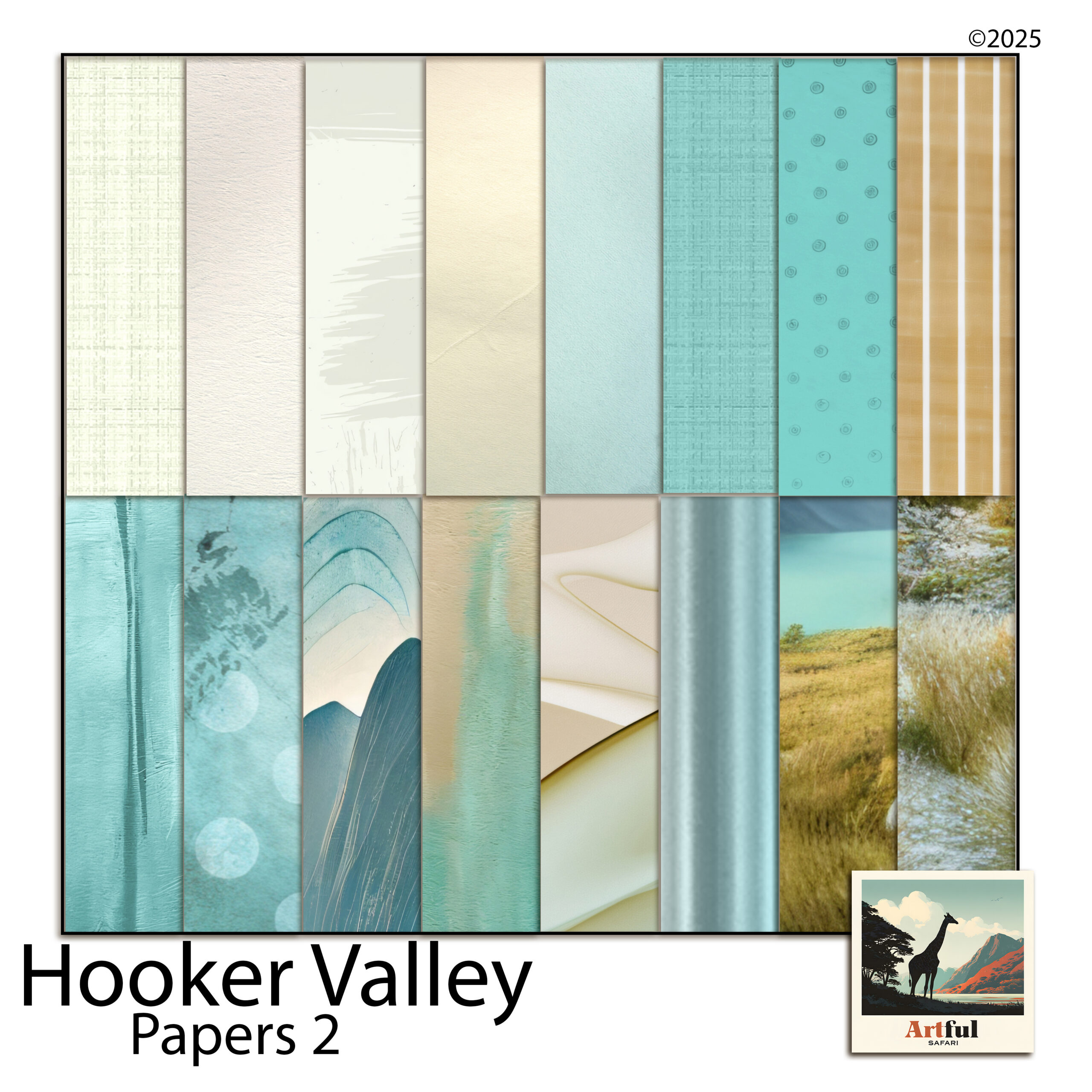
    For mountain and hiking pages, have a look at the Hooker Valley collection.

    What hiking scrapbook ideas work best for a trail album?

    Four layouts cover almost every walk. Pick one per page and repeat them through the album so it reads as one trip, not a random gallery.

    • The hero shot: one full-bleed summit or valley photo, a thin caption strip, nothing else competing.
    • The summit grid: four to six photos in a clean grid over a stone or contour paper.
    • The trail story: photos in walking order, start to summit to descent, read left to right.
    • The data page: a trail-log card plus a small map or elevation strip, light on photos.
    Hooker Valley mountain hiking digital bundle used for hiking scrapbook ideas
    Hiking scrapbook papers and trail elements in the Hooker Valley Mountain Hiking Digital Bundle.

    The Hooker Valley Mountain Hiking Digital Bundle gives you the papers, frames and trail-marker elements to build all four without mixing mismatched styles.

    Match the layout to the day. A short, scenic walk with a few standout views suits the hero shot. A long summit day where every hour looked different suits the trail story, read in order. Do not force a data-heavy page onto a quick stroll; not every walk needs an elevation chart.

    Give the big photo room to breathe

    Mountain photography is about scale, and scale needs space. A full-bleed summit shot with a 5mm border says more than the same photo shrunk into a corner with four stickers around it. When in doubt, make the best photo bigger and remove an element rather than adding one. The empty stone or sky in a landscape is part of the picture, not a gap to fill.

    Topographic textures and colours for a hiking scrapbook

    Hiking scrapbook pages live in cool stone and slate, with one warm accent so they do not turn grey and lifeless.

    • Slate, granite and fog for backgrounds and contour-line papers.
    • Pine or moss green for borders and trail markers.
    • One warm accent: sunrise gold or trail-sign orange, used only on small details.

    Contour-line and topographic papers do a lot of quiet work here. Run a contour texture at low opacity behind a photo grid and the whole page reads “mountains” before anyone looks closely. The Alpine Mountain Digital Scrapbook Papers carry that stone-and-contour feel across a full set.

    Alpine mountain digital scrapbook papers with stone and topographic textures
    Stone and contour textures in the Alpine Mountain Digital Scrapbook Papers set.

    Keep the texture subtle. Contour papers at full strength compete with your photos. Drop them to around 30 to 50 percent so they sit behind the page rather than on top of it, and let the mountain in the photo be the loudest thing on the spread.

    Sequencing a multi-day hike across a spread

    A single day fits on one page. A multi-day trek needs a running order, or the hiking scrapbook turns into a pile of similar ridgelines with no sense of progress.

    The clearest approach is one spread per day, with a small repeating header: day number, the hut or camp you started and finished at, and the day’s distance. Readers (and you, later) can flip through and feel the trip move forward.

    • Day header strip across the top of each spread, identical layout every time.
    • A thin route line or arrow showing direction of travel, so the eye follows the walk.
    • One standout photo per day sized larger than the rest, usually the high point or the view that stopped you.

    Repetition is the point. The same header in the same place each day is what makes six different valleys feel like one journey.

    The elevation-profile page that tells the climb

    An elevation profile, that jagged line showing how steeply you climbed, is the one element unique to a hiking scrapbook. It instantly signals effort in a way a flat map cannot.

    How to build one

    1. Screenshot the elevation graph from your hiking app or GPS watch.
    2. Drop it as a strip along the bottom or one side of the page.
    3. Mark the summit point and trailhead with a small element or label.
    4. Pair it with the single hardest photo of the day.

    It works as a spine for a whole spread: profile down the side, photos filling the rest in the order you walked them.

    No GPS data? Sketch a rough profile yourself. A simple hand-drawn line that rises to a peak and comes down the other side still reads as the shape of the day, and the slightly imperfect line suits a scrapbook better than a clinical graph anyway. Label the summit height and the trailhead and it does the same job.

    Trail-log journaling cards that finish the page

    Photos show where you were. The log card says what it was actually like. Keep a small card on most pages with the facts and one line in your own words.

    FieldExample
    TrailHooker Valley Track
    Distance / time10 km, 3 hrs
    Elevation gain120 m
    WeatherClear, cold wind off the glacier
    One line“The swing bridges were worse than the climb.”

    That last line is what you will reread in ten years, not the distance. Write it the day you get home while the walk is fresh.

    Mixing photos with maps

    A small map crop next to the photos grounds the page in a real place. Screenshot the section of trail you walked, crop it tight, and set it as a card rather than a full background so it stays a reference, not the whole show. A dotted line from trailhead to summit makes it instantly readable.

    One map per spread is plenty. The photos are the memory; the map is just there to say where.

    Common hiking scrapbook mistakes

    The same few habits weaken otherwise good hiking scrapbook pages.

    • Twelve near-identical summit photos. Pick the three best and cut the rest. Sameness reads as filler.
    • Loud backgrounds. A full-strength contour paper behind a busy grid turns the page into noise.
    • No facts at all. Beautiful photos with no distance, date or weather lose half their meaning in a few years.
    • Forgetting the start. The trailhead sign, the car park, the first muddy boot photo set the scene. They are worth a corner.

    Building a wider trip album around the hike? My step-by-step on How to Make a Travel Scrapbook covers title pages and sequencing for the whole trip, with the trail pages slotting in as one chapter.

    Key takeaways

    • Build each page on a contour or stone background and give the mountain photo room to breathe.
    • Repeat four layouts (hero, grid, trail story, data page) so the album reads as one walk.
    • An elevation-profile strip is the element that makes a hiking scrapbook page unmistakably a hiking page.
    • A trail-log card with one line in your own words is the part you will reread years later.

    Frequently asked questions

    What should go on a hiking scrapbook page?

    A topographic or stone background, your best summit or trail photos, and a small trail-log card with distance, time, elevation gain and weather. An elevation-profile strip ties it all together.

    What colours suit a mountain scrapbook?

    Cool stone, slate and fog for backgrounds, pine or moss green for borders, and one warm accent like sunrise gold used sparingly so the page does not turn grey.

    How do I add an elevation profile to a layout?

    Screenshot the elevation graph from your hiking app or GPS watch and drop it as a strip down one side or along the bottom, then mark the summit and trailhead with small labels.

    How many photos should a hiking scrapbook page have?

    One full-bleed hero shot for big views, or a clean grid of four to six for a summit day. Crowding more than that fights the scale of the landscape.

  • Organise Your Digital Scrapbook Supplies: 7 Easy Habits

    Organise Your Digital Scrapbook Supplies: 7 Easy Habits

    The fastest way to sort digital scrapbook supplies is one parent folder, split first by type (Papers, Elements, Frames, Alphabets, Templates) and then by theme inside each, with consistent names and a preview image in every folder. That structure scales from ten kits to two hundred without you ever losing a paper again.

    The mistake most people make is sorting by purchase date or by where they downloaded it. You never search by “the thing I bought in March”, so do not file it that way.

    Should you sort by theme or by type first?

    Start with type at the top level, then theme underneath. You reach for “a frame” or “a floral paper” far more often than you reach for one specific kit, so type belongs first.

    If you only ever build albums around one kit at a time, flip it: theme first, type inside. Both work. The rule that matters is pick one and never mix the two halfway down the tree.

    Why does mixing hurt? Because a half-typed, half-themed tree means every search becomes a guess. Was that floral frame filed under Frames, or under the Spring kit, or under Florals? When the logic is consistent, you always know where to look before you even open the folder, and that single second of certainty is the whole point of a filing system.

    Faded Reverie bundle, an example of how to organize digital scrapbook supplies by kit
    A multi-part kit like the Faded Reverie Digital Scrapbook Bundle sorts cleanly once you split by type.

    A folder structure for digital scrapbook supplies

    Here is a tree that holds up as your collection grows. Copy it exactly and you can drop any new kit straight in.

    Digital Scrapbooking/
      00_Previews/            (one cover image per kit, for fast browsing)
      Papers/
        Faded-Reverie/
        Enchanted-Hours/
      Elements/
        Floral/
        Botanical/
      Frames/
      Alphabets/
      Templates/
      _Inbox/                 (new downloads land here until filed)
      _Backups/

    The _Inbox folder is the part people skip and then regret. Every new download lands there first. Once a week you file it properly. That one habit stops the desktop pile-up.

    Notice the underscores on _Inbox and _Backups. A leading underscore or the 00_ prefix forces those folders to the top of an alphabetical list, so the things you touch most often are never buried halfway down. It is a small trick that pays off every single time you open the folder.

    How to handle bundles versus single kits

    Bundles are where filing digital scrapbook supplies usually breaks, because one download contains papers, elements, frames and an alphabet all at once. Do not leave them zipped together in a “Bundle” folder. Split the contents into your type folders the same as anything else, and keep the original download in _Backups in case you ever want the whole set again.

    Name each split piece with the kit name so they stay findable as a family, for example enchanted-hours-paper-01 and enchanted-hours-frame-oval. The shared prefix means a quick search still pulls the whole kit back together when you want it.

    How should you name files and folders?

    Names are what make digital scrapbook supplies searchable. Be boring and consistent. Lowercase, hyphens not spaces, theme first, then what it is.

    • faded-reverie-paper-floral-01.png
    • enchanted-hours-frame-oval.png
    • woodland-alpha-uppercase-A.png

    Spaces and special characters break links in some apps and make batch-renaming painful. Hyphens never do. Number with leading zeros (01, 02) so files sort in the right order instead of 1, 10, 11, 2.

    You do not have to rename everything by hand. Most operating systems and free tools batch-rename a whole folder at once: select all, apply a prefix, add sequential numbers. Spend ten minutes setting up the pattern on your biggest folder and the rest follows quickly. The aim is not perfection, it is a name you can guess later without opening the file.

    One more rule that saves grief: never rename a file after you have used it in a saved layout. Apps link to the original name, and changing it can leave a blank box where your paper used to be. Get the name right when you file it, then leave it alone.

    Enchanted Hours digital scrapbook bundle filed by theme inside a supplies folder
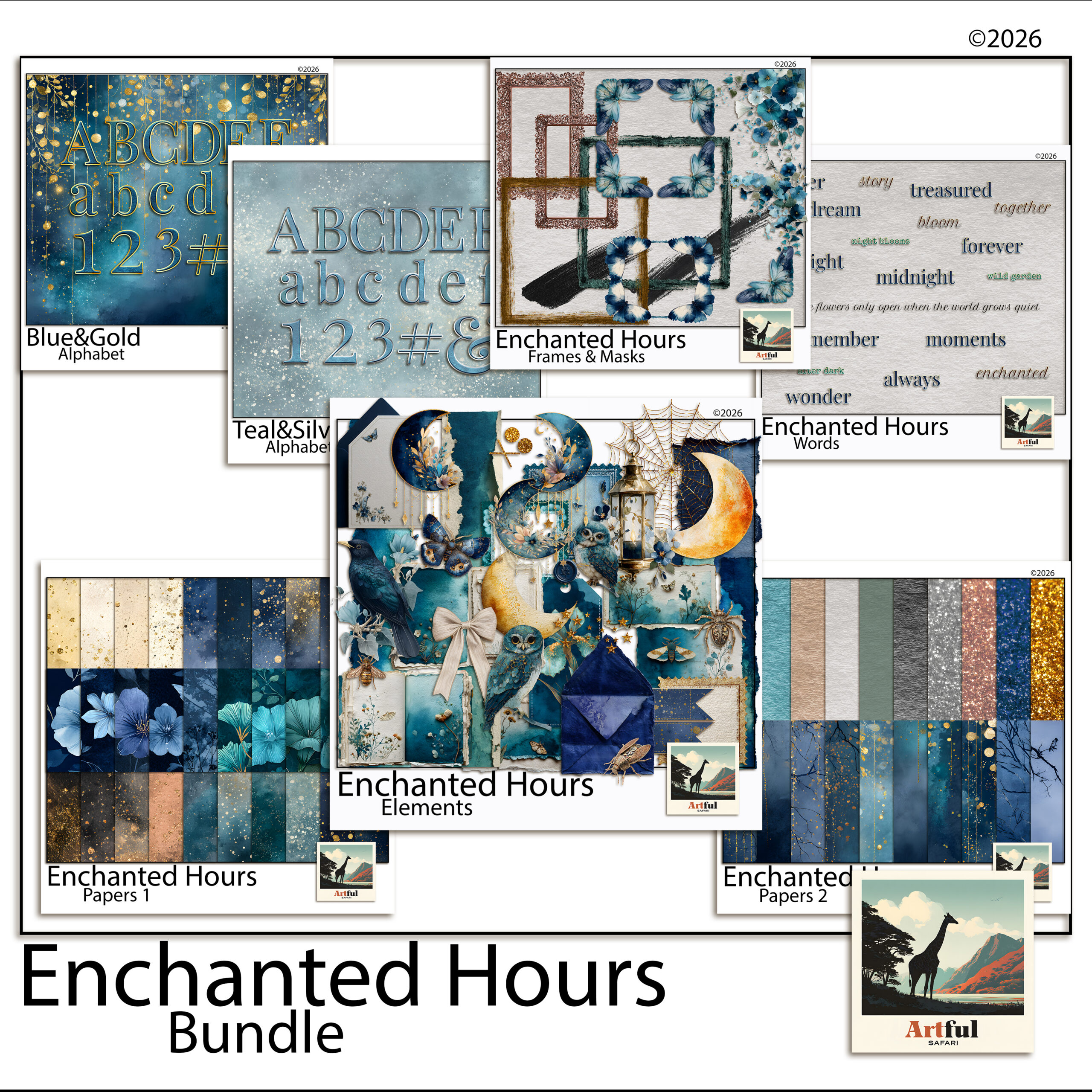
    Theme folders keep digital scrapbook supplies like the Enchanted Hours Digital Scrapbook Bundle together.

    Why a preview image in every folder saves the most time

    You cannot remember what is inside two hundred folders of digital scrapbook supplies by name alone. A single cover image per kit, all kept in 00_Previews and named to match the folder, lets you scan the whole collection visually in seconds.

    Most kits ship with a cover or mockup image already. Drop a copy into your previews folder the moment you file the kit. Future you will thank present you.

    Digital scrapbook supplies inside Procreate, GoodNotes and Canva

    Folders on disk are half the job. The app you build in keeps its own library of digital scrapbook supplies, and the same logic applies there.

    • Procreate: import papers as a Stack per theme and name each stack. Use the swatch palette feature to save a kit’s colours so titles and journaling match without guessing.
    • GoodNotes: add papers as a custom template set, grouped by theme, so they appear in the same order every time you start a page.
    • Canva: upload into folders inside the Uploads panel and prefix filenames with the theme, since Canva sorts and searches on the name you give it.

    Whatever the app, mirror the theme names you use on disk. Two different naming systems for the same kit is how things get lost.

    Backing up so one dead drive does not wipe everything

    Digital scrapbook supplies feel safe until a drive fails. A backup in two places is the floor, not the ceiling.

    • Working copy on your main machine or tablet.
    • Cloud copy in Drive, iCloud or Dropbox, synced automatically.
    • Cold copy on an external drive you update monthly.

    Re-downloadable shop purchases give you a fourth safety net, but do not rely on it. Stores change and links expire. Keep your own backup.

    How often to prune so the library stays usable

    A library of digital scrapbook supplies only stays searchable if it stops growing in the wrong places. Two things bloat over time: duplicates and kits you downloaded but never click.

    Once a quarter, do a short pass. Delete obvious duplicates, the ones where you saved the same paper twice from a bundle and a single kit. Move kits you have not touched in a year into an _Archive folder so they are out of your daily view but still backed up. You are not throwing anything away, just clearing the desk.

    Resist the urge to rename everything every time you find a tidier system. Pick the structure once, live with it, and only adjust when something genuinely breaks. Constant reorganising costs more time than it ever saves.

    HabitHow oftenWhy it matters
    Clear the _InboxWeeklyStops downloads piling into chaos
    Add a preview imageEvery new kitVisual browsing beats reading names
    Update cold backupMonthlySurvives a drive failure
    Prune duplicatesQuarterlyKeeps the library searchable

    New to all of this? My Digital Scrapbooking for Beginners guide covers the basics of working with kits before you have enough to need a filing system.

    Key takeaways

    • Type first, theme second (or commit to the reverse), and never mix the two midway down.
    • Use an _Inbox folder and clear it weekly so downloads never pile up.
    • Lowercase, hyphenated, zero-padded names make search and sorting work.
    • Keep a preview image per kit and back up your digital scrapbook supplies in two places.

    Frequently asked questions

    Should I organise digital scrapbook supplies by theme or by type?

    Type first (Papers, Elements, Frames, Alphabets), theme inside each, because you usually search for a kind of supply rather than one specific kit. If you only build one kit at a time, theme first also works, as long as you stay consistent.

    How do I name digital scrapbook files?

    Use lowercase, hyphens instead of spaces, theme first then what it is, and zero-padded numbers like 01 and 02. This keeps files sorting in order and stops broken links in some apps.

    How should I back up my digital scrapbook supplies?

    Keep at least two copies in two places: a working copy on your device and an automatic cloud copy, plus a monthly external-drive copy if you can. Do not rely only on re-downloading from shops, since links expire.

    What is the fastest way to find a paper in a big collection?

    Keep one preview cover image per kit in a single previews folder, named to match. Scanning images visually is far quicker than reading hundreds of folder names.

  • Woodland & Botanical Junk Journal Ideas: 5 Beautiful Pages

    Woodland & Botanical Junk Journal Ideas: 5 Beautiful Pages

    A botanical junk journal is a handmade or digital journal built around forest and plant motifs: stag and fern silhouettes, mossy greens, pressed leaves and aged paper that looks like it spent a winter in a cabin drawer. You make one by picking a forest-folklore kit, layering a few botanical papers, adding one or two animal elements per spread, and leaving room to write.

    The trick is restraint. A woodland theme reads best when the paper does the heavy lifting and the clipart stays sparse.

    What makes a botanical junk journal feel like the woods?

    Three things carry the whole look: the paper texture, a tight green palette, and a handful of forest motifs used sparingly. Get those right and even a beginner spread reads as woodland.

    Texture matters most. Aged, foxed, slightly mottled papers say “old field notebook” far better than a clean white background ever will. Layer a torn-edge paper over a plain mossy one and you already have depth.

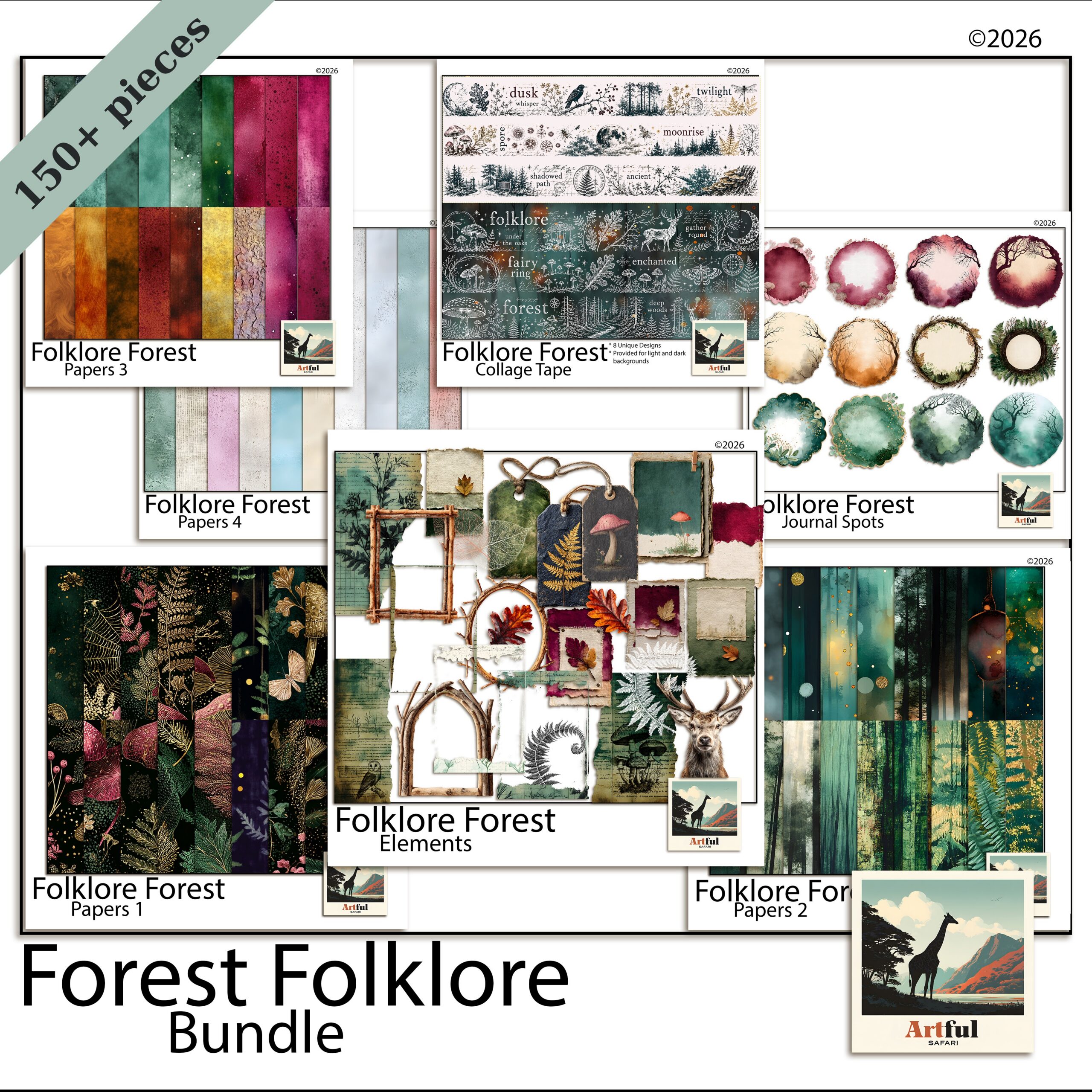
    Folklore Forest woodland junk journal bundle with fern papers and stag clipart
    A full forest-folklore set in the Folklore Forest Botanical Junk Journal Bundle.

    The Folklore Forest Botanical Junk Journal Bundle gives you the papers, fern overlays and animal elements in one place, so you are not hunting for matching greens across five different sets.

    The emerald and moss palette that holds it together

    Woodland lives in a narrow band of greens with warm neutrals underneath. Pick two greens and one neutral, then repeat them across every page so the botanical junk journal looks like one book and not a scrapbook of offcuts.

    • Deep emerald for borders, ribbon and the darkest leaves.
    • Soft moss or sage for the main paper fields, where your writing sits.
    • Warm kraft or tea-stained cream as the neutral that stops the greens going flat.

    A touch of rust or mushroom-brown reads as autumn woodland. A touch of grey-blue tips it toward misty morning forest. Add one accent, not both.

    If a spread starts to feel muddy, it is usually too many mid-greens fighting each other. Pull one of them out and let a cream paper carry the space instead. Contrast is what makes the dark leaves and the stag read; an all-green page goes flat fast.

    How to age and layer the papers

    Layering is what separates a flat single-paper page from one that looks like it has history. Work from the back forward:

    1. Lay a plain moss or kraft paper as the base.
    2. Tear or rough the edge of a second, more textured paper and set it slightly off-square on top.
    3. Add a strip of darker emerald along one edge as a spine or border.
    4. Drop your photo or journaling block last, so it sits clearly above the texture.

    For a more foxed, aged look on printed pages, a light coffee or tea wash over the cream paper deepens it. On digital pages, a low-opacity texture overlay does the same job without the mess.

    Stag, fern and pressed-botanical page ideas

    Build each spread around a single focal element. A stag, a single fern frond, one pressed flower. Crowd the page with five animals and it turns into a children’s sticker book.

    Layouts that work

    1. Stag title page: one large stag silhouette off-centre, a script title across the antlers, fern sprigs in two corners.
    2. Pressed-botanical spread: a grid of three or four leaf or flower elements with handwritten Latin names underneath, like an old herbarium sheet.
    3. Pocket page: a kraft pocket holding tags, with a fern overlay on the pocket front and a stag tag peeking out.
    Botanical woodland junk journal kit with stag motif and moss-green papers
    Stag and fern motifs for a botanical junk journal, from the Botanical Woodland Junk Journal Kit Stag.

    The Botanical Woodland Junk Journal Kit Stag leans into that herbarium feel, so it pairs well for the pressed-botanical pages above.

    Page typeFocal elementSupporting layer
    Title pageStag silhouetteFern corners + script title
    Nature logSingle fern frondLined or grid insert for notes
    Herbarium spread3-4 pressed leavesHandwritten labels
    Pocket pageKraft pocket + tagMoss paper background
    Quote pageWreath or branch frameEmerald border ribbon

    Woodland journaling prompts that fill the blank pages

    A botanical junk journal stalls when the pages look good but say nothing. Keep a running list of prompts so you always have something to write.

    • A walk you took this week, and what the light was doing.
    • Five sounds you would hear standing still in a forest.
    • A tree you remember from childhood.
    • Something you want to let go of, written and then covered with a leaf.
    • A seasonal list: what is fruiting, flowering or fading right now.

    If you are still working out the basics of what goes in one of these, my walkthrough on What Is a Junk Journal? covers the structure before you start gluing or layering.

    Ephemera, pockets and tags

    The bits that make a junk journal feel collected rather than designed are the small inserts: tuck spots, tags, pockets and folded notes. Woodland leans naturally into these because the outdoors gives you so much to slot in.

    • Tags shaped like leaves or printed with a single fern, hanging from a ribbon at the page edge.
    • Pockets from folded kraft paper, holding pressed-flower cards or a folded walk map.
    • Fold-outs for longer journaling, so a page can open into a wider view of a forest scene.

    Keep these in the same palette as the rest, or they shout. A tag in an off-tone pink will pull the eye straight off your stag.

    Digital or printed: which botanical junk journal suits you?

    You can build the whole thing in an app, or print the papers and elements and make a physical book. Junk-journal papers are designed to be printed, so this is the one place where printing is the point.

    If you want…Go digitalGo printed
    No mess, undo buttonYesNo
    Real texture and stitchingNoYes
    To reuse papers endlesslyYesReprint as needed
    A book on the shelfNoYes

    For printed work, run the papers on a slightly heavier stock, around 120gsm, so ink does not bleed and pages take glue without buckling. For digital, drop the same papers into Procreate or GoodNotes and layer them the same way you would by hand.

    Three woodland mistakes that flatten a spread

    Most disappointing pages come down to the same handful of habits. Catch these and the rest takes care of itself.

    • Too many animals. A stag, an owl, a fox and three birds on one page reads as a cartoon, not a forest. One creature, occasionally two.
    • No texture. Clean white space under clipart looks like a presentation slide. Always put a paper down first.
    • Title fighting the focal point. If a big stag is the hero, the title goes small and to the side. Two loud elements cancel each other out.

    Start your first botanical junk journal with two or three spreads, not twenty. You will work out your own palette and spacing quickly once real photos are in, and a short finished journal beats a long abandoned one.

    Key takeaways

    • Lead with aged texture and a two-green-plus-neutral palette; that combination is what makes a botanical junk journal read as woodland.
    • One focal motif per spread. Stags and ferns work best with space around them.
    • Keep a prompt list so finished-looking pages actually hold memories.
    • Printed suits texture lovers; digital suits anyone who wants to reuse the same papers forever.

    Frequently asked questions

    What goes in a botanical junk journal?

    Nature notes, walk logs, pressed-style botanical pages, seasonal lists and quotes, layered over forest papers with stag, fern and leaf motifs. Keep one focal element per page and leave room to write.

    What colours suit a woodland theme?

    Two greens and one warm neutral: deep emerald, soft moss or sage, and a kraft or tea-stained cream. Add a single accent like rust for autumn or grey-blue for misty forest, not both.

    Can I make a botanical junk journal digitally?

    Yes. Drop the same papers and elements into Procreate, GoodNotes or Canva and layer them as you would by hand. The undo button and reusable papers are the main upsides over a printed book.

    Do I print botanical junk journal papers?

    You can. Junk-journal papers are made to be printed, ideally on around 120gsm stock so ink does not bleed and pages take glue without buckling.

  • Regency Scrapbook Ideas: 5 Beautiful Bridgerton-Style Pages

    Regency Scrapbook Ideas: 5 Beautiful Bridgerton-Style Pages

    A regency scrapbook captures the Bridgerton look through damask and watercolour-rose papers, pearl and gold accents, flowing script fonts, and wax-seal or handwritten-letter ephemera, kept soft so the page reads romantic rather than busy. Think drawing-room elegance, not a costume drama crammed onto one spread.

    (Bridgerton is a Netflix series. These are styling ideas in the same spirit, not an official tie-in.)

    What makes a regency scrapbook look “Bridgerton”?

    The on-screen revival of the Regency era, roughly the 1810s, brought a particular palette and set of motifs back into fashion. A regency scrapbook recreates it with a handful of recognisable pieces:

    • Damask and floral papers in dusty blue, blush, lavender and cream.
    • Roses and peonies, painted in soft watercolour rather than bright botanical.
    • Pearls, gold filigree and ribbon as small accents and frame corners.
    • Script or copperplate fonts for titles and quotes.
    • Wax seals, letters and calling cards as ephemera.

    Restraint is what separates elegant from theme-party. One or two of these per spread is plenty. The show itself pairs ornate detail with a lot of open, airy space, and that ratio is the part worth borrowing.

    The look suits more than a TV-themed album. It carries a wedding or engagement spread, a tea-party page, a Jane Austen reading journal, or a Mother’s Day keepsake. Anything you want to feel a little ceremonial sits well in this palette.

    It also reads as timeless rather than tied to one show, which matters if you are keeping the album for years. The damask and rose vocabulary predates Bridgerton by two centuries, so a regency scrapbook page will not look dated the way a sharply on-trend theme can. You are borrowing the era, not the series.

    Regency scrapbook papers with watercolour roses and damask pattern
    Soft damask and bloom sheets for a regency scrapbook: the Regency Era Watercolor Rose Damask papers set the period tone.

    Choosing damask, rose and watercolour papers

    Papers do most of the styling, so pick them first and build the page around them. A page reads as Regency from the background up, so the paper choice settles the mood before a single photo or title goes down. For a regency scrapbook, lean on:

    • Damask for a formal backdrop. Use it on one panel, not the whole spread, or it overwhelms.
    • Watercolour florals as the softer, photo-friendly base.
    • Plain textured cream or blush as a resting space behind journaling.

    A safe formula: one patterned paper, one soft solid, and a small floral cluster to link them. Let the damask be the loudest thing and keep everything else quiet. If two patterns must share a page, separate them with a band of plain colour so they do not clash.

    Watch the scale of the pattern, too. A large damask repeat suits a full-page background, while a tiny repeat works better as a thin border or a journaling-card backing. Mixing one large pattern with one small one reads as designed; two patterns at the same scale tend to fight.

    Motifs that sell the era: pearls, wax seals, script

    Small details carry the theme more than big patterns do. These are the accents that read instantly as Regency:

    MotifWhere it worksKeep it tasteful
    Pearl strandsPhoto corners, dividing linesOne short strand, not a full border
    Wax sealPinning a journaling card or letterOne per page as a focal point
    Gold filigreeFrame corners and flourishesThin lines; avoid heavy gilding
    Script titlePage heading, short quotesPair with a plain font for the body
    Ribbon and bowTying a stack of cards togetherMuted satin tones, not glossy

    Fonts that feel period-correct

    Two fonts are enough. Use a flowing script or copperplate for the title and a clean serif for dates and body text. Skip anything chunky or modern sans-serif; it pulls the page straight out of the era. For a real letter look, set the body text slightly grey rather than pure black, the way faded ink reads.

    Give the title room. A script font crammed edge to edge loses its shape, so let the curls and tails have space around them. If the script is hard to read at a glance, sit it on a plain cream band or add a faint shadow, and keep the longer journaling in the simpler serif where legibility matters more than flourish.

    Letter and ephemera pages

    The letter is the signature Bridgerton image, so a correspondence spread feels right at home in a regency scrapbook. Layer a handwritten-style letter under a tilted photo, add a wax seal and a calling card, and let a single rose spill over one corner. The slight tilt is what stops it looking like a form; real letters are never laid down perfectly straight.

    A junk-journal kit makes this easy because it already includes the ephemera, tags and pockets. To take the vintage-ephemera approach further, my steampunk junk journal ideas use the same layering logic with a different palette.

    For the journaling itself, lean into the letter conceit. Date the entry in the top corner, open with a line like a real note, and sign off at the bottom. Even a short paragraph reads as a keepsake when it is framed as correspondence rather than a caption.

    Pockets earn their keep on these pages. Tuck a folded note, a pressed-flower tag or a ticket from the day behind a corner of paper, and the spread gains something to open and read later. A length of ribbon or a small wax seal holds the pocket closed and adds one more period detail without crowding the layout.

    Jane Austen regency scrapbook junk journal kit with letters and roses
    The Jane Austen Regency Junk Journal Kit Bundle brings papers, letters, seals and florals together.

    Five regency scrapbook page ideas to try

    If you want a starting point, copy one of these and swap in your own photos. Each leans on a single focal idea, so none of them tip into clutter:

    1. The ballroom invite: damask panel, a script title, a wax seal pinning a single photo.
    2. The garden walk: soft floral paper, two framed photos, a trailing rose along one edge.
    3. The love letter: a handwritten-style letter as the base, a calling card and pearl strand on top.
    4. The portrait page: plain cream paper, one photo in a gold filigree frame, a short quote beneath.
    5. The keepsake pocket: a tucked tag and pressed-flower clipart in a journal pocket, ribbon tie.

    Colour palettes for a regency scrapbook

    The era reads as muted and romantic, never neon. Build from one of these palettes and the whole album stays cohesive:

    • Drawing room: dusty blue, cream, soft gold.
    • Garden party: blush, sage, antique rose.
    • Evening ball: deep plum, lavender, pearl grey.

    Pick three colours, use the lightest as your main background, the mid tone for panels, and the darkest only for accents and titles. That ratio keeps pages soft and stops any single spread from shouting.

    Stick to one palette across the album rather than a new colour scheme every page. A run of spreads in the same three tones reads as a collection, and it makes the few gold or wax-seal accents feel like a deliberate thread running through the book.

    Key takeaways

    • Damask, watercolour roses, pearls, gold filigree and script fonts are the core regency scrapbook ingredients.
    • Limit the loud elements to one or two per spread so it reads elegant, not crowded.
    • Letter-and-seal spreads are the most recognisable Bridgerton-style page.
    • Choose a three-colour muted palette and reuse it across the album.

    Frequently asked questions

    What is a regency scrapbook?

    It is a scrapbook styled around the Regency era of the early 1800s, using damask and watercolour-floral papers, pearls, gold filigree, script fonts and wax-seal or letter ephemera. The look has surged in popularity thanks to Bridgerton.

    What colours suit a Bridgerton-style scrapbook?

    Muted, romantic tones: dusty blue, blush, lavender, sage, cream, soft gold and pearl grey. Use the lightest shade as your background and the deepest only for accents and titles.

    What papers do I need for a regency theme?

    Damask patterns for formal backdrops, watercolour florals for softer bases, and plain textured cream or blush for journaling space. Use one patterned paper per spread so it does not overwhelm.

    What fonts look right for a regency scrapbook?

    Pair a flowing script or copperplate for titles with a clean serif for dates and body text. Avoid modern sans-serif fonts, which break the period feel.

    Is this affiliated with Bridgerton?

    No. Bridgerton is a Netflix series. These are styling ideas inspired by the same Regency aesthetic, not an official or licensed product.

  • How to Use Digital Papers in Canva: 7 Easy Steps

    How to Use Digital Papers in Canva: 7 Easy Steps

    To use digital papers in Canva, upload the files to the Uploads tab, drag a paper onto a 12×12-inch (3600 x 3600 px) blank page, then layer your clipart, frames and text on top and download as a high-quality PNG. Canva Free handles all of this, so you do not need Pro for basic scrapbook pages.

    Here is the full workflow, five quick page ideas, and the few places Canva trips people up.

    Can you use digital papers in Canva?

    Yes. Canva reads standard PNG and JPG files, which is exactly what most digital papers ship as. You upload the papers like any other image and use them as backgrounds or layered panels. Canva runs in any browser and on the iPad and phone apps, so the same kit works across your devices once it is uploaded.

    A couple of limits worth knowing up front:

    • Canva does not open layered PSD files, so use the flattened PNG or JPG papers from your kit.
    • Free accounts can upload plenty of images. The paid tier mainly adds Canva’s own stock and a few extra tools, not the ability to use papers you already own.
    • Uploads sit in your account, so a paper you add once is there for every future project.
    Regency era digital papers in Canva for a scrapbook page
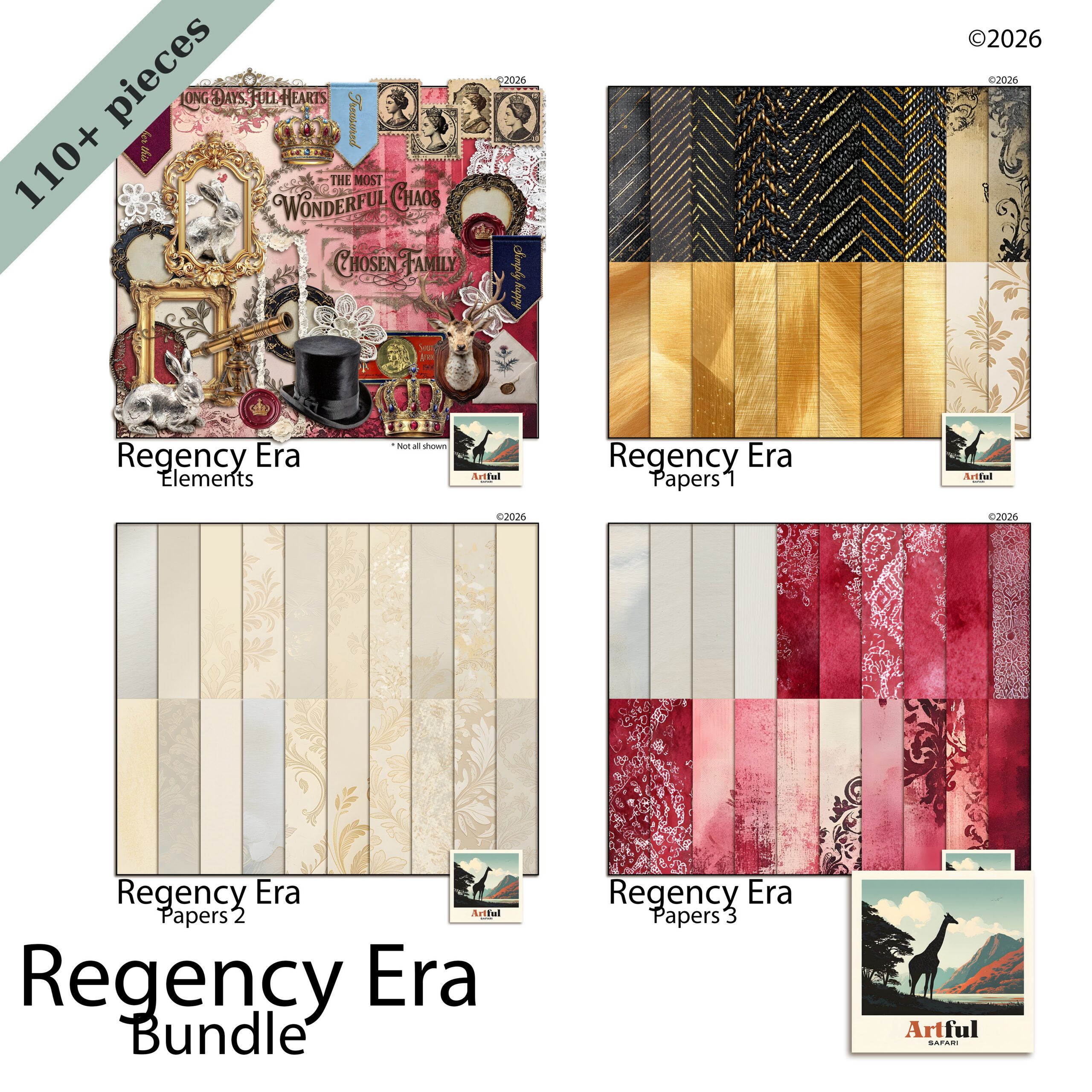
    Damask and rose Regency Era digital papers upload straight into Canva.

    How to set up a 12×12 scrapbook page in Canva

    Digital papers are square, so your canvas should be too. A mismatched page is the number-one reason papers look stretched.

    1. Open Canva and choose Create a design → Custom size.
    2. Switch units to inches and enter 12 x 12 (or pixels and enter 3600 x 3600 for 300 DPI).
    3. Click Create new design. You now have a square page that matches your papers exactly.

    Set this once and save it as a template you can reuse for every layout. If you plan to share pages online rather than keep them at print size, a 2000 x 2000 px square is lighter and still sharp on screen. Whatever size you choose, keep it square; a rectangular page is what forces you to stretch a square paper to fill the corners.

    One more setup habit: rename the design something you will recognise, like “Regency album, page 3”. Canva lists every project by name, and a folder of files called “Untitled design” is impossible to search later.

    Step-by-step: adding digital papers in Canva

    With the square page ready, dropping a background paper takes seconds:

    1. Open the Uploads tab and click Upload files. Select your digital papers as PNG or JPG.
    2. Drag a paper onto the page. Pull the corners until it covers the full 12×12 canvas.
    3. Right-click and choose Set image as background so it locks in place and stops shifting while you work.
    4. To swap the background later, just drag a different paper over it.

    That is the core of using digital papers in Canva. Everything from here is layering on top. If a paper lands behind the page edge, use Position → To back to send it down the stack, then resize.

    If your kit came as a ZIP, unzip it on your computer first; Canva uploads loose image files, not the zipped folder. On a phone or iPad, save the digital papers to your camera roll or Files app, then upload from there. Either way digital papers only need adding once, and they wait in your Uploads tab for the next project.

    Layering clipart, frames and text

    Build the page back to front: background paper, then a lighter panel or journaling card, then clipart, then your photo, then the title. Working in that order means you never have to hunt for a layer that vanished underneath another.

    Canva groups elements when you select several and press the group button, which is handy once a cluster looks right. Group your photo with its frame, for instance, so they move as one and the photo never slips out of place when you nudge the page around.

    Blush pink digital scrapbook papers layered with clipart in Canva
    Soft Blush Pink digital papers make a quiet base for clipart and text.

    Dropping a photo into a frame

    Canva’s Frames (under Elements) work like a clipping mask: drag any photo onto a frame and it pops inside, cropped to the shape. To get the same effect with the ornate PNG frames from a kit, place the frame on top and slide your photo underneath, then resize the photo until it fills the opening. For the full method across apps, see my guide on how to use clipping masks.

    If you only want to round off a photo’s corners or crop it to a circle, the built-in frames are quicker than a separate PNG. Keep the kit frames for the decorative, period-specific look, and use Canva’s plain shapes for the everyday crops.

    Text that suits the paper

    • Pick a font that matches the kit’s era, then add a soft shadow or a solid card behind it for legibility.
    • Keep titles to two fonts maximum: one display, one plain.
    • Nudge layers with the arrow keys for fine placement instead of dragging.
    • Hold Shift while resizing clipart so it keeps its proportions.

    Five quick Canva page ideas

    Once the workflow is muscle memory, these come together in minutes. Each one starts from the same square page and the same back-to-front order, so the only thing that changes is which papers and clipart you reach for:

    1. One photo, full bleed: a single paper, a framed photo centred, a script title across the bottom.
    2. Photo grid: a soft solid paper, four framed photos in a 2×2, thin gaps between.
    3. Journaling card: a patterned paper, a cream panel for a paragraph of text, one clipart sprig.
    4. Title page: a patterned paper, a large layered title, a date in a smaller plain font.
    5. Pocket page: a solid paper split into thirds with thin lines, a small photo or tag in each.

    Exporting at full quality (and Canva gotchas)

    Export is where pages lose sharpness. Download as PNG and, if you have Pro, tick the higher-resolution option. Avoid low-quality JPG if the page has crisp clipart edges.

    To send a single page, use Download and pick the current page only. To keep a whole album together, download as a multi-page PDF instead, which holds every page in order in one file. Either way, save the original Canva project so you can come back and edit a layout later without rebuilding it.

    GotchaWhat happensFix
    Wrong canvas sizePapers look stretched or blurryBuild on a 12×12 in / 3600 px square page
    Stretching a small preview imageSoft, pixelated paperUpload the full-size file from the kit, not a thumbnail
    Exporting as low JPGHalos and fuzzy edges on clipartDownload as PNG (high resolution if available)
    Background paper keeps movingLayout shifts as you editRight-click → Set image as background
    Transparent clipart shows a white boxJPG flattened the transparencyUse the PNG version of the clipart

    Key takeaways

    • Canva reads PNG and JPG digital papers, and the free tier is enough for scrapbook pages.
    • Always start on a square 12×12-inch (3600 px) page so papers never stretch.
    • Lock the background, then layer panel, clipart, photo and title back to front.
    • Export as a high-resolution PNG to keep clipart edges sharp.

    Frequently asked questions

    Can I use digital papers in Canva for free?

    Yes. Canva Free lets you upload your own digital papers and use them as backgrounds or layers. Pro mainly adds Canva’s own stock and a few tools, not the ability to use papers you already own.

    What size should a Canva scrapbook page be?

    Make a custom square page at 12 x 12 inches, or 3600 x 3600 pixels for 300 DPI. Matching the square shape of the papers stops them stretching.

    Why do my digital papers look blurry in Canva?

    Usually the canvas is the wrong shape or you uploaded a small preview image. Build on a 12×12 square page, upload the full-size file from your kit, and export as a high-resolution PNG.

    How do I put a photo inside a frame in Canva?

    Use Elements then Frames, and drag your photo onto the frame so it crops to the shape. For ornate PNG frames from a kit, place the frame on top and slide the photo underneath.

    Does Canva keep my uploaded papers for next time?

    Yes. Uploaded files stay in your account’s Uploads tab, so a paper you add once is available in every future design without re-uploading.

  • Steampunk Junk Journal Ideas: 5 Easy Spreads to Copy

    Steampunk Junk Journal Ideas: 5 Easy Spreads to Copy

    A steampunk junk journal is a vintage-industrial album built from aged papers, brass cogs and keys, old correspondence and ledger pages, layered so the textures read as worn machinery rather than a pile of clutter. The trick is restraint: pick one focal motif per spread and let the paper carry the rest.

    Below are the pieces that make the look work, five layouts you can copy, and where most pages go wrong.

    What goes in a steampunk junk journal?

    Steampunk borrows from the Victorian age of steam engines, brass instruments and handwritten ledgers, then ages it all another fifty years. A steampunk junk journal recreates that feel with a few repeating ingredients. Once you have these, almost any spread comes together:

    • Aged base papers in sepia, rust, oxidised copper and ink-stained cream.
    • Mechanical clipart: cogs, gears, keys, pocket-watch faces, pressure gauges and rivets.
    • Ephemera: old tickets, postage, handwritten letters, maps and ledger fragments.
    • Metallic accents in brass, copper and antique gold for frames and corners.
    • A script or serif font for titles, so the lettering matches the era.

    You do not need all of it on one page. A single key over a tea-stained letter says more than ten gears fighting for space. If you are buying a kit, look for one that bundles the papers, the mechanical clipart and a few frames together so the tones already match. Mixing a brass kit with a silver one is a common mismatch; pick a metal and stay with it across the whole album.

    It helps to decide what each spread is for before you start. A travel page, a portrait page and a ledger page all use the same ingredients, but the focal photo and the journaling change. Knowing the purpose stops you reaching for every gear in the folder.

    Steampunk junk journal bundle with cogs, keys and aged paper
    The Vintage Steampunk Digital Scrapbook Bundle covers steampunk junk journal papers, cog and key clipart, and metallic frames in one kit.

    Which steampunk junk journal papers set the mood?

    The base paper does most of the work. Industrial-era pages are rarely bright, so reach for low-contrast, weathered surfaces and let your photos or journaling be the lightest thing on the spread.

    Textures that read as “steampunk”

    • Tea-stained and coffee-ringed cream for letters and journaling cards.
    • Oxidised copper and verdigris green for metal-panel backgrounds.
    • Faded blueprint and grid paper behind diagrams or gauges.
    • Cracked leather and parchment for cover pages and pockets.

    Lay a darker aged paper as the full background, then float a lighter cream panel in the centre for your writing. That single move keeps the page readable while still feeling worn. If a spread starts to look flat, swap one paper for a different texture rather than adding more clipart.

    Aged vintage digital scrapbook papers in sepia and rust tones
    Weathered base sheets from the Vintage Digital Scrapbook Papers (Aged) set keep the contrast low.

    How do you use cogs, keys and gears without clutter?

    This is where most steampunk junk journal pages fall apart. Gears are fun, so people scatter dozens of them, and the spread turns into visual noise. A few rules keep it under control:

    1. Pick one hero element. A large pocket watch or a single ornate key anchors the page. Everything else supports it.
    2. Cluster, don’t sprinkle. Group three small cogs in one corner instead of dotting them across the whole spread.
    3. Use metal at the edges. Corners, spine and frame work let the centre breathe.
    4. Vary the size. One large gear, one medium, one small reads as a designed cluster, not a clip-art dump.
    5. Leave empty space. Bare paper around your photo is what makes the busy bits feel intentional.

    A quick test: squint at the finished page. If your eye can find the photo or title in a second, the clutter is under control. If everything blurs together, take an element away. Most spreads improve when you remove the last thing you added rather than adding one more.

    Layering depth also sells the machinery. A small drop shadow under a cog or key lifts it off the paper so it reads as a real object sitting on the page, not a flat sticker. Keep the shadow soft and short, the way an object casts a shadow in dim lamplight.

    Five steampunk junk journal spreads you can copy

    Stuck on where to start? These five layouts each lean on one idea, so they stay readable:

    1. The inventor’s desk: ledger background, a tilted blueprint, one large gear lower-right, journaling card centre.
    2. The travel log: a faded map paper, a postage stamp and ticket stub, a key clipped to a torn-edge photo.
    3. The pocket-watch portrait: a single photo framed in brass, a pocket watch as the only accent, plenty of bare parchment.
    4. The correspondence page: a handwritten letter under a wax seal, one rose or feather quill for softness.
    5. The specimen sheet: grid paper, three small labelled cogs in a row, a tag tucked into a pocket.

    Building a readable ledger or letter spread

    Ledger and letter pages are the heart of a steampunk junk journal, and they double as journaling space. Old account books, with their ruled columns and faded numbers, make a brilliant backdrop for handwriting or a printed quote.

    A reliable layout:

    • Full ledger or letter paper as the background.
    • A cream journaling card, slightly tilted, pinned with a brass corner or wax seal.
    • One key or small gear cluster lower-right to balance the title upper-left.
    • A torn paper edge or postage stamp to break the rectangle.

    Pockets and tucked tags are worth the extra few minutes here. A small kraft pocket on the ledger page holds a folded letter or a spare tag, and pulling it out is part of what makes a junk journal fun to handle rather than just look at. Add a ribbon or string pull so the tag is easy to find.

    New to the format? My beginner walk-through, What Is a Junk Journal?, covers the basics of pages, pockets and signatures before you add the steampunk styling on top.

    Digital or printed: which suits a steampunk journal?

    You can build a steampunk junk journal either way. Working in Procreate, Photoshop or Canva keeps everything tidy and re-editable. Junk journals are also one of the few digital kits made to be printed, so if you want a chunky physical book you can print the papers onto a heavier stock, age the edges, and bind real pockets and tags.

    ApproachBest forWatch out for
    Fully digital (tablet/desktop)Clean layering, easy redo, sharing onlineLoses the tactile, handled feel
    Printed and boundReal pockets, tags, stitched signaturesInk and paper cost; use heavier stock
    Hybrid (print papers, add art first)Planned spreads, best of bothMore steps before you start gluing

    My own habit is to design the spread digitally, where I can move a gear five times without re-gluing, then print the finished papers if I want a physical copy. You get the planning of digital and the texture of paper.

    Key takeaways

    • One hero motif per spread; cluster small cogs instead of scattering them.
    • Low-contrast aged papers carry the mood, so keep your journaling the lightest element.
    • Ledger and letter pages give you a backdrop and writing space at once.
    • Steampunk junk journal papers print well, so go physical if you want real pockets and tags.

    Frequently asked questions

    What is a steampunk junk journal?

    It is a junk journal styled around the Victorian-industrial steampunk aesthetic: aged and tea-stained papers, brass cogs, keys and gauges, old letters, and ledger pages, often with metallic frames and script titles.

    What do I put on a steampunk junk journal page?

    Start with an aged base paper, add one focal element like a pocket watch or ornate key, a cream journaling card for writing, and a small cluster of gears or a wax seal to balance it. Leave empty space so the busy parts read as deliberate.

    What colours work for steampunk journaling?

    Sepia, rust, oxidised copper, verdigris green, ink-stained cream and antique gold. Keep contrast low and let metallic accents sit at the edges of the page.

    Can I print steampunk junk journal papers?

    Yes. Junk-journal papers are made to be printed, so you can run them onto heavier stock, age the edges, and bind real pockets and tags for a physical book.

  • Can You Sell Digital Scrapbook Layouts? 5 Easy Licence Rules

    Can You Sell Digital Scrapbook Layouts? 5 Easy Licence Rules

    Can you sell digital scrapbook layouts you make? Usually yes, but it hangs on the licence that came with each kit you used. Your finished page is your own work; the papers and clipart inside it are not, and their licence decides what you may sell.

    The clean line sits between the page you designed and the supplies you bought. Here is how to stay on the right side of it.

    Can you sell digital scrapbook layouts you make?

    Usually yes, with one big caveat: it depends on the licence that came with each kit you used. A finished page you designed is your own work, what copyright law calls a derivative work. The papers, clipart and frames inside it are not, and the licence on those decides what you may do with the result.

    Most digital scrapbook kits ship under a personal-use licence by default. That lets you build and sometimes sell your own finished, flattened digital scrapbook layouts, but it stops you reselling the supplies themselves. The line sits between the page you made and the parts you bought.

    Can you sell digital scrapbook layouts made with the Enchanted Hours kit
    Finished digital scrapbook layouts built from a kit like the Enchanted Hours Digital Scrapbook Bundle.

    Before you list anything, open the kit’s licence file or product page and read it. Two kits that look alike can carry different terms, and the licence wins every time.

    Personal use vs commercial licence

    These two words decide most of it, so it helps to know what each one usually covers.

    A personal-use licence covers your own albums, gifts and keepsakes. Depending on the maker, it may also cover selling a flattened digital scrapbook layout, but plenty of personal licences stop short of any selling at all. A commercial licence is the upgrade that lets you use the supplies in products you sell, and it often sets its own conditions on how.

    What a commercial licence typically allows varies by maker, but common points include:

    • Using the artwork in items you sell, such as cards, invitations or printables.
    • A cap on the number of end products, or a flat allowance.
    • A rule that the artwork must be flattened or altered, not left as reusable files.
    • A credit or attribution line in some cases.

    If you plan to sell, a commercial licence is the clean path. Buying it once removes the guesswork later.

    Selling finished pages vs reselling the kit

    This is the distinction that trips up most makers, so here it is plainly.

    Selling a finished digital scrapbook layout means you arranged the papers and clipart into a page, flattened it to a single image or PDF, and sell that one design. The buyer gets your page, not the parts.

    Reselling the kit means handing over the original papers, clipart or elements as files someone else could build with. That is almost never allowed under any licence, personal or commercial, because it competes directly with the maker who created them.

    Italian fruit and olive clipart for products makers sell
    Clipart like the Italian Fruit Clipart Olives Lemons Oil set follows the same licence rules.

    A simple test: if your customer could rebuild your kit from what you sent them, you have crossed the line. If they got a finished thing they cannot take apart, you are on the right side of it.

    What about templates, Canva files and printables?

    This is where makers get caught, because these formats sit close to the line.

    An editable template is the risky one. If you build a Canva template using someone’s papers and clipart, then sell or share that template, your buyer can pull the supplies straight out and reuse them. That is closer to reselling the kit than selling a finished page, and most licences treat it that way. Flatten the design or replace the supplied elements with your own before you sell a template.

    Printables made for an end customer are usually fine on a commercial licence, since the buyer prints the finished thing and cannot lift the artwork back out. Even so, check the licence for a quantity cap, because some commercial terms limit how many end products you may make from one purchase.

    The pattern across all of these: the more easily a buyer can extract the original supplies, the more likely you have crossed from selling your work into sharing someone else’s.

    A do and don’t for selling digital scrapbook layouts

    Here is the short version, the way I would explain it to a friend starting an Etsy shop.

    DoDon’t
    Read each kit’s licence before you list anythingAssume one kit’s terms apply to all of them
    Sell flattened, finished digital scrapbook layouts or productsSell or share the original papers, clipart or element files
    Buy a commercial licence when you sell at volumeSell commercially on a personal-only licence
    Keep proof of which licence you boughtBundle the supplies into an editable template buyers can pull apart
    Add attribution where the licence asks for itStrip a required credit line to save space

    For a worked example tied to one specific set, my fruit and olive clipart licence guide walks through the same questions for a single kit.

    Selling digital scrapbook layouts on Etsy or your own shop

    If you are planning to list finished digital scrapbook layouts for sale, two practical points are worth sorting before you open a shop.

    First, check the licence on every kit in your catalogue, not just your favourite one. It is common to build a range from several makers, and each one sets its own terms. One personal-only kit in the mix can put a whole listing offside. A spreadsheet with one row per kit takes ten minutes and saves a headache later.

    Second, think about what you are actually selling. Buyers pay for the design work, the arrangement and the finished look, not the raw papers. Lean into that. A page that shows your eye for layout is worth more than a thin rework of someone’s bundle, and it keeps you clear of any “this is just the kit again” worry.

    If the numbers grow, buying a commercial licence up front is cheaper than untangling a problem after a sale. It is the difference between a clean shop and one built on terms you are quietly hoping nobody checks.

    Attribution and keeping yourself safe

    Some licences ask for a credit line, many do not. Where one is required, add it. It costs you a sentence and keeps you in the clear.

    Two habits make this easy to live with:

    1. Keep a simple record of every kit you sell with, the maker, the date and which licence you hold.
    2. Save the licence file alongside the kit so future-you can find the terms without emailing anyone.

    None of this is legal advice, and a licence can change between versions, so the file that came with your download is always the final word. When in doubt, message the maker. Most of us would far rather answer a question than find our work resold.

    One last reassurance: this is not as fiddly as it sounds once you have done it once. Read the licence, sell finished digital scrapbook layouts rather than the parts, keep a short record, and you can build a shop on your own designs without ever wondering whether you have stepped over a line.

    Key takeaways

    • You can usually sell digital scrapbook layouts you make, but the kit’s licence decides the limits.
    • Personal use covers your own albums and gifts; a commercial licence covers products you sell.
    • Selling a flattened finished page is fine where the licence allows; reselling the supplies is not.
    • If a customer could rebuild your kit from what you sent, you have gone too far.
    • Read each licence, keep a record, and add attribution where it is asked for.

    Frequently asked questions

    Can I sell digital scrapbook layouts I make from a purchased kit?

    Often yes, if you sell a flattened, finished page and the kit’s licence allows it. Many personal-use licences permit selling finished work, but some do not, so read the licence first.

    What is the difference between personal and commercial use?

    Personal use covers your own albums, gifts and keepsakes. A commercial licence covers using the supplies in products you sell, often with its own conditions on quantity and attribution.

    Can I resell a digital scrapbook kit I bought?

    No. Sharing or reselling the original papers, clipart or element files is not allowed under personal or commercial licences, because it competes directly with the maker.

    Do I need to credit the maker when I sell a digital scrapbook layout?

    Only where the licence asks for it. Some require an attribution line, many do not. Check the licence file, and add the credit where it is required.

    Where do I find the licence for a kit?

    In the licence file included with your download or on the product page. Terms can differ between kits and versions, so the file that came with your download is the final word.

  • Safari Scrapbook Theme Ideas: 6 Vibrant African Sunset Pages

    Safari Scrapbook Theme Ideas: 6 Vibrant African Sunset Pages

    A safari scrapbook theme works on one idea: warmth held with restraint. Build pages on sand and cream bases, lift them with sunset golds and burnt orange, ground the text in deep brown, and use animal clipart like seasoning rather than a parade.

    Get that balance and a safari scrapbook feels like golden hour, not a gift shop. Here are the palettes, frames and prompts I reach for.

    What makes a safari scrapbook theme work

    A safari theme lives or dies on warmth. Think the half hour before the sun drops: golds, dusty oranges, deep browns and a sky that goes from amber to rose. Get the colours right and the rest falls into place.

    The trap is treating it like a zoo gift shop, every animal on every page, bright green grass, cartoon giraffes. Restraint is the whole skill. One strong animal motif per spread, a warm paper behind it, and your photos doing the heavy lifting.

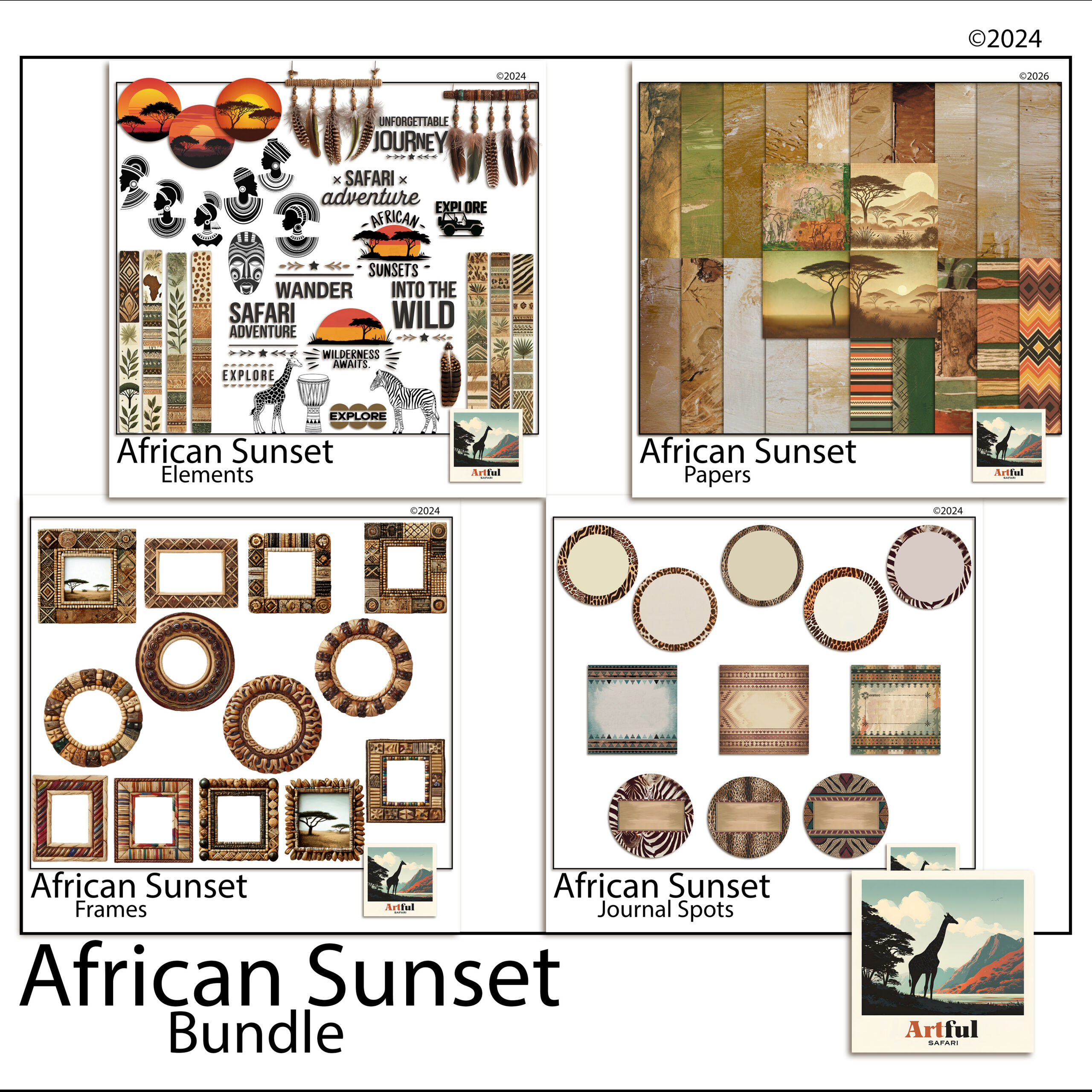
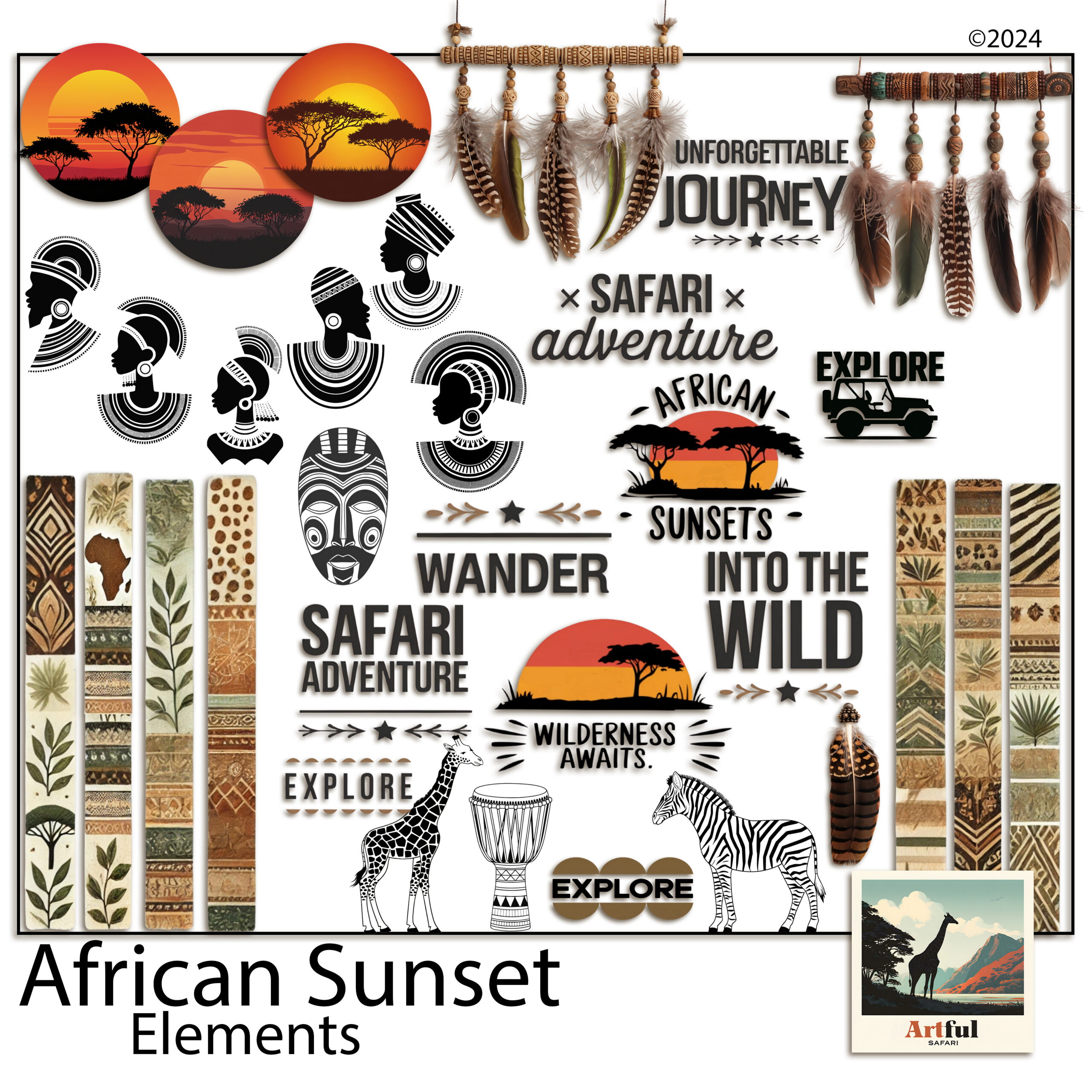
    Safari scrapbook theme pages built from the African Sunset digital bundle
    Warm sunset pages from the African Sunset Digital Scrapbook Bundle.

    This theme suits more than a real safari. Zoo days, wildlife parks, a child’s animal-mad birthday, even a golden-hour camping trip all sit happily under the same warm palette.

    What ties all of those together is the light. A safari scrapbook page is really a golden-hour page with animals in it. If you keep coming back to that idea, the colour choices and the clipart restraint both start to make sense, because everything you add either supports that warm low sun or fights it.

    Building a warm safari scrapbook theme palette

    A safari scrapbook theme works best on four or five colours, not ten. Pick a base, a feature and an accent, then hold the line across every page.

    • Base papers: sand, dust, warm cream. These sit behind everything and let photos breathe.
    • Feature tones: sunset gold, burnt orange, terracotta. Use these for title bars and frames.
    • Grounding darks: deep brown, charcoal, the colour of an acacia silhouette. A little goes a long way for text and edges.
    • One accent: a dusty rose or a faded teal, used sparingly, stops the page going flat.

    If you only remember one thing: warm base, warmer feature, dark text. That three-layer build covers most safari pages on its own.

    A word on greens. Real savanna is dry and dusty for much of the year, so bright grass green is the fastest way to make a page look like a cartoon. If you want a green, pull it toward olive or khaki and use it small. The eye reads muted green as real and bright green as a sticker.

    To pull a palette straight from your own trip, open one of your sunset photos and sample three colours from it: the brightest part of the sky, a mid tone, and a shadow. Those three almost always make a workable safari palette, because they came from the light you were actually standing in.

    Using animal clipart with restraint

    Animal clipart is where safari scrapbook pages tip into kitsch fastest. The fix is to treat it like seasoning.

    One silhouette of a giraffe or an elephant in a corner reads as confident. Five animals marching across the top reads as a sticker sheet. Place a single motif where the eye already wants to rest, near a title or a photo corner, and leave the rest of the page clear.

    Safari animal clipart and sunset elements for scrapbook pages
    Animal silhouettes and warm accents for safari scrapbook pages, from the Safari Clipart African Sunset Digital set.

    Silhouettes age better than full-colour cartoon animals. They sit against any warm paper, they never clash with a photo, and they keep the focus on your trip rather than the artwork.

    A handy ratio: for every piece of clipart on a page, ask whether it earns its place or just fills a gap. If it fills a gap, the gap was probably doing useful work. Empty space around a photo is part of the design, not a problem to solve with another giraffe.

    Safari scrapbook pages beyond the wildlife

    Animals are the headline, but a full album needs the quieter pages too, and these are where a safari theme often outshines a plain photo dump.

    • The camp page. The tent, the early coffee, the view from the deck. Warm neutrals suit these and they slow the pace between big-animal spreads.
    • The landscape page. Wide shots of the plains with no animals at all. Let one photo run large with a thin gold rule and a single line of journaling.
    • The detail page. Tracks, feathers, the pattern on a zebra, a tree against the sky. Small close-ups grouped together add texture to the album.
    • The map page. A route line across the reserve with pins for each sighting. A footprint or jeep accent keeps it on theme.

    Spread these between the wildlife pages and the album breathes. A book that is all big cats, page after page, tires the eye faster than you would think. The quiet pages are also where your own voice comes through, since anyone can photograph a lion but only you were there for the coffee at dawn and the long drive in.

    Beaded frames, gold accents and journaling cards

    The details are what lift a safari spread above a coloured background with photos on it.

    Beaded and woven frame styles nod to the craft of the region without leaning on cliche. A thin gold rule around a title block catches the sunset idea. Journaling cards in a kraft or aged-paper finish give you somewhere to write that does not fight the warm palette.

    Keep the metallics quiet. A hairline of gold reads as warmth. A thick gold border on every photo reads as a wedding invitation. The trick is to suggest the shine, not pour it on. One framed hero photo per spread is plenty, with the rest sitting on the paper directly or in a plain mat.

    Journaling prompts that suit a safari or a zoo day:

    • The first animal we saw and how everyone reacted.
    • The sound at dawn or the moment the light turned gold.
    • What the youngest in the group remembers most.
    • The one photo that almost did not happen.

    Write the prompts on a card before you place photos, not after. A blank journaling card stays blank, but a card with a question already on it pulls a sentence out of you while the day is still fresh in your head.

    A safari page plan you can copy

    Here is a layout plan for a safari scrapbook or wildlife album. Match it to your photo count rather than forcing every row.

    PagePalette moveClipart and accents
    Title pageSand base, sunset-gold title barOne acacia or animal silhouette, gold rule
    The journey inWarm cream baseMap line, small jeep or footprint accent
    Big-five spreadBurnt-orange feature blocksOne silhouette per photo cluster, no more
    Golden-hour pageAmber-to-rose gradient paperBeaded frame, minimal clipart
    People pageDust and charcoalJournaling card, faces over wildlife
    Closing pageSand base, one hero photoGold rule, a few lines of journaling

    If you are pairing this theme with a longer trip album, my guide on how to make a travel scrapbook covers the page-by-page workflow that this palette drops straight into.

    Key takeaways

    • Build a safari scrapbook theme on warmth: sand and cream bases, sunset golds, dark grounding text.
    • Hold the palette to four or five colours across every page.
    • Use animal clipart like seasoning, one silhouette per spread, not a parade.
    • Beaded frames and a thin gold rule carry the theme without cliche.
    • Journaling cards and prompts keep the people in the story, not just the animals.

    Frequently asked questions

    What colours suit a safari scrapbook theme?

    Sand, warm cream and dust for the base, sunset gold and burnt orange as features, and deep brown or charcoal for text. Hold it to four or five colours across the whole album.

    How much animal clipart should I use?

    Less than you think. One silhouette per spread reads as confident. Several animals across a page tips into a sticker-sheet look and pulls focus off your photos.

    Does a safari theme work for a zoo day, not just a real safari?

    Yes. The warm palette suits zoo trips, wildlife parks, animal-themed birthdays and golden-hour camping just as well as an actual safari.

    What frames suit a safari scrapbook?

    Beaded or woven frame styles nod to the region’s craft, and a thin gold rule around a title block echoes the sunset without leaning on cliche.